

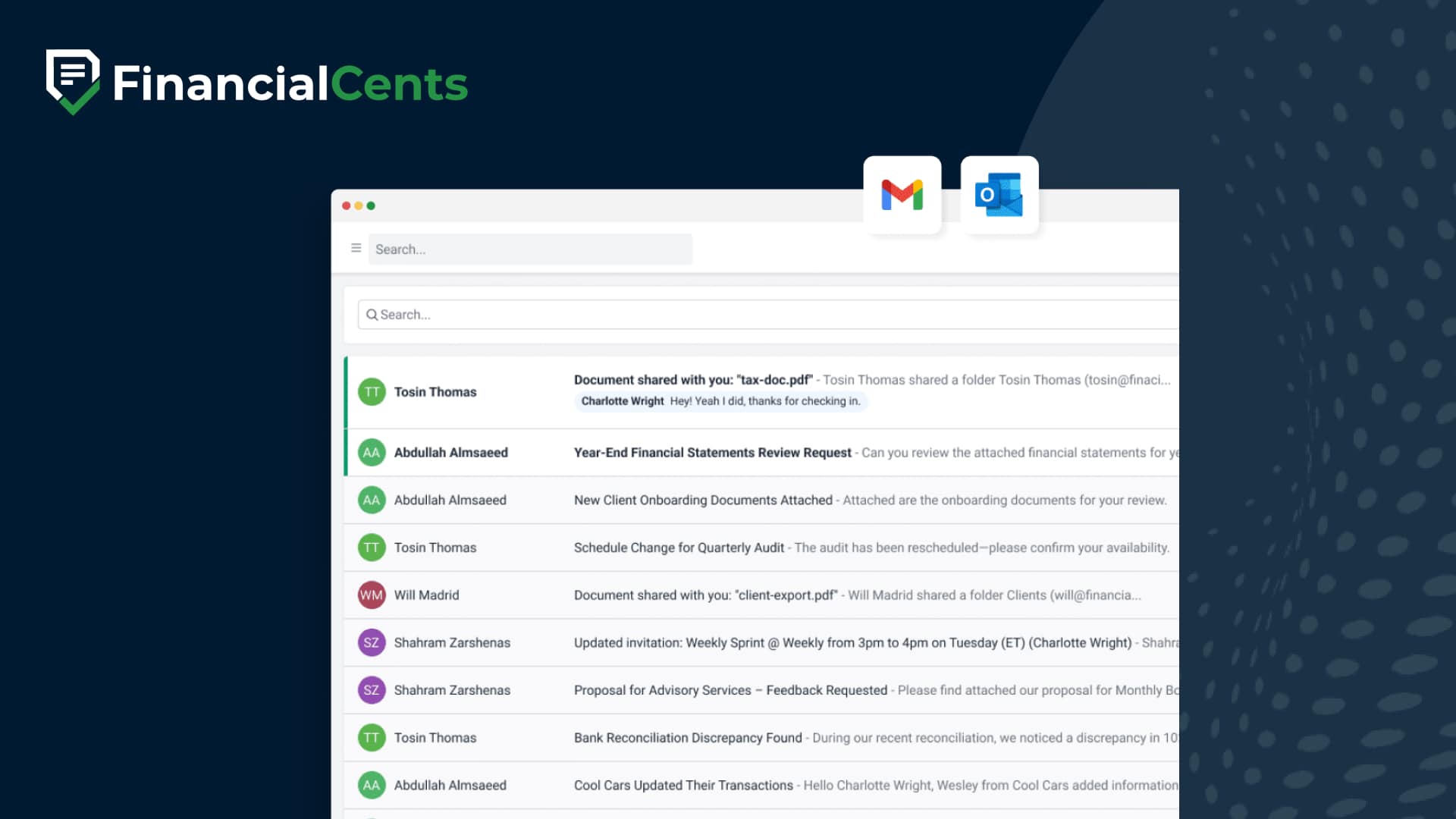
Email management and integration for accounting firms
Get control of your inbox
Financial Cents email integration brings your Gmail or Outlook inbox into the platform where you manage client work.
Proudly built for small firms — and designed to grow with you.
 4.8 stars





Lynn Mayer Foss
Lynn Foss Accounting LLC
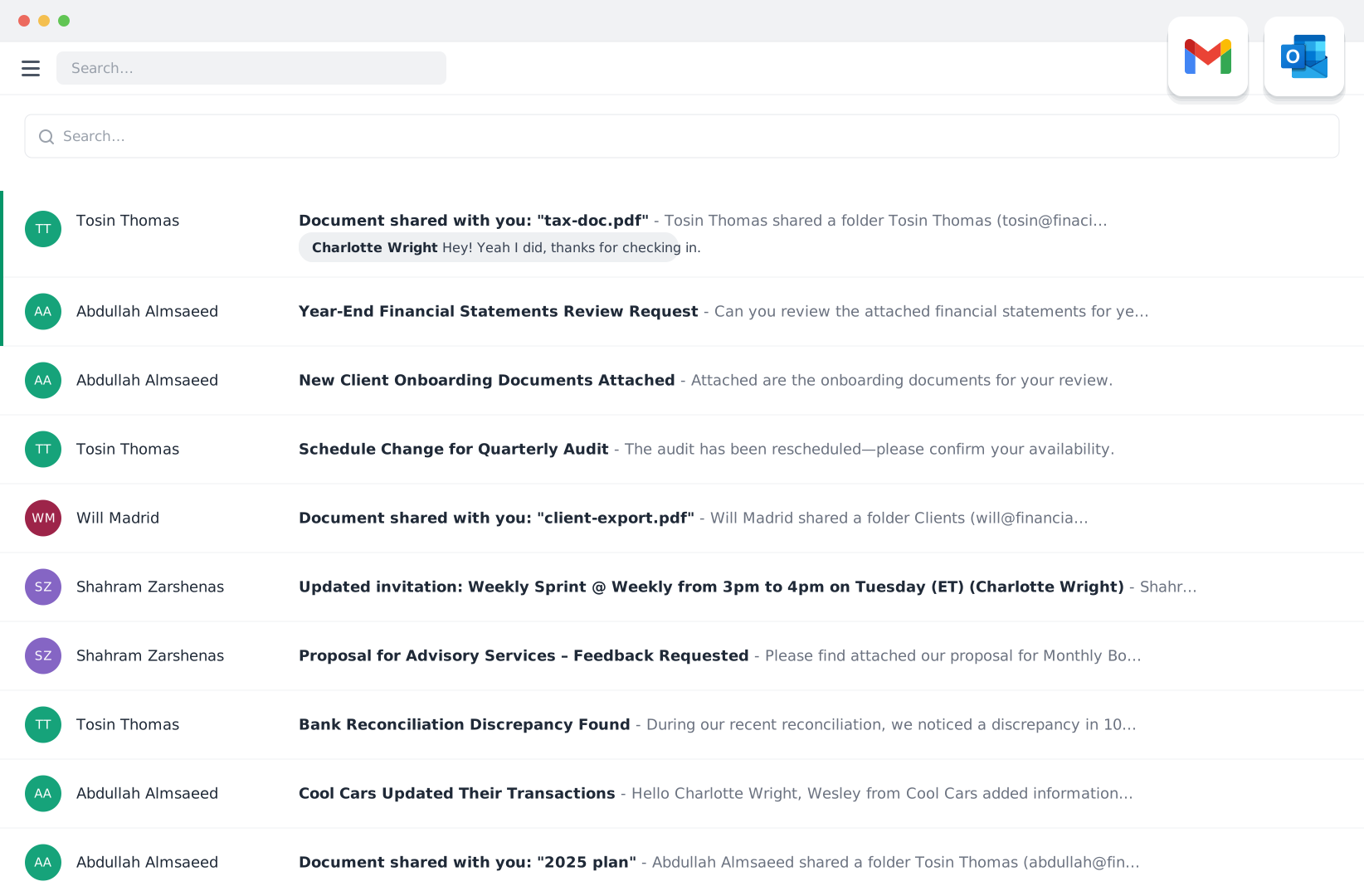
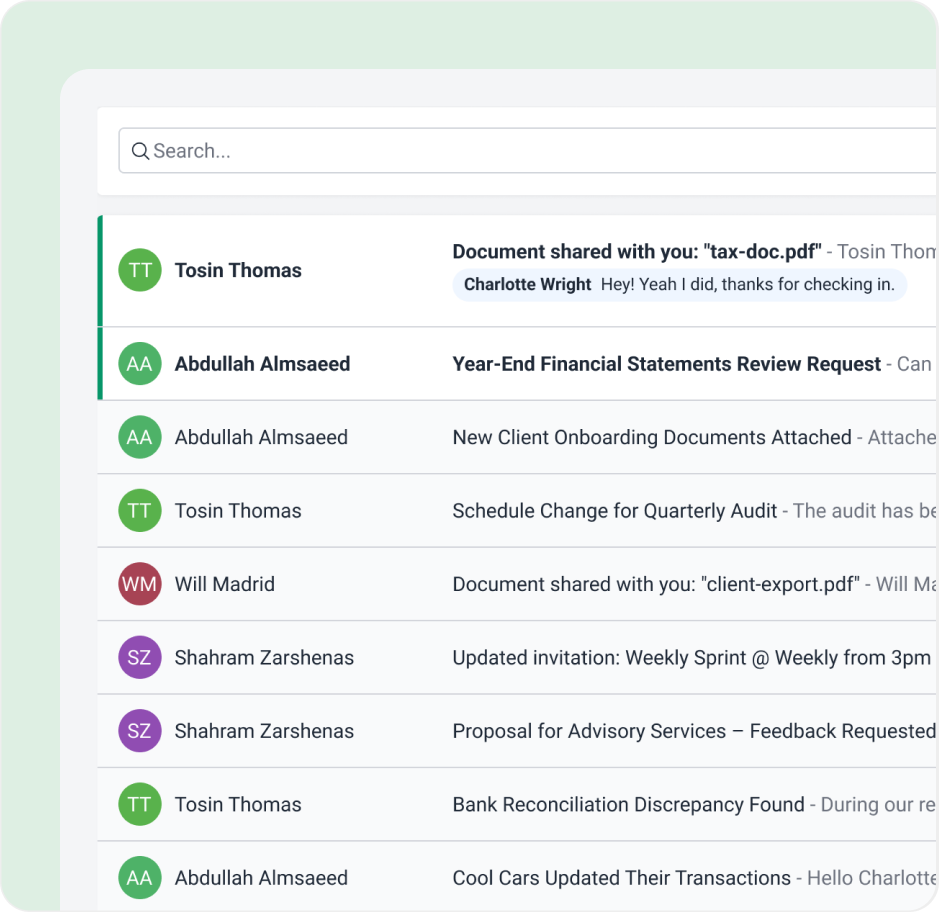
Track all emails between your teams and clients
No need to be cc’ed on emails anymore. Each client profile automatically displays all emails to and from the client to any member of your staff.
You will have full visibility into who last spoke to a client, when, and about what.
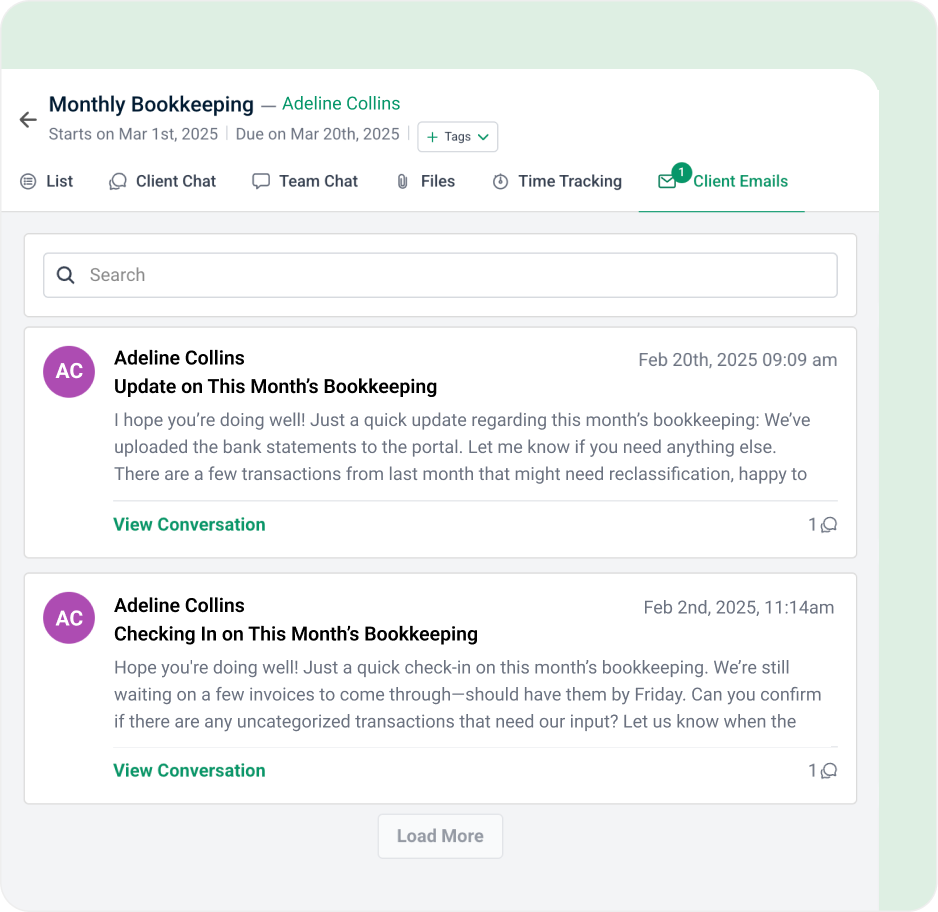
Pin important client emails to relevant client work
Easily pin client emails to related work so your team has all the information and context they need to get their work done.
Turn your inbox into a to-do list so nothing slips through the cracks
Stay on top of ad hoc client requests by easily turning any email into a project, delegating it to your team, and tracking its progress in one place.

Communicate with clients faster
Quickly respond to your client from within Financial Cents so you don’t have to switch between different tabs.
Got 5 minutes?
Step inside Email Integration to see how Financial Cents brings client emails into one centralized place.
Take a Tour
Email integration features
Focused client inbox
Declutter your inbox with a focused folder that just shows client emails
Turn emails into tasks
Manage ad hoc email requests by easily turning an email into a project
Pin emails to work
Share and organize important emails by pinning them to projects
Email clients from FC
Communicate with clients by sending emails from within Financial Cents
Email audit trail
Track all email conversations between your firm and clients
Team collaboration
@mention and collaborate on client emails with team members
2 way sync
Seamlessly sync with Gmail & Outlook so you don’t have to manage multiple inboxes
Shared inbox
Integrate multiple email inboxes into one view to ensure nothing slips through the cracks
Loved by over 10,000 accountants, bookkeepers and CPAs
Email Management for Accounting FAQs
Email management for accounting firms is how you organize, track, and respond to client emails so nothing gets missed. Good email management keeps all your client communication in one place, ties each email to the client and work it’s about, and makes it clear who on your team is handling it.
Your firm handles a steady stream of client requests, questions, and document submissions by email. Without a system, requests get buried, deadlines slip, and your team can’t see what’s been said to a client. Centralized email management keeps every request visible, assigned, and tracked.
Email integration connects your Gmail or Outlook account to Financial Cents, so you can read, send, assign, and track client emails inside the same platform where you manage client work, without switching between tools.
No. You connect your existing Gmail or Outlook account, and two-way sync keeps Financial Cents and your inbox up to date, so you don’t have to manage two inboxes.
Yes. You can turn any client email into a task or project, assign it to a team member, and track its progress, so ad hoc client requests don’t fall through the cracks.
Yes. You can pin important client emails to the related project, so whoever is doing the work has all the information and context they need in one place.
You don’t need to be cc’ed on every email. Each client profile automatically shows every email between that client and anyone on your team, so you can see who last spoke to a client, when, and about what.
A focused client inbox filters out non-client emails, so you see only the messages that matter to your client work and important client emails don’t get buried.
Yes. The shared inbox brings multiple email inboxes into one view, so your team or virtual assistant can see and handle client emails without you sharing your email credentials.
Yes. You can @mention team members on a client email to bring them into the conversation or ask for input, without forwarding the email.
Yes. You can reply to client requests, follow up on work, and send emails directly from Financial Cents, so you don’t have to switch tabs.
Yes. Financial Cents connects to Gmail and Outlook through their official secure connections, so your team never needs your email password. See the Security page for how Financial Cents protects your data.
Get Started Today
Many of the other tools are poor at managing updates and bugs. Some use subcontracted developers, providing real client data samples. Others have suffered breaches without proper notifications.
Of the pre-built systems out there, I do think Financial Cents has a solid offering.
One of my top goals is to make the process easier for clients. Glad I made the switch!
Many of the other tools are poor at managing updates and bugs. Some use subcontracted developers, providing real client data samples. Others have suffered breaches without proper notifications.
Of the pre-built systems out there, I do think Financial Cents has a solid offering.
One of my top goals is to make the process easier for clients. Glad I made the switch!
If you’re not using this feature, I highly recommend it! Remembering to follow up with clients can be a serious bottleneck and I love how this solved that problem!
If you’re not using this feature, I highly recommend it! Remembering to follow up with clients can be a serious bottleneck and I love how this solved that problem!