

Time tracking software for accountants
Maximize efficiency with time tracking for accounting firms
Time tracking integrated into your workflow so you can identify bottlenecks and invoice clients for billable work.
 4.8 stars





Connor Metcalf
Manager, Metcalf & Company LLC
Track time where the work is getting done
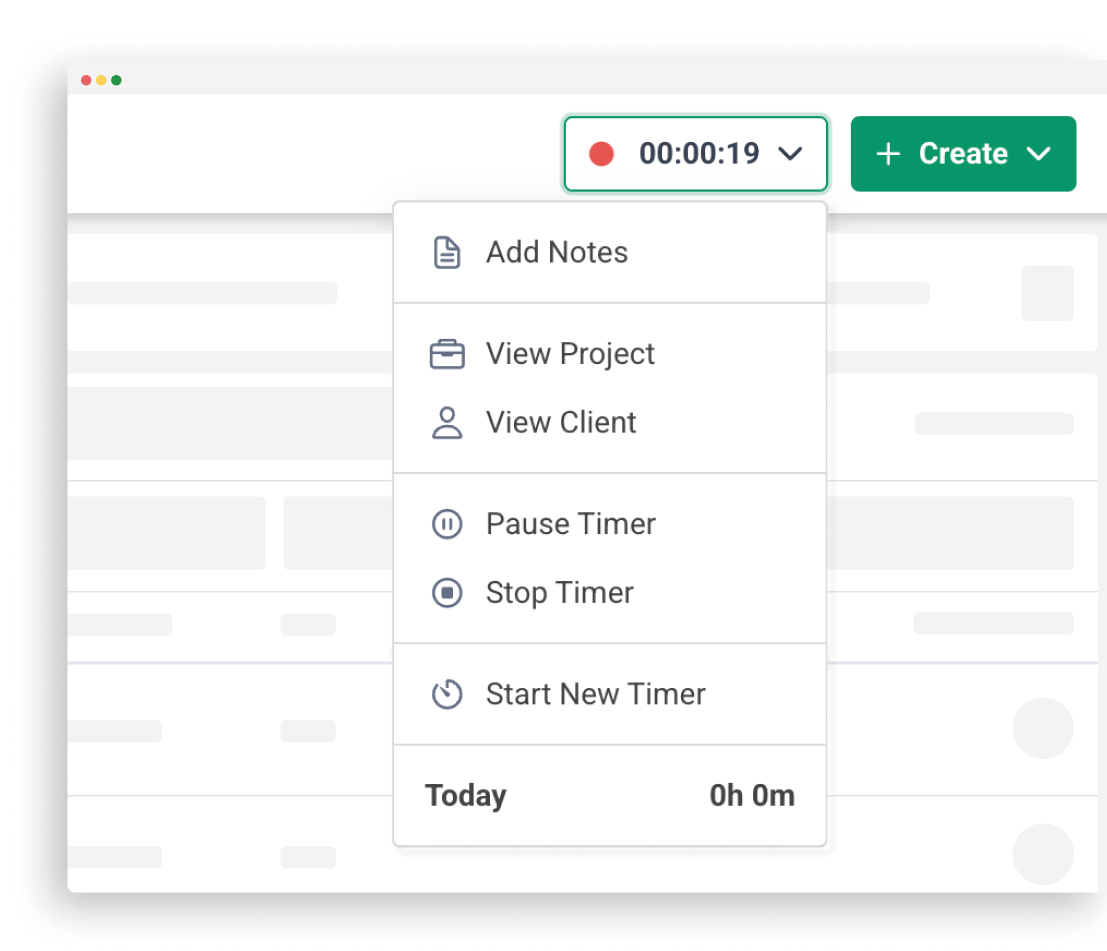
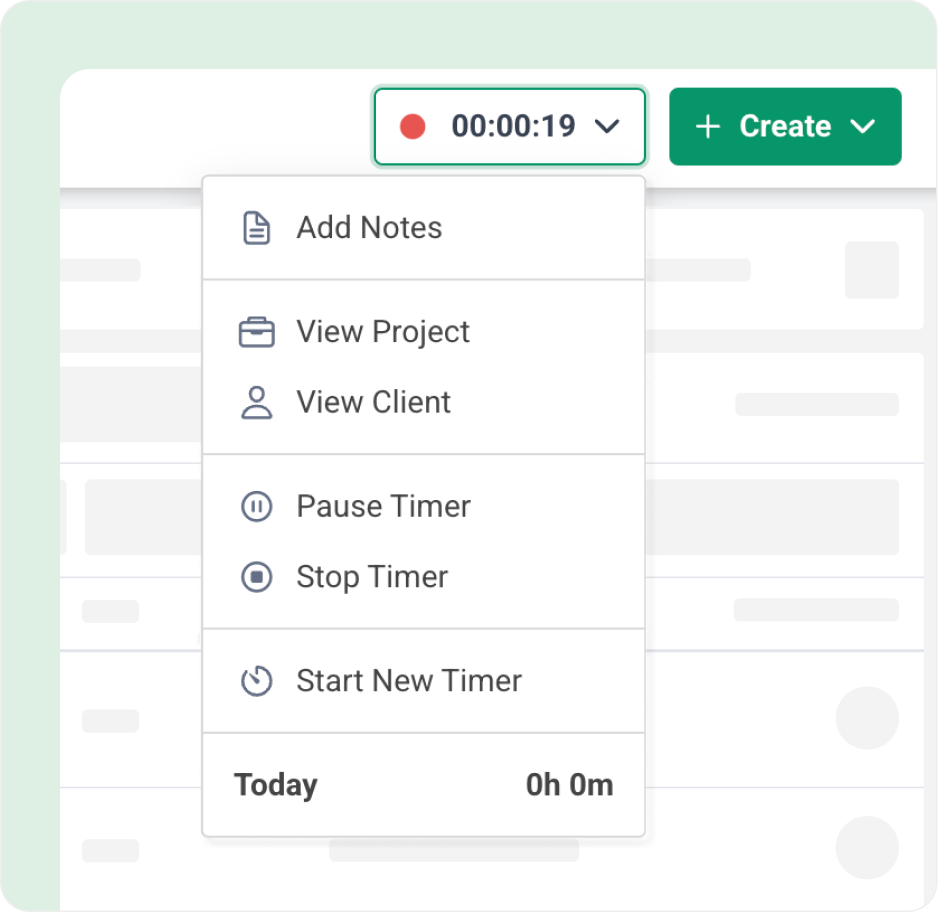
Stop tracking time in and out of different apps. With our built in time tracker you can seamlessly track time inside our workflow tool.
Invoice your clients & get paid faster
Seamlessly invoice clients for billable work within a few clicks.
Start free trialBoost productivity with time tracking and reports
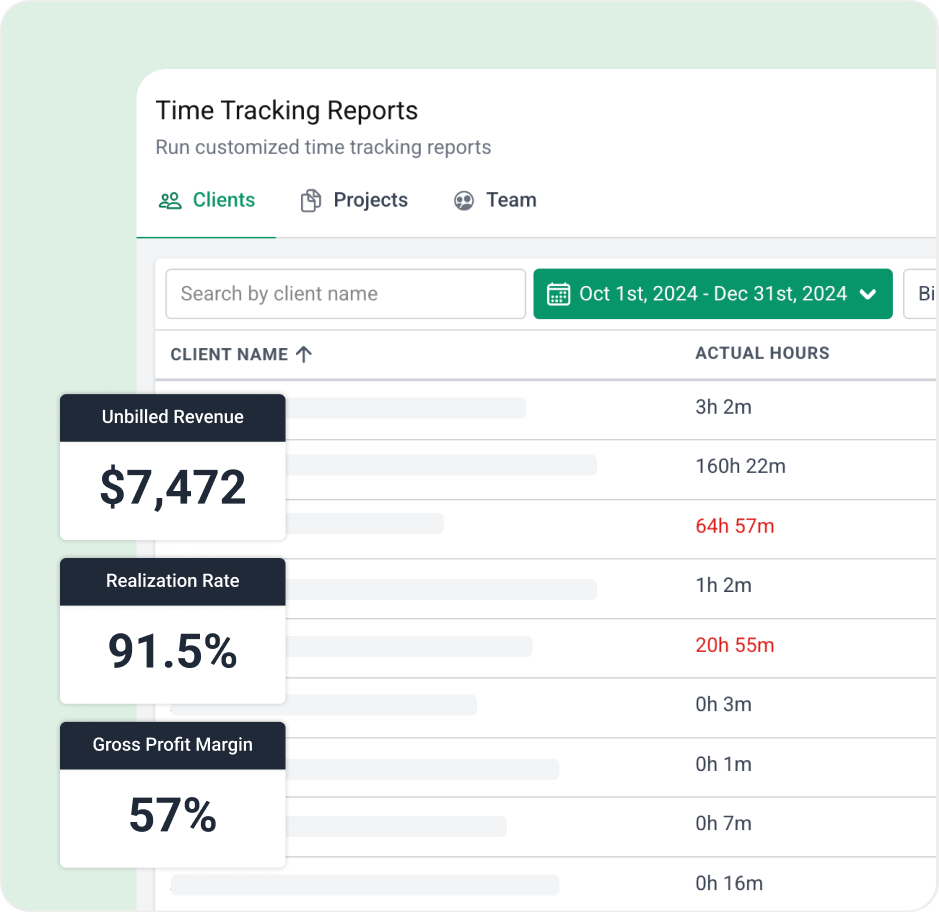
Gain valuable insights into where your firm is spending time, what is over budget and which clients are the most profitable for your firm.
Got 5 minutes?
Step inside Time Tracking to see how Financial Cents makes it easy for your team to log time as work gets done.
Take a Tour
Accounting Time Tracking features
Start/stop timer
Easily track time in the background with our automated timer
Manual entries
Don’t like the timer? You can also manually log time on work and clients.
Invoicing
Seamlessly invoice clients for billable time from within Financial Cents.
Billable vs non billable
Track both billable and non billable time to identify time waste.
Reporting
Run reports to gain insights into profitability and where your firm is spending its time.
Time budgets
Set time estimates for client work and identify when you are running over budget.
Billable rates
Set billable rates for clients work to see how much you are owed and create invoices.
Profitability reports
Identify which clients, projects, and team members are driving firm profitability
Loved by over 10,000 accountants, bookkeepers and CPAs
Time Tracking for Accounting FAQs
Time tracking software for accounting firms records how much time you and your team spend on client work, internal tasks, and billable versus non-billable activities. It’s how you bill accurately, see which clients are profitable, and find where time is being lost.
Time tracking makes sure no billable hours go unbilled, shows which clients take more time than you charge for, and gives you the data to raise rates or adjust fees. You can also use tracked time for payroll and to see where your team’s time is going.
Click Track Time, choose the client, project, task, and whether the time is billable, then start the timer or log the time manually. You can pause and restart the timer, and every entry shows on the project and in your time tracking reports.
Yes. Each team member tracks their own time, and several people can track time on the same client simultaneously, so your reports show exactly who worked on what.
Yes. You mark each time entry as billable or non-billable, so you can see how much time goes to work you can’t invoice and adjust your pricing or processes.
Yes. On a client’s Billing tab, you can save roles that pair a team member with a service item and a rate, and override the service item’s standard rate for that client. You can also set rates on projects, team members, and service items, so you can price by client, by person, or by service.
Yes. When a team member starts a timer for a client where they have a saved role, Financial Cents fills in the service item and rate automatically, so your staff don’t have to remember which rate to use for each client. If they have more than one role on that client, they pick which role they’re tracking time as.
Yes. You can invoice clients for billable time directly from Financial Cents, or sync your time entries to QuickBooks Online and invoice from there. Time entries can also be exported for QuickBooks Desktop.
Yes. The sync works both ways: a time entry you log or edit in Financial Cents updates in QuickBooks Online, and vice versa. If you already track time in a tool that syncs to QuickBooks Online, those entries flow into Financial Cents too.
Yes. You can set time budgets on projects and tasks, and dollar budgets on projects, then see which work and clients are over budget so you can find out why and fix your pricing or process.
Yes. The Effective Hourly Rate report divides what you billed each client by the time your team tracked on them, so you can spot clients who are out of scope or underpriced and see where to raise your fees. You’ll also see each client’s effective hourly rate on their client profile. It works best when you invoice through Financial Cents.
You can run time tracking reports by client, project, and team member, plus Realization, Utilization, effective hourly rate, work in progress (what’s been tracked but not yet billed), team activity, and capacity reports, so you know where your firm’s time and profit are going.
Yes. You can export all your time tracking data to a CSV or Excel file to analyze it or import it into other systems.
Get Started Today
Many of the other tools are poor at managing updates and bugs. Some use subcontracted developers, providing real client data samples. Others have suffered breaches without proper notifications.
Of the pre-built systems out there, I do think Financial Cents has a solid offering.
One of my top goals is to make the process easier for clients. Glad I made the switch!
Many of the other tools are poor at managing updates and bugs. Some use subcontracted developers, providing real client data samples. Others have suffered breaches without proper notifications.
Of the pre-built systems out there, I do think Financial Cents has a solid offering.
One of my top goals is to make the process easier for clients. Glad I made the switch!
If you’re not using this feature, I highly recommend it! Remembering to follow up with clients can be a serious bottleneck and I love how this solved that problem!
If you’re not using this feature, I highly recommend it! Remembering to follow up with clients can be a serious bottleneck and I love how this solved that problem!