

Simplify your accounting document management
Improve efficiency with unlimited document storage built into your workflow, now with AI agents that name, check, and file client uploads for you, and two-way sync with Google Drive, OneDrive, and SharePoint.
 4.8 stars





Michael McMullin
Managing Partner, Jack Trent & Co
AI agents that handle your document busywork
Financial Cents now puts AI to work on every file a client uploads, so your team spends less time naming, checking, and filing documents by hand.
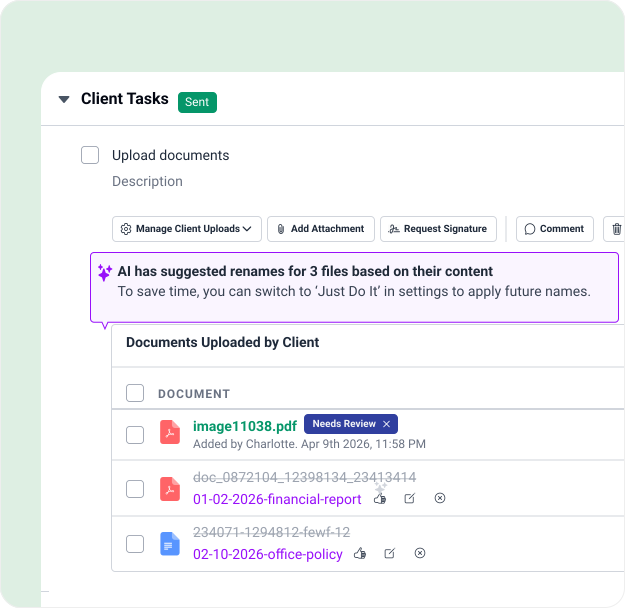
- AI File Validator checks each upload against the request, the accounting period, and client details, and flags the wrong file, last year’s W-2, the wrong bank statement, before it reaches your team.
- AI File Renaming renames each upload to your firm’s naming convention automatically, so files stay consistent and searchable.
- AI File Routing files a copy of each upload in the right client folder, the correct tax-year folder for a 1040, the right place for a bank statement, using folders that client already has.
Each agent starts in Always Ask so your team reviews its suggestions, and can switch to filing automatically when you’re ready. Together they turn a messy scan_001.pdf into the right document, named right, and filed right, without anyone touching it.
Organize & access client documents in one place
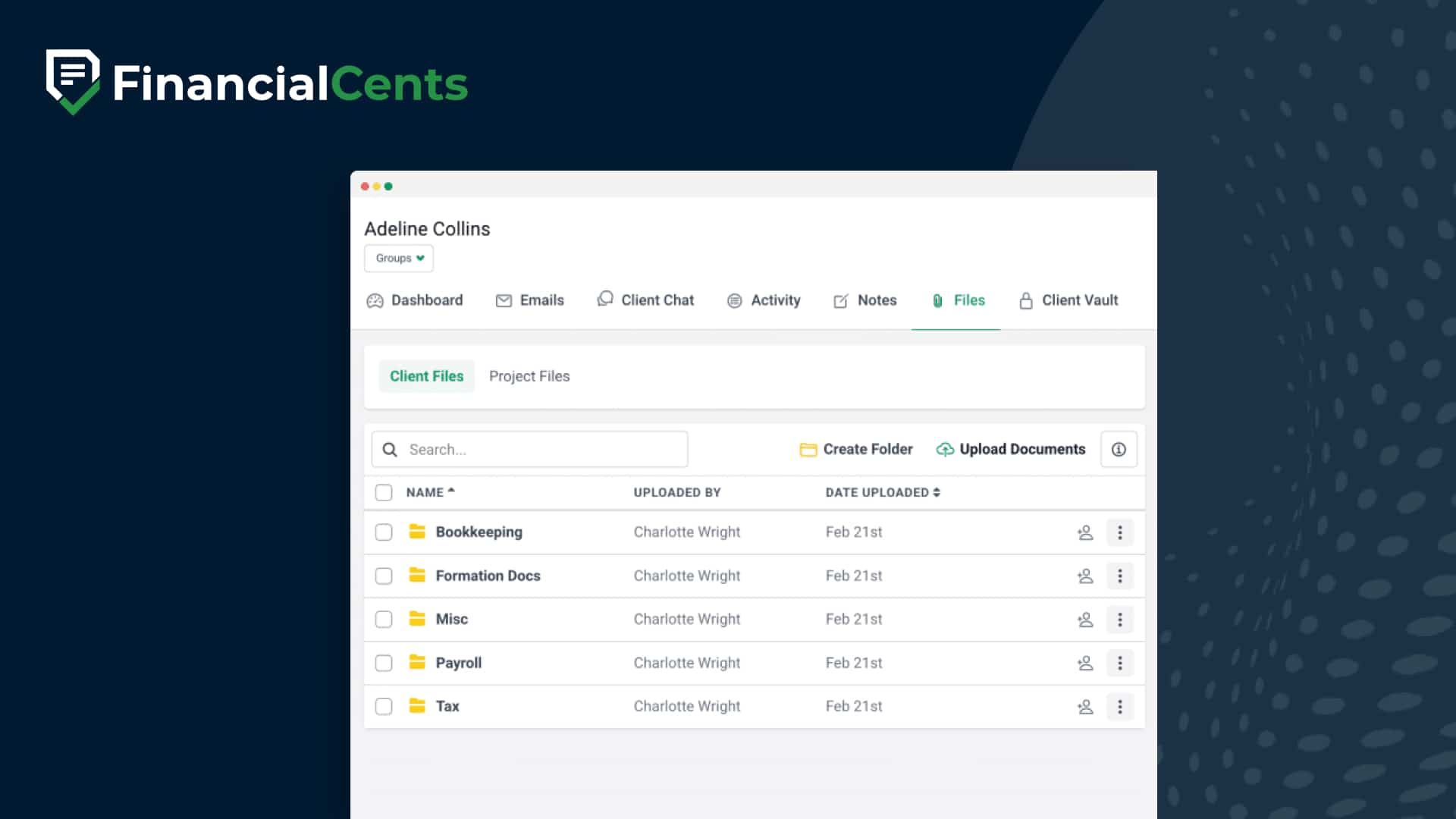
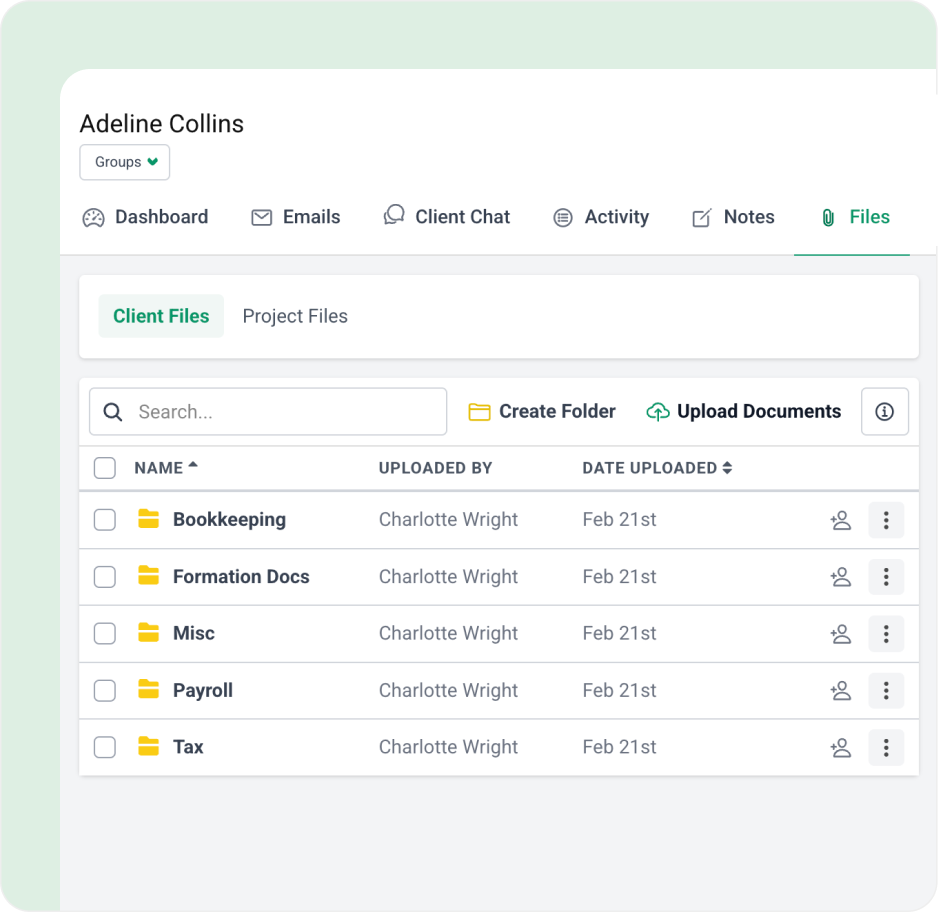
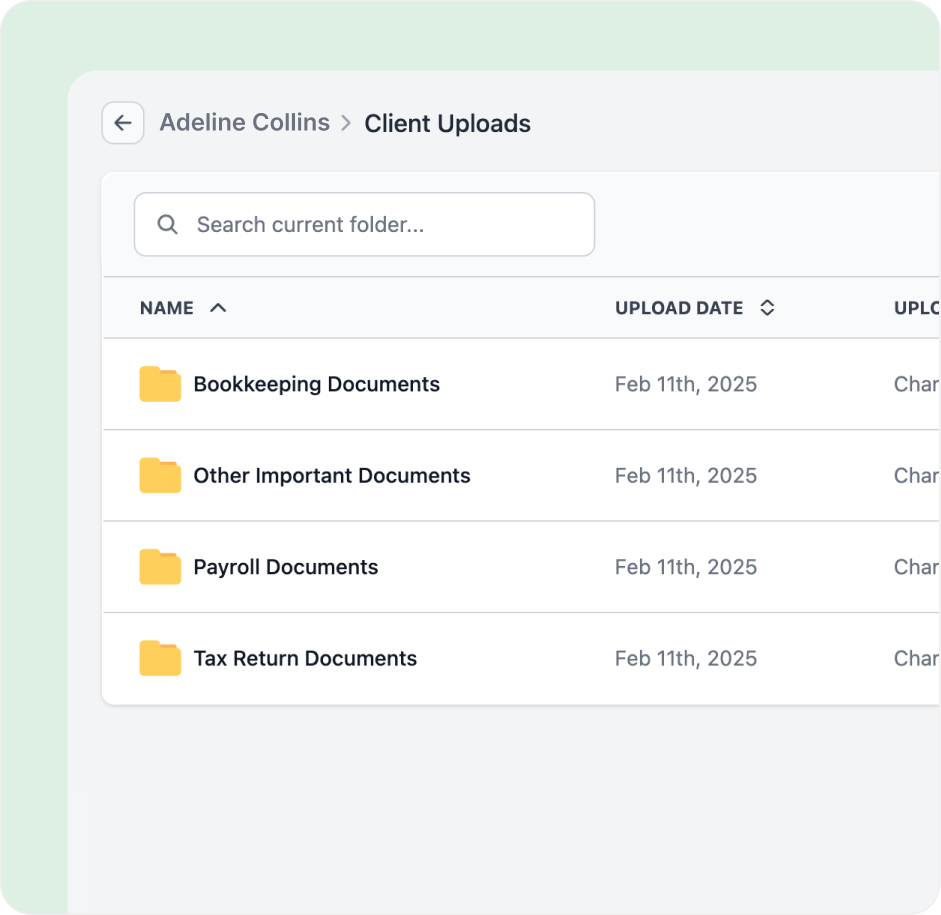
Manually or automatically create folders to easily organize all client documents, work documents, and uploads in one place.
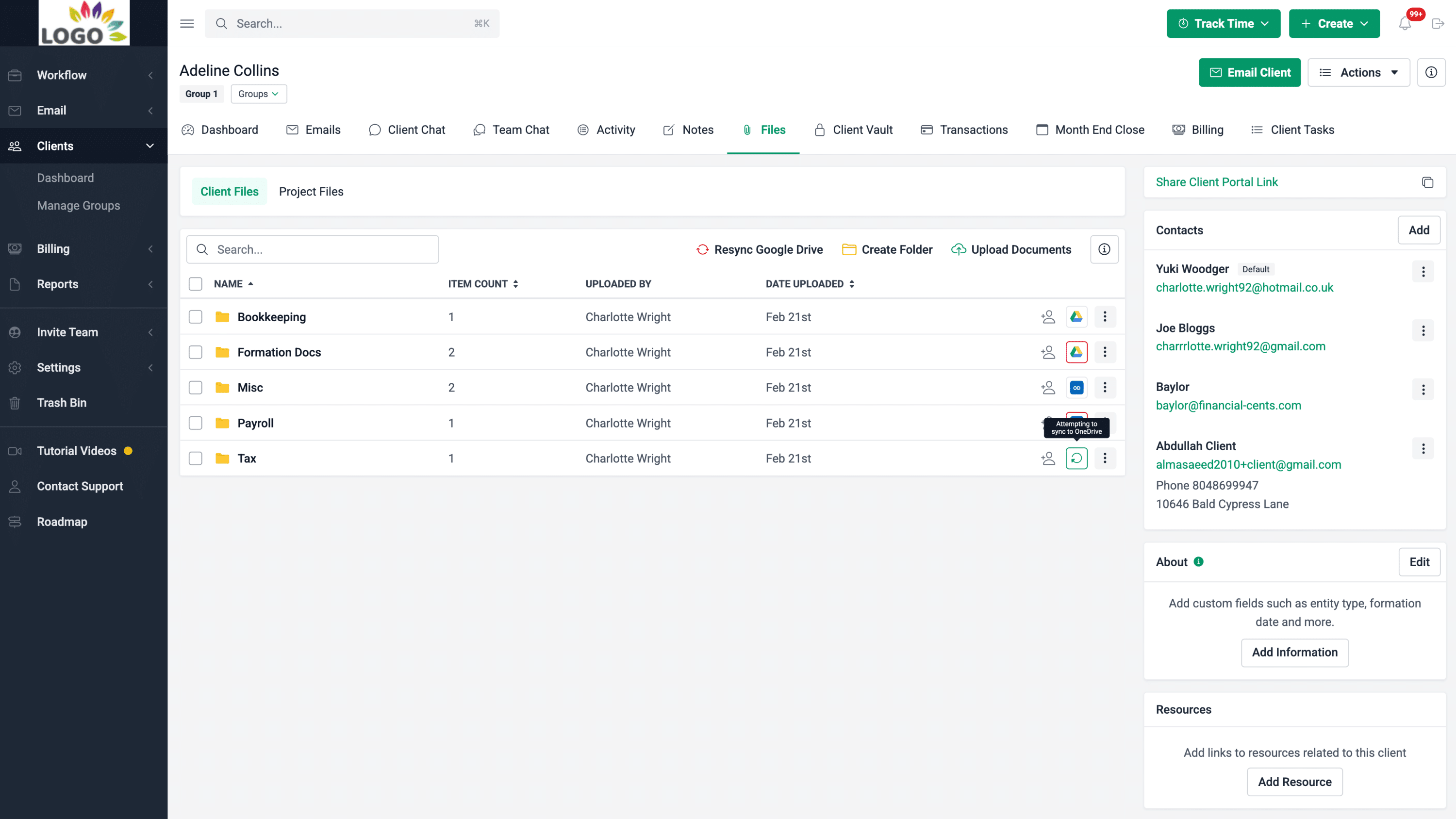
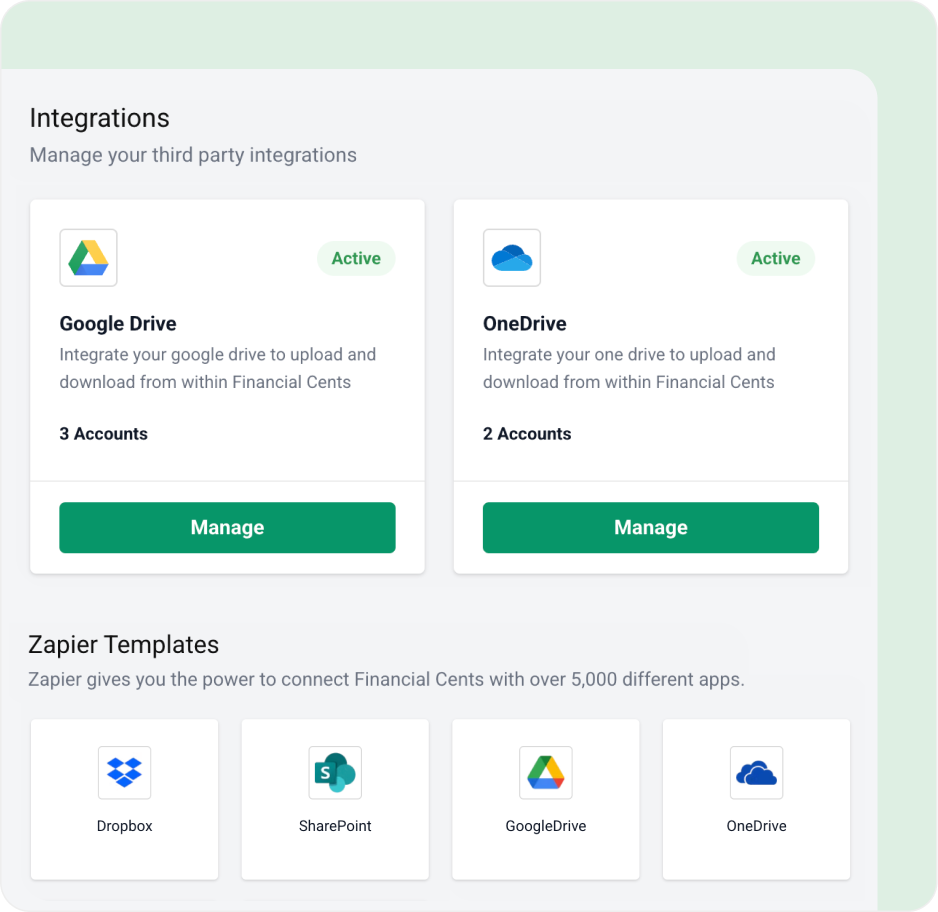
Two-way sync with Google Drive, OneDrive and SharePoint
Connect the cloud storage your firm already uses and keep every client file in sync automatically. With native two-way sync for Google Drive and OneDrive, a file added, edited, renamed, moved, or removed in one system updates in the other — and new client folders are created automatically. Connect OneDrive and you can file into your SharePoint sites too: your SharePoint sites appear right in the folder picker. Back up files, auto-create client folders, and access everything from inside Financial Cents, with no manual copying between systems. (Available on the Scale plan.)
Integrated with client portal
Securely share folders to the client portal so your clients can easily access old documents and reports.
Got 5 minutes?
Step inside the Document Management feature to see how Financial Cents helps you organize and access client documents with ease.
Take a Tour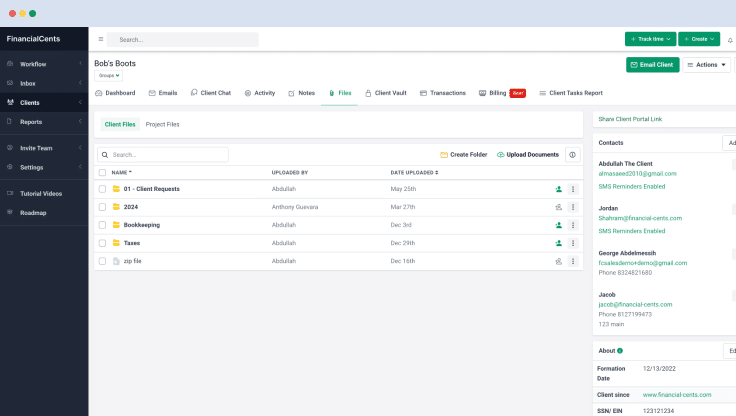
Document management features
DMS integrations
Native two-way sync with Google Drive, OneDrive and SharePoint, auto-create folders, back up files, keep both systems current, and file into your SharePoint sites through OneDrive.
Folder sharing
Share folders and files with clients so they can securely access old documents.
Document organization
Categorize files into custom folders and sub-folders for easy management.
Search functionality
Quickly locate documents using keywords, reducing time spent searching through folders.
Document requests
Seamlessly request documents from clients and store them securely in Financial Cents.
E-signatures
Collect e-signatures with real-time completion notifications.
Team collaboration
Share files and collaborate in a central location with updated documents.
Real-time notifications
Get alerts when clients or team members take action on documents.
AI File Validator
Checks each client upload is the right file and flags the wrong year, account, or document before it reaches your team.
AI File Renaming
Renames client uploads to your firm’s naming convention automatically, no more scan_001.pdf.
AI File Routing
Files a copy of each client upload in the right client folder, using that client’s existing folders.
Loved by over 10,000 accountants, bookkeepers and CPAs
Document Management for Accounting Firm FAQs
Accounting document management is how your firm organizes, stores, finds, and shares client and firm files digitally. Good document management keeps every file tied to the right client and work, so your team isn’t hunting through inboxes, desktops, and shared drives.
Yes. Financial Cents includes unlimited document storage built into your workflow, built for accounting, bookkeeping, and tax firms. You can organize client files in folders, request documents from clients, share folders through the client portal, let AI agents check, name, and file client uploads, and sync with Google Drive, OneDrive, and SharePoint.
No. Financial Cents gives you unlimited document storage with no file-type restrictions, so you can keep every client file in one place without worrying about running out of space or converting files first.
Yes. You can create folders and subfolders manually or automatically to organize documents by client, service (such as bookkeeping, tax, or payroll), or time period.
When a client uploads a file, three AI agents can handle it. AI File Validator checks it’s the right document, the right period, and the right client. AI File Renaming renames it to your naming convention. AI File Routing files a copy in the right client folder. Each starts in Always Ask, so your team reviews suggestions first, and you can switch them to run automatically when you’re ready.
Yes. On the Scale plan, Financial Cents has native two-way sync with Google Drive, OneDrive, and SharePoint. Files you add, edit, rename, move, or remove in one system update in the other, and new client folders can be created automatically. Once you connect OneDrive, your SharePoint sites appear in the folder picker, so you can file client documents into SharePoint too.
Yes. With the Google Drive or OneDrive sync, you can save or print files from tax software like Drake Tax, UltraTax, Lacerte, ProSeries, ProConnect, TaxAct, and CCH Axcess into a synced client folder, and they appear in Financial Cents automatically.
Yes. Financial Cents connects with SmartVault, and with many other tools through Zapier.
You send clients a request for the documents you need, and Financial Cents follows up with automated reminders until they upload them. Uploaded files are stored securely and attached to the related work, so you can see at a glance what’s been received.
Yes. You can securely share folders and files through the client portal, so your clients can access past documents and reports without emailing you to ask for them.
Yes. You can collect e-signatures from clients in Financial Cents and get real-time notifications when they’re completed, so approvals don’t hold up your work.
Yes. You can search for documents by keyword instead of clicking through folders to find what you need.
Yes. Financial Cents protects your firm and client documents with encrypted storage and access controls. See the Security page for details.
Get Started Today
Many of the other tools are poor at managing updates and bugs. Some use subcontracted developers, providing real client data samples. Others have suffered breaches without proper notifications.
Of the pre-built systems out there, I do think Financial Cents has a solid offering.
One of my top goals is to make the process easier for clients. Glad I made the switch!
Many of the other tools are poor at managing updates and bugs. Some use subcontracted developers, providing real client data samples. Others have suffered breaches without proper notifications.
Of the pre-built systems out there, I do think Financial Cents has a solid offering.
One of my top goals is to make the process easier for clients. Glad I made the switch!
If you’re not using this feature, I highly recommend it! Remembering to follow up with clients can be a serious bottleneck and I love how this solved that problem!
If you’re not using this feature, I highly recommend it! Remembering to follow up with clients can be a serious bottleneck and I love how this solved that problem!