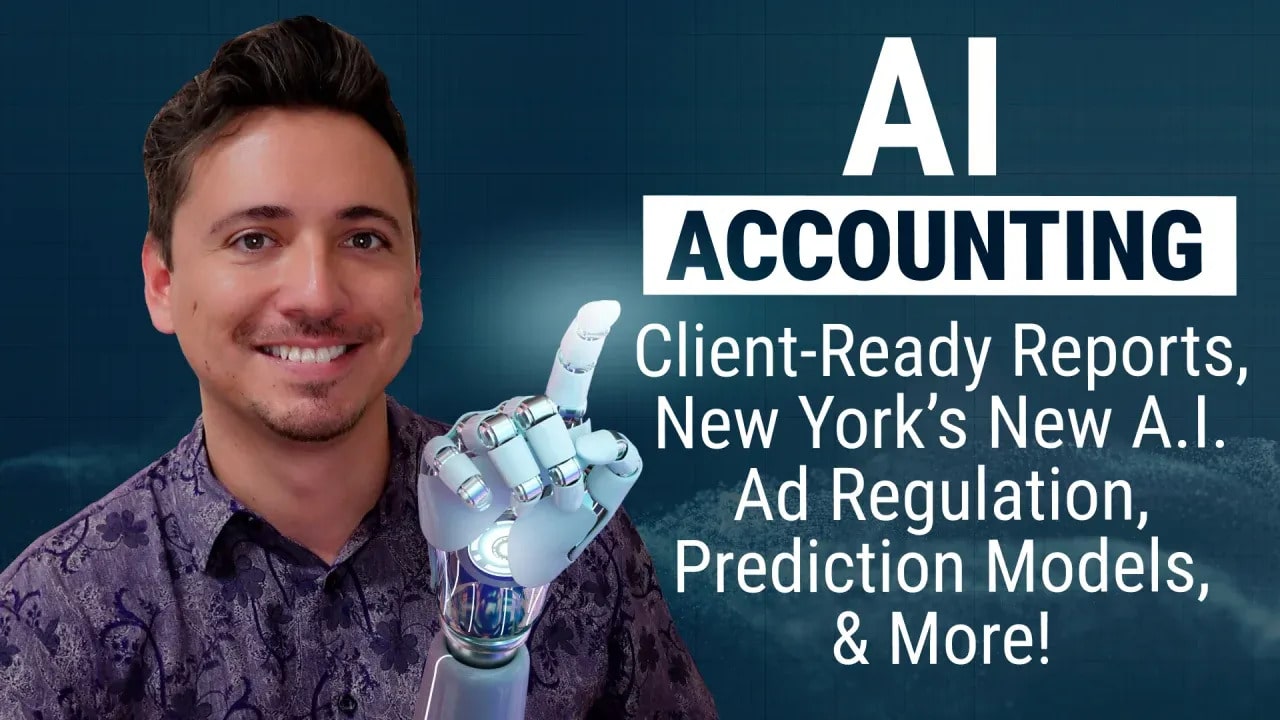
Making Client-Ready Reports, New York’s A.I. Law, Prediction, & More!
This month’s biggest stories about AI and accounting cover a lot of ground: a step-by-step way to cut client report commentary from an hour to ten minutes, a New York law that’s about to impact every firm running ads, and the single most important thing to understand before you trust any AI output. Here’s a quick roundup of all three.
Turn a P&L Into Client-Ready Commentary in Minutes, Not an Hour
Every month, someone at your firm exports a P&L, stares at it, and (probably) writes some version of this sentence: “Revenue and expenses were up; here’s why.” That’s an hour of skilled staff time spent documenting, not analyzing—and it’s usually the first thing that gets rushed when the firm gets busy. Which means the clients who’d benefit most from good commentary often get the least of it.
Here’s a five-step process to fix that with AI—all without losing quality.
Step 1: Clean up your data. This step actually doesn’t involve AI at all. If your chart of accounts is inconsistent from client to client (e.g., “software expenses” means five different things across five QBO files), then the AI’s narrative will be wrong in five different ways. So, start by standardizing your template, confirming the accuracy of prior-period data, and making sure bank feeds are categorized correctly before any of this touches a model.
Step 2: Export account-level details, not just totals. Pull the P&L and balance sheet at the account level, with month-over-month and year-over-year comparisons included. “Revenue is up” is useless. “Revenue is up 12%, driven almost entirely by a new client that started in March” is the kind of sentence you actually want, and the AI can only write that if it has the underlying data in front of it.
Step 3: Build a prompt for analysis, not just for writing. This is where most firms go wrong. They ask AI to “write commentary on this P&L,” and they end up getting generic filler. Instead, ask the AI to do three specific things in sequence:
- Identify the three to five largest dollar or percentage changes versus last month and last year,
- Flag anything unusual (e.g., an expense that jumped with no explanation or revenue that dropped), and
- Write two to three plain-language sentences per flagged item.
Feed it examples of your firm’s past client communications so it matches your voice (because a plumbing company owner and a law firm partner shouldn’t sound the same).
Step 4: Have a human review everything (not optional). AI will sometimes get the “why” wrong (for example, attributing a revenue jump to seasonality when it was actually a new contract), because it doesn’t know what it doesn’t know about the client’s business. So, make sure you budget five minutes for a staff member who knows the client to review every draft. (If the review is taking longer than that, then the prompt from Step 3 needs work.)
Step 5: Template it and reuse it. Once a prompt structure produces good commentary for one client, that same structure (i.e., the export format, instructions, and review checklist) should translate across your whole book. Every client after the first one takes minutes instead of an hour.
Some firms are pushing even further, connecting this directly to their accounting software with agentic AI so commentary drafts itself the moment books close, without anyone manually exporting anything. You might want to explore that path once your manual version is solid (but not before). Firms that are getting real value with this approach are not replacing human judgment with AI. Instead, they’re using it to accelerate the jump between “the numbers are ready” and “the client actually understands them.”
New York’s New AI Ad Law (And the Bigger Fight Behind It)
This next story isn’t accounting-specific, but the outcome will likely affect any firm using AI-generated content, including for marketing purposes.
According to Politico, as of June 9, 2026, any advertisement running in New York (e.g., TV, streaming, social, or digital) has to disclose any use of an AI-generated stand-in for a human actor. New York is calling it the first law of its kind in the country. The definition is broad: a “synthetic performer” covers any digitally created asset meant to mimic a real human performing on screen, whether built with generative AI or traditional software. This includes AI actors, avatars, and AI-generated voices.
There are exceptions, of course. Movies, TV, streaming content, and video games are exempt when the synthetic performer is part of the actual work rather than an ad. Audio-only ads and pure AI translation use don’t trigger the rule either. If you skip the disclosure when required, though, you could be looking at a $1,000 fine for a first violation and $5,000 after that. And remember, if you run nationwide ads, then you’re very likely running them in New York—which means this law applies to you regardless of where your firm is based.
SAG-AFTRA pushed hard for this law as protection against performers being replaced by AI, and it’s their biggest legislative win yet. Advertisers pushed back, arguing it adds compliance uncertainty. But the more significant story is what happened next.
A few weeks after the ad law took effect, New York’s 12th congressional district became the most expensive proxy war in AI policy history. State assemblyman Alex Bores had authored New York’s RAISE Act, a tougher AI regulation bill, and he became a target for it. A super PAC called Leading the Future (backed by Andreessen Horowitz and OpenAI’s president, among others favoring lighter AI regulation) spent millions trying to defeat his campaign. AI-safety-aligned money, much of it tied to Anthropic, poured in on the other side to support him.
More than $27 million was spent on the primary by the two AI-aligned camps alone. Bores lost, but not because the anti-regulation message won. The winner, Micah Lasher, had actually co-sponsored Bores’ own AI bill and used his victory speech to tell both AI companies he wouldn’t be taking orders from either one.
Zoom out further: across 35 elections and more than $50 million spent nationally, AI-related super PACs are getting very little return on that money. One analyst summarized it like this: AI just isn’t a top voter priority, no matter how much money gets spent trying to make it one.
The main takeaway: New York’s disclosure law is standing, other states are already looking at copying it, and the industry’s attempt to remove the lawmaker behind similar regulation mostly failed. If your firm touches AI-generated content in any marketing capacity, New York is the state setting the rules first, and so far, it isn’t backing down.
Prediction Is Not Understanding, and That Should Change the Way You Use AI
Ask an AI tool what 2 plus 2 is, and it’ll get it right every time. Ask it a nuanced tax question, and it might sound just as confident—and be completely wrong. Same tool, same tone, wildly different reliability. Here’s why (and why it matters for accounting work specifically).
AI doesn’t understand a question the way a colleague does. What it’s actually doing is prediction (i.e., calculating the next word, number, or classification based on patterns it’s seen across enormous amounts of data). It’s the most sophisticated autocomplete ever built, just operating at a scale that makes the output look like genuine understanding.
That distinction is important, because understanding means knowing why something is true, while prediction means recognizing what usually comes next. Most of the time those produce the same answer. But they diverge completely the moment something unusual comes up.
This is exactly why AI excels at transaction categorization, drafting standard engagement letters, or summarizing long documents—tasks where “what usually happens” is a solid guide to “what should happen here,” because the pattern has repeated thousands of times in training data.
Flip it around, and the same mechanism produces bad results. A genuinely novel tax situation, an edge case in a client’s business, or a regulation that changed recently—the AI doesn’t know it’s out of its depth in these scenarios. It just keeps predicting, generating the most statistically plausible-sounding answer with the exact same confident tone it uses when it’s actually right. That’s where hallucinations come from: not lying, not guessing the way a person guesses—just pattern-matching with no internal signal for “I don’t actually know this one.” That’s how you get a fabricated tax code citation stated with total confidence.
A good rule of thumb: match your trust in AI output to how well-represented that type of task is in its training patterns, not to how confident the answer sounds (because it will always sound confident). Routine, repetitive, high-volume work is where the pattern-matching is genuinely strong; trust it more there, while still verifying anything touching numbers or compliance. Novel or judgment-heavy situations are exactly where AI is most likely to sound right while being wrong (and exactly where skipping human review gets firms burned).
Where Financial Cents Fits In
Financial Cents just launched AI File Renaming, a feature built to cut down the time firms lose digging through mislabeled client documents. When a client uploads a file to a task or their client folder, the AI reads it, forms a name based on your firm’s naming conventions, and renames the file—either automatically or by suggesting a name for your approval, depending on how you set it up. Confidence-level alerts flag anything the AI is less sure about, so hard-to-read files don’t slip through with the wrong name.
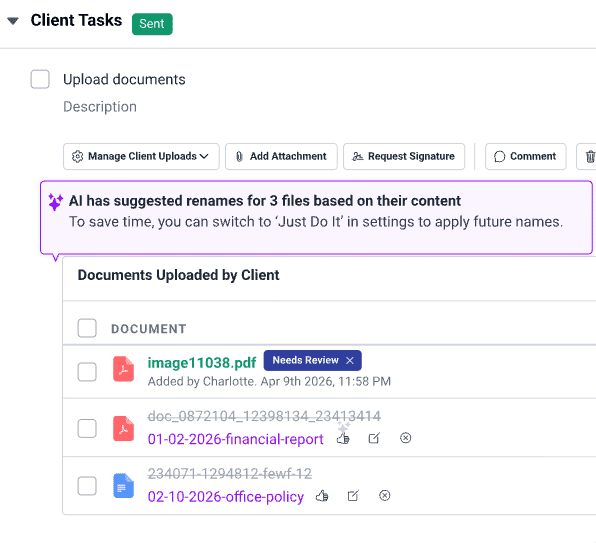
It’s a small thing that adds up during the busiest times of year, when digging for the right file—or fixing a wrong one—costs real time you don’t have to spare.
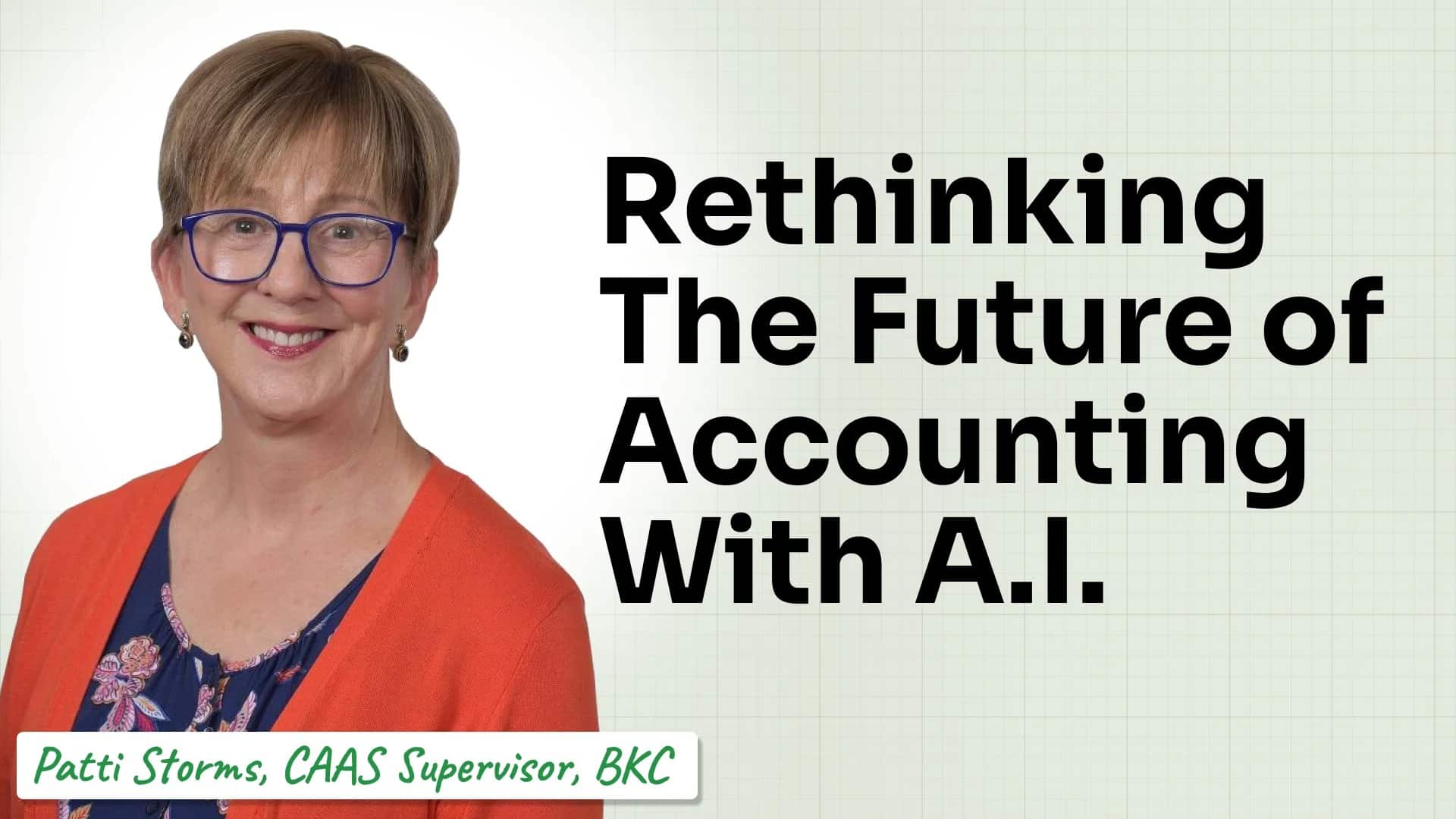
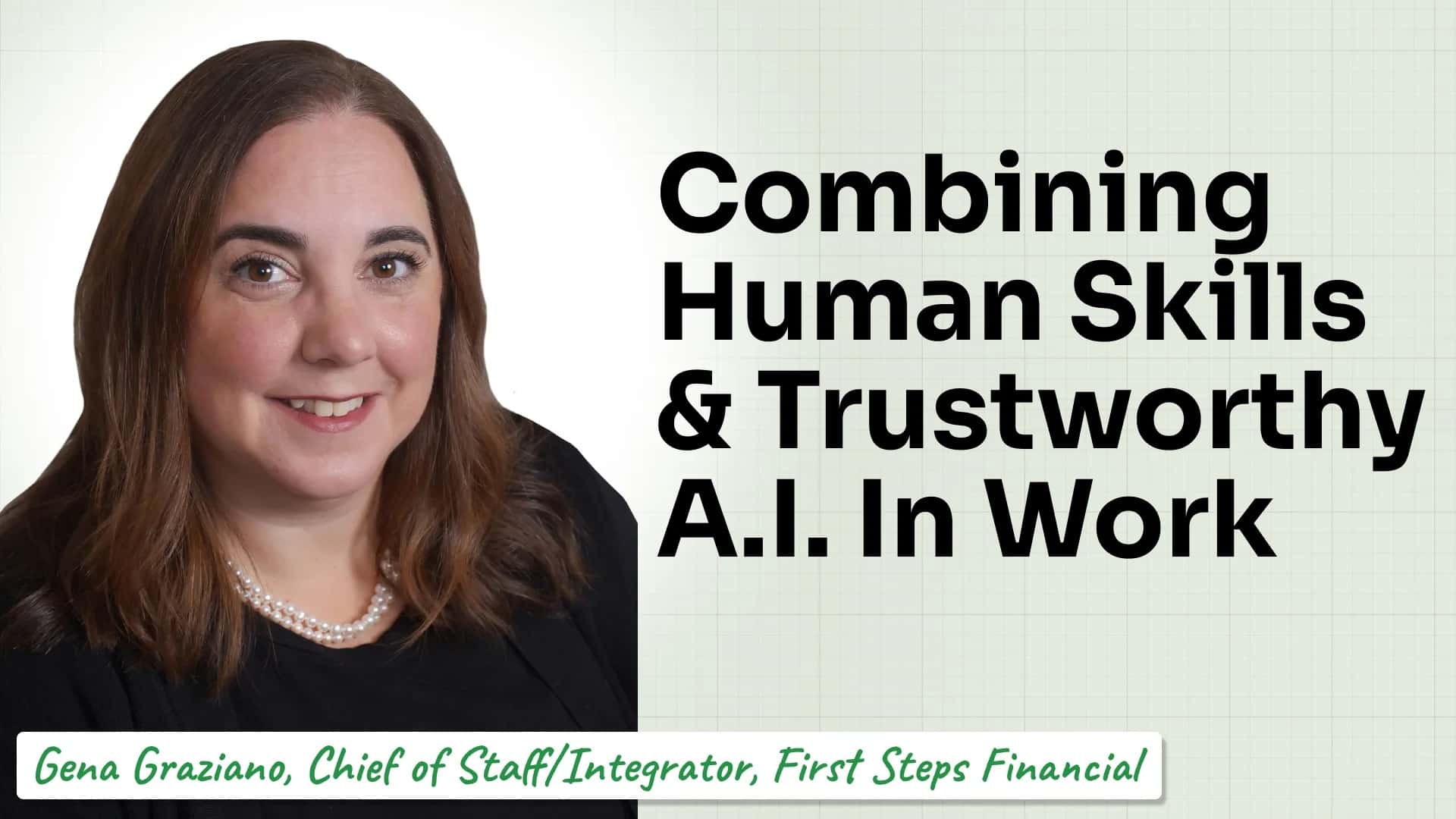
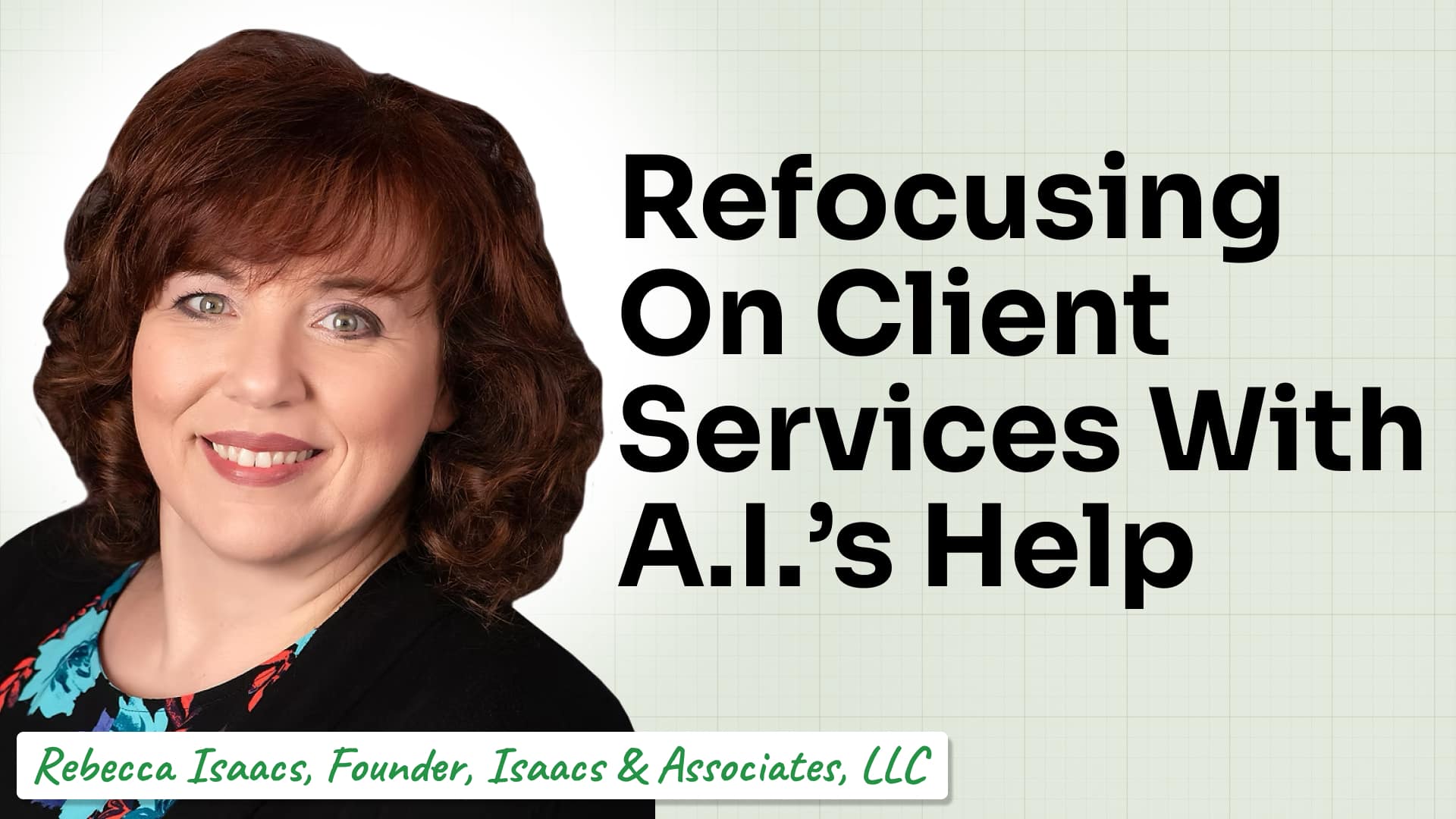
Curious what else is happening at the intersection of AI and accounting? Check out our full AI Accounting video series here!
Join 10,000+ accounting professionals who get workflow tips every week.
Subscribe

Tools, templates, and stories built for small and growing firms.