

In August 2025, Marquis Software, a data analytics and compliance reporting firm, experienced a data breach that impacted 74 banks and credit unions across the U.S. and compromised the financial data of over 780,000 customers.
This is not an occasional incident. It’s one of 739 reported data breaches in U.S. financial services firms in 2025. And whenever a data breach occurs, it costs an average of $4.4 million globally.
Beyond the dollar figures, breaches expose clients to identity theft, fraudulent tax filings, and financial disruption that can last a lifetime.
As you can imagine, financial services firms are the prime suspects, due to the sensitive nature of the financial information they handle (tax returns, payroll records, bank statements, SSNs).
One of the most common (and preventable) points of failure is how client files are shared. Emailing sensitive documents, using unsecured consumer-grade cloud storage, or relying on unencrypted attachments are habits that the average accounting firm still allows from clients. That’s what attackers take advantage of.
Choosing the right file-sharing tool has never been more important than it is today. Your clients’ trust and your firm’s survival depend on it.
In this guide, we’ve evaluated the best secure file-sharing tools built for accounting firms to help you make the right call for your practice.
TL;DR
- Secure file sharing for accountants means sharing, storing, and managing sensitive client data (tax returns, payroll records, bank statements, SSNs) through tools that provide TLS encryption in transit, AES-256 encryption at rest, and access controls like MFA and role-based permissions.
- For tax and accounting firms, these tools also need to support compliance with IRS Publication 4557 and, ideally, SOC 2 certification.
- Financial Cents: Best overall for accounting firms. The only tool on this list that combines secure file sharing with end-to-end accounting practice management. Includes structured document requests, automated reminders, a passwordless client portal (magic links), unlimited storage, and SOC 2 Type I certification. Starts at $19/month per user.
- SmartVault: Best standalone secure storage. Purpose-built document management for accounting and tax firms, with AES-256 encryption, a branded client portal, and native Intuit integrations (QuickBooks, Lacerte, ProSeries). Starts at $50/month per user.
- Box or ShareFile: Best for enterprise and large firms. Box offers enterprise-grade governance (DLP, watermarking, SOC 1/2/3, ISO 27001, FedRAMP); ShareFile offers a professional client portal with KBA e-signatures. Box starts at $17.30/month per user; ShareFile at $16.50/month per user.
- Google Drive or OneDrive: Best free/familiar option. Both provide AES-256 and TLS encryption, but require higher-tier plans (Google Workspace Business Plus+, Microsoft 365) and manual configuration to meet IRS Publication 4557 requirements. Google Drive starts at $7/month per user; OneDrive at $6/month per user.
- Financial Cents or ShareFile: Best for client-facing document requests. Both provide branded client portals that let clients upload documents without a learning curve.
What Is Secure File Sharing for Accountants?
Secure file sharing for accountants is the system that accounting professionals use to share, store, and manage the sensitive financial data they use for client work.
Secure file-sharing is such a huge deal because accounting professionals work with information (tax returns, financial statements, payroll reports, and identity data) that can break businesses and livelihoods if it falls into the wrong hands.
At a minimum, these tools should have three core security features:
- Encryption in transit: files and information should be encrypted using Transport Layer Security (TLS 1.2 or higher) as they move between your client’s device and the platform’s servers or between your team members. This prevents anyone from intercepting that traffic and reading the data.
- Encryption at rest: this encryption system secures files stored in the cloud from unauthorized access. The current standard of encrypting data at storage is AES-256. Banks and governments also use it. If the data manages to be compromised, the encryption renders it unreadable.
- Access controls: Access controls protect your data from insiders or someone wanting to take over your accounts.
One way to control access is by activating multi-factor authentication (MFA), which eliminates passwords as a single point of failure. MFA verifies user identity by sending one-time passwords to your phone or email.
Another way to control access to client files is by implementing role-based permissions. This one ensures that your staff member, a seasonal contractor, or a client can only see the information you allow them to see.
In terms of regulatory compliance, the secure file-sharing system for accountants must meet these requirements:
- IRS Publication 4557
A secure file-sharing tool is a crucial component of the security plan the IRS expects you to put in place to safeguard taxpayers’ information.
More specifically, the IRS Publication 4557 requires tax professionals to ensure the criteria discussed above are met (secure storage, controlled access, and encrypted transmission of client data). If your file-sharing tool fails to meet these standards, penalties and increased scrutiny can follow.
- SOC 2 Type I or IICertification
A SOC 2 report verifies that a software provider has not only implemented strong security controls but also had those controls tested over time by an independent auditor.
This certification is one of the most important signals of a software provider’s security maturity. It shows that they can protect their internal controls to protect your data over a long period.
State-Level Data Privacy Laws (e.g., CCPA, NY SHIELD Act)
Your firm may also be subject to state-specific data protection laws, but that depends on where your clients are located.
For example:
CCPA’s Extended “Right to Know” Request
In California, if your firm retains client data for longer than 12 months, you must be able to fulfill requests for access to personal information collected going back as far as January 1, 2022. This requires your file-sharing tool to have long-term archival and search features.
New York SHIELD’s Disposal of “Zombie Data”:
In New York, you are required to dispose of private information within a “reasonable amount of time” after it is no longer needed for business purposes. This requires your file-sharing software to have the right data retention and disposal capabilities.
What to Look for in a Secure File-Sharing Tool
a. Encryption (in transit and at rest)
Any tool that doesn’t encrypt your data in transit (TLS) and at rest (AES-256) is a potential source of data breach. Your file-sharing tool should make these accessible as a baseline feature, not premium add-ons.
b. Access controls and permissions
This feature determines who can view client data and what they can do with it. A secure file-sharing system should include two-factor authentication (2FA), role-based permissions, expiring links, and download restrictions to prevent unauthorized access.
This enables you to limit junior staff to specific workpapers, restrict client visibility to their documents alone, and revoke access when an employee leaves.
c. Compliance certifications
Your file-sharing software provider should demonstrate SOC 2 Type I compliance, which confirms that its security controls have been tested over time.
For tax and accounting firms, IRS Publication 4557 also requires you to implement safeguards for protecting taxpayer data.
d. Client-facing experience
This determines how easily your clients can navigate your file-sharing tool. If the system is confusing, clients will default to emailing sensitive documents, which defeats the purpose of using a secure file-sharing system.
A good tool should make it simple for your clients to access, log in, upload files, sign documents, and communicate without friction.
e. Storage capacity and file size limits
Since accounting firms routinely store multi-year records, tax returns, and supporting documents, limited storage can quickly become a cost and operational concern. Your file-sharing tool should be able to handle large volumes of client data (and file sizes) without constant upgrades or overage fees.
f. Workflow integration
File-sharing tools that integrate directly with (or are a part of) your practice management, billing, or tax software ensure that document collection is tied to your tasks and deadlines.
That means when a client uploads a document, the system can update the job status, notify the assigned staff member, and keep work moving forward.
g. Pricing and scalability for small firms
Beyond the initial subscription fee, adding more team members, clients, and storage capacity can increase costs significantly.
You need to understand how the pricing model (per-user fees, storage limits, and client caps) affects the overall costs as your firm grows, so you’re not forced to upgrade to higher plans too soon.
The 10 Best Secure File-Sharing Software for Accounting Firms in 2026
1. Financial Cents
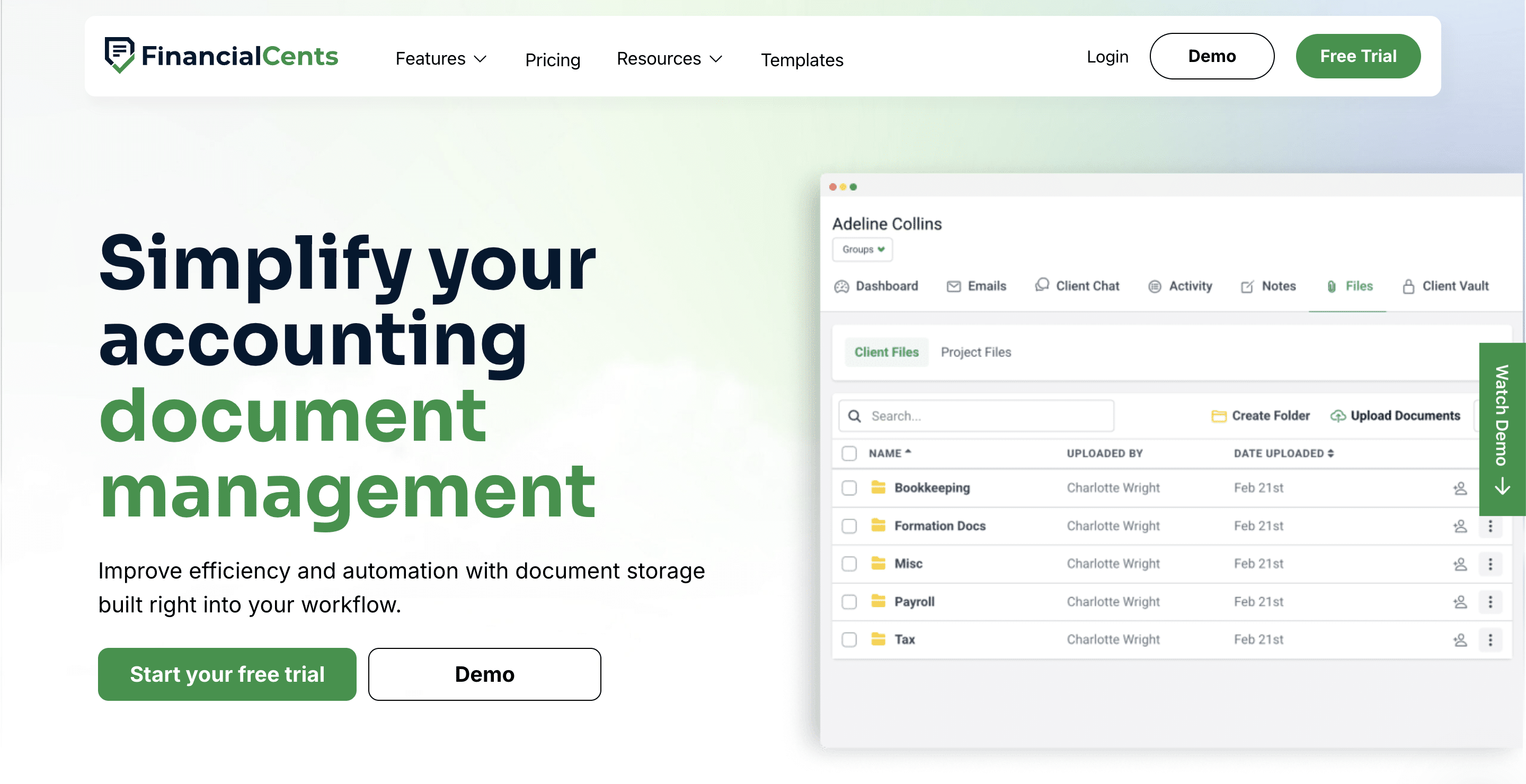
Financial Cents provides secure file sharing, document management, and client collaboration inside an all-in-one accounting practice management platform.
Its file-sharing feature handles the entire data collection process, from document request to automated client reminders and file storage.
Note: Financial Cents is first on the list because it is the ONLY tool here that combines file-sharing with end-to-end accounting practice management.
Financial Cents File-Sharing Features include:
Security & Compliance
- Encryption (at rest and in transit): All data is encrypted while stored on servers and transmitted only over secure TLS connections.
- SOC 2 Type I certified: Demonstrates adherence to strict standards for security, availability, and confidentiality.
- Access controls and Audit logs: Granular permissions ensure only authorized personnel can access specific data, and you get full visibility into file activity.
- Multi-Location Data Residency: Financial Cents supports data residency requirements for firms operating in regulated regions. This applies to U.S., U.K., and Australian firms.
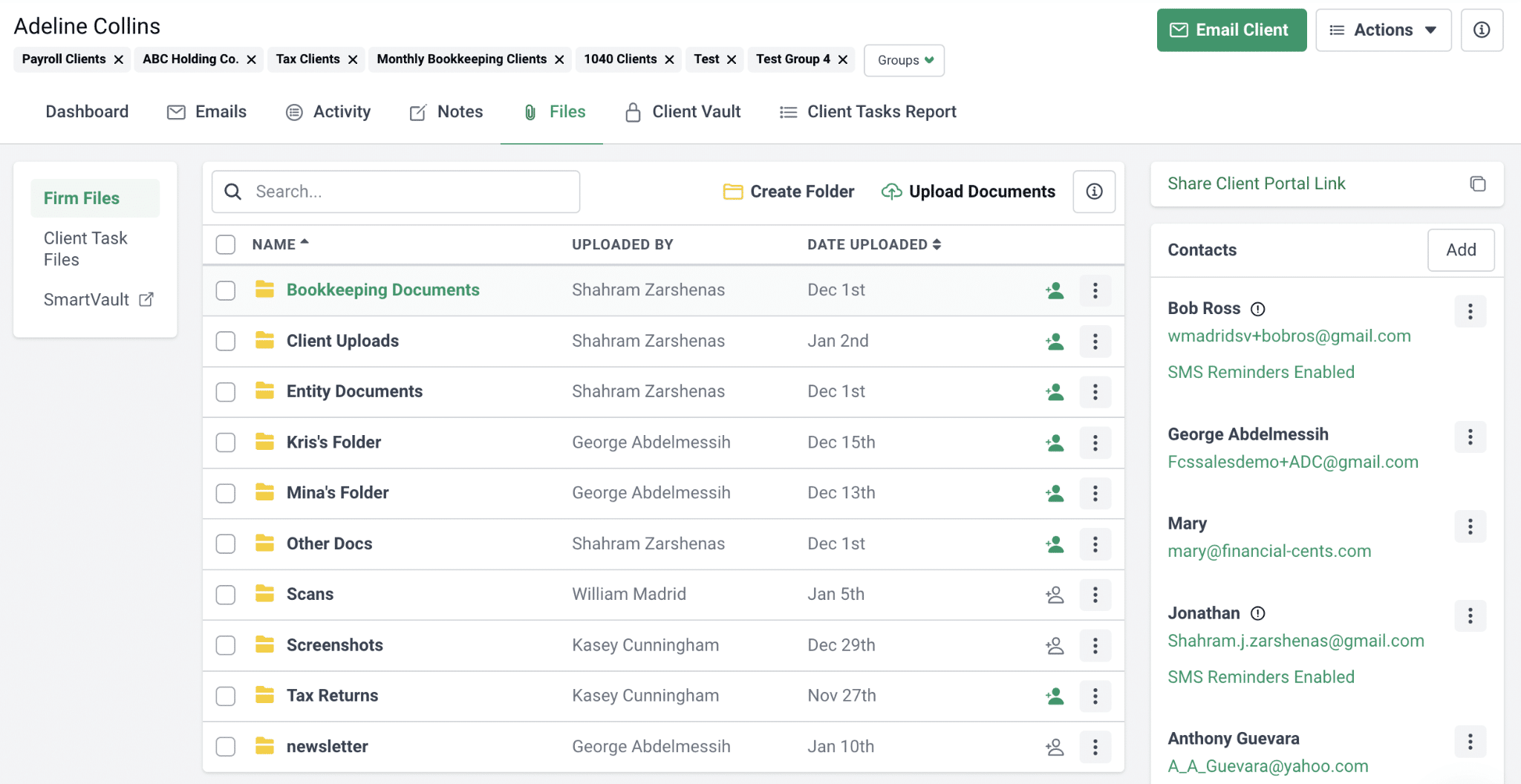
- Structured file requests with Automated reminders: Send organized document requests tied to specific projects. Clients receive automatic email and SMS follow-ups until outstanding documents are submitted.
- Folder sharing: Securely share files and folders with clients for easy access to current and historical documents.
- Lock Document to Invoice: Encourage timely payments by locking files behind an invoice. Locked files become accessible once the client completes payment.
- Search functionality: Quickly locate files using keyword search to reduce time spent digging through folders.
- Real-time notifications: Get instant alerts when clients upload or interact with documents.
- Unlimited storage: No caps on file size or volume. This eliminates the need to manage storage limits.
- Secure Client Portal: Financial Cents uses secure magic links to verify identity. Your clients won’t need to create an account or login information to share files with your team.
Pricing
You can use Financial Cents Document Management features together with its practice management features for:
- $19/month per user (Solo Plan)
- $49/month per user (Team Plan)
- $69/month per user (Scale Plan)
Read more about Financial Cents’ security practice here or hear from our CTO in the video below:
Integrations:
- Storage & documents: Direct integration with Google Drive and SmartVault.
- Tax software: Securely print client files from Drake Tax, TaxAct, ProConnect, ProSeries, Lacerte, etc., into Financial Cents through our Google Drive and OneDrive integration.
Other essential integrations include general ledger (QBO), client communication (Gmail and Outlook), E-signature, etc. Learn more about Financial Cents integrations here.
Pricing
- Solo: $19/month
- Team: $49/month per user
- Scale: $69/month per user
- Enterprise: Custom pricing
Pros
- Combines secure file sharing with full practice management
- Passwordless client portal and structured file requests
- Automated reminders and notifications
Cons
- Overkill if you only need basic file storage without workflow management
- Features like a branded portal and automation require higher-tier plans
- No mobile app
Best For
Financial Cents is best for small and mid-sized firms that want an all-in-one software solution to manage every aspect of their firm in one platform, from proposal and client management to service delivery, billing, payments, and team management. No payment for separate tools. No jumping between multiple apps every day.
Book a demo or start a free trial to explore Financial Cents.
2. Financial Cents
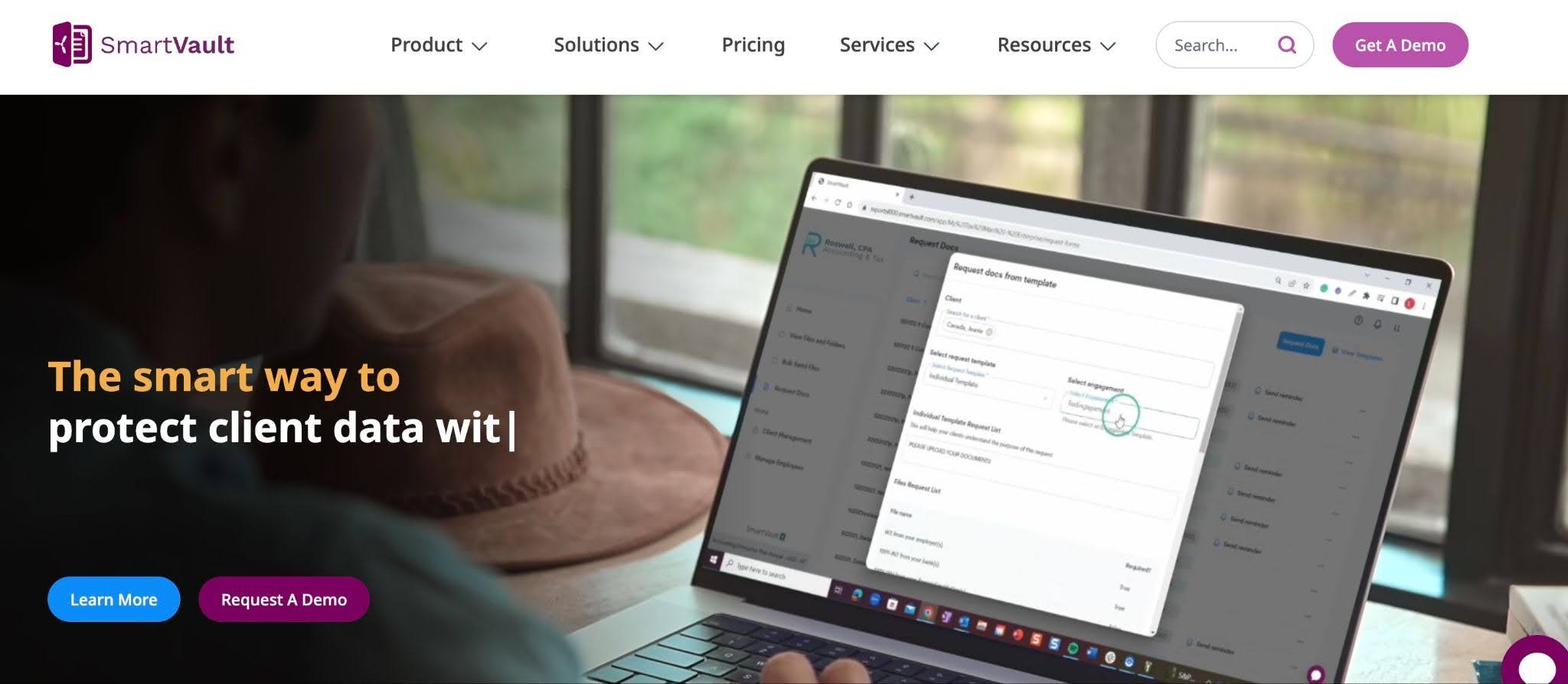
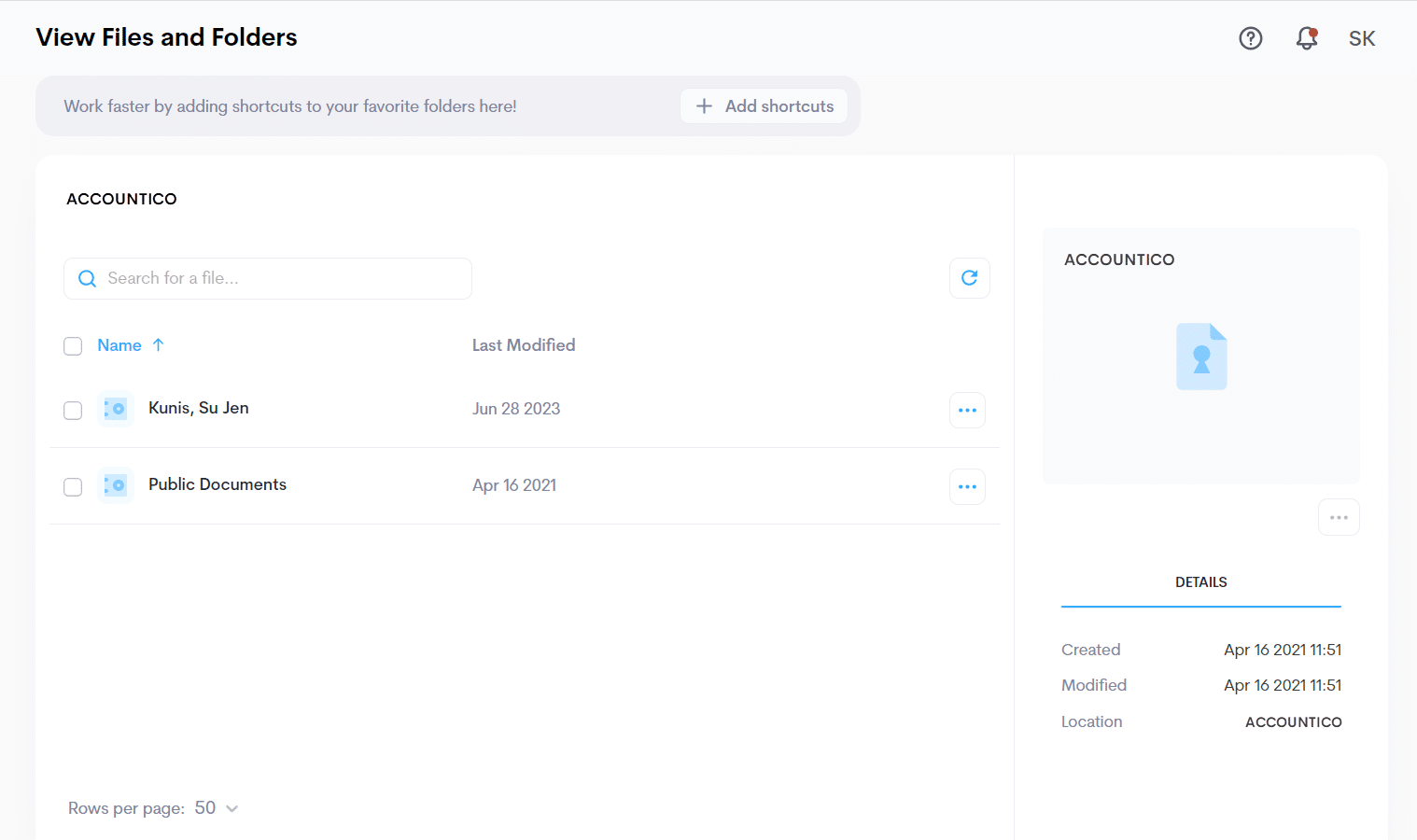
SmartVault is a document management and file-sharing platform designed to help accounting and tax firms store, organize, and exchange sensitive files while maintaining a strong compliance posture.
It is well-suited for firms that want a dedicated, accounting-focused storage system with deep integrations with their existing accounting tools.
SmartVault’s File-Sharing Features Include:
- Bank-Level Security & Compliance Alignment: SmartVault is built with security as a foundation. It uses AES-256 encryption at rest and TLS in transit, along with role-based permissions and secure client access controls.
- Branded Client Portal with Document Tracking: SmartVault provides a white-labeled client portal where clients can securely upload documents and respond to requests.
- Deep Accounting & Tax Software Integrations: Native integrations with accounting tools:
- General Ledger: QuickBooks (Desktop & Online)
- Tax Software: Lacerte and ProSeries
- Practice Management: Financial Cents
- Pre-Built Document Organization for Accounting Workflows: Reduces setup time with pre-configured folder templates designed specifically for tax and accounting work.
- AI-Powered Document Requests (SmartRequestAI): SmartRequestAI automates document collection and generates client-specific request lists to reduce back-and-forth emails.
Pros
- Designed specifically for tax and accounting firms
- No caps on file volume or number of clients across plans
- AI-powered document collection
Cons
- No practice management capabilities
- Per-user costs increase significantly across tiers
- Setup and migration can take time and effort
Pricing:
- Business Pro: $50/month per user.
- Accounting Pro: $55/month per user (2-user minimum)
- Accounting Unlimited: $75/month per user (2-user minimum).
Best For
Accounting and tax firms that want a dedicated document management system with strong compliance features and native integrations with Intuit software suites like QuickBooks, Lacerte, and ProSeries.
3. Dropbox
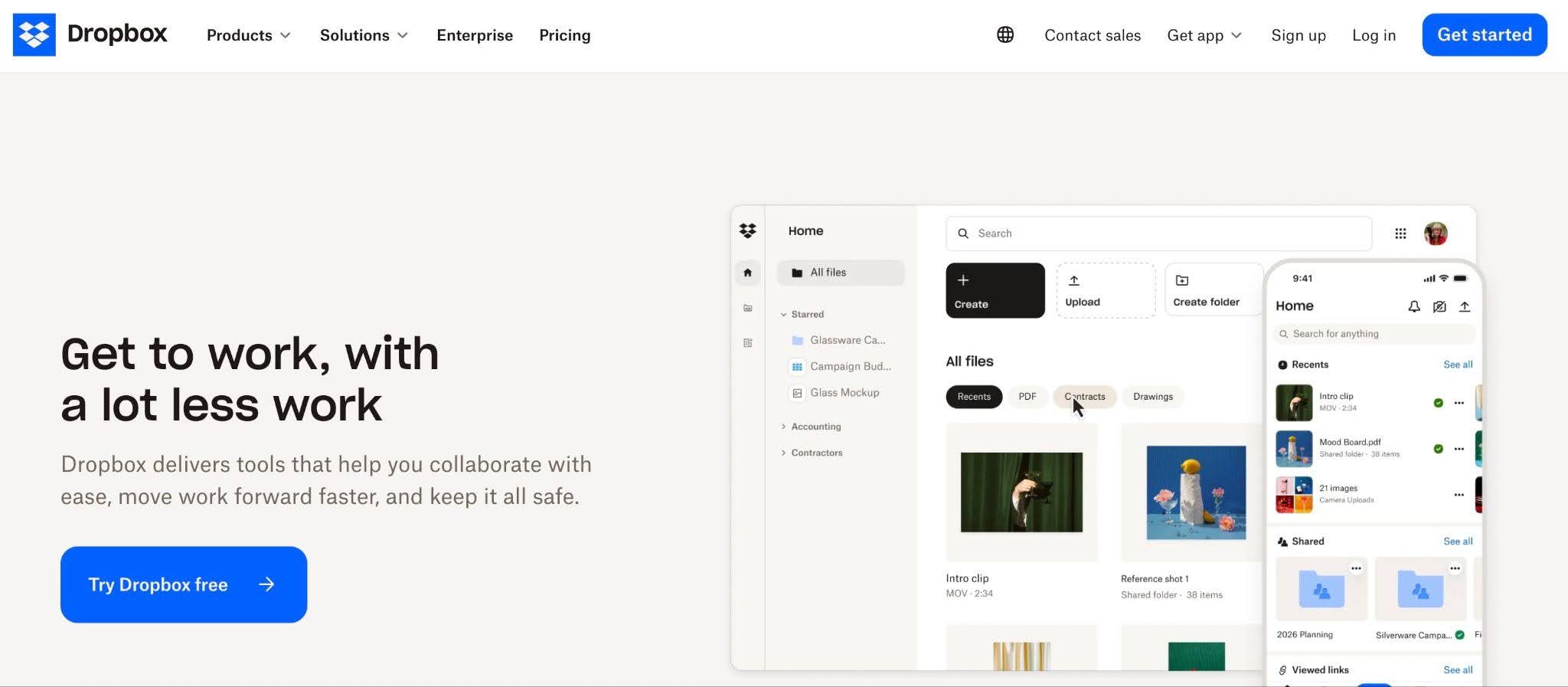
Dropbox Business provides the robust security and administrative controls professional service teams need to share and collaborate on documents in real-time.
While its lower-tier plans are limited in terms of security and should not be used to share sensitive client documents, its Standard, Advanced, Enterprise, and Education plans have robust certifications like SOC 2 compliance, HIPAA/HITECH support, and Business Associate Agreement.
Dropbox’s File-Sharing Features Include:
- Secure File Sharing & Compliance Controls: Dropbox meets security expectations with AES-256 encryption at rest and TLS in transit, and SOC 2 Type II on business plans.
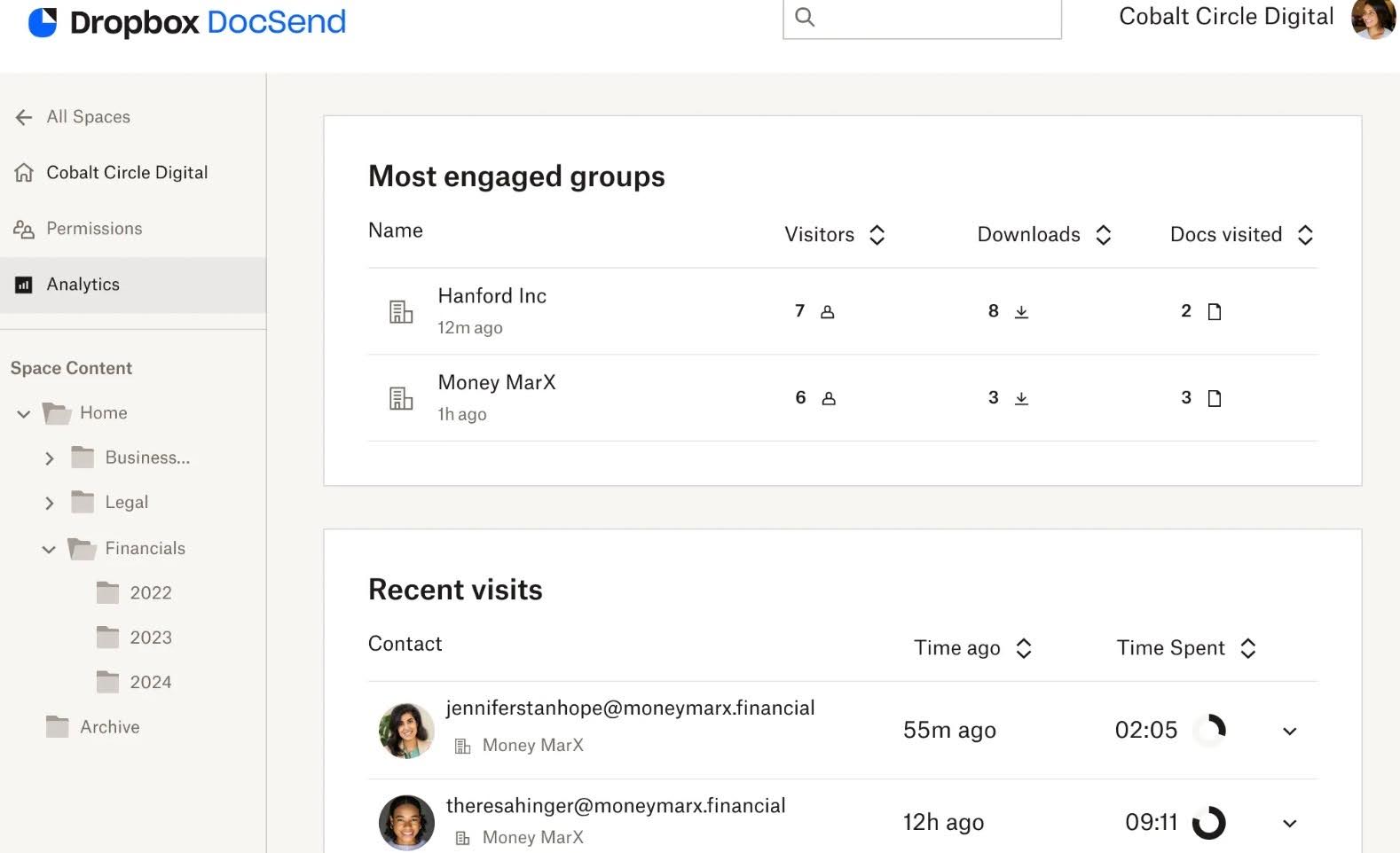
- Dropbox Transfer (Large File Delivery): Dropbox Transfer allows firms to send large files (up to 250GB), such as finalized tax returns or financial reports.
- Granular Access Control & Device Management: Admins can control access through permission settings, file locking, and remote device wipe for lost or stolen devices.
- Version History & File Recovery: Dropbox keeps previous file versions and deleted files for up to 180 days (or longer on higher plans).
- Smart Sync & Cross-Device Access: Smart Sync allows users to access all cloud files from their desktop without storing them locally, saving hard drive space while maintaining full visibility.
Pros
- Strong security and compliance with business plans
- Works seamlessly across desktop, mobile, and browser environments
- Reliable version history and recovery
Cons
- Not built for accounting workflows
- Security and compliance depend on the plan tier
- Requires separate tools for tasks, billing, and job tracking
Pricing
- Plus: 9:99/month
- Essentials: $16.58/month (1 user).
- Business: $15/month per user (3+ users)
- Business Plus: $24/month per user (3+ users)
Best For
Small accounting firms that want a familiar, broadly compatible cloud storage and are willing to take the time to configure access controls and admin settings to meet their compliance obligations.
4. Box
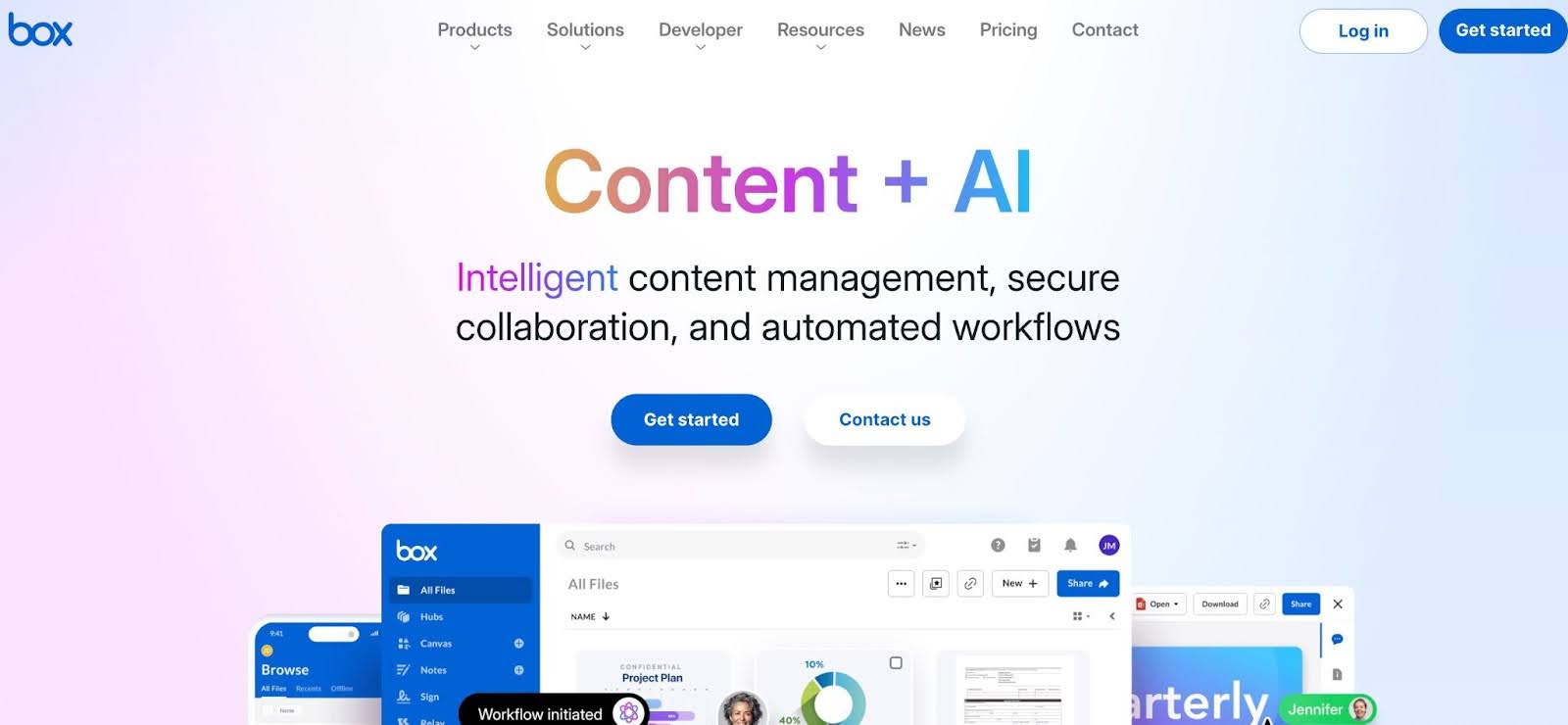
Box is an enterprise-grade content management and file-sharing platform. It is trusted by over 100,000 organizations globally, including the majority of the Fortune 500.
Its compliance portfolio is among the strongest of any platform on this list. Box natively supports HIPAA, FedRAMP, and GDPR compliance and holds SOC 1, SOC 2, SOC 3, ISO 27001, and ISO 27018 certifications, with AES-256 encryption at rest and TLS 1.2+ in transit.
Box’s file-sharing features include
- Enterprise-Grade Compliance & Security: Box is built for regulated industries, offering SOC 2 Type II, HIPAA, FINRA, and FedRAMP compliance at higher tiers.
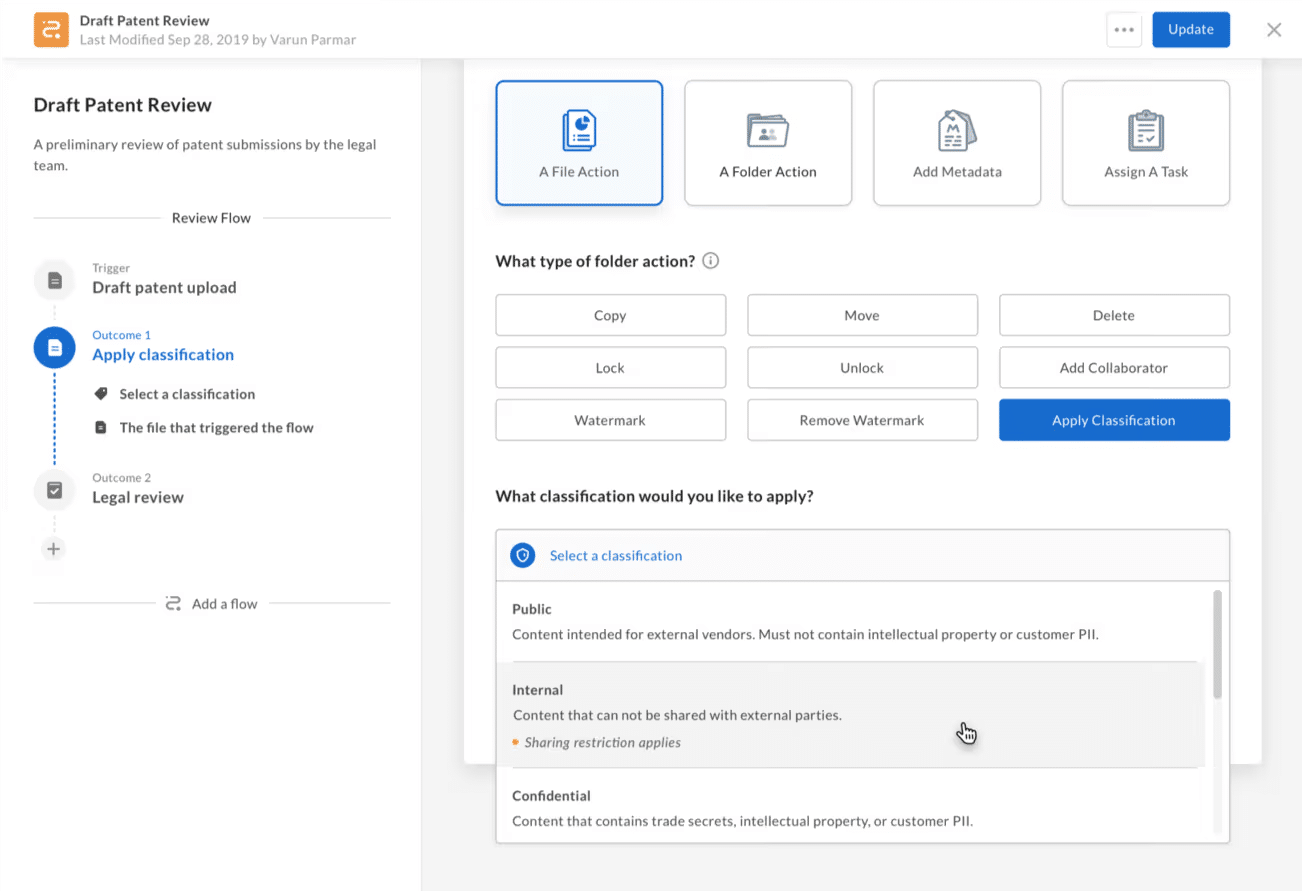
- Granular Access Controls & Data Governance: Box provides highly detailed permission settings (multiple user roles), along with data loss prevention (DLP), watermarking, and full audit logs.
- Native E-Signatures (Box Sign): Box includes unlimited built-in e-signatures on business plans and above.
- Workflow Automation (Box Relay): Box Relay enables firms to automate document routing, approvals, and notifications.
- Extensive Integrations & Ecosystem: Box has 1,500+ integrations, including Microsoft 365, Google Workspace, Salesforce, and Slack. Box fits easily into most tech stacks, but doesn’t include tax software.
Pros
- Unlimited storage at scale
- Built-in e-signatures
- Powerful data governance that includes DLP, watermarking, audit logs, and retention controls
Cons
- HIPAA and FedRAMP compliance require expensive enterprise plans
- No accounting-specific integrations
- Does not include workflow, billing, or CRM capabilities
Pricing
- Business: $17.30/month per user
- Business Plus: $28.70/month per user
- Enterprise: $40.30/month per user
- Enterprise Plus: $57.50/month per user
Best For
Box is best for: (1) large or multi-office practices that need enterprise-level governance, data residency controls, and integrations at scale, and (2) firms serving heavily regulated clients like healthcare, government contractors, and financial institutions.
5. Google Drive
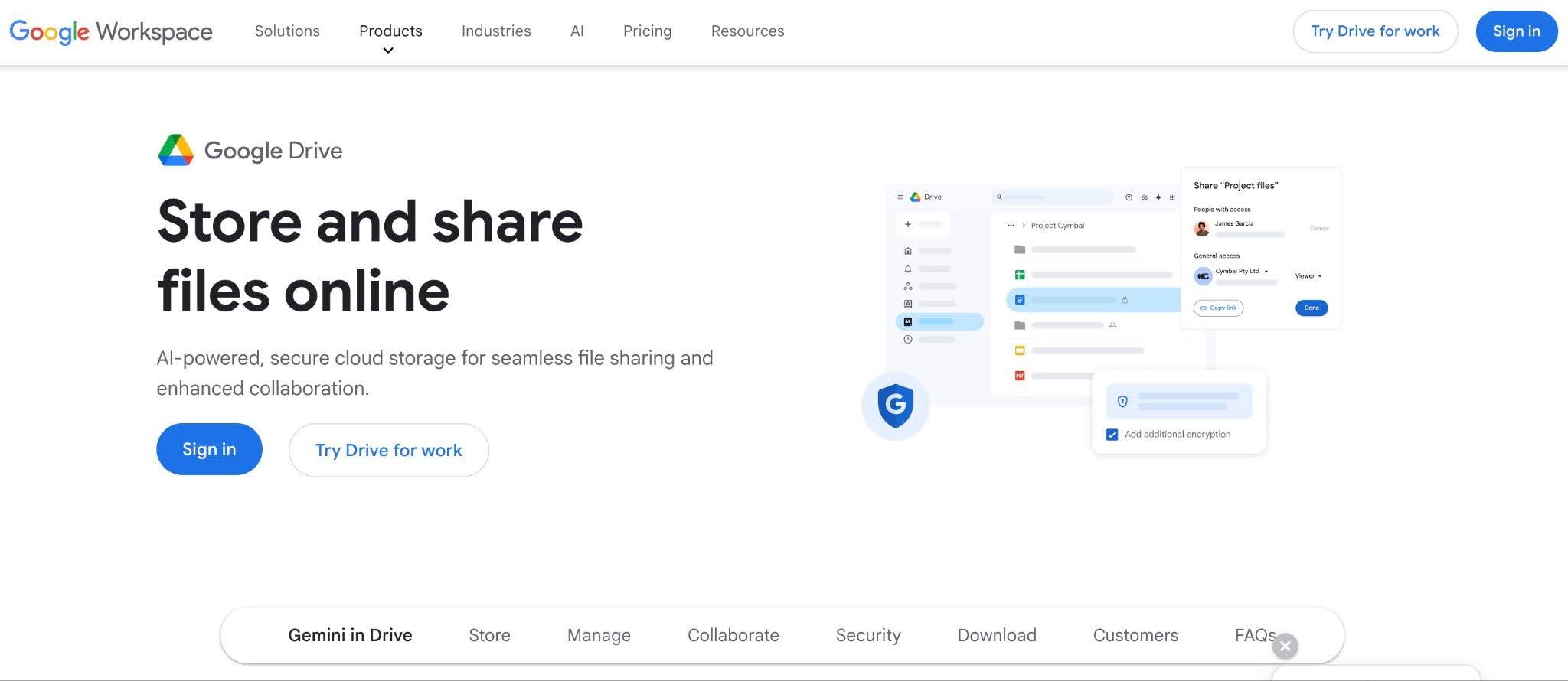
As part of Google Workspace, Google Drive is already familiar to most firms. Its collaboration features are excellent, and the pricing is accessible. The compliance features, however, are more complicated than most firms realize.
Google Drive on a personal account, or even on lower-tier Workspace plans, is not aligned with IRS Publication 4557 requirements for safeguarding taxpayer data. The security controls that matter for accounting compliance are only accessible in the higher plans.
Google Drive’s file-sharing features include:
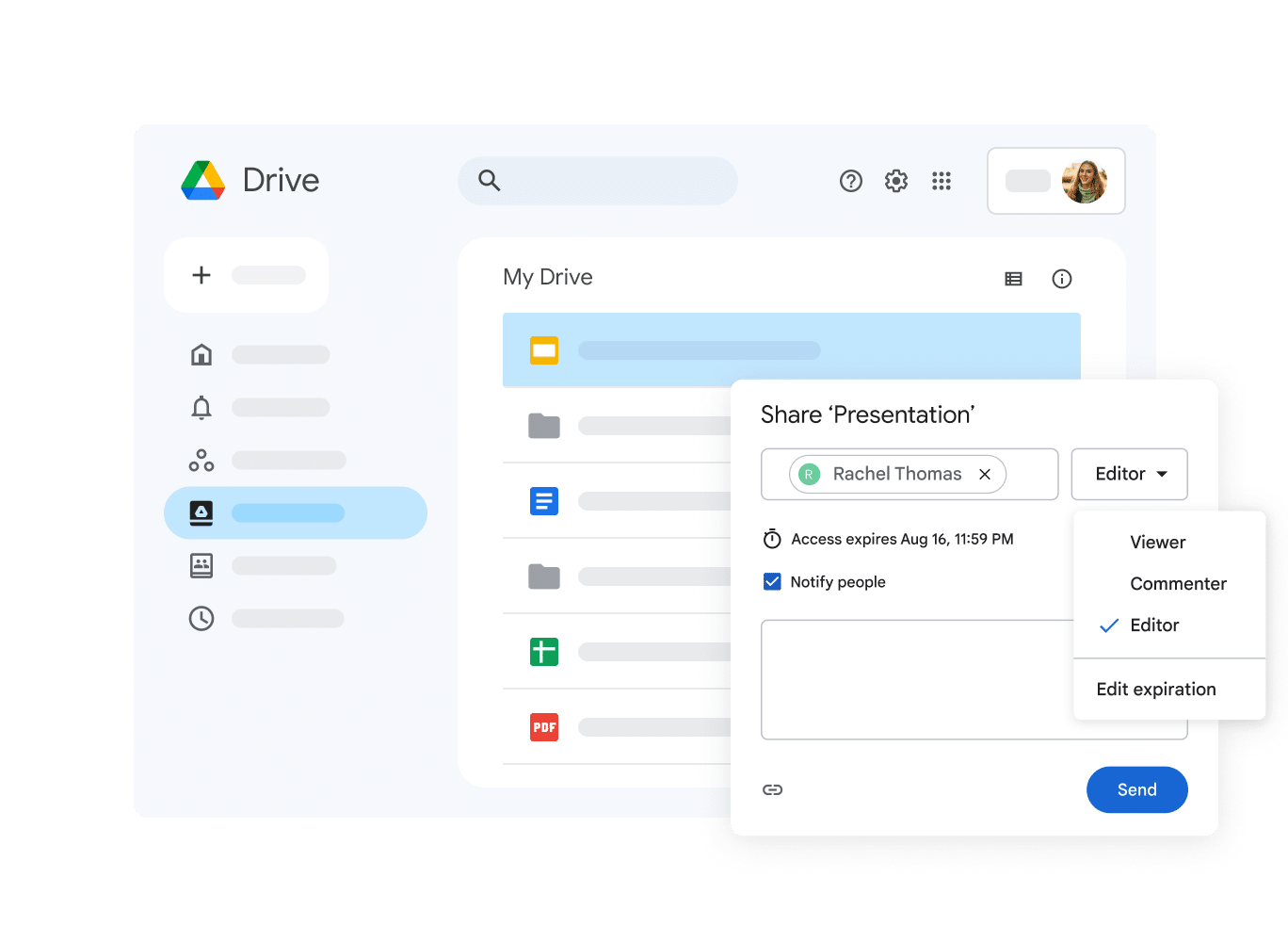
- Encryption & Baseline Security: Google Drive provides AES-256 encryption at rest and TLS in transit across all plans, ensuring files are protected both in storage and during transfer.
- Data Loss Prevention (DLP): DLP allows firms to detect and restrict sensitive information (like SSNs, EINs, and bank details) from being shared outside of the firm.
- Google Vault (Retention & eDiscovery): Google Vault enables firms to retain, search, and export data, set retention policies, and apply legal holds across Drive, Gmail, and Chat.
- Access Controls, 2FA & Audit Logs: Google Workspace includes two-factor authentication, but more advanced controls are in Business Plus and above.
- Shared Drives & Real-Time Collaboration: Shared Drives ensure files are owned by the firm, not individual users, to prevent data loss when employees leave.
- Integrations: Google Drive integrates with several accounting tools, including:
- Expense management: Expensify
- General Ledger: Zoho Books
- Practice Management: Financial Cents
Pros
- Very familiar and widely adopted with minimal onboarding friction
- Cost-effective ecosystem
- Provides eDiscovery, retention policies, and legal holds on qualifying plans
Cons
- No accounting-specific workflows
- Requires strong admin discipline
- Pricing
Starter: $7/month per user
Standard: $14/month per user
Plus: $22/month per user
Enterprise Plus: custom pricing
Best For
Accounting firms already running on Google Workspace that are willing to upgrade to Business Plus or higher and invest the time to configure DLP, Vault, and admin security controls.
No WISP templates or accounting-specific security frameworks provided
6. Progress ShareFile
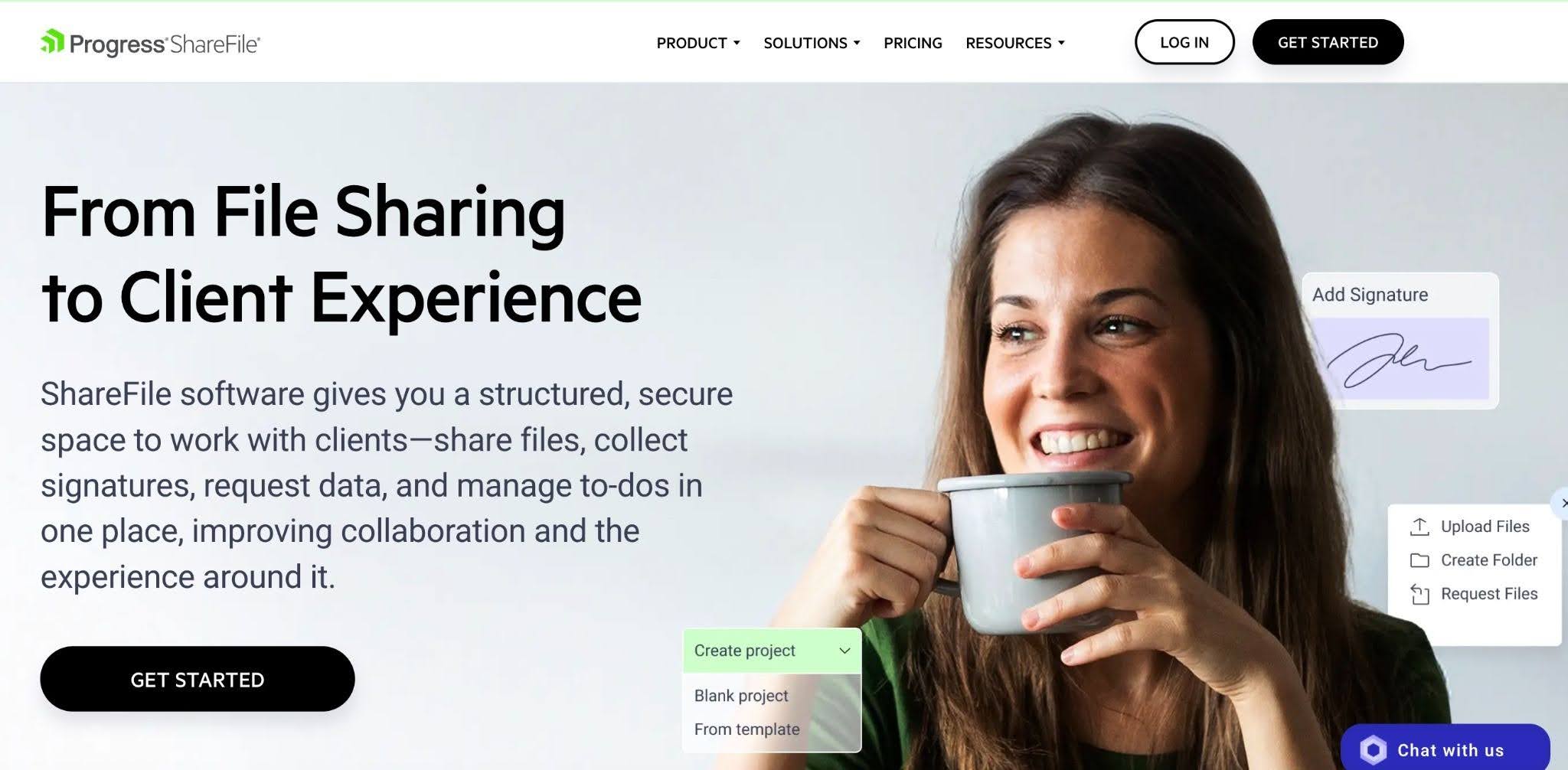
ShareFile is a secure file-sharing and client portal platform that balances rigid security with a user-friendly client portal.
It is designed for firms that need to collect large volumes of documents during tax season without overwhelming their clients. It’s best suited for firms that need a professional-grade client portal with strong security controls but don’t necessarily want a full practice management system.
ShareFile’s file-sharing features include:
- Secure File Sharing & Encryption: ShareFile protects client data with AES-256 encryption at rest and TLS encryption in transit.
- Branded Client Portal: ShareFile provides a fully branded client portal where clients can upload documents, respond to requests, and access shared files.
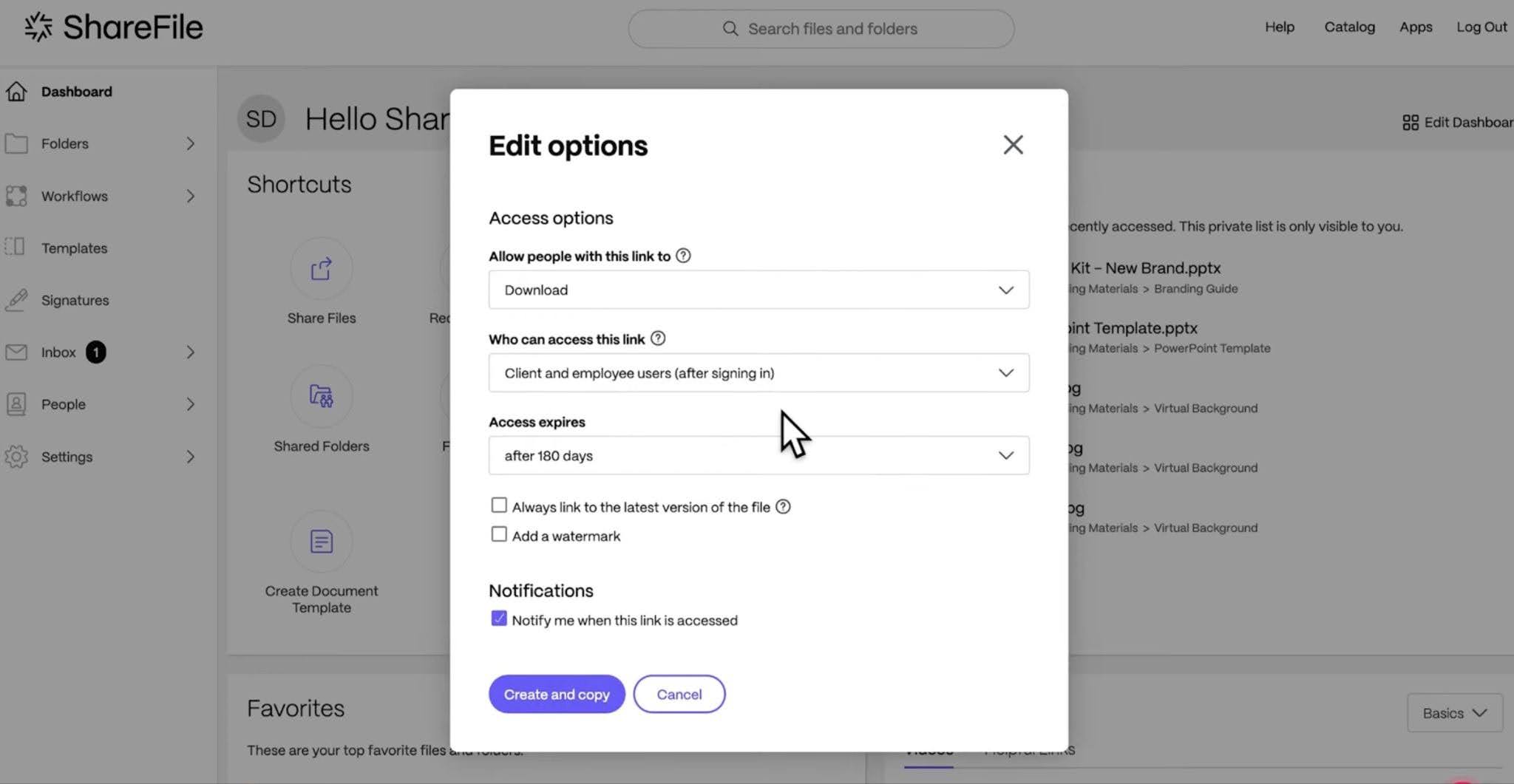
- Advanced Access Controls & Permissions: Firms can manage data with role-based permissions, expiring links, and secure external sharing controls.
- Audit Trails & Compliance Reporting: ShareFile includes detailed activity logs, access tracking, and compliance reporting tools.
- Native E-Signatures with KBA: ShareFile includes built-in e-signatures with Knowledge-Based Authentication (KBA).
Pros
- Excellent client experience with secure document upload and access
- Built-in KBA-compliant e-signatures
- Granular permission controls
Cons
- High cost with user minimums
- Not an accounting workflow tool
- Desktop sync and handling of large files can be slow
Pricing
- Advanced: $16.50/month per user (3-user minimum)
- Premium: $26/month per user (3-user minimum)
- Industry Advantage: $41.67/month per user (3-user minimum)
- Virtual Data Room: $69.30/month per user (5-user minimum)
Best For
Mid-to-large accounting firms that require automated document gathering and IRS-compliant e-signature capabilities within a single platform.
7. Microsoft OneDrive
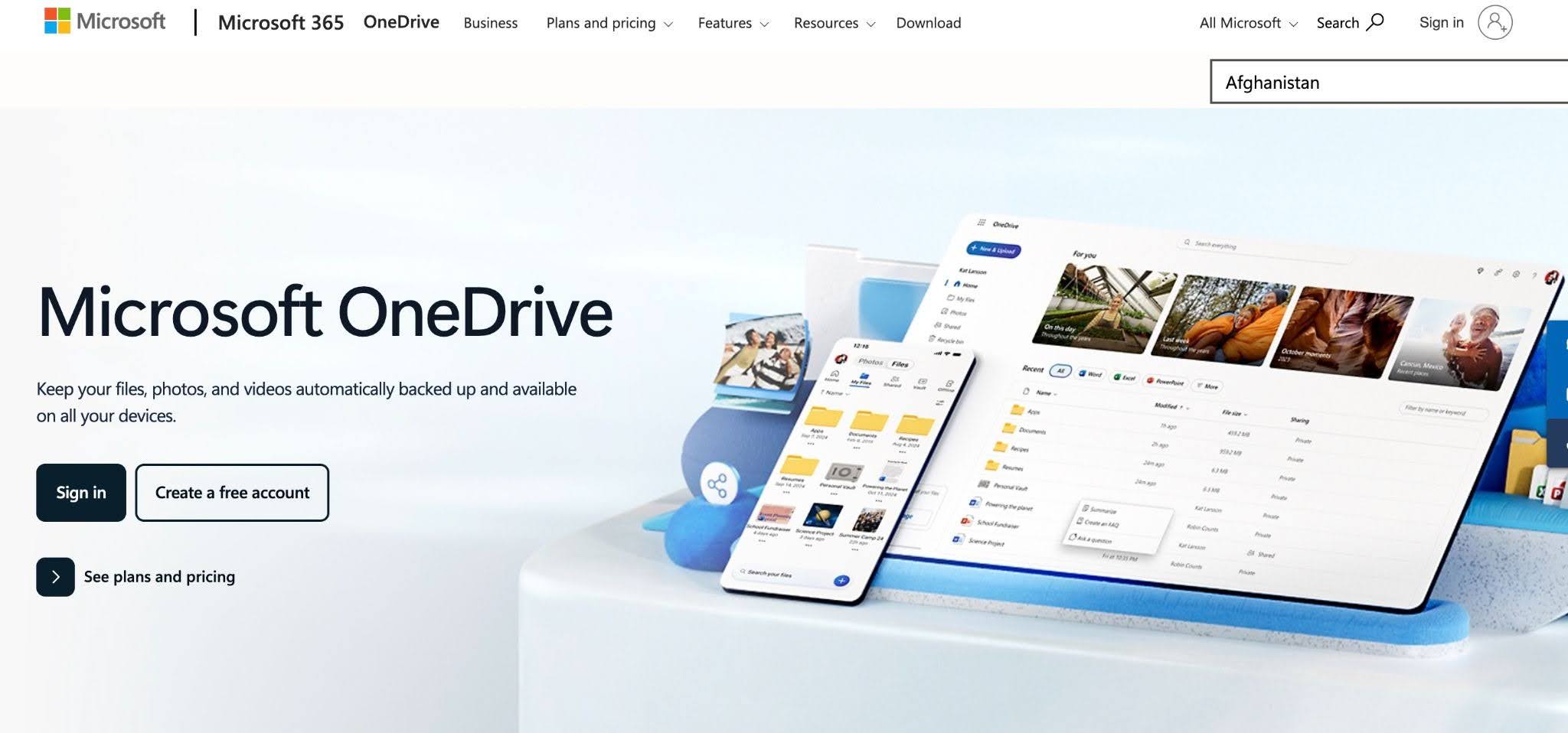
Microsoft OneDrive for Business is a cloud storage and file-sharing solution that allows firms to store, sync, and share documents securely across devices.
For firms operating within Microsoft, OneDrive for Business serves as the underlying filing cabinet and provides deep integration with Excel, Word, and Teams.
OneDrive’s file-sharing features include:
- Microsoft 365 Compliance (Purview Integration): OneDrive connects directly to the Microsoft Purview compliance center to enable advanced data loss prevention (DLP).
- Enterprise-Grade Security: Files are protected with AES-256 encryption at rest and TLS encryption in transit, along with enterprise identity controls via Microsoft Entra ID.
- Real-Time Collaboration & Version Control: Accountants can co-author documents in Word, Excel, and other Microsoft apps in real time.
- Access Controls & Secure Sharing: OneDrive provides granular sharing permissions, link expiration, and identity-based access controls to ensure files are only accessible to intended users.
- Files On-Demand & Device Syncing: With Files On-Demand, users can access the full document library without storing everything locally.
- Integrations: OneDrive integrates with accounting tools like Xero, Sage Intacct, and Financial Cents (through Zapier).
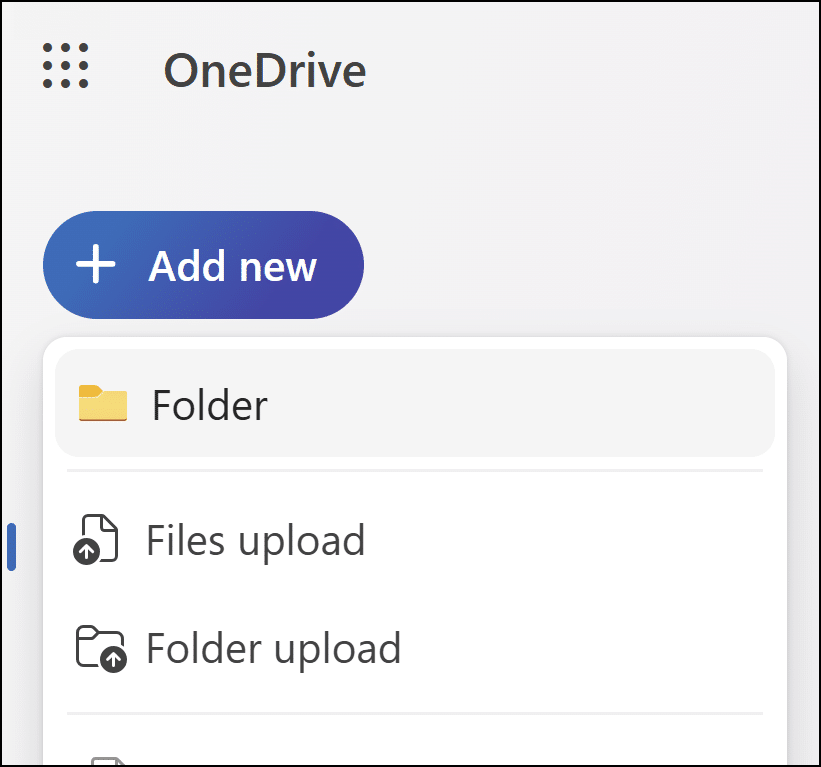
Pros
- Deep Office 365 Integration
- Familiar Interface
- Mobile OCR Scanning
Cons
- Unlike Financial Cents, OneDrive’s sharing settings can be confusing
- No Native Client Portal
- Limited chain of custody visibility
Pricing
- Microsoft 365 Business Basic: $6.00/month per user
- Microsoft 365 Business Standard: $12.50/month per user
Best For
OneDrive is best for accounting firms already using Microsoft 365 that want a secure, cost-effective file-sharing solution that is integrated into their existing productivity and compliance ecosystem.
8. FileCloud
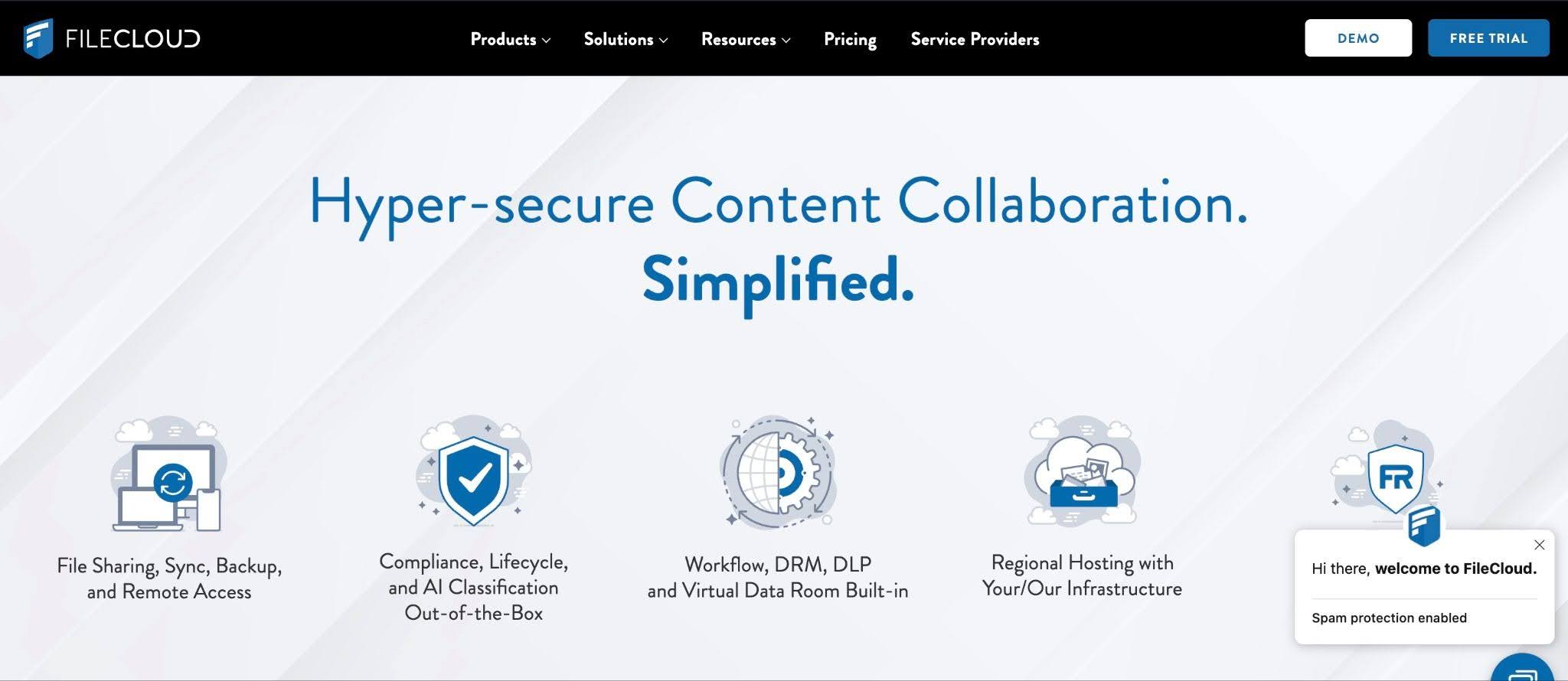
FileCloud is an enterprise file-sharing and management platform designed for accounting firms with strict data residency requirements, internal IT support, or security needs.
It can be deployed in the cloud, on-premises, or in a hybrid environment and provides organizations with full control over their data, security configuration, and hosting environment.
FileCloud’s file-sharing features include:
- Flexible Deployment & Data Sovereignty: Firms can host data in specific regions (or on their own servers).
- Advanced Security & Encryption: FileCloud uses AES-256 encryption at rest, TLS in transit, and supports FIPS 140-2 validated encryption for higher-security environments.
- Smart Data Loss Prevention (DLP): Built-in DLP automatically detects sensitive data (e.g., SSNs, financial details) and can block unauthorized sharing.
- Granular Permissions & Digital Rights Management (DRM): Firms get fine-grained access controls at the file and folder level, along with advanced DRM features.
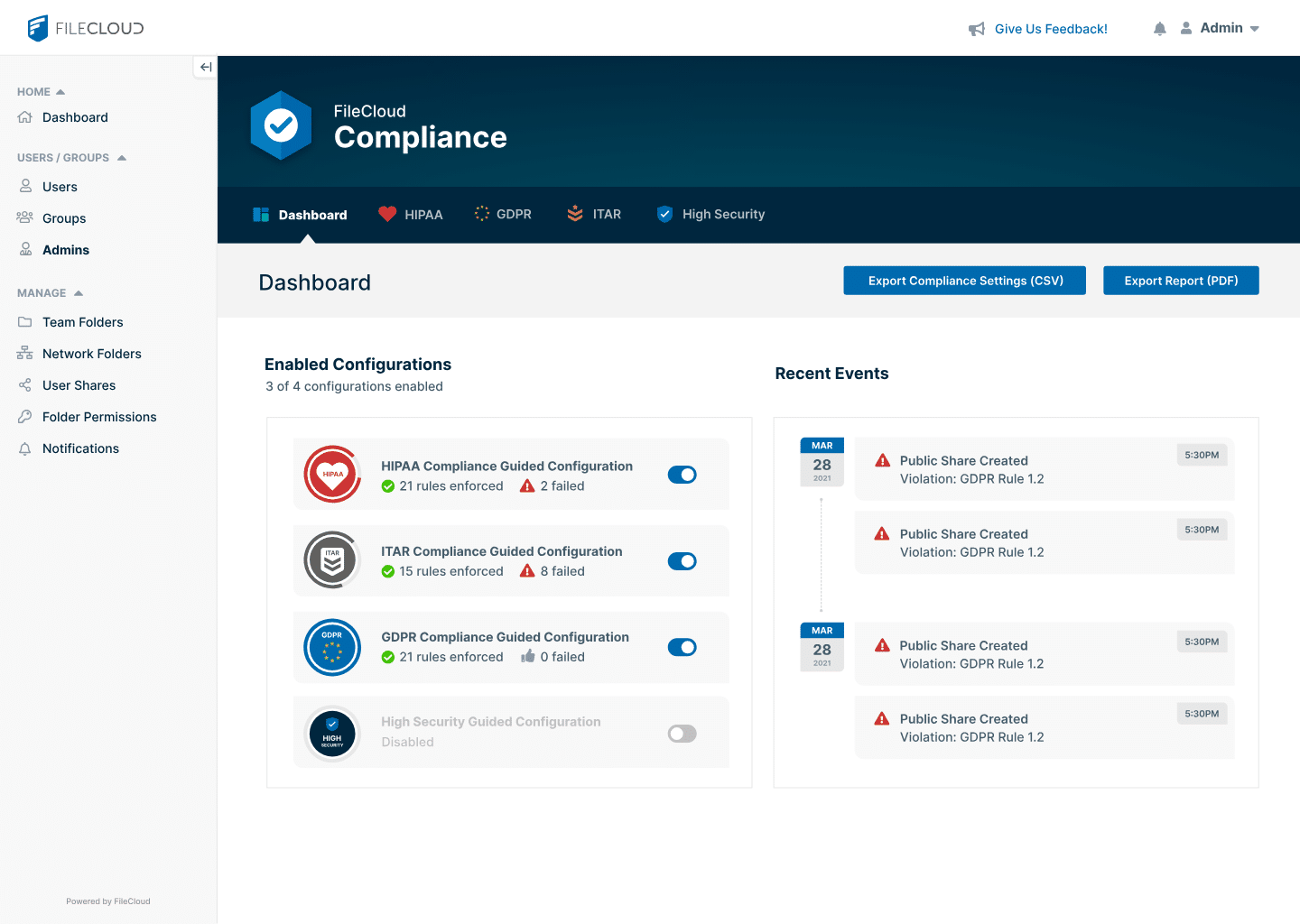
- Audit Trails & Compliance Support: FileCloud provides detailed activity logs, access tracking, and admin reporting, supporting alignment with standards like SOC 2, HIPAA, and GDPR.
Pros
- Zero-Trust File Sharing
- Digital Rights Management (DRM)
- Smart Content Classification
Cons
- Clunky User Interface
- Collaboration Lag
- Complex pricing tiers
Pricing
- Essentials: $7/month per user
- Advanced: Custom pricing
- Service provider: Custom pricing
- Essentials: $14/month per user
- Advanced: custom pricing
- FedRAMP High: custom pricing
Best For
It is best suited for security-conscious accounting firms that want total sovereignty over where their data resides while still providing a modern, branded portal for their clients.
9. Revver (formerly eFileCabinet)
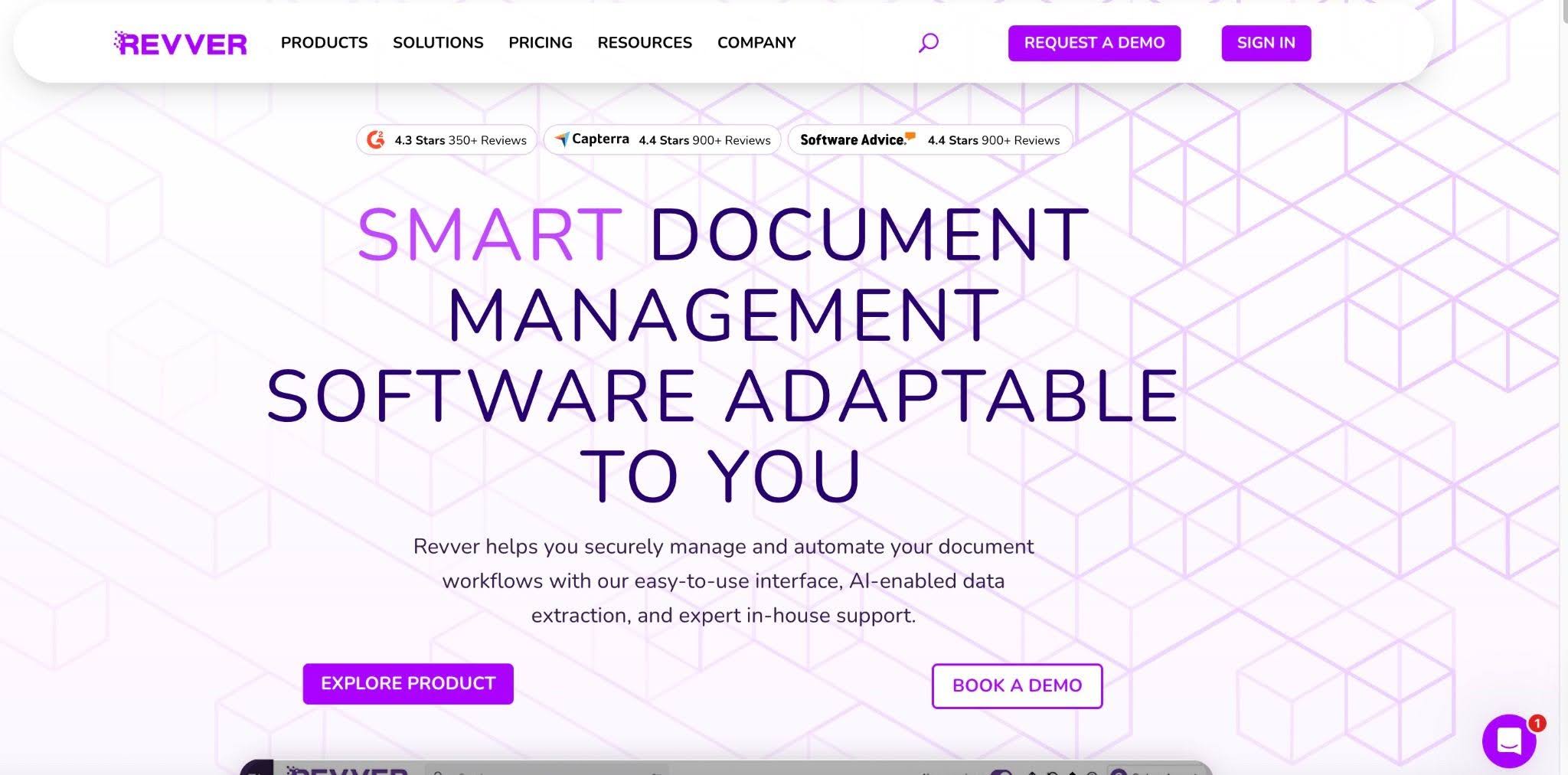
Revver is a document management and workflow automation system that helps firms to store, organize, and route business-critical documents securely.
It serves multiple industries that include accounting and legal services firms and emphasizes structured document control and process automation.
Revver’s file-sharing features include:
- Secure Document Management: Revver protects sensitive client data with AES-256 encryption at rest and TLS in transit.
- Workflow Automation (Document Routing): Revver goes beyond storage by enabling automated document routing for review, approval, and processing.
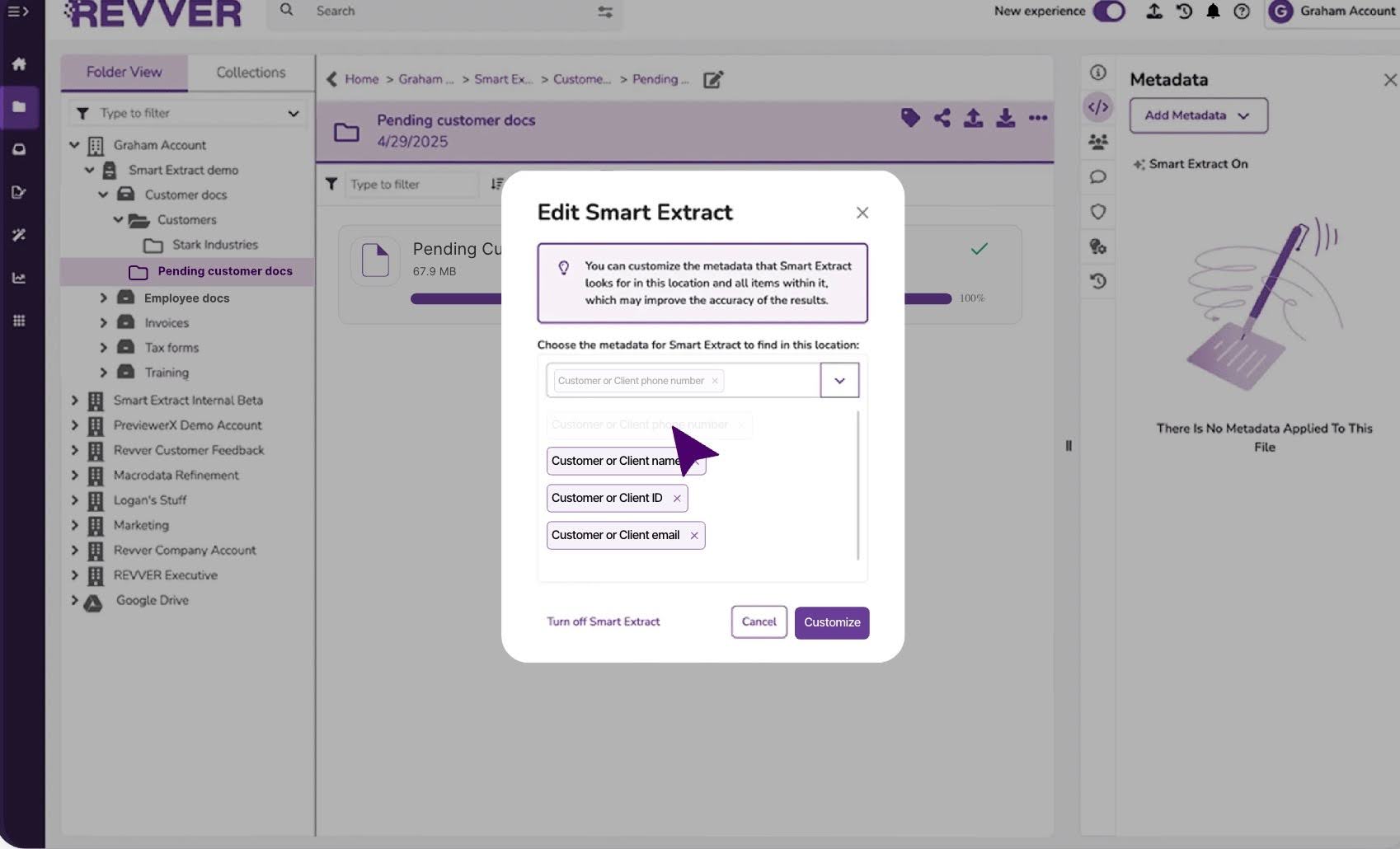
- Automated Filing with OCR (Zonal OCR): Revver can recognize and categorize documents automatically (e.g., W-2s, 1099s) using OCR technology.
- Advanced Organization & Metadata Tagging: Instead of relying only on folders, Revver uses metadata, indexing, and structured templates to organize documents.
- Audit Trails & Compliance Controls: Revver provides a complete chain of custody for every document, tracking when files are viewed, edited, shared, or deleted.
Pros
- Automated Filing (Zonal OCR)
- Highly Granular Search
- Native eSignatures & Forms
Cons
- Steep Learning Curve
- The companion desktop app (Sidekick) breaks occasionally
- Rigid Filing Logic
Pricing
Revver uses a customized quote-based model to account for firm size and storage needs, but average costs are around:
- Basic: $25/month per user
- Essentials: $67/month per user
- Full: $87/month per user
Best For
Accounting firms that are looking to reduce manual document management and standardize internal processes by combining a secure document management system with workflow automation.
10. SuitFiles
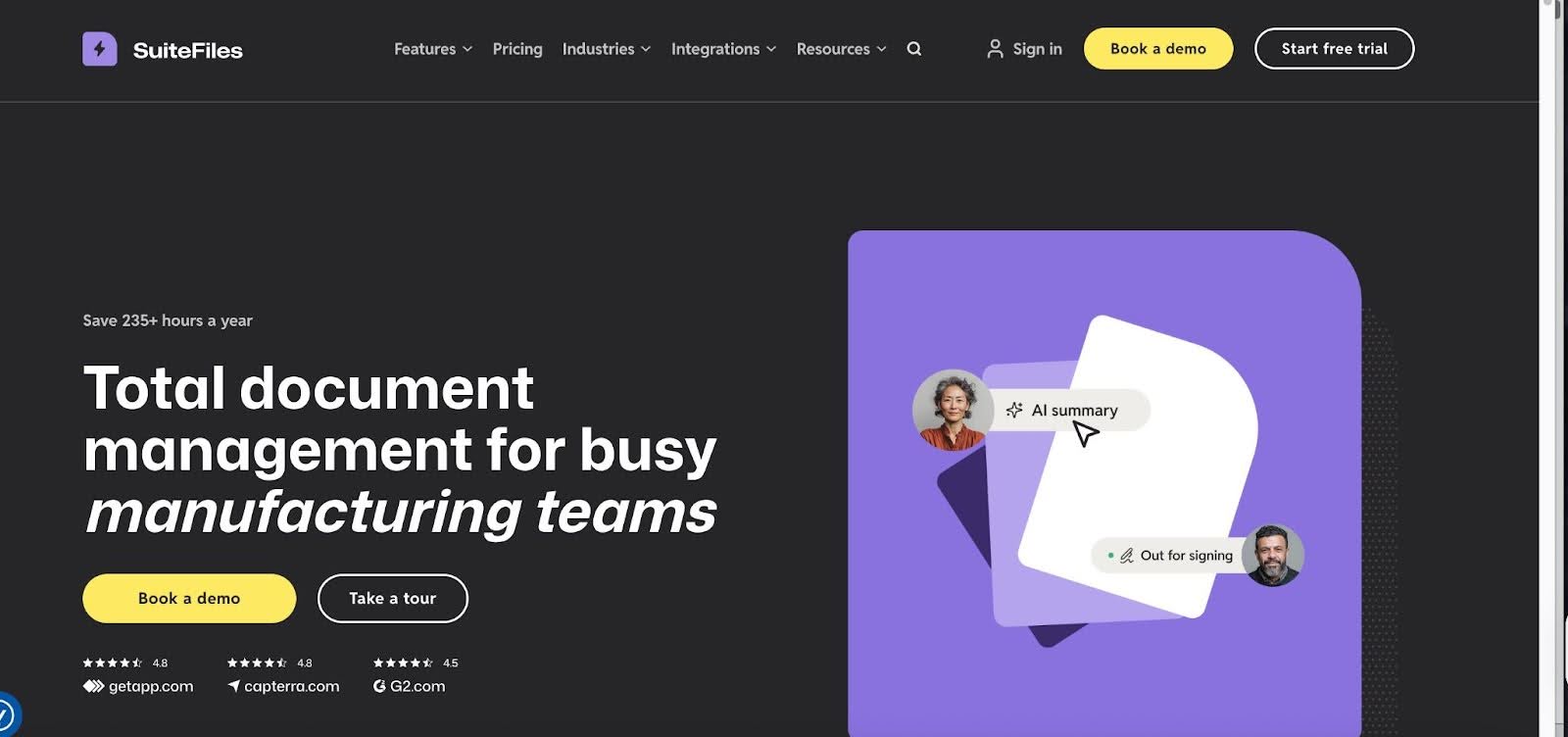
SuitFiles is a secure file-sharing and client document management platform that simplifies client collaboration for accounting and tax professionals.
It is built natively on Microsoft 365 and acts as a powerful management layer on top of SharePoint and OneDrive. SuiteFiles turns your existing Microsoft ecosystem into a structured document management system.
SuitFiles’ file-sharing features include:
- Secure File Sharing & Audit Trails: SuitFiles uses AES-256 encryption at rest and TLS in transit to ensure client data is protected end-to-end. It also maintains activity logs.
- Branded Client Portal (Client Connect): The Client Connect portal provides a clean, branded interface where clients can upload, download, and sign documents securely.
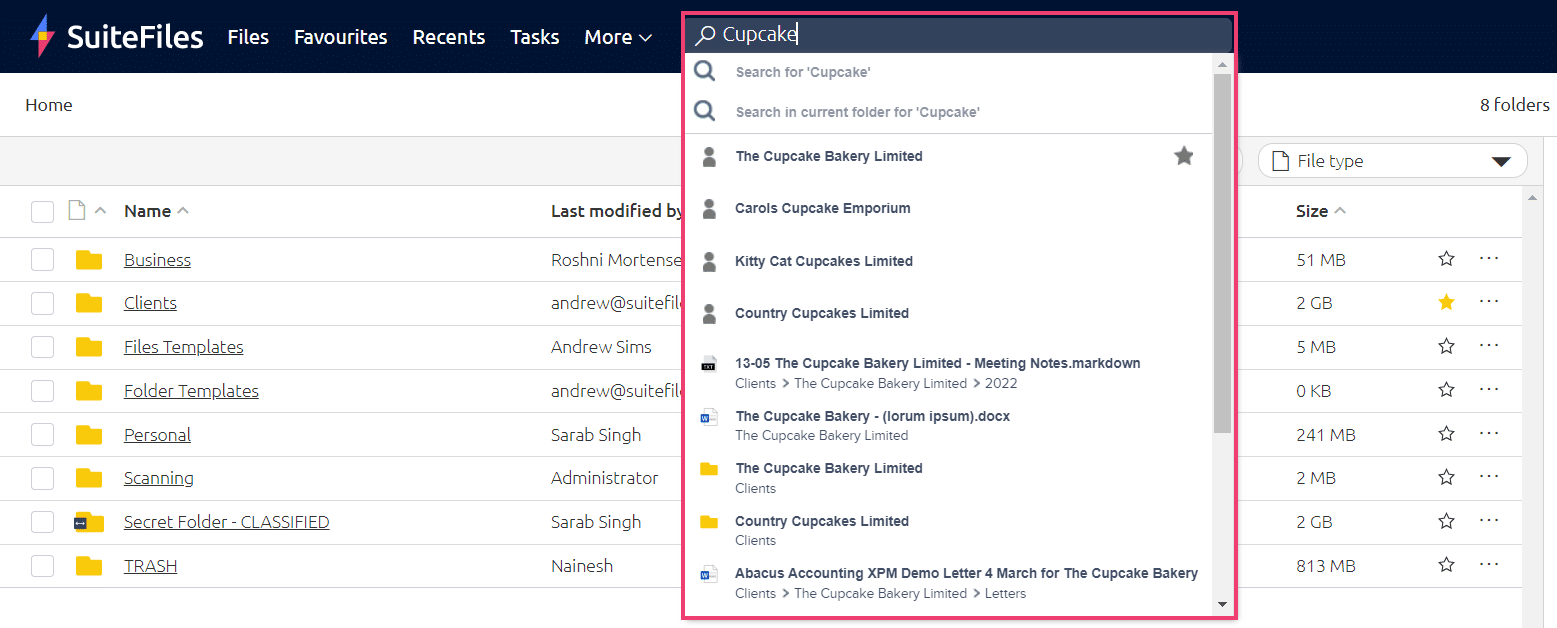
- Structured Document Requests & Tracking: SuitFiles allows firms to send organized document requests and track submissions as they come in.
- Deep Microsoft 365 Integration & Email Management: Teams can continue working in Outlook, Word, and Excel while seamlessly saving emails and attachments directly into client folders.
- Document Automation & Built-in E-Signatures: Firms can automatically generate documents (like engagement letters) using client data, and higher-tier plans include unlimited e-signatures.
Pros
- Simple user interface
- Up-to-date reports
Cons
- Pricing is not transparent
- Frequent, time-consuming updates
- Setup and migration can take time and effort
Best For
Accounting and tax firms that are looking for an accounting-specific client portal for secure document exchange and request tracking.
Quick Comparison Table of the Top Secure File Sharing Tools
| Tool | Best for | Encryption | SOC 2 Certified | Workflow Integration | Starting price |
|---|---|---|---|---|---|
| Financial Cents | Full Practice Management |  | | Full Native | $19/month |
| SmartVault | Tax Firms | | | Partial | $65/month |
| Dropbox | Fast Sync & Teams | | | — | $15/month |
| Box | Enterprise Controls | | | — | $15/month |
| Google Drive | Collaboration | | | — | $7/month |
| ShareFile | Client Document Requests | | | Partial | $16.50/month |
| OneDrive | Microsoft Ecosystem | | | Partial | $5/month |
| FileCloud | Data Sovereignty | | | — | $12.50/month |
| Revver | Automated Filing | | | Partial | ~$45/month |
| SuiteFiles | Microsoft Power Users | | | Partial | ~$250/month |
How to Choose the Right Secure File-Sharing Tool
Identify your needs
Firms that spend most of their time collecting large volumes of client data during the month or tax season might need a more structured document request list, submission tracking, and automated follow-ups.
Those who mainly use their file-sharing systems to deliver final documents can make do with simpler storage and delivery features.
Consider Your Firm’s Size
Your firm’s size can affect what you need from a file-sharing tool because larger firms often need more storage space, granular user permissions, and detailed audit trails to maintain control and compliance across teams.
Smaller firms, on the other hand, tend to prioritize simplicity, ease of use, and predictable pricing.
Client Experience
The best platforms make it easy for clients to upload, download, and sign documents without software downloads, complex setup, or managing another password.
Go through the upload and download process to understand how it looks for your clients. This is especially important for non-technical clients, where even small barriers can delay submissions.
Document Collection Request and Automation
Secure, paperless file-sharing and document management is the bare minimum these days.
Tools like Financial Cents combine secure file-sharing with structured request lists and automated reminders to reduce the back-and-forth that slows down client work.
Security & Compliance requirements
Confirm that the platform meets core security standards, including TLS and AES-256 encryption, multi-factor authentication (MFA), role-based access controls, and detailed audit logs.
You should also verify whether the vendor holds a SOC 2 Type II certification, which indicates that its security controls have been independently audited over time.
Standalone or integrated practice-management platform
Standalone file-sharing tools are built specifically for secure document storage and exchange, but they operate separately from your broader workflows.
Integrated practice management platforms include file sharing as part of a larger system that also manages tasks, deadlines, workflows, billing, and client information (and communication history).
The hidden cost of standalone tools:
With a standalone file-sharing system, you’ll pay a separate subscription. If you were to do this for every aspect of your firm, your costs will multiply. It also creates operational friction because your team will have to go into multiple tools to get work done.
That is why 59% of bookkeeping firms re-enter information across the different tools they use multiple times a day. What an ‘opportunity’ for human errors!
Meanwhile, a file-sharing tool that is integrated into the broader practice management software gives your team a central place to find all they need to get work done. Fewer subscriptions and fewer places to enter data and manage projects.
Secure Your Client Data Without Slowing Down Your Firm
The IRS has warned that every tax professional is a potential target for sophisticated, well-funded cybercriminals whose goal is to steal client data and file fraudulent returns. These security risks apply to all accounting firms.
While protecting your client information is critical, managing every aspect of cybersecurity can be too complex and time-consuming to manage internally. The right secure file-sharing tool simplifies this by giving your firm a reliable, structured, and compliant way to share sensitive data.
That’s why the tool you choose to trust with this responsibility matters so much. As you evaluate your options, prioritize tools that don’t treat file-sharing as a standalone activity. Standalone tools often force firms to stitch the multiple tools that handle the individual aspects of their practice together.
The result is a fragmented tech stack that increases security risks (as the tech stack is only as strong as its weakest tool), operational friction, and overall costs.
Firm owners choose Financial Cent because it integrates secure, encrypted file-sharing directly into your firm’s workflow, so you can request files, track tasks, collaborate with your team, and manage clients all in one place:
- Your clients can upload documents, sign documents, and communicate with your firm through a secure portal.
- Your staff sees exactly which documents have been received and which are still outstanding.
- Your firm gets a security and compliance posture that doesn’t even attract regulatory scrutiny.
- Each completed file request automatically notifies your team and advances your workflows, which results in hours saved per week.
If you’re ready to secure your files and make your firm run more smoothly, click here to start your Financial Cents free trial.
Frequently Asked Questions
Firms sharing sensitive tax data via Google Drive should use the Google Workspace Business Plus or higher plans and configure specific security settings.
Share this article:



