
You may not find a reliable Botkeeper replacement until you answer this fundamental question: Do you want to recreate the Botkeeper model or redesign your tech stack altogether?
Botkeeper bundled automation, hybrid labor, and structured workflow together in a vendor-controlled system. While it is efficient, this model centralizes operational dependencies on a single vendor, creating a single point of failure risk.
With a tech stack redesign, you build an integrated system of practice management, general ledger, and an optional AI bookkeeping automation software. This structure ensures workflow ownership, provides visibility across clients and staff, and builds a more resilient operational base.
In our previous guide on responding to Botkeeper’s shutdown, we outlined the immediate steps you can take to stabilize your operations and prevent client disruption.
In this article, we examine the eight (8) top Botkeeper alternatives in 2026 based on automation depth, workflow visibility, and scalability.
What Botkeeper Did (Capabilities and Use Cases)
If you’re moving away from the Botkeeper model, you must understand the capabilities it delivered behind the scenes so you can restructure your tech stack without losing critical operational capacity.
a. Transaction categorization + automation
Botkeeper reduced manual coding from hours to minutes by automatically pre-coding transactions before human review to speed up month-end close cycles.
Using machine learning, it classified expenses, revenue, transfers, and bank feed activity daily and auto-approved high-confidence entries.
It also handled splits, classes, and allocations, while allowing firms to add specific rules for a continuously improving hybrid automation model.
b. Hybrid bookkeeping workflows
Botkeeper combined AI-driven automation with offshore human bookkeepers who reviewed, adjusted, and finalized transactions and closed.
Real-time dashboards displayed prediction confidence, close progress, task ownership, and audit trails, which helped firms to identify when manual intervention was needed.
Firms could also add a dedicated bookkeeper to review, clean up, or fully manage entire accounting workflows.
c. Exception handling/quality checks
Botkeeper combined automated exception handling with human review to improve accuracy at scale.
Lower-confidence or anomalous transactions were routed to a Transaction Manager queue for quick yes/no approvals, while its smart flagging feature identified outliers, mismatches, and uncategorized items.
d. Scalability for multiple clients
Botkeeper supported multi-client scalability through centralized dashboards, standardized workflows, and firm-wide visibility across engagements.
By systematizing processes and automation, firms could grow revenue without increasing internal workload.
e. Recurring task automation
Botkeeper automated recurring task creation to eliminate reliance on spreadsheets, sticky notes, and Slack reminders.
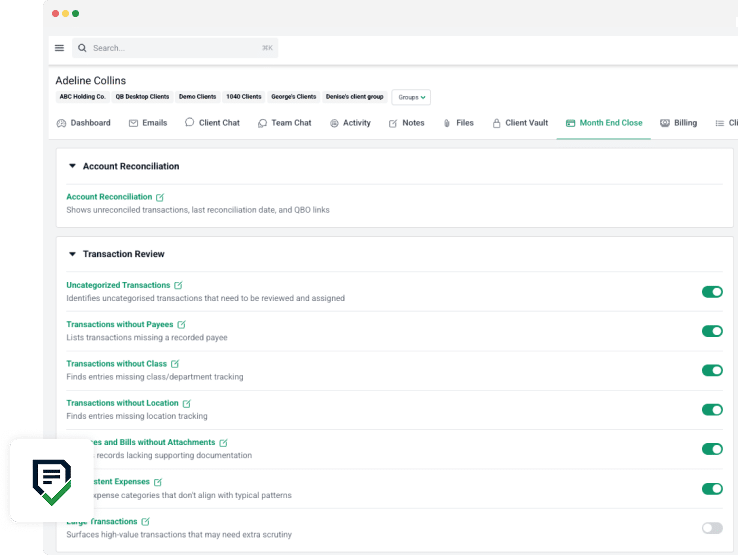
Month-end closes, reconciliations, quarterly cleanups, and annual reviews were automatically scheduled with built-in reminders and progress tracking to free team capacity for higher-value work.
What Firms Should Look for in a Botkeeper Alternative
Each of these features addresses an aspect that made Botkeeper effective. Missing any could create gaps in your operation.
-
Automation & Categorization
Effective automation reduces manual work without sacrificing oversight.
If automation is too lightweight, scaling operations may be difficult. But if it’s too heavy, errors go unnoticed.
Look for machine learning-driven solutions that handle bank feeds, splits, classes, custom rules, and anomaly detection, while preserving human checkpoints for accuracy at scale.
-
Integration Compatibility
Seamless integration keeps data synced across your tech stack, which reduces manual work and minimizes errors.
Choose tools with native connections to general ledgers (QuickBooks Online, Xero), payroll, expense management, document management, and bookkeeping practice management systems to reduce double data entry and tool fragmentation.
-
Client Communication & Portal
Without a secure communication and collaboration system, your clients will resort to email, and that increases the risk of fraud and delays.
Client portals streamline requests, improve response rate, and centralize information, which reduces friction and helps your team complete work faster.
Some solutions also offer client-facing dashboards for added transparency.
-
Workflow & Task Management
An efficient workflow and task management tool keeps client engagements moving smoothly by making progress, bottlenecks, and deadlines visible at a glance.
Look out for features like recurring templates, month-end close tracking, multi-client dashboards, and role-based task assignment to maximize operational control.
-
Scalability
A Botkeeper replacement that will grow with your firm is one that allows you to serve as many clients as you want to serve with as many team members as you need, without hidden fees or a drop in speed or performance.
For example, firms using tools with per-client pricing will experience an increase in the cost of using a product as they add more clients.
-
Reporting & Insights
Reporting and insights give your team real-time visibility into efficiency, turnaround times, and profitability.
A strong solution provides customizable financial reports, KPI dashboards, workload analytics, and client profitability insights that drive smarter decisions.
-
Support & Onboarding
Switching to a new tool can be challenging, but strong support and onboarding always make transitions quicker and smoother.
Prioritize platforms offering data migration assistance, dedicated onboarding teams, training resources, and responsive customer support.
Top Botkeeper Alternatives for Bookkeeping & Accounting Firms
1. Docyt
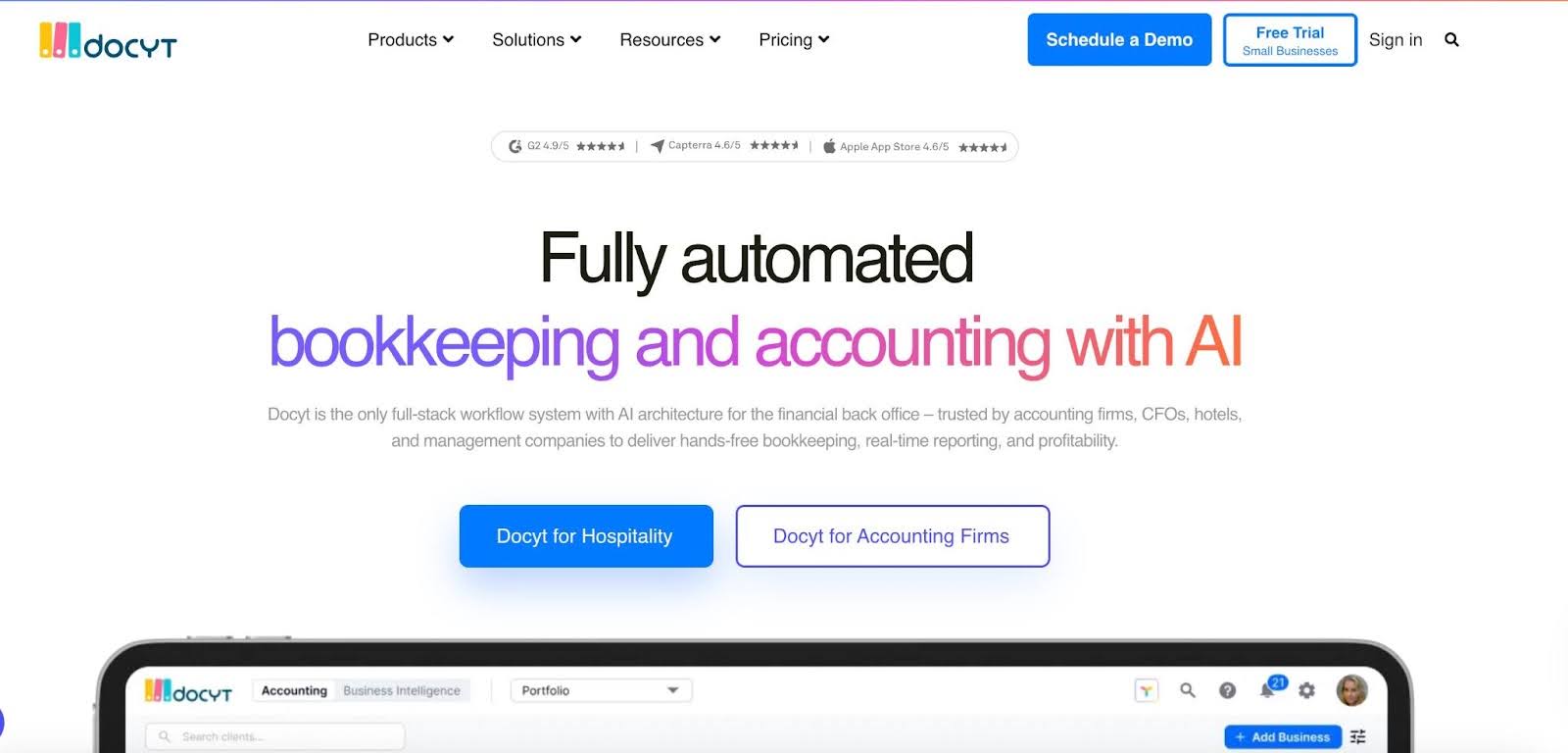
Docyt is an AI-powered accounting automation platform designed primarily for multi-entity businesses and accounting firms that manage high transaction volumes.
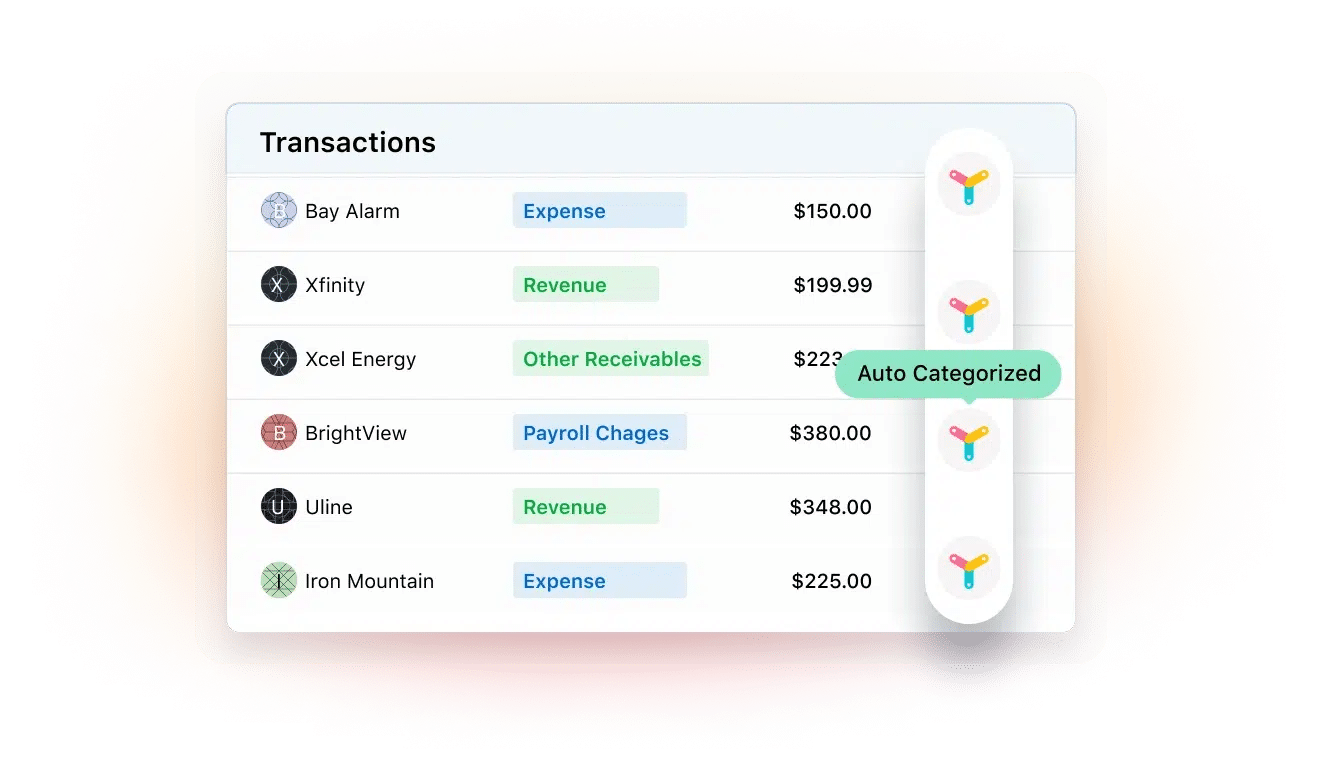
Its AI agents handle complex tasks like categorization, anomaly detection, and month-end closes to reduce manual work while providing up-to-date books.
Docyt Bookkeeping and Workflow Features Include:
- Month-end Close: Compress your month-end close from weeks to minutes with automation-driven reconciliation and review workflows.
- Bank Feeds: Connect to thousands of banks for continuous transaction syncing.
- Reconciliation: Maintain always-reconciled accounts with automated matching that reduces month-end cleanup.
- Collaboration: Communicate with clients directly in-platform while controlling team access and workflow permissions.
- Encrypted Document Storage: Automatically organize and securely store financial documents in a centralized vault.
- Intercompany Management & Consolidated Reporting: Split expenses, settle intercompany balances, and generate consolidated reports across multiple entities.
How Docyt compares to Botkeeper
Like Botkeeper, Docyt delivers high-accuracy automated categorization reconciliation, exception handling, and workflow standardization for accounting firms and businesses seeking to scale without proportional headcount.
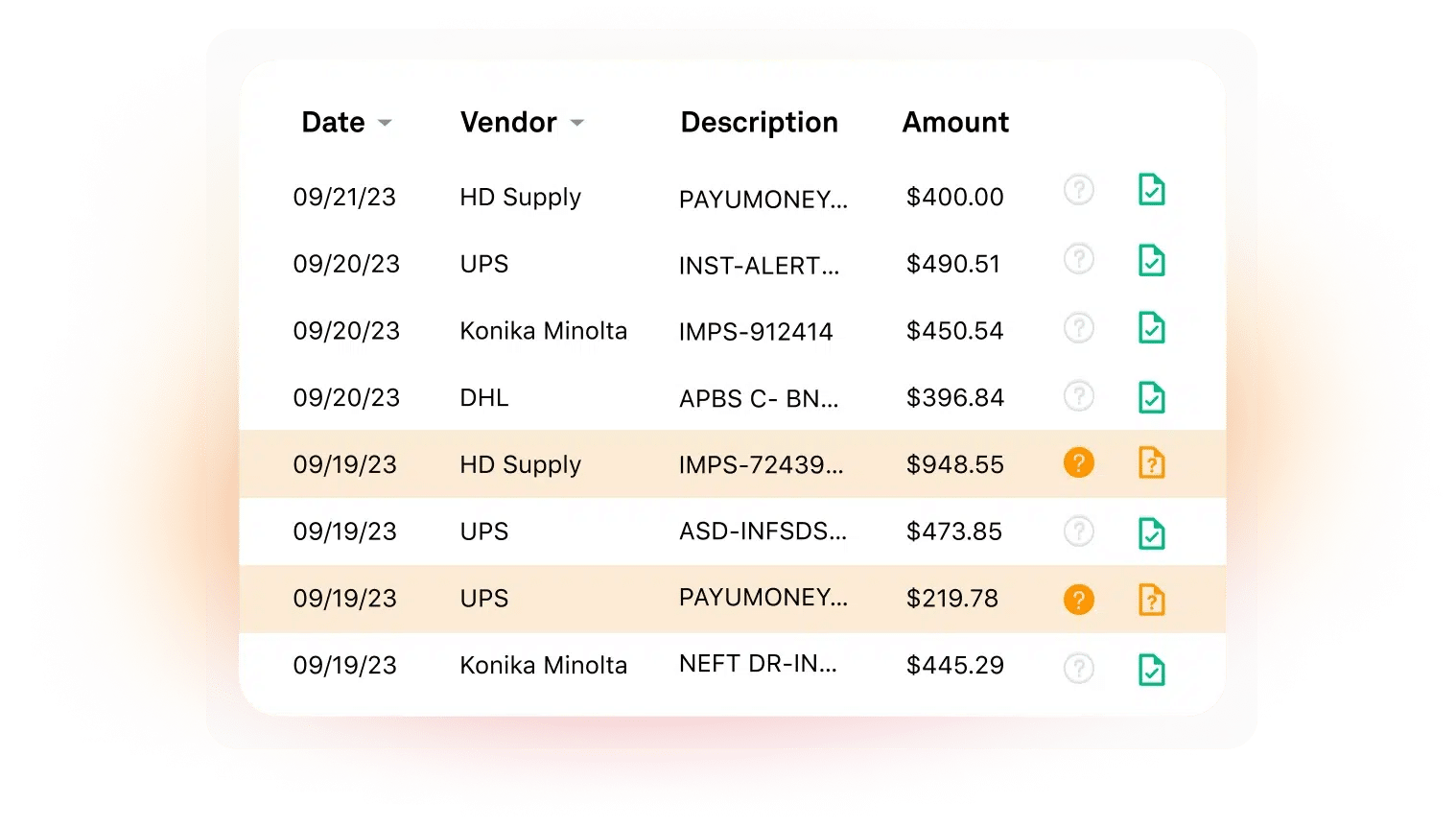
Unlike Botkeeper’s hybrid model, Docyt’s HpAI and generative agents provide more autonomous handling. These AI agents can research unknown transactions (auto-context for uncategorized items to further reduce review time.
Best Suited For:
Docyt is particularly well-suited for firms managing high transaction volumes across multi-entity or franchise clients, such as hospitality and retail-focused accounting practices. It is also ideal for firms that are comfortable maintaining internal review teams.
Pros
|
Cons
|
Pricing
Docyt uses module-based pricing starting at $50/month per module. The final quote depends on your team size.
Reviews
Docyt has
2. Financial Cents
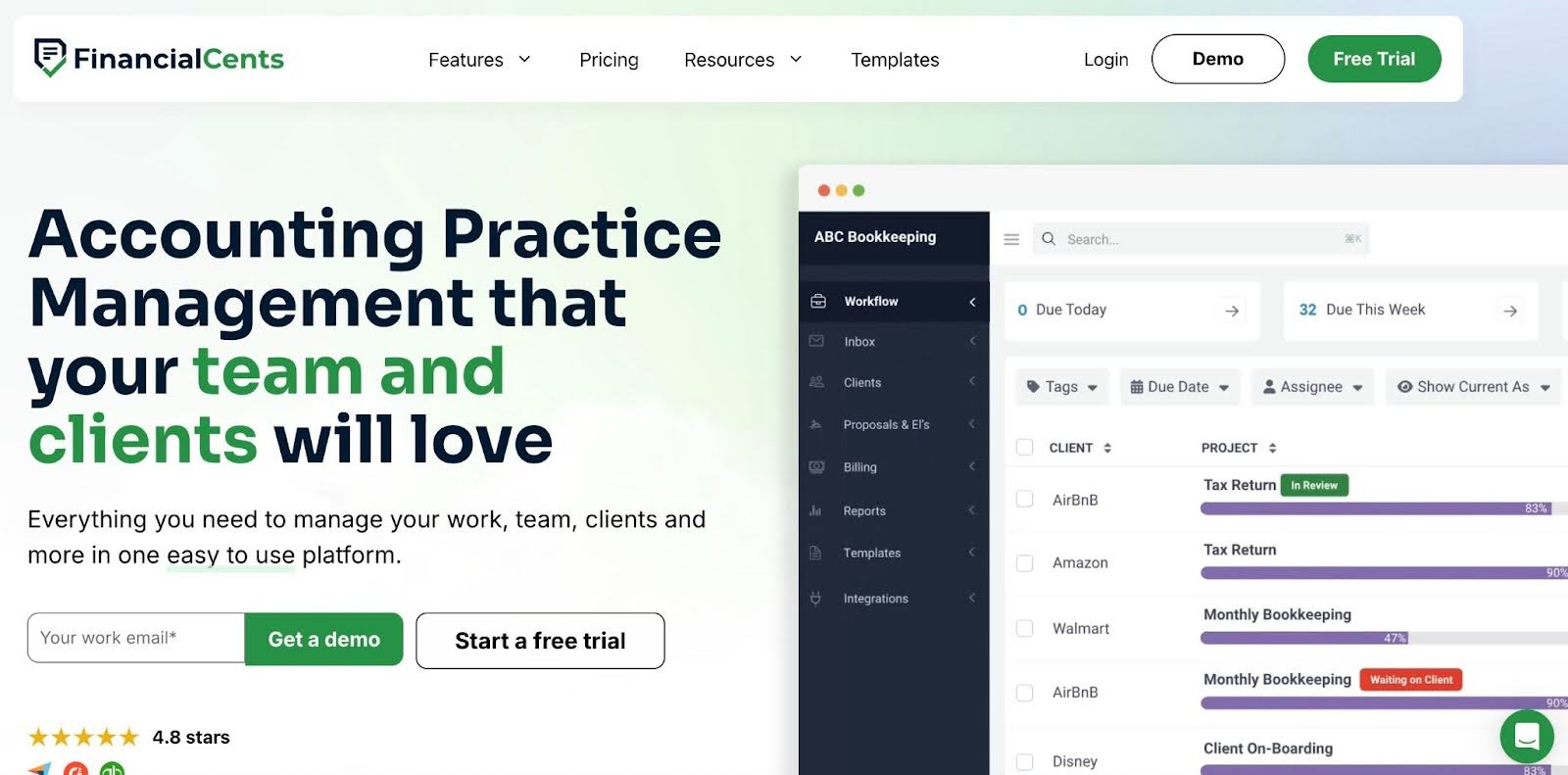
Financial Cents is an all-in-one practice management software for accounting and bookkeeping firms that helps firms manage recurring bookkeeping work, standardize their month-end close (MEC), track client deliverables, and maintain full operational visibility across their entire client base.
Unlike Botkeeper, which combined automation with an external bookkeeping service, Financial Cents integrates with your general ledger (QBO and other mission-critical accounting tools) to give firms the structure to run and control their bookkeeping operations in one place.
How Financial Cents Improves Your Practice After Botkeeper
Financial Cents solves most, if not all, of the challenges the Botkeeper model presented for accounting and bookkeeping firms:
- Firms own and control their operations: Your custom workflows, task rules, and processes stay with you forever instead of relying on an external bookkeeping provider.
- No dependency on a third-party team that can shut down suddenly: Your books, data, and workflows live in your platform, not a third-party system.
- Month-end close embedded directly into workflow: Dedicated templates, automated checklists, progress tracking, and reminders make month-end closes visible and predictable.
- Full visibility across clients and staff: The workflow dashboard shows the status of all client projects, team capacity, deadlines, and profitability, which eliminates blind spots.
- Scales whether they stay small or grow: Per-user pricing with unlimited clients allows you to serve as many clients as you can. Adding users is straightforward with hidden fees.
- One platform instead of stitching tools and service providers: Financial Cents consolidates task management, client portal, time tracking, billing, and MEC into a single, integrated system to reduce tool sprawl and tech spend.
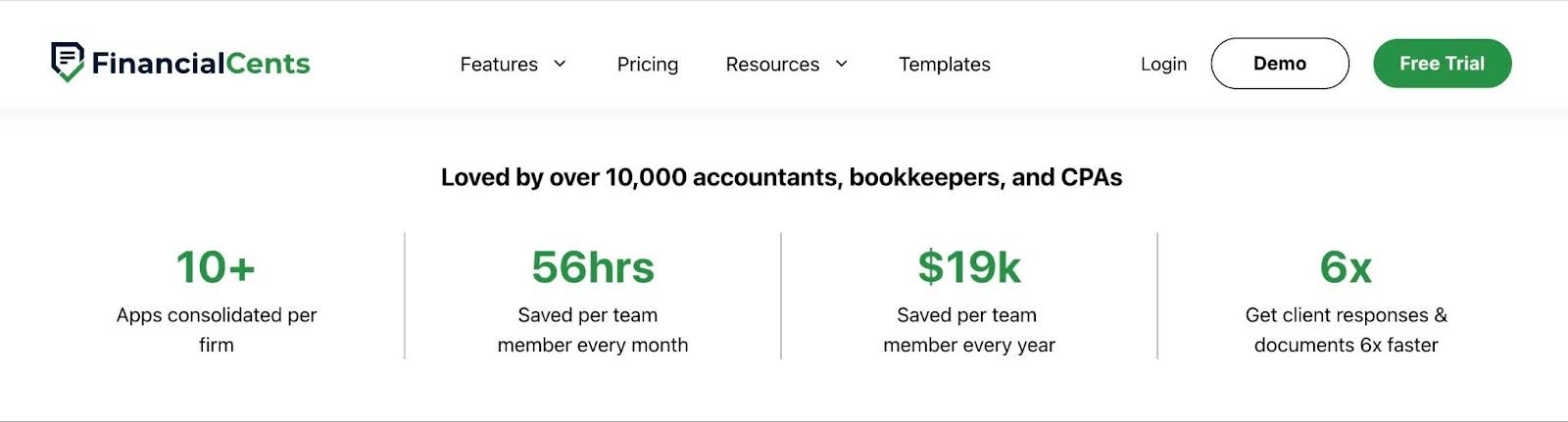
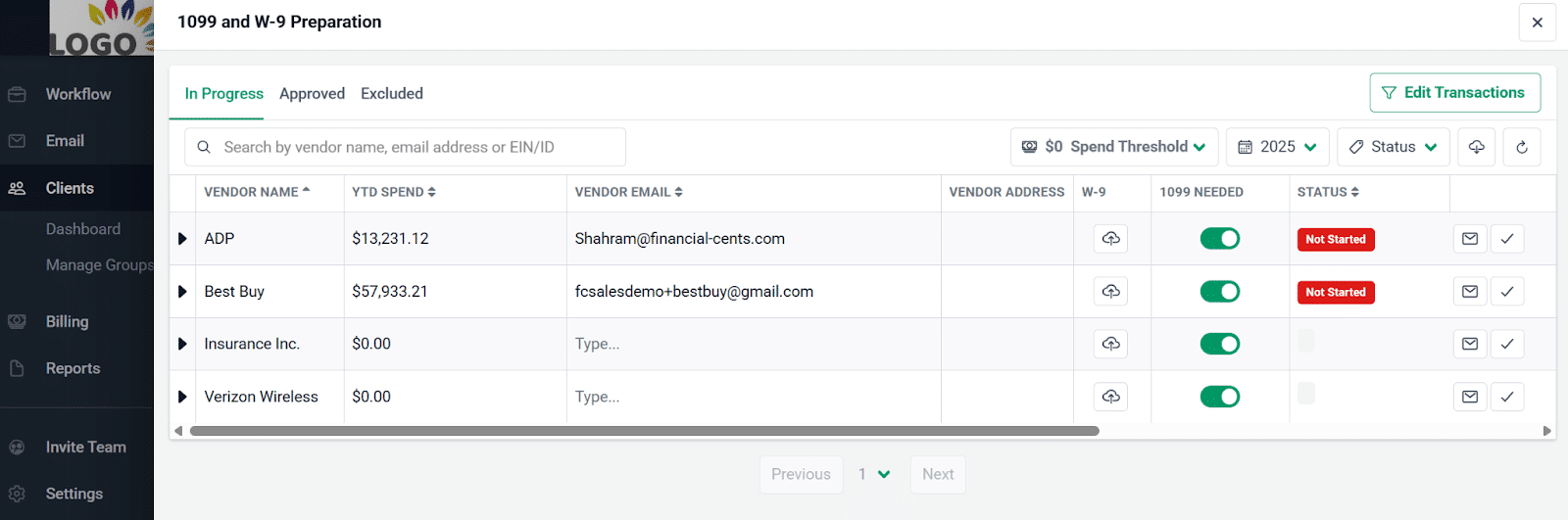
Financial Cents’ Bookkeeping and Workflow Features Include:
- Automated transaction flagging: Instantly surface uncategorized, incomplete, or high-risk transactions during review.
- Client Q&A inside workflow: Ask transaction-specific questions directly within the system and track responses in context.
- Automated reminders: Ensure outstanding client responses are automatically followed up on.
- QuickBooks Sync & Corrections: Categorize and adjust transactions and push approved changes back to QuickBooks Online automatically.
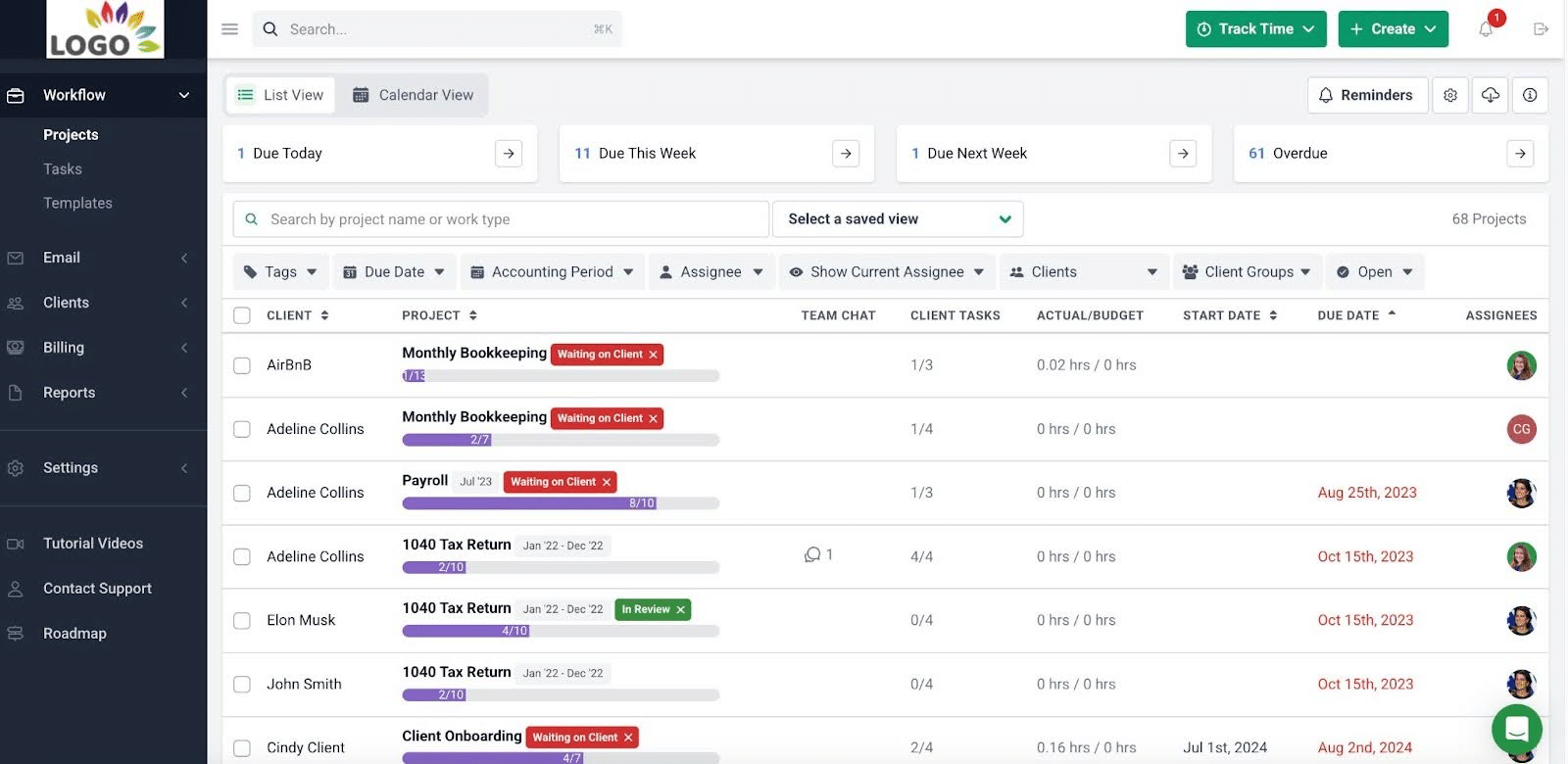
Workflow & Automation
- Recurring work: Automatically recreate recurring tasks and projects so deadlines are never missed or rebuilt manually.
- Workflow templates: Standardize processes using proven templates or custom workflows tailored to your firm.
- Workflow filters: Instantly filter by client, staff member, or tag to gain real-time visibility into exactly what needs attention.
- Dependencies: Automatically notify current assignees when previous steps are completed, so projects move forward without manual follow-ups.
- Team collaboration: Collaborate in real time with comments and notifications that keep everyone aligned without extra meetings.
Email Integration
- Focused client inbox: Separate client emails from internal noise to stay organized and responsive.
- Turn emails into tasks: Instantly convert email requests into trackable work items.
- Pin emails to work: Attach important email threads directly to projects for full context and auditability.
Capacity Management
- Capacity dashboard: See your entire team’s workload at a glance to prevent burnout and bottlenecks.
- Task reassignment: Rebalance workloads quickly to protect deadlines when availability changes.
- Custom workload views: Tailor workload views to see exactly what matters for smarter planning.
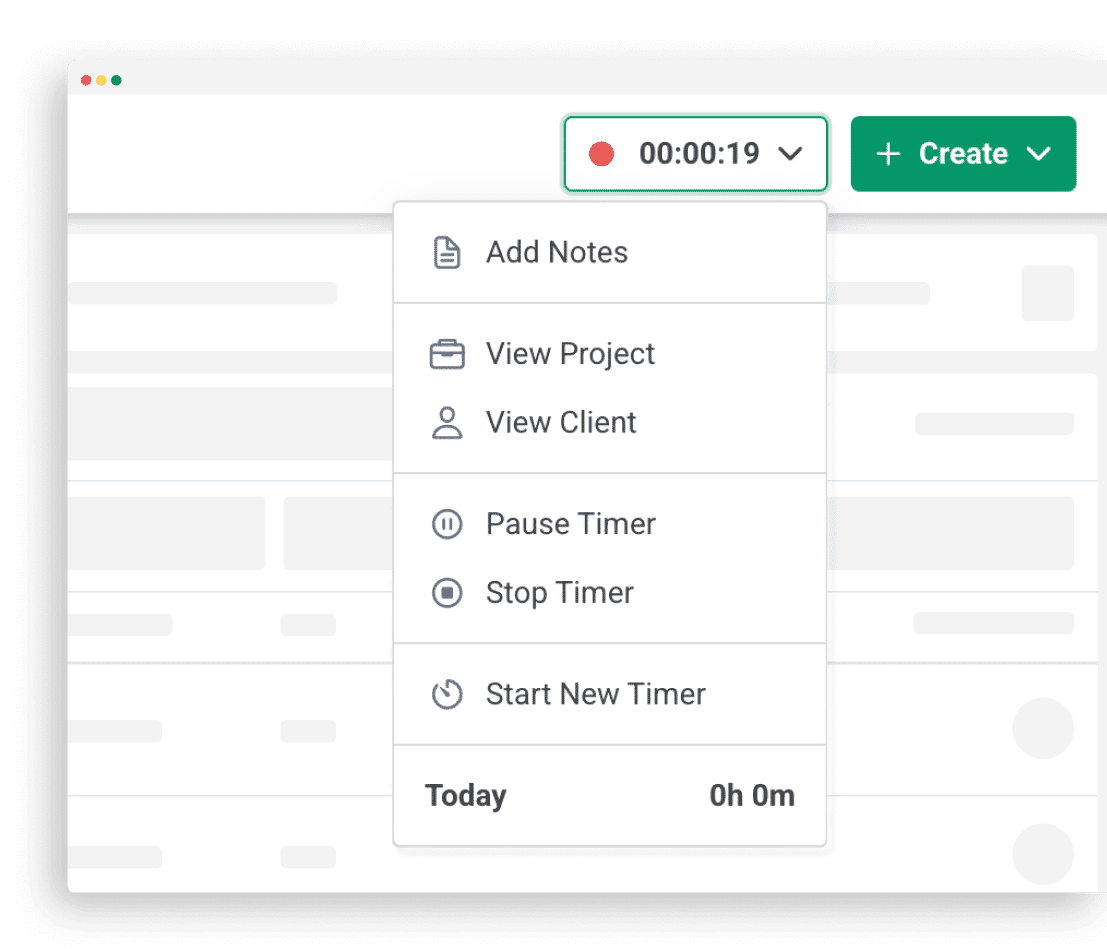
Time Tracking
- Start/stop timer: Track time effortlessly in the background while you work.
- Manual entries: Log time manually when needed for flexibility and accuracy.
- Billable vs. non-billable tracking: Identify time leakage by clearly separating revenue-generating and non-revenue work.
- Time budgets: Set time estimates and catch overruns before they affect profit margins.
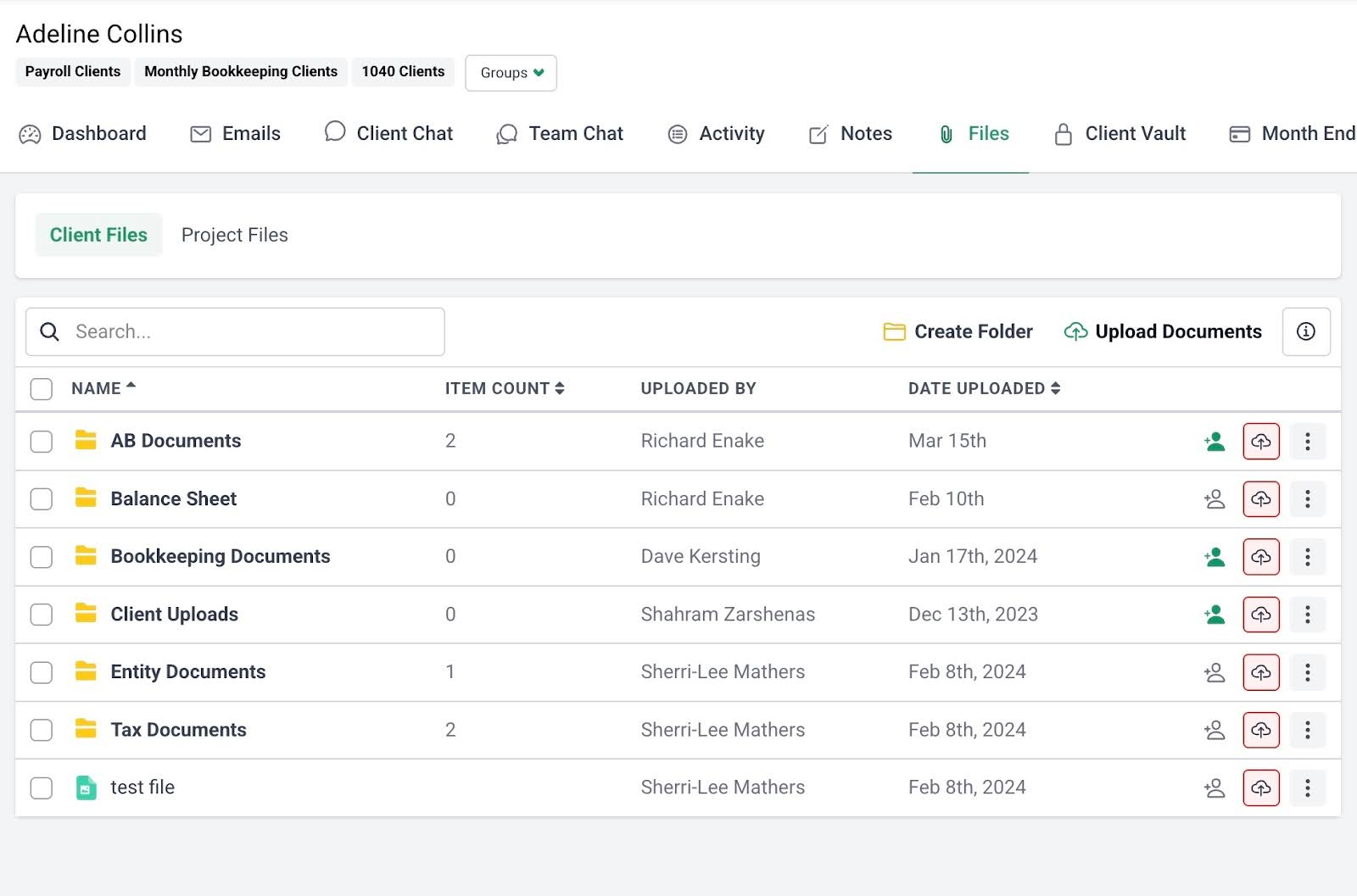
Document Management
- Folder sharing: Securely share organized folders with clients for seamless collaboration.
- Document organization: Structure files into custom folders and subfolders for clarity and control.
- Real-time notifications: Get notified instantly when clients or staff interact with documents.
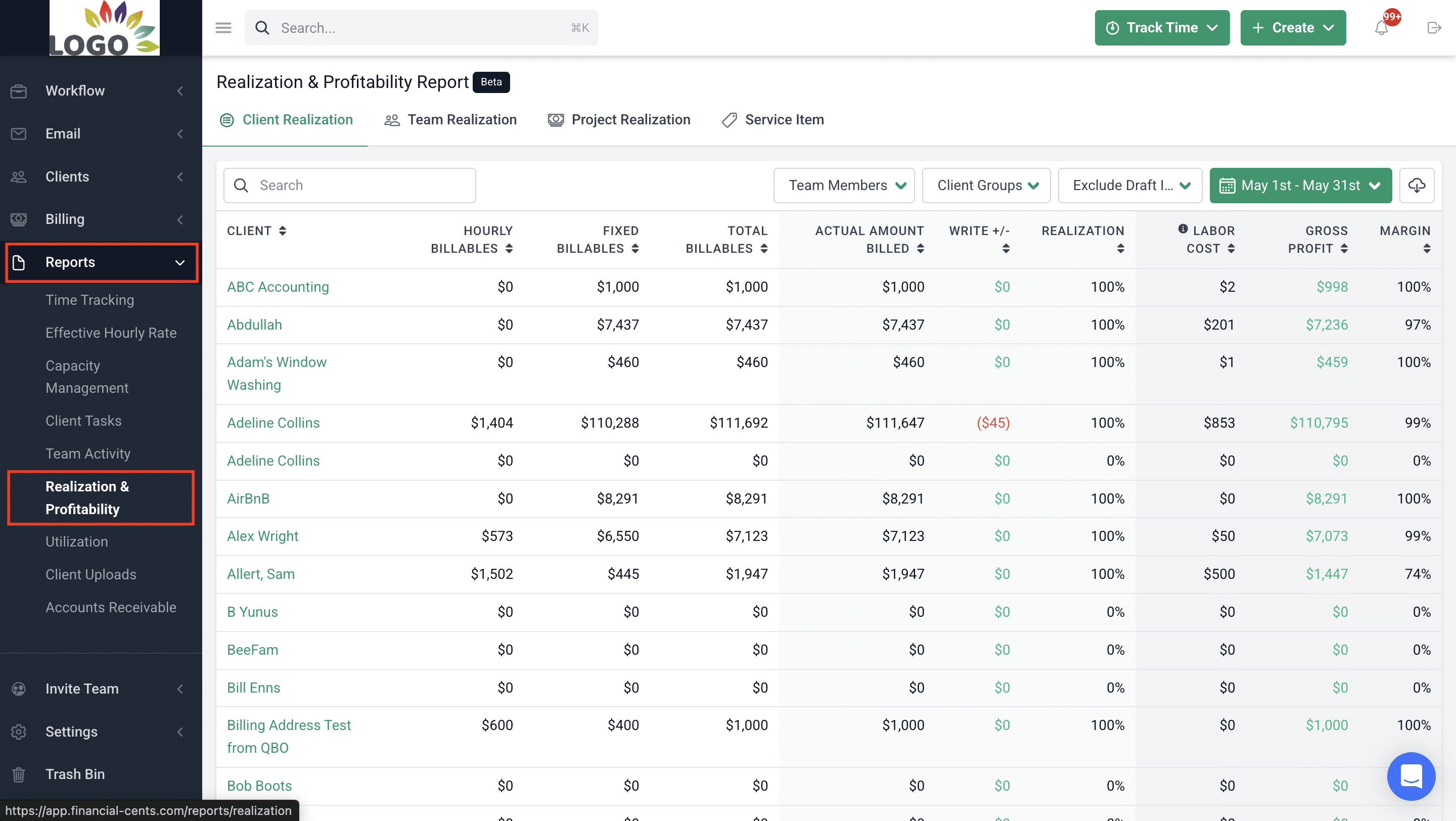
Budget & Reporting
- Realization & Profitability reports: Identify your most profitable clients, services, and team members.
- Budget reports: Spot over-budget work before it impacts firm margins.
- Time tracking reports: Understand exactly where your team’s time is going.
- Client uploads report: Monitor all client submissions firm-wide from one dashboard.
- Work Insights report: Detect bottlenecks and workflow inefficiencies early.
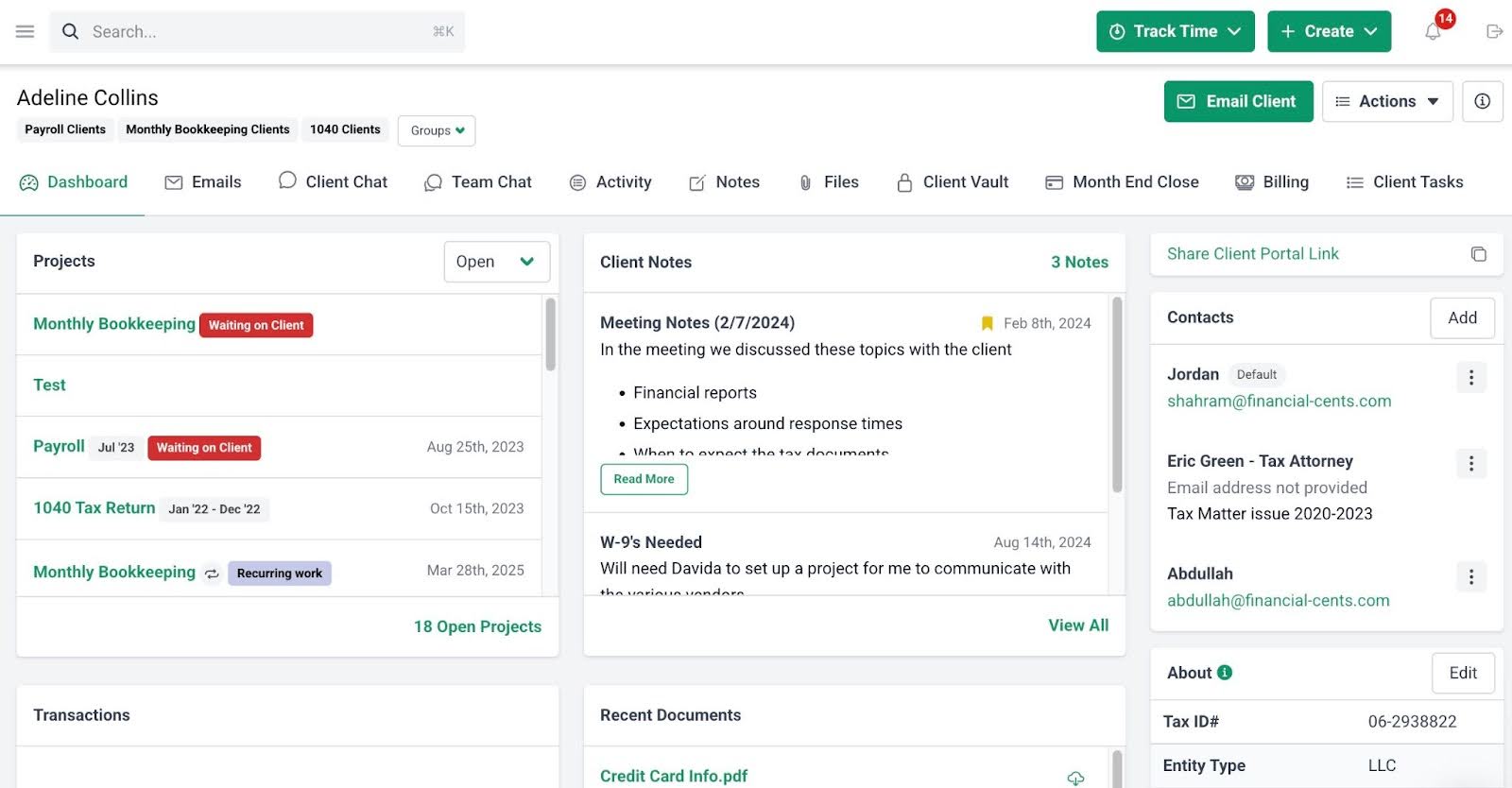
Client Portal
- Passwordless Portal: Provide secure, login-free access that removes friction for clients.
- Auto-reminders: Automatically follow up on outstanding items without manual chasing.
- Client Requests: Send structured requests that speed up client responses.
- Folder Sharing: Keep shared documents organized in one secure location.
- Client Chat: Organize topical conversations in a secure space.
- Uncategorized Transactions: Ask clients about transaction details directly and recategorize without leaving Financial Cents.
- Client Profile: Access key client information instantly from a single dashboard.
- Client Audit Trail: Track every client interaction in one clear timeline.
- Custom Fields: Create custom data points to segment and filter clients strategically.
- Secure Password Storage: Store client credentials securely in an encrypted vault.
Billing & Payments
- Recurring & One-time Invoices: Automate invoicing to reduce manual workload.
- QuickBooks Online Sync: Sync invoices and payments with QBO automatically.
- Automated Payments: Collect payments on autopilot to improve cash flow.
- Automated Client Reminders: Reduce late payments without manual follow-up.
How Financial Cents Compares to Botkeeper
Botkeeper delivered AI-driven transaction categorization, reconciliations, and hybrid workflows as an external service provider, which helped firms to offload routine work.
But Financial Cents empowers your team to own the workflows, customize month-end closes, track every task in real time, and maintain complete control of your own firm.
While Botkeeper handled high-volume transaction automation directly, Financial Cents connects with your existing GL (QBO) and any dedicated AI tool for transaction processing automation. This gives superior visibility, team coordination, and long-term stability.
Best Suited For:
- Bookkeeping and accounting firms (small to mid-sized, 3–20+ team members) that want to manage their own client work on their own terms.
- Teams that prioritize firm-wide visibility across clients, staff workloads, deadlines, and month-end closes.
- Firms transitioning from Botkeeper who need workflow ownership, repeatable processes, and client collaboration without vendor dependency.
Pros
|
Cons
|
Pricing
Financial Cents uses per-user pricing:
- Solo Plan: $19/ month per user
- Team Plan: $49/ month per user
- Scale Plan: $69/ month per user
- Enterprise: Custom pricing
Reviews
Financial Cents has:
Ready to see how Financial Cents can help to streamline month-end close, your clients, workflows and firm all together? Book a Free Demo
3. Digits
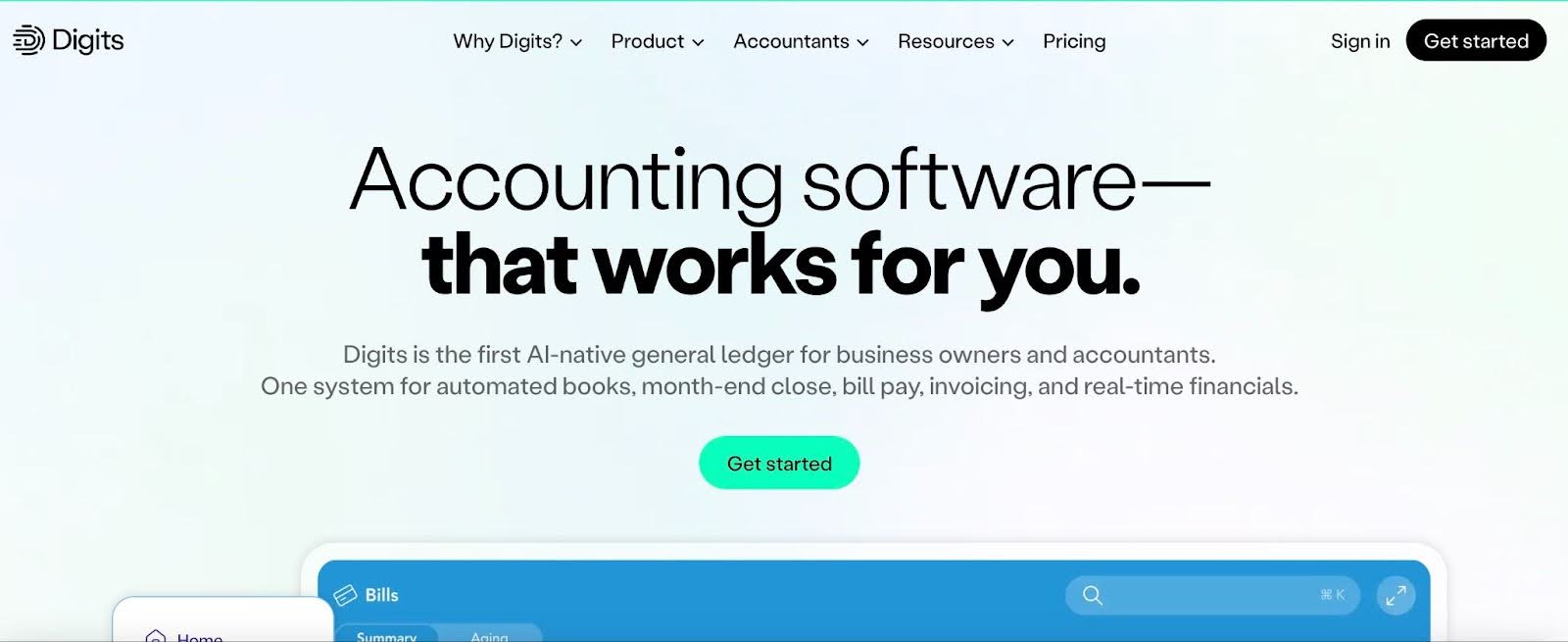
Digits is an accounting platform that combines automated bookkeeping software with an optional managed bookkeeping service.
Its features are designed for startups, e-commerce businesses, and growing companies that want cleaner financials without building a full in-house accounting team.
Digits Bookkeeping and Workflow Features Include:
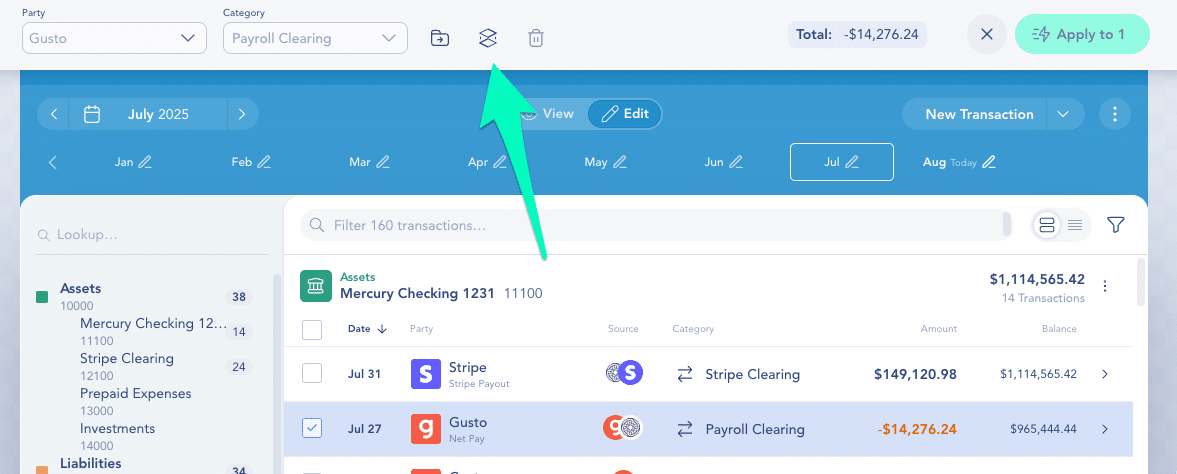
- Real-time categorization: Digits AI continuously learns your business to automatically categorize transactions and flag exceptions.
- Automated reconciliations: Accounts are reconciled automatically from bank feeds or uploaded statements, so your books stay accurate without manual tie-outs.
- Smart insights: AI-generated insights surface trends, anomalies, and revenue drivers without requiring manual analysis.
- AI-powered bank reconciliation: Transactions are automatically tied to bank statements with mismatches flagged instantly.
- Transaction review: Quickly review categories, vendors, and financial statements with structured AI assistance.
- AI-Native Accounting (AGL): Digits’ Agentic General Ledger automatically books the majority of transactions and flags exceptions for review.
- Branded client portal: Provide secure, custom-branded portals for document sharing, messaging, and collaboration.
- Client Vault: Store financial documents securely within an encrypted environment.
How Digits compares to Botkeeper
Digits represents a more advanced AI-first evolution in automated bookkeeping than Botkeeper’s hybrid model.
While Botkeeper combined machine learning for categorization with optional human oversight and scheduled processing, Digits pushes further with its Autonomous General Ledger and embedded AI agents that deliver near-autonomous workflows.
Best Suited For:
Digits is ideal for tech startups, solopreneurs, and growing businesses seeking automated, real-time books with minimal manual work. It provides CFOs with intuitive dashboards, AI insights, and fast closes to focus on growth rather than bookkeeping.
Pros
|
Cons
|
Pricing
Digits uses tiered plans:
- Essentials: $65/month
- Core: $100/month
- Advanced: $185/month
Reviews
Digits has:
4. Pilot

Pilot is an accounting service provider with subscription-based bookkeeping, tax, and CFO offering for startups and high-growth technology companies.
Unlike software-first tools, Pilot is a service-led model powered by internal technology. Clients do not license Pilot as a workflow platform. Instead, they outsource their bookkeeping and accounting operations to Pilot’s in-house team.
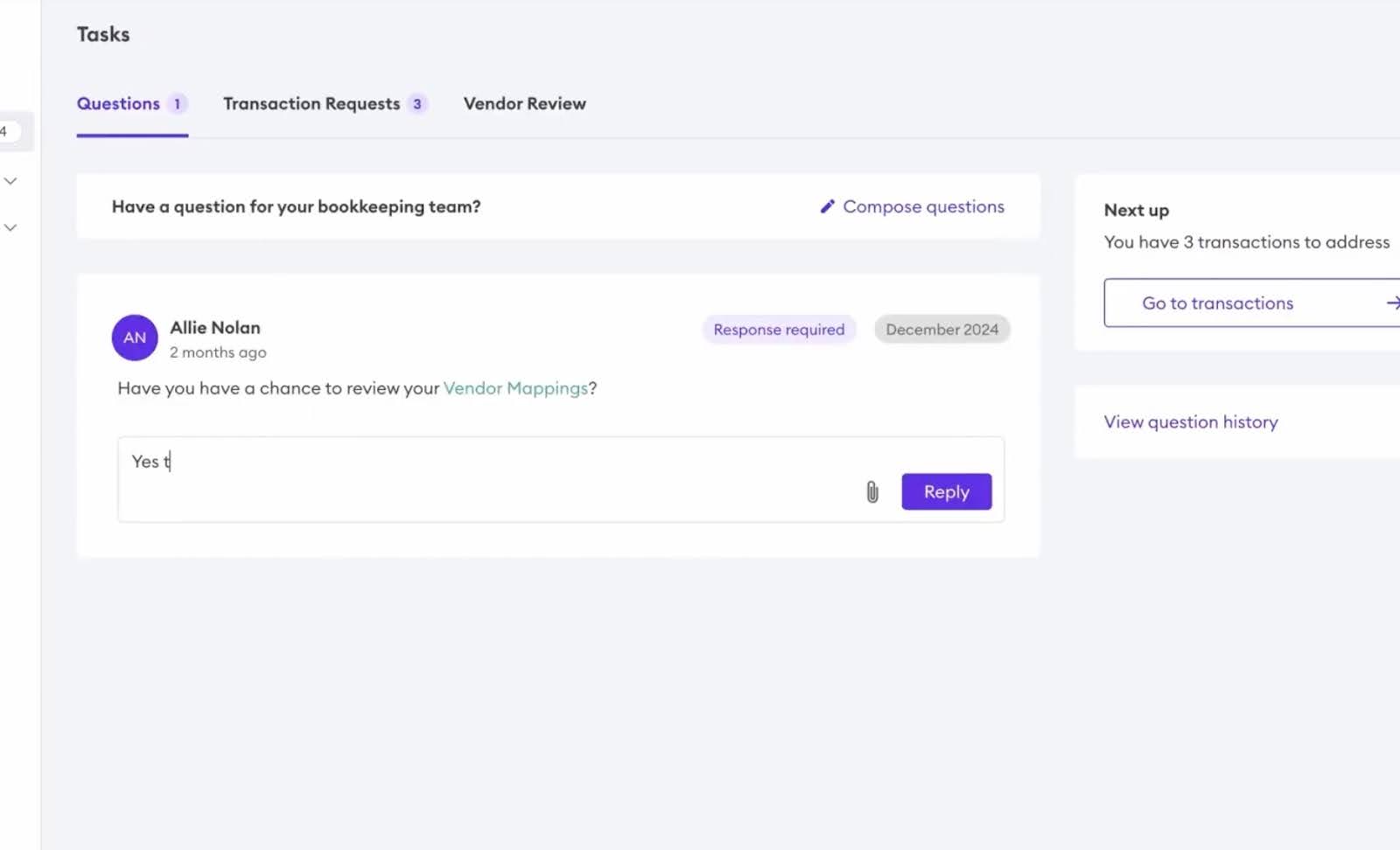
Pilot’s Key Bookkeeping Workflow Features Include:
- Bookkeeping & Transaction Management: Monthly reconciliation, transaction categorization (powered by AI for high accuracy), accounts payable/receivable handling, bill pay, expense tracking, and journal entries.
- Month-End Close & Reporting: Automated or assisted monthly closes with P&L, balance sheet, cash flow statements, and custom reports.
- Tax & Compliance: Year-end tax preparation, R&D tax credits support, and compliance guidance.
- CFO & Advisory Services: Access to a fractional CFO for budgeting, forecasting, strategic advice, and operational insights.
- Pilot AI: Autonomous AI Accountant runs full bookkeeping workflows with minimal intervention.
How it compares to Botkeeper
Pilot represents a fully managed accounting service model, rather than a tool you implement inside your own firm.
While Botkeeper empowered accounting firms with AI automation tools to scale their own client work in-house, Pilot provides end-to-end managed services directly to businesses, using its own AI-enhanced platform and dedicated US-based experts to handle everything.
Best Suited For:
Pilot is more suited to startups and high-growth small businesses wanting reliable, professional bookkeeping without building an in-house finance team. It is also ideal for companies needing accrual-basis accounting, real-time insights, tax prep, and CFO-level guidance.
Pros
|
Cons
|
Pricing
Pilot uses tiered pricing:
- Essentials: $99/month
- Core: $299/month
- Custom: Contact Sales
Reviews
Pilot has:
5. Zeni
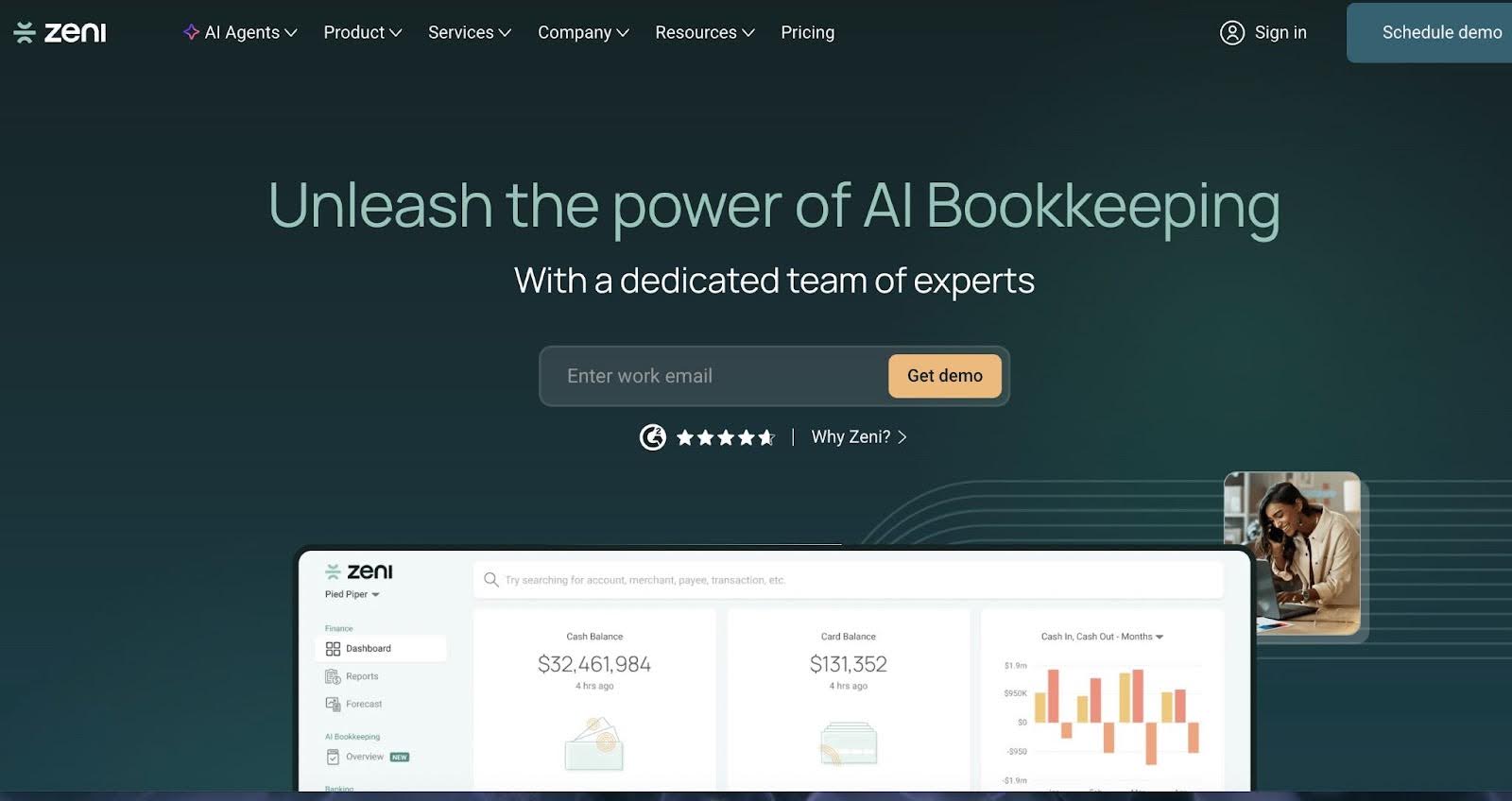
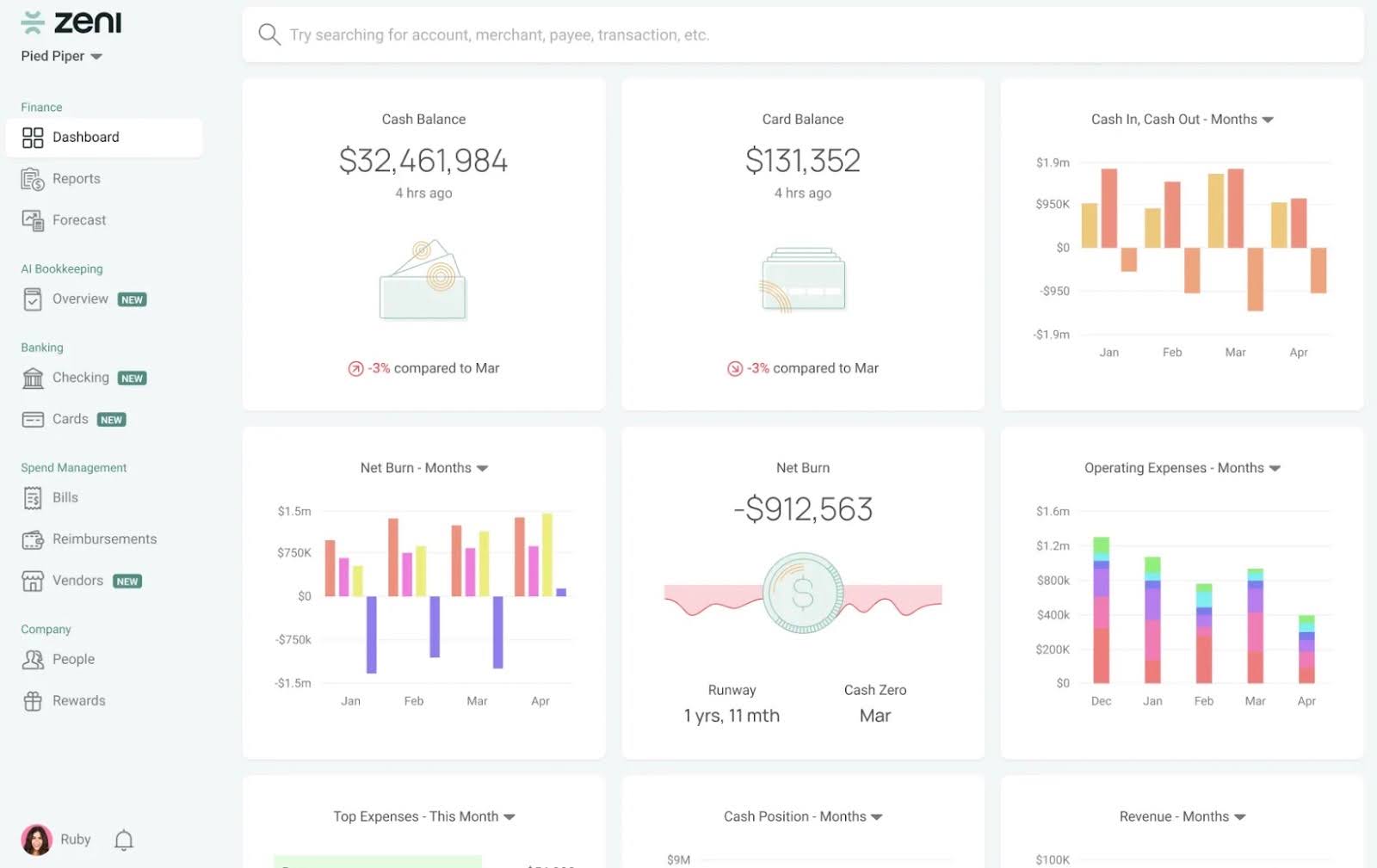
Zeni combines automation with a managed finance team for startups to deliver bookkeeping, accounting, and CFO-level insights through a subscription model.
Zeni’s strong emphasis on AI-driven automation makes it a great alternative to consider for Botkeeper replacement.
Zeni’s Bookkeeping and Workflow Features Include:
- AI-Powered Bookkeeping & Transaction Management: Daily AI categorization of transactions, bank/credit card reconciliations, automated journal entries, anomaly detection, etc.
- Real-Time Reconciliation & Month-End Close: Continuous updates to books, automated adjusting entries, and fast closes with GAAP-compliant reports.
- Payroll & Tax Services: Outsourced payroll handling (onboarding to compliance), tax preparation, and R&D credit support.
- Fractional CFO & Advisory: Access to experts for budgeting, forecasting, strategic planning, and growth advice.
- Integrations: Strong connections to banks, Stripe, Ramp, BILL, QuickBooks Online, and more for seamless data flow.
- AI Agents: Specialized agents automate routine tasks like categorization and entries, with human review for edge cases.
How it compares to Botkeeper
Zeni serves as a more comprehensive, service-heavy alternative to Botkeeper’s automation-focused hybrid model.
Where Botkeeper provided AI-driven tools primarily for accounting firms to manage client books in-house, Zeni uses AI to provide daily automation combined with dedicated experts for oversight, advisory, payroll, etc.
Best Suited For:
Zeni is used mostly by startups and high-growth companies looking for a complete outsourced finance solution without building an internal team. Its users prefer managed services with AI efficiency and human accountability over pure software tools.
Pros
|
Cons
|
Pricing
Zeni uses a tiered pricing model:
- Starter: $494/month
- Growth: $719/month
- Enterprise: Custom pricing
Reviews
Zeni has 4.7/5 stars on G2
6. QuickBooks Online
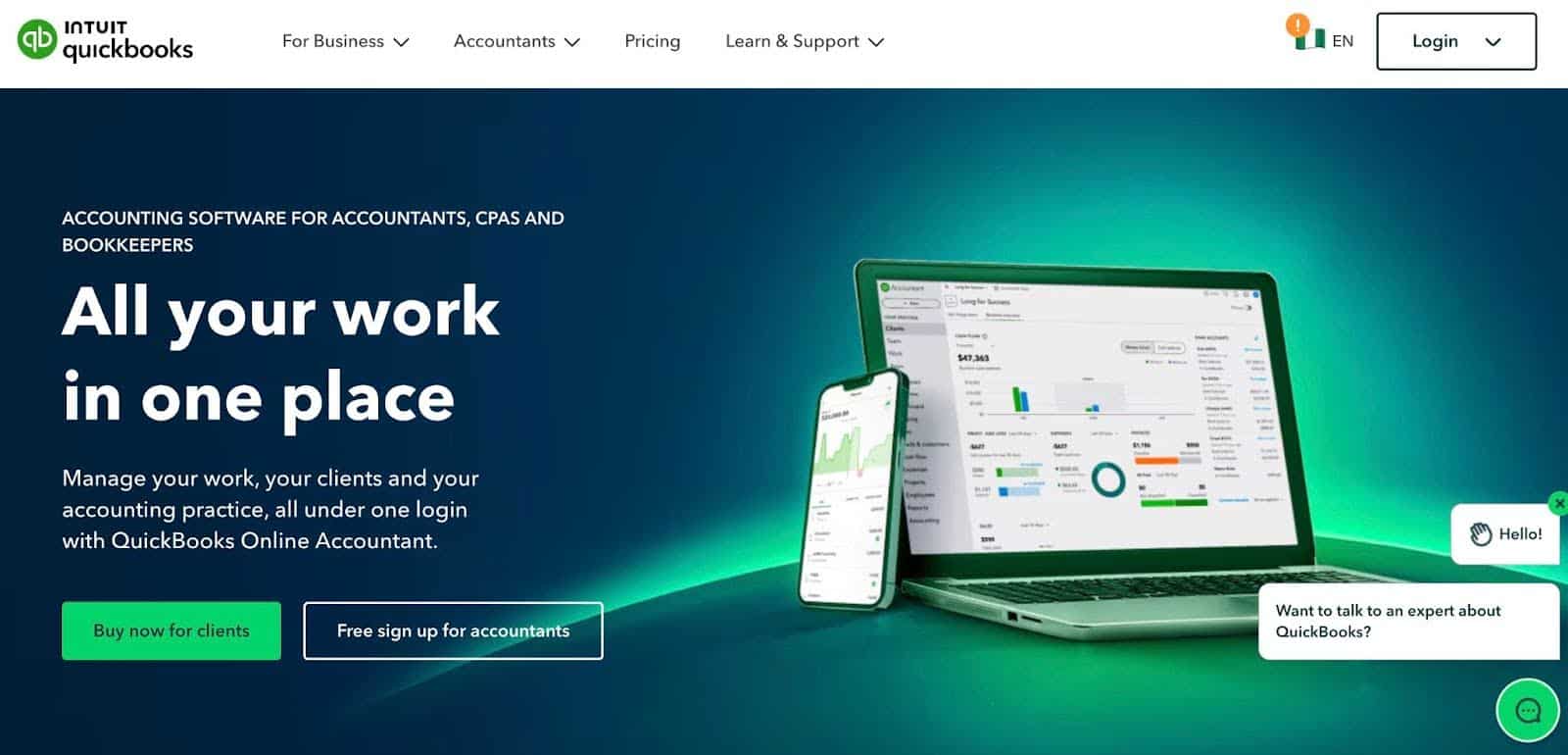
QBO is a stable foundation for most firms to manage their client books, and many are using it as their primary GL, while adding specialized automation tools for advanced needs.
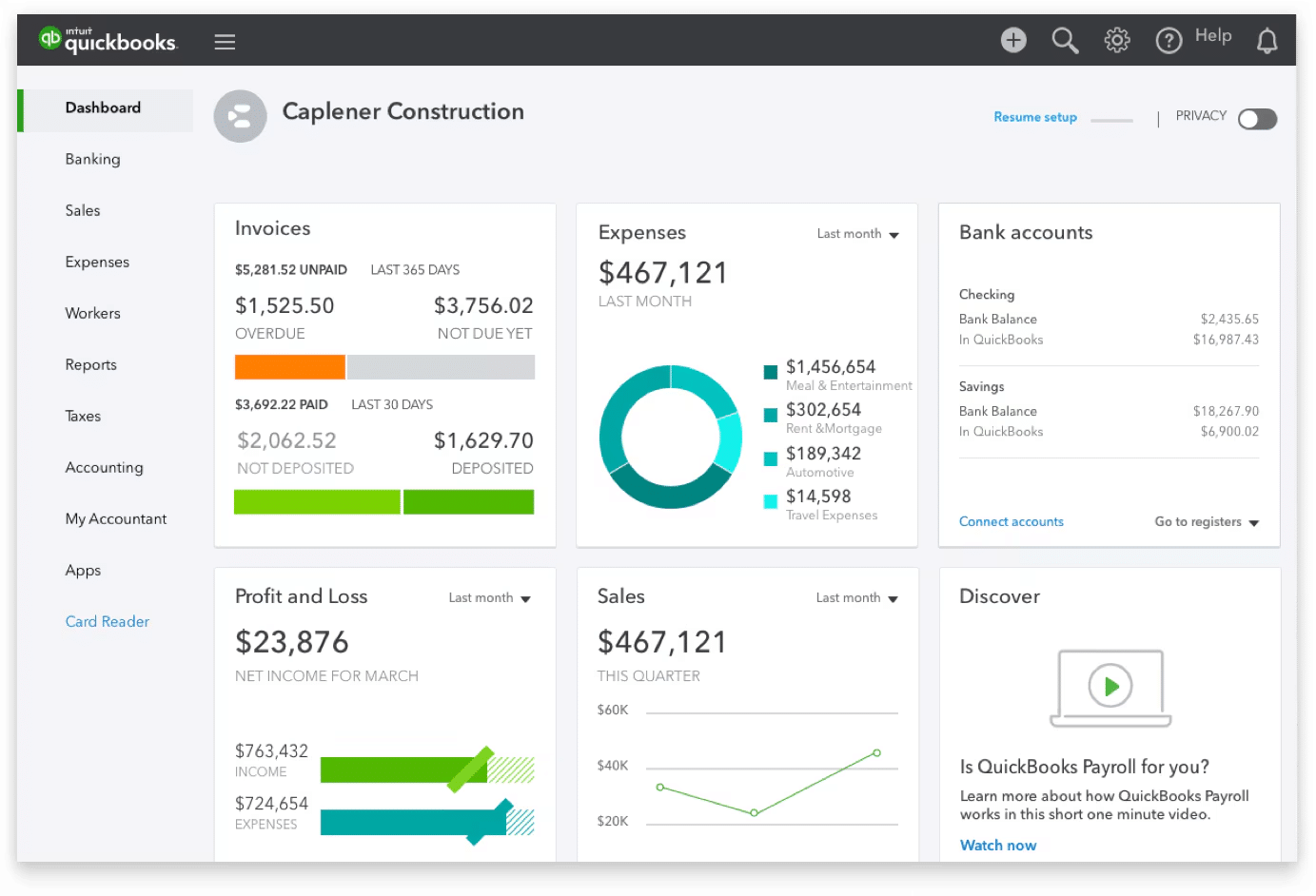
It has AI-powered features (through Intuit Assist and AI agents) that provide smarter automation for categorization, reconciliation, invoicing, anomaly detection, and proactive insights.
QuickBooks Bookkeeping and Workflow Features Include:
- Bank feed connections: Sync bank and credit card accounts to maintain a real-time, accurate view of financial activity.
- Intuit Assist: Automates routine bookkeeping tasks while providing real-time personalized insights and proactive suggestions.
- Receipt capture & organization: Upload and match receipts to transactions instantly to maintain audit-ready documentation.
- Multi-currency support: Invoice and record transactions in multiple currencies while automatically adjusting reports for exchange rates.
- Workflow automation: Automate invoice approvals, bill reminders, and expense tracking to streamline repetitive processes.
- Role-based permissions: Control access to sensitive financial data by assigning customized user roles.
How it Compares to Botkeeper
QuickBooks Online functions as the essential underlying general ledger and everyday accounting solution, while Botkeeper acts as a specialized AI automation tool designed to amplify tools like QBO with high-volume, hands-free transaction processing.
Best Suited For:
QuickBooks is best suited for accounting firms that manage small and mid-sized businesses and want flexible app integrations. Firms that value vast integrations and real-time collaboration over ultra-specialized high-volume AI.
Pros
|
Cons
|
Pricing
QuickBooks Online uses a tiered pricing model:
- Simple Start: $14.70/month
- Essentials: $21.70/month
- Plus: $32.20/month
- Advanced: $62.30/month
Reviews
QuickBooks Online has
7. Xero
Xero is a cloud-based accounting platform for small and mid-sized businesses and the accounting firms that serve them.
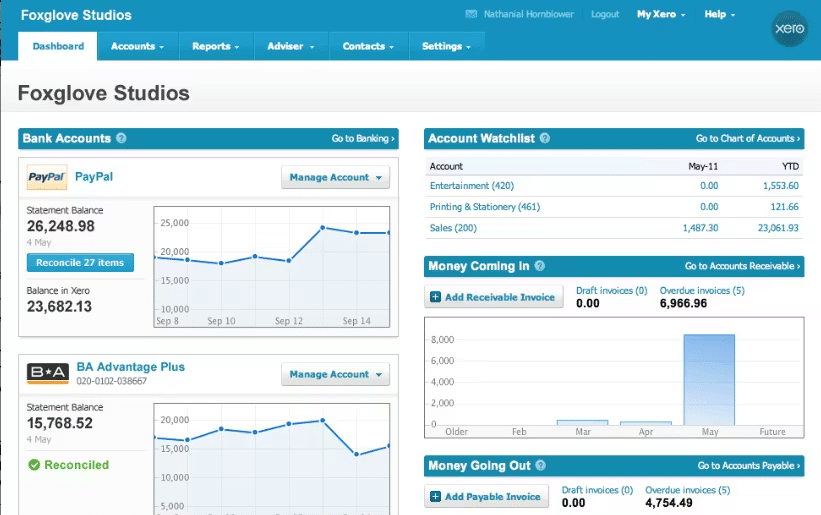
It has strong bank feed integrations, automates routine tasks, and supports invoicing, expenses, payroll (via partners), inventory, projects, and reporting.
Xero’s Bookkeeping and Workflow Features
- Transaction Categorization & Bank Feeds: Direct bank/credit card connections, rule-based + AI-suggested categorization;
- Automatic bank reconciliation: Auto-matches and reconciles high-confidence transactions in near-real time or background, learning patterns over time for potentially 80%+ hands-free.
- Reconciliation & Month-End Close: Streamlined screen with auto-matching, bulk actions, AI suggestions (tax codes, anomalies), and faster closes; AI data capture (snap/email/drag-drop receipts/invoices) extracts details and proposes matches.
- Workflow Automation: Approval rules, reminders, multi-currency, project tracking (time/costs), inventory, and dimension tagging.
- Reporting & Insights: Real-time customizable dashboards, P&L, cash flow, balance sheet; AI-driven alerts, health scorecards, and actionable summaries.
- JAX: JAX for auto-reconciliation (simple to complex matches), GenAI extraction, and agentic workflows to reduce manual input.
How it compares to Botkeeper
Xero acts as an essential general ledger and collaborative accounting core, while Botkeeper functioned as a specialized AI automation component engineered to amplify platforms like Xero through high-volume, mostly hands-free transaction processing and hybrid firm workflows.
Best Suited For:
Xero is ideal for accounting firms using Xero as the client GL and is best when paired with practice management or AI add-ons for Botkeeper-style scale. Growing teams valuing real-time access to multi-currency and progressive AI without per-user costs also find it valuable.
Pros
|
Cons
|
Pricing
Xero uses a tiered pricing model:
- Starter: $29/month
- Standard $50/month
- Premium $75/month
Reviews
Xero has:
8. Tofu
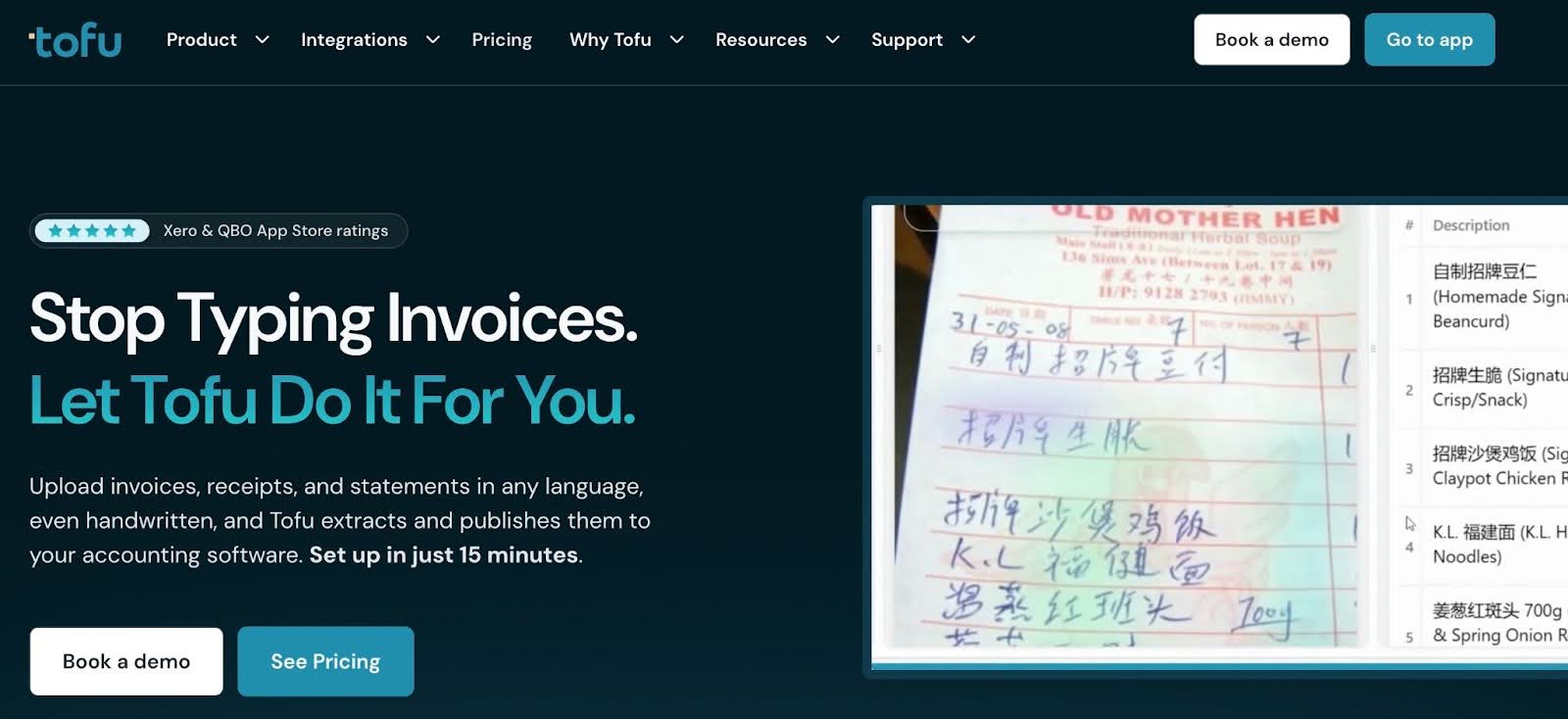
Tofu is an AI-powered bookkeeping automation platform for accounting and bookkeeping firms looking for intelligent document processing, automatically extracting detailed data from invoices, receipts, bank statements, and other unstructured documents.
It posts extracted data directly into accounting software like QuickBooks Online or Xero as draft entries or categorized transactions while learning from historical patterns to improve accuracy over time.
Features (especially Key Bookkeeping & Workflow Capabilities)
- AI Document & Line-Item Extraction: Zero-configuration processing of invoices, receipts, bills, and statements.
- Bank Statement Extraction: Upload any PDF (any bank, country, length). Extracts all transactions and exports to Xero, QuickBooks, or CSV for reconciliation.
- Smart Categorization & Posting: Learns from past transactions/GL history to auto-apply codes, categories, and draft entries.
- Integrations: Native bidirectional sync with QuickBooks Online and Xero. Pushes data directly into books; supports multi-entity use.
- Workflow Efficiency: Reduces manual data entry, handles messy real-world docs, and provides audit-ready detail capture.
How it Compares to Botkeeper
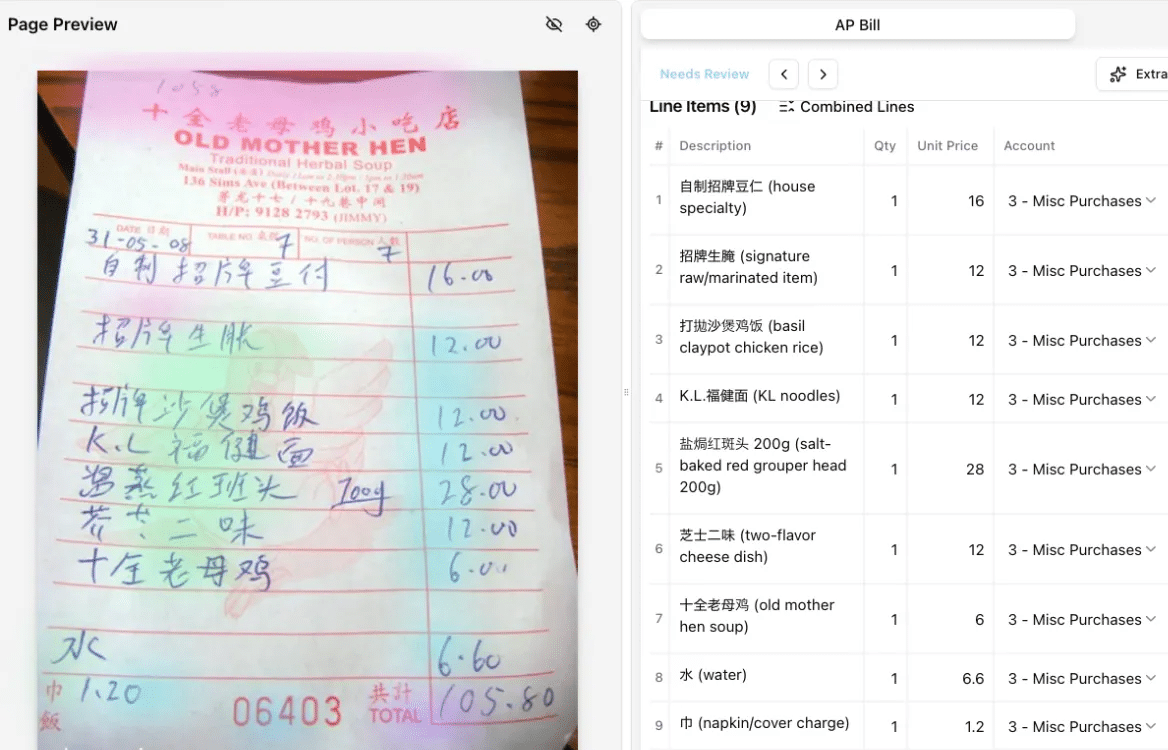
Botkeeper emphasized broad AI transaction categorization, reconciliations, and hybrid workflows for high-volume feeds, but it struggled with multilingual docs, handwriting, and full line-item extraction.
Tofu focuses on superior intake automation with zero-config AI that excels at messy, international, unstructured documents, complete line-by-line detail, and seamless GL posting.
Best Suited For:
Accounting and bookkeeping firms handling multilingual clients or messy documents (handwritten, non-standard formats). It is also ideal for practices dealing with high-volume invoices/receipts/bank statements where manual entry or basic OCR tools fall short.
Pros
|
Cons
|
Pricing
Tofu uses a tiered pricing model:
- Pro: $79/month
- Business: $199/month
- Enterprise: $399/month
- Max: $799/month
Reviews
Not available
How to Choose the Right Alternative for Your Firm
I. List your priority features
The first step is to look within and rank your must-have vs. nice-to-have features based on your needs.
No one knows your firm as much as you do, so consider those areas where your team has struggled most and list them in order of importance.
These could be transaction categorization, first-pass reconciliations, workflow tracking, client document management, recurring task templates, multi-client dashboards, or native QBO/Xero integrations.
II. Score tools against your needs
With your priorities defined, evaluate each alternative against the features and functionalities you need to avoid making decisions based on sheer advertising claims.
Some firms will create a simple comparison table and score their priority features (like the one below)
| Feature | Docyt | Financial Cents | Digits |
| Bookkeeping Automation depth | 8/10 | 6/10 | 9/10 |
| Workflow control | 7/10 | 9/10 | 5/10 |
| Integration strength | 8/10 | 9/10 | 6/10 |
| Scalability | 6/10 | 9/10 | 6/10 |
It’s easier to make more informed decisions when you visualize trade-offs.
III. Consider integration requirements
Without proper integration, your staff may spend hours weekly manually entering the same data across systems.
Map how work and data flow through your firm to identify which tools must integrate.
With that clarity, prioritize platforms that support two-way synchronization so the data and actions taken in one tool automatically update in the others.
IV. Evaluate the total cost of ownership
Look beyond subscription fees when thinking of costs. A low starting price can quickly rise if deeper functionality or growth requires added-on prices.
The costs of adding clients, team members, and advanced automation can affect how much you end up paying for a tool. There are also migration, implementation, and training costs to consider.
V. Test with real workflows
Generic demos may not tell you everything you need to know about your unique workflow needs.
Where you can, ask to use your actual data (CSV exports of transactions, rules, and historical categorizations) to get a clearer picture of what to expect.
This kind of demo or free trial helps your team understand how the tool performs, where friction should be expected, and where you will need a workaround to use the tool. Any decision made afterwards will be rooted in real-world experience.
VI. Plan for change management and onboarding
Implementing a clear transition plan helps your team and clients to adopt a new tool more seamlessly.
This involves defining your migration timeline, assigning a project owner, identifying workflow redesign needs, and training team members by role.
Then you can communicate changes to clients and closely monitor the first 90 days to manage staff resistance, temporary productivity dips, and process adjustments.
Transition Planning: Moving from Botkeeper to a New Tool
Step 1: Export and backup Botkeeper data
If you haven’t already, export and back up all available Botkeeper data and store copies in multiple secure locations (cloud and local storage).
These records are critical for audit trails, client disputes, year-end reviews, and compliance documentation.
Step 2: Document existing workflows dependent on Botkeeper
Next, document all the processes that previously ran inside Botkeeper, starting with month-end procedures.
Outline each step, review point, approval stage, recurring task triggers, exception handling routines, etc.
Use a checklist template, like those in Financial Cents, to visualize workflows and identify what must be rebuilt now that Botkeeper is no longer operational.
Step 3: Communicate with clients proactively
Notifying your clients ahead of time prepares them for any potential delays or actions they may need to take.
In your emails, calmly acknowledge the change, emphasize continuity, outline benefits, and set clear expectations.
Step 4: Map workflow gaps and reassign responsibilities
Documenting the gaps that Botkeeper’s exit has created in your workflows helps to easily identify what needs to be reassigned. tasks to keep things from falling through the cracks.
This means determining who will now handle tasks like first-pass transaction categorization, reconciliation discrepancies, and close monitoring to ensure all responsibilities in your new tool are covered by the appropriate team members.
Step 5: Plan phased switchover (pilot clients first)
Start by running a small group of clients and projects through the new system to identify workflow friction, integration issues, and training gaps.
This pilot approach allows you to refine your processes, correct mistakes early, and minimize risk or large-scale disruption.
Step 6: Train the team before full rollout
Proper training empowers your team to use the new tool effectively and maximize efficiency gains.
You can begin with vendor-provided resources, then continue with hands-on practice for them to see how every aspect of the tool works, from workflow dashboards and automation to exception handling and client portal.
Step 7: Track transition KPIs
This is where you measure your team’s performance after the transition against your pre-migration benchmarks.
Key metrics like close turnaround time, reconciliation errors, uncategorized transactions, client document delays, and staff workload help you to identify what’s working and what needs adjustment.
Regain Control and Simplify Your Operations with Financial Cents Practice Management Solution
Botkeeper handled both operations and workflow structure, which is why its shutdown caused such tremendous disruptions for its users.
It is to prevent such frustrating events that we advise firms to build their tech stack in modules.
By combining a practice management solution with a general ledger software and an AI-powered tool, you can have the same depth and scale of automation without sacrificing workflow visibility and ownership.
Former Botkeeper users who adopt Financial Cents as the control centre of their firm can expect quicker stabilization, fewer errors, and increased confidence in their processes.
Don’t take our word for it. See how Financial Cents simplifies your month-end close and other bookkeeping processes today. Click here to start your 14-day free trial.