

Financial Cents vs Client Hub
Financial Cents and Client Hub are accounting practice management platforms that organize client work, deadlines, and communication. Financial Cents is built around your clients and small and mid-sized firms, starting at $19/month for solo practitioners and $49/month per user for teams, with billing, tax organizers, and e-signatures built in. Client Hub is built around its client portal and bookkeeping workflows, starting at $49/month for solo users and $59/month per user for teams.
 4.8 stars








Nancy Wilson
Managing Director, JNW Group
Financial Cents vs Client Hub features compared
Financial Cents
Client Hub
Features
| Feature | Financial Cents | Client Hub |
|---|---|---|
| Workflow Automation |  | |
| Workflow Templates | (400+) | |
| Client Portal | | |
| Passwordless client portal | | |
| Automated client reminders | | |
| Tax organizers | | Questionnaires |
| Free, unlimited e-signatures | | Pay per use (credits) via Zoho Sign integration |
| KBA e-signatures | | via Zoho Sign integration |
| Native billing, invoicing & payments | | Not listed |
| Proposals & engagement letters | | Via Anchor integration |
| Time Tracking | | |
| Realization & profitability reports | | Not listed |
| Capacity Planning | | Not listed |
| Month-end close (QuickBooks Online) | | |
| Uncategorized transactions | | |
| QuickBooks integration | | |
| Integrated email (Gmail & Outlook) | | |
| Google Drive & OneDrive two-way sync | | Not listed |
| Open API | | Not listed |
| MCP server | | (beta) |
| AI File Validator, Renaming, Routing | | Not listed |
| AI email drafting | | |
| Team Chats | | Not listed |
| Comments and @mentions on tasks | | |
| Unlimited clients | | |
Why users love us ❤️
Practice management and billing in one place
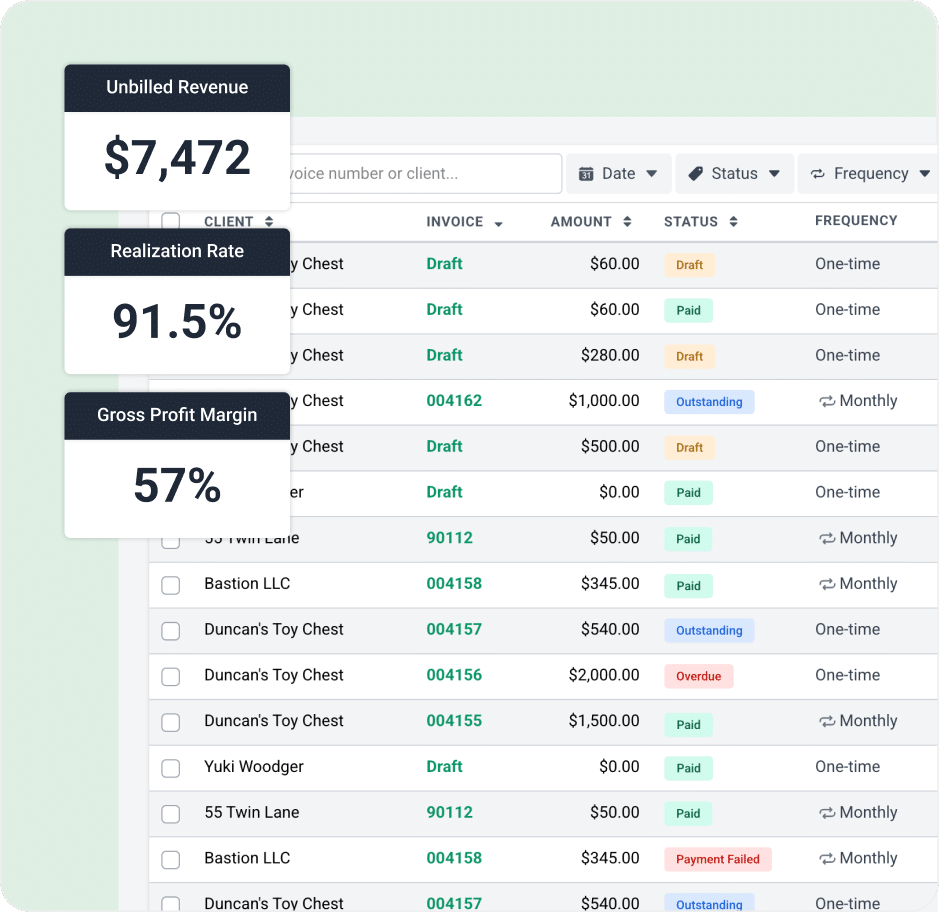
Financial Cents covers the whole client job: workflows and recurring work, client requests with automatic reminders, time tracking, billing and payments, proposals, and realization and profitability reporting. You don’t need a separate billing tool to get paid or a spreadsheet to see which clients are profitable. Client Hub focuses on the client portal and workflow, and relies on integrations such as Anchor for billing and proposals.
“Can’t say enough good things about it!
We are thrilled with the streamlined workflow Financial Cents brings to our firm! After much trial and error, with other products/companies over-promising and under-delivering, the cloud-based accessibility, affordability, intuitive interface, and INCREDIBLE customer support have made this an easy decision for us. Financial Cents is my top choice for efficient and effective financial management – 10/10 highly recommended!”
Michelle A.
Tax organizers and e-signatures, built in
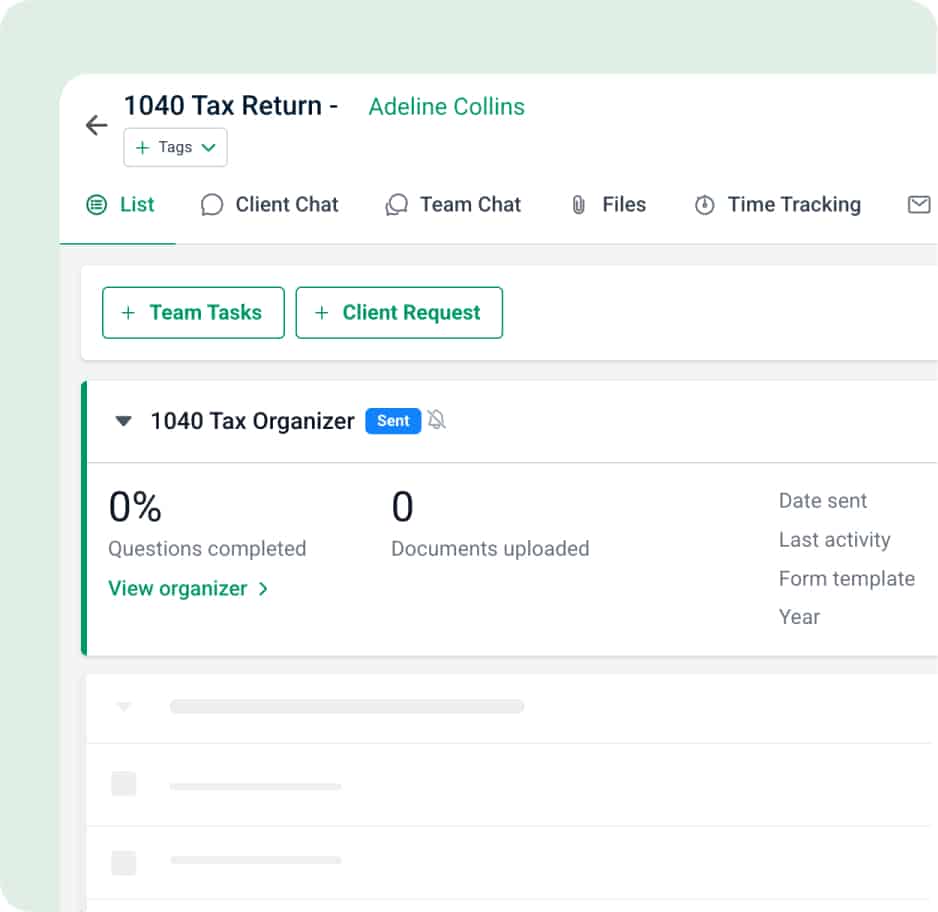
Send tax organizers that only show clients the questions that apply to them, with document requests in the same form and reminders that run until clients submit. When a document needs a signature, send it from the same client task: standard e-signatures are free and unlimited, with optional KBA identity verification for higher-stakes forms.
“Financial Cents reminds my clients of the tasks they need to complete…”
Krista Sievers
A client portal clients actually use
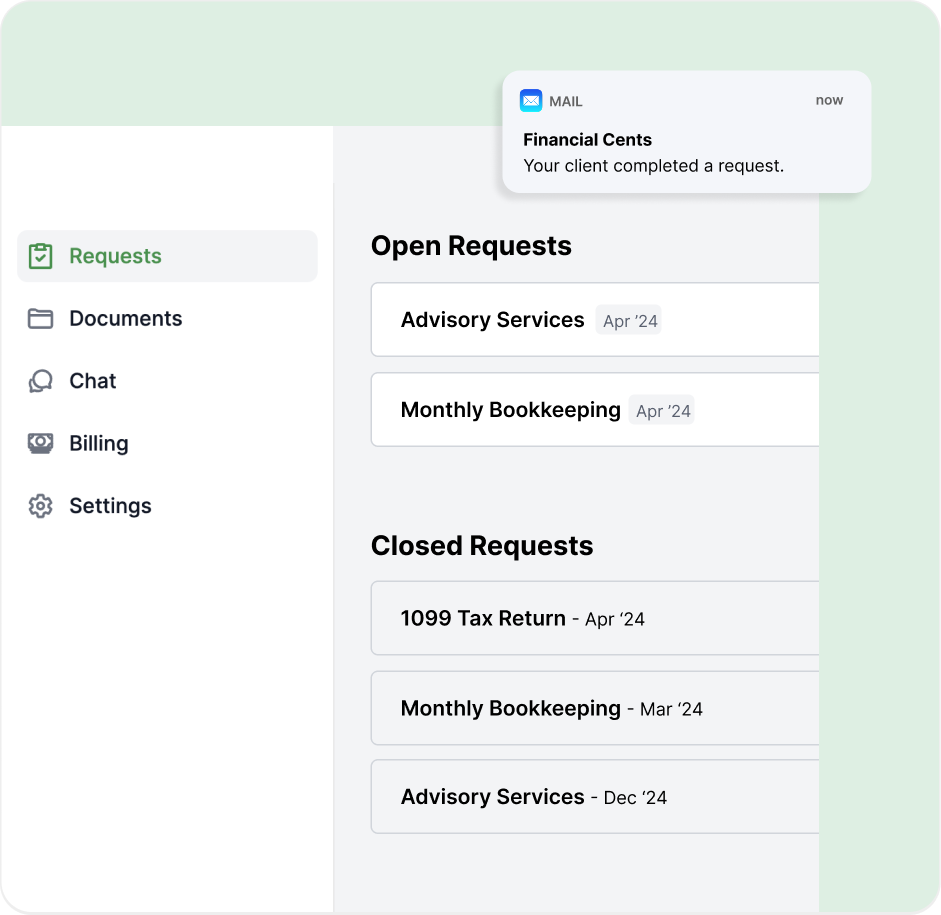
Clients open your Financial Cents portal with a secure link or code sent to their email, so there’s no account to create and no password to forget. That makes it easier to get the clients who won’t log in to respond, upload documents, and sign.
“I love that it took little to no effort to understand, all of the intro videos were so helpful. They got me started on the right path. I love that it is like taking my brain and putting it into order. It helps me get/stay organized.”
Jill B

AI that works on your client documents
When clients upload files, Financial Cents’ AI agents check each one is the right document, rename it to your convention, and file it in the right folder. Both platforms now connect to AI assistants through an MCP server, but Financial Cents also has an open API, and its file agents do the document sorting work that Client Hub’s AI doesn’t: Client Hub’s AI focuses on email replies, workflow generation, questionnaires, and financial insights.
“The business problem we are solving with Financial Cents is twofold. First, we are improving our internal communications. Second, we are ensuring that no project falls through the cracks.”
Michael McMullin | Managing Partner, Jack Trent & Co
Holiday switch offer
Switch to Financial Cents now and pick 2 offers.
Choose any two when you book your switch call. Leaving a contract mid-term? We help with the buyout.
Book by Dec 23
2 monthson us
15% offannual plan
Freeonboarding
100 KBAcredits, free
Firms with 2+ users. 2 months on us and 15% off can’t be combined.
Financial Cents vs Client Hub Pricing
Financial Cents has four plans – Solo plan, Team plan, Scale plan and the Enterprise plan.
The Solo Plan is perfect for solo accountants and bookkeepers who want a simple way to stay organized, manage client work, and never miss a deadline. It includes features like workflow management, time tracking, invoicing & billing, client portal & client tasks. It costs $19/month – billed annually.
The Team plan includes all you need to hit your client deadlines with more visibility, collaboration and organization. It costs $49/month per user – billed annually and $69/month per user for teams of 5 or more, billed monthly.
The Scale plan has more advanced features such as the branded client portal, auto-follow ups for client tasks and more. It costs $69/month per user – billed annually and $89/month per user for teams of 5 or more, billed monthly.
The Enterprise Plan provides advanced support, security, and customization for large firms. It includes everything in the Scale Plan, plus enhanced security, custom permissions, webhooks, priority support, premium training, and a dedicated success manager. Contact sales for custom pricing.
Learn more about our pricing plans
Client Hub has three plans, all with unlimited clients and storage:
- Solopreneur: $49/month for a single user, billed annually only, including QuickBooks and Xero.
- Practice Manager: $59/user/month billed annually, or $79 monthly. Doesn’t include the QuickBooks or Xero integrations.
- Practice Manager Plus: $79/user/month billed annually, or $99 monthly, adding QuickBooks and Xero.
E-signatures use pay-per-use credits, and billing and proposals run through the Anchor integration.
Loved by over 10,000 accountants, bookkeepers and CPAs


Financial Cents vs Client Hub FAQs
Financial Cents starts at $19/month for solo practitioners and $49/month per user for teams, billed annually. Client Hub starts at $49/month for one user, $59/month per user for Practice Manager, and $79/month per user for Practice Manager Plus, which is the plan that includes its QuickBooks and Xero integrations. Both include unlimited clients.
No. Financial Cents plans are priced per user, with unlimited clients on every plan, so adding clients doesn’t change your plan price. Month-End Close is an optional add-on priced per client, which you only pay for on the clients you use it for, and your first client is free.
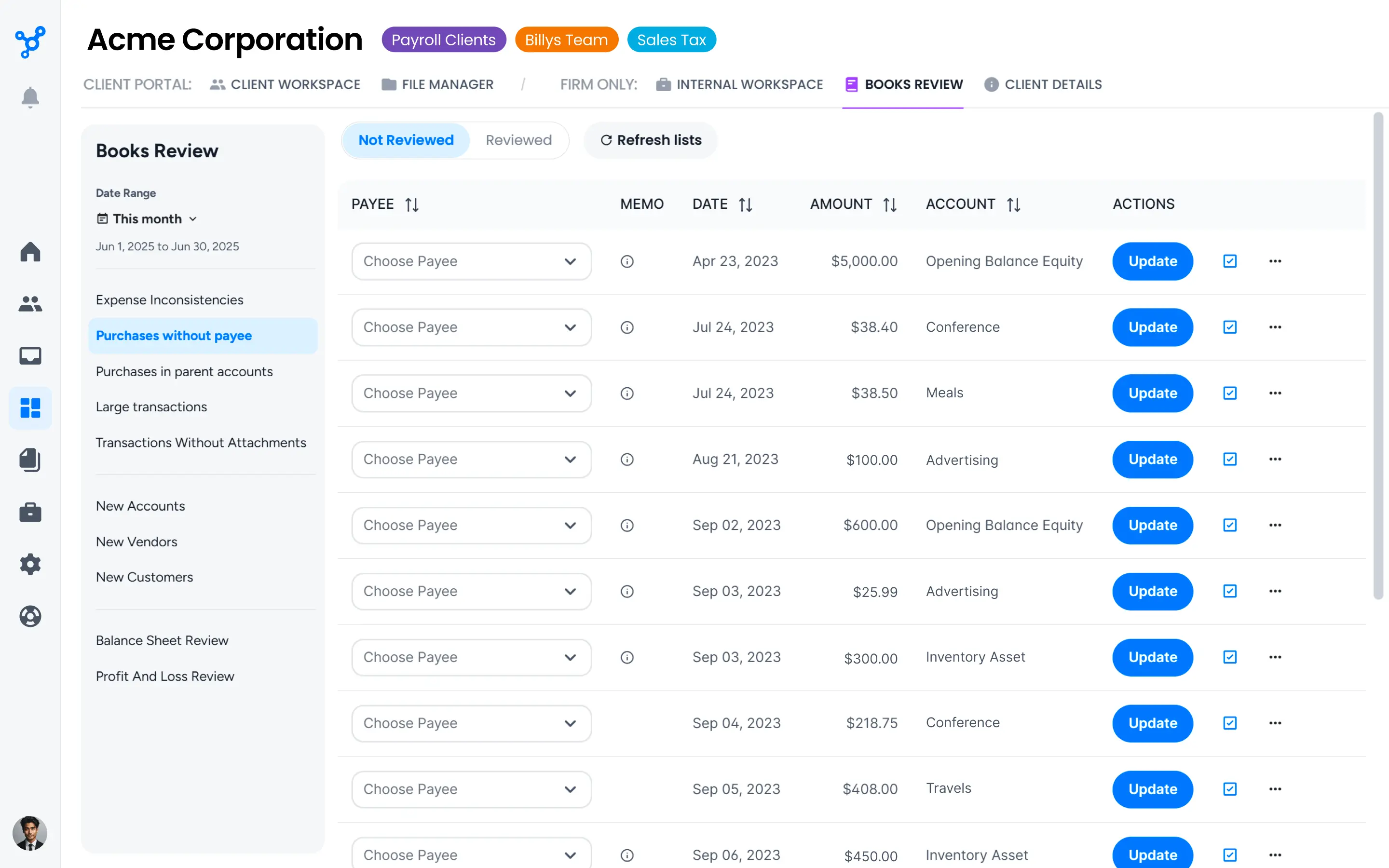
Native billing, proposals, and payment collection don’t appear to be included in Client Hub; firms typically use an integration such as Anchor. Financial Cents includes billing, card and ACH payments, recurring invoices, and proposals with engagement letters, so you can get paid without a separate tool.
Yes. Financial Cents Client Organizers let you build reusable tax organizers with conditional logic, request documents in the same form, and send them with automatic reminders. Clients fill them out in the portal with no login.
Yes. You can send any document for signature inside a client task, and standard signature requests are free and unlimited on paid plans. Optional KBA identity verification is a paid add-on for US-based contacts. Client Hub’s e-signatures run on Zoho Sign and use pay-per-use credits.
No. Clients sign in to Financial Cents with a secure link or one-time code sent to their email. Client Hub also offers magic-link login, and it has a client mobile app.
Both handle uncategorized transactions for QuickBooks Online clients. Financial Cents has a built-in Month-End Close system, and Client Hub includes Books Review on its Practice Manager Plus plan.
Yes, both do: Client Hub’s is in beta. Financial Cents also has an open API for custom integrations, while Client Hub connects to other tools through Zapier.
Financial Cents includes realization, utilization, and effective hourly rate reports, so you can see which clients are profitable. Client Hub’s reporting focuses on job, task, and client work status.
Book a demo for a personalized walkthrough first. Guided onboarding runs over 3–4 calls, and most firms are fully live in about 4–6 weeks.
Get Started Today
Many of the other tools are poor at managing updates and bugs. Some use subcontracted developers, providing real client data samples. Others have suffered breaches without proper notifications.
Of the pre-built systems out there, I do think Financial Cents has a solid offering.
One of my top goals is to make the process easier for clients. Glad I made the switch!
If you’re not using this feature, I highly recommend it! Remembering to follow up with clients can be a serious bottleneck and I love how this solved that problem!
If you’re not using this feature, I highly recommend it! Remembering to follow up with clients can be a serious bottleneck and I love how this solved that problem!