

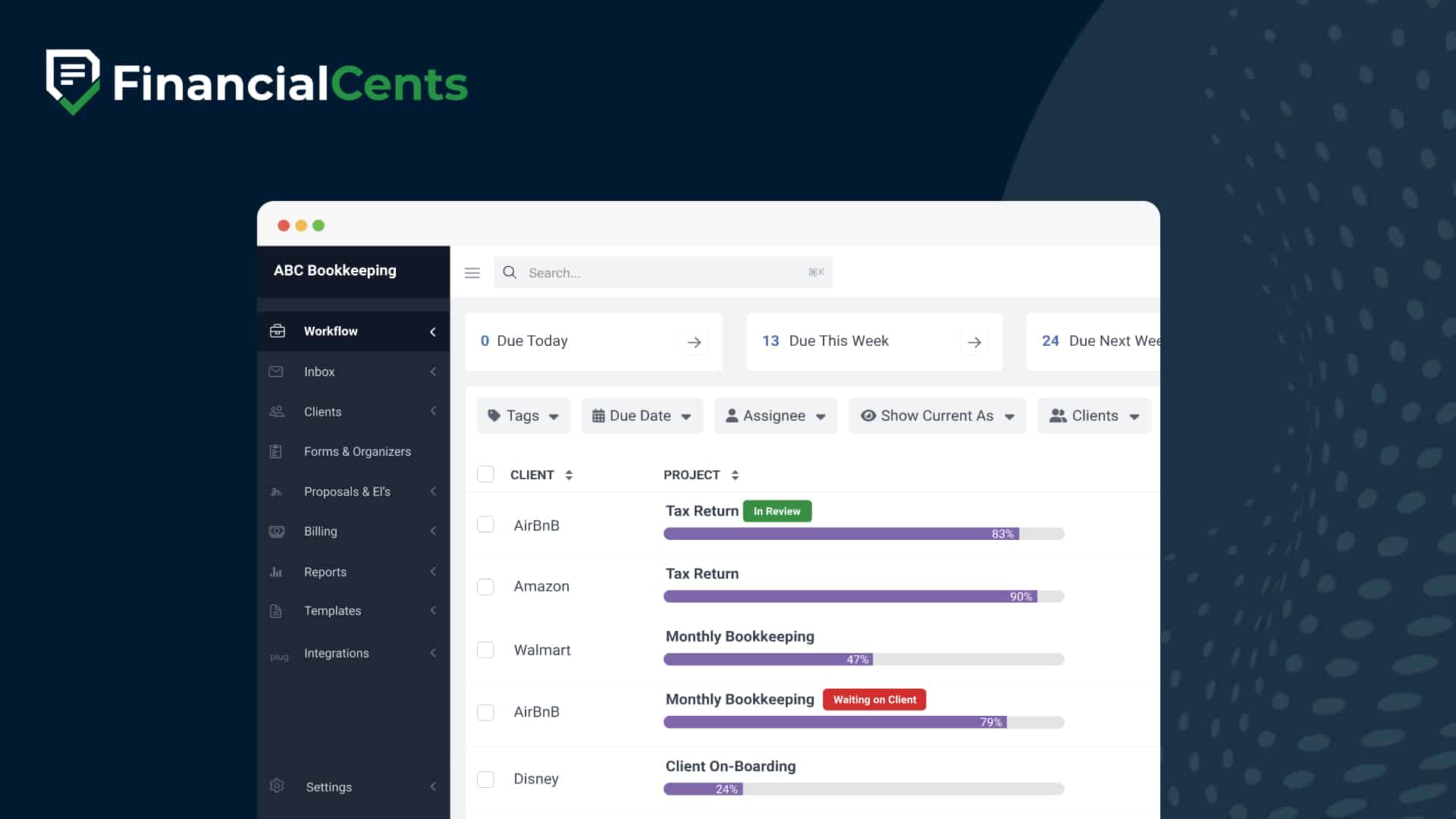
Workflow SOFTWARE for accounting and Bookkeeping firms
Easily track client work & hit deadlines
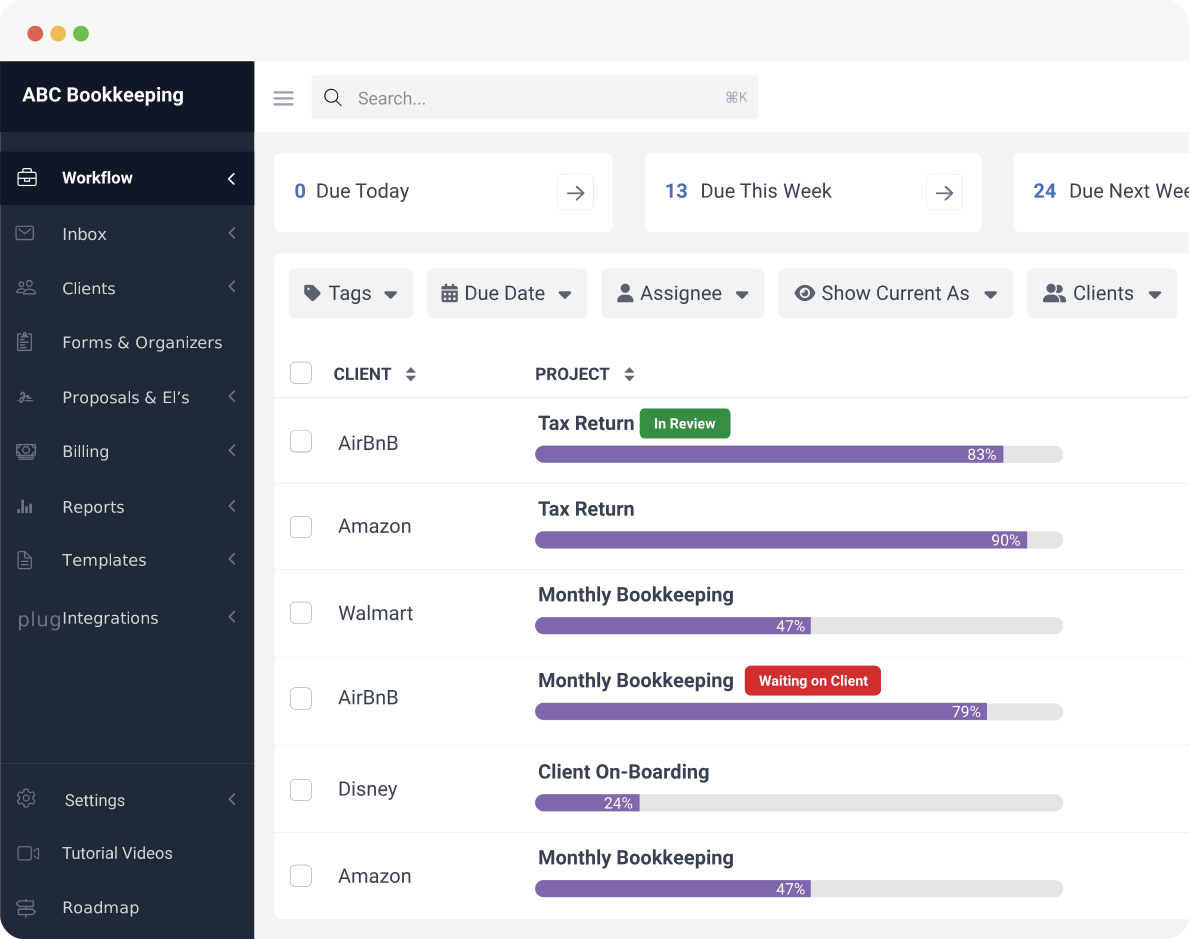
Keep work from slipping through the cracks by tracking the status of client work, who’s working on what, and having all your deadlines in one place.
 4.8 stars





Nancy Wilson
Managing Director, JNW Group
Never miss a client deadline again
Easily track status of work and deadlines across your firm in one simple view. With the visibility the dashboard provides, you’ll easily be able to prevent things from falling through the cracks and never miss another client deadline.

Stay informed with team collaboration
Is your team missing important client updates and notes? That ends with Financial Cents. Our built-in accounting team collaboration feature lets your team discuss tasks, ask questions, share files, and get notified about work on the actual work to keep everyone in the loop.
Automate recurring work and other low-admin tasks
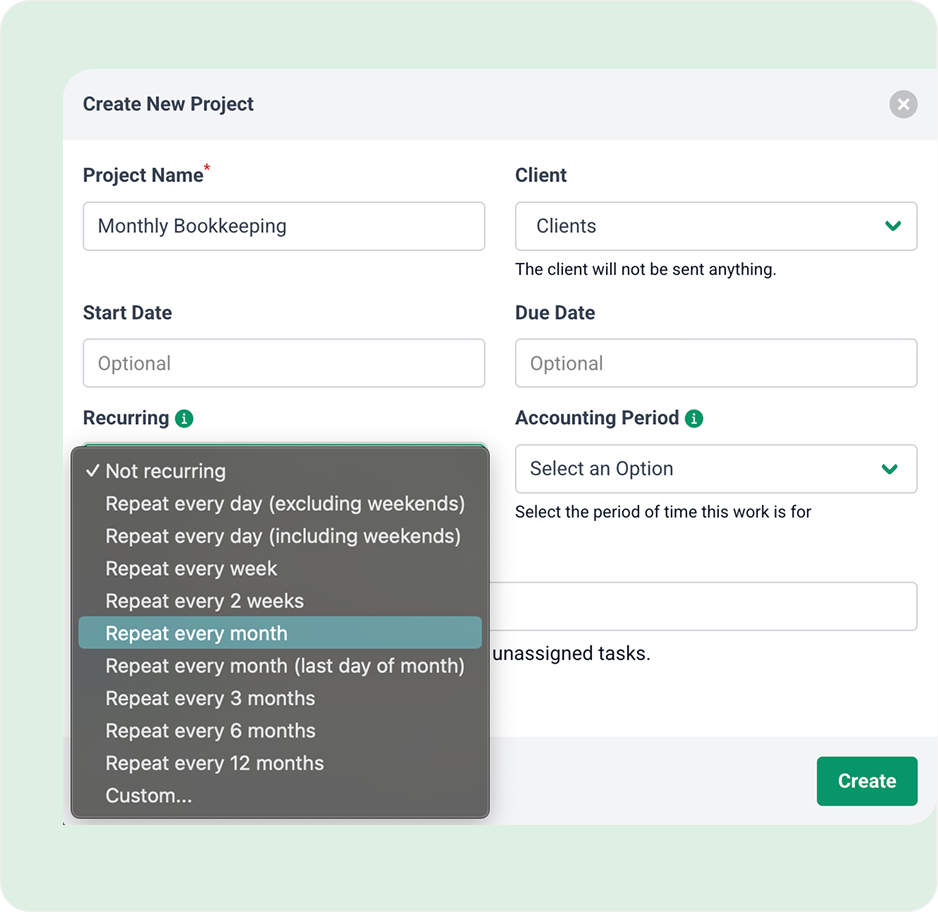
Automatically recreate recurring work, clients and team updates, as well as other low admin tasks to save time and drive productivity and improve firm profitability.
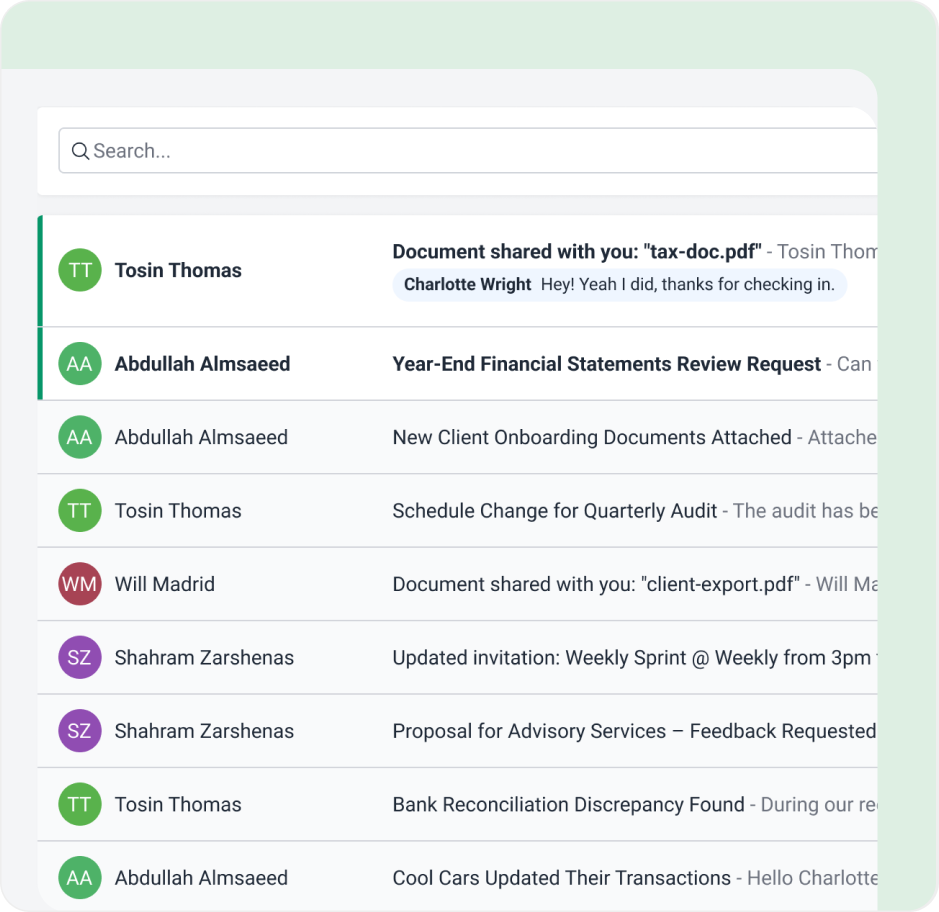
Automatically turn emails into organized, trackable work
With email integrated into your workflow, you can instantly convert client requests and updates into tasks, assign them to your team, and track progress from start to finish, all in one place.
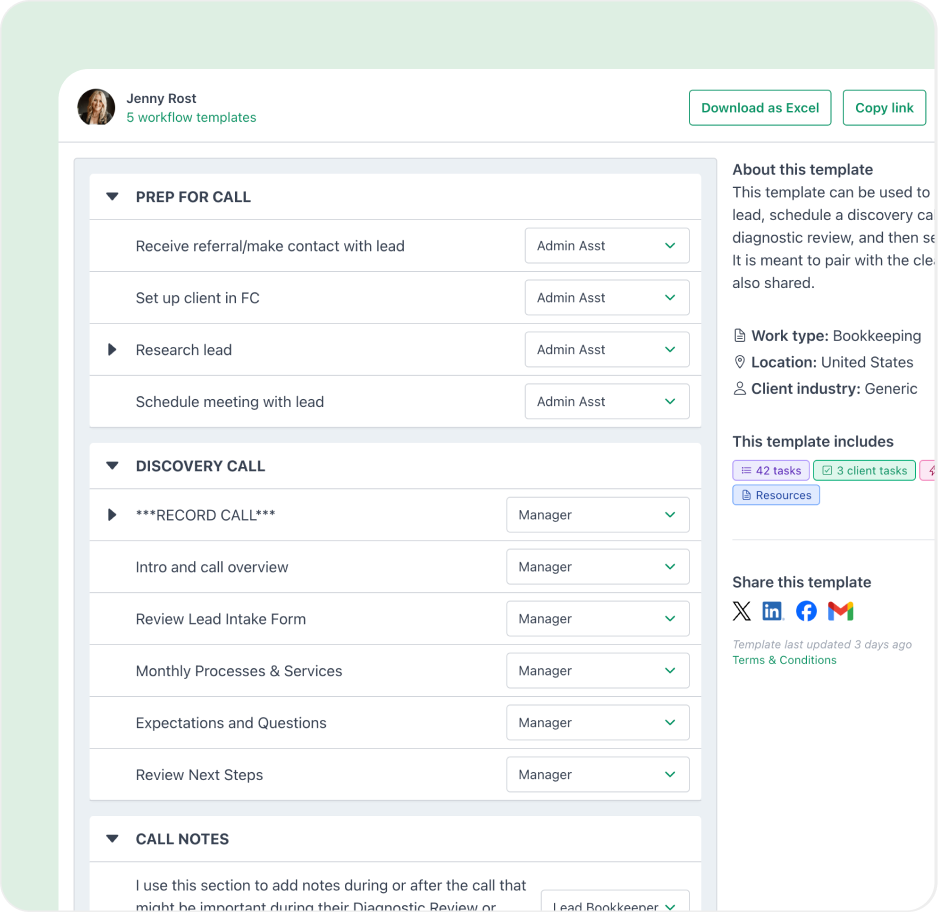
Standardize your processes with workflow templates
Standardize how your firm gets work done with workflow templates built for consistency and scale. Start with Financial Cents’ library of pre-built templates or customize your own from scratch or upload yours, so every engagement follows a clear, repeatable process. You can also generate new workflow templates with Financial Cents AI in seconds.
Got 5 minutes?
Step inside Financial Cents to explore how our accounting workflow software helps you run your firm more efficiently from end to end.
Take a Tour
Accounting workflow software features
Dependencies
Automatically have your staff notified when their work is ready to begin
Workflow filters
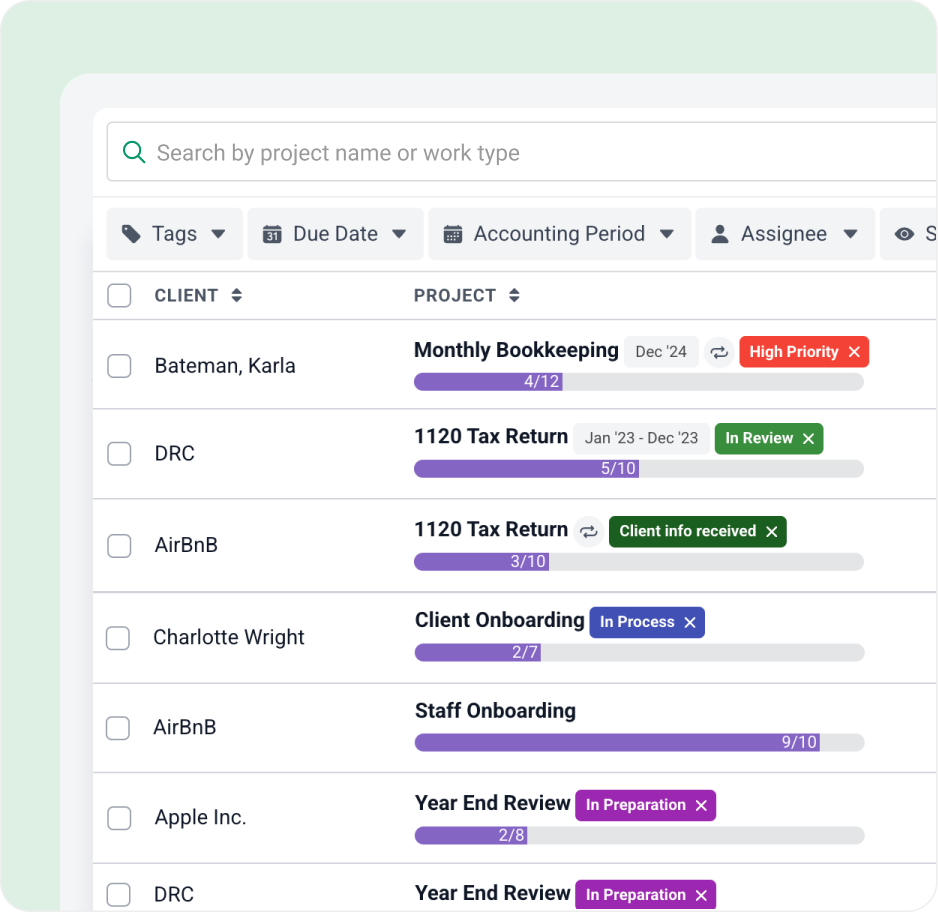
Get visibility by filtering your view to see work for specific client, employee, or tag
Internal file sharing
Share files and store documents on work so your team has everything they need
Recurring work
Schedule recurring work to automatically recreate future copies so you don’t have to
Turn emails to projects
Turn any client email into a project, and manage it inside Financial Cents without losing it in your inbox.
Team collaboration
Collaborate on client work with your team and stay updated on every step with real-time notifications.
Workflow templates
Streamline your process with our best practice workflow templates or create your own
Subtasks
Create step by step instructions so your current and new employees can get the job done
Loved by over 10,000 accountants, bookkeepers and CPAs
Accounting Workflow Software FAQs
Accounting workflow software is a tool that helps accounting, bookkeeping, and tax firms organize, automate, and track recurring client work such as monthly bookkeeping, payroll, tax preparation, and client onboarding. It shows every job, who owns it, its status, and its deadline in one place, so work doesn’t fall through the cracks.
Accounting workflow software is built around recurring client engagements. It comes with accounting-specific templates, recurring jobs that recreate themselves on a schedule, client document requests, and integrations like QuickBooks Online. General project management tools like Asana, ClickUp, or Monday.com are built for one-off projects across any industry, so firms have to build and maintain those accounting workflows themselves.
Accounting firms need workflow software to see the status of all client work at a glance, standardize how each service is delivered, and stop relying on spreadsheets, sticky notes, and memory to hit deadlines. It also makes it easier to onboard new staff and take on more clients without adding admin work.
You can learn more about: What is Accounting Workflow Management?
Financial Cents gives firms one dashboard that shows the status of client work, who is working on what, and every upcoming deadline. Firms build standardized workflows from templates, schedule recurring work, set task dependencies, collaborate on work with their team, and track time against each job.
With Financial Cents you can automatically recreate recurring work, notify staff when a dependent task is ready to start, send clients document requests with automatic follow-up reminders, and turn client emails into trackable tasks. That frees your team from chasing work and clients manually.
Yes. You can create and customize workflow templates for services like bookkeeping, tax preparation, payroll, and month-end close, upload your own, or start from the Financial Cents template library of more than 450 templates shared by accounting, bookkeeping, and tax firm owners. You can also generate a new workflow template with Financial Cents AI.
Yes. Financial Cents shows the status of all client work in one view, and you can filter it by client, team member, or tag to spot bottlenecks and overdue work before a deadline is missed.
Yes. With email integration, you can convert a client email into a task or project in Financial Cents, assign it to a team member, and track it to completion instead of leaving it in someone’s inbox.
Yes. Alongside workflow automation, Financial Cents includes capacity management, time tracking, billing and automated payments, and reporting, which help growing and larger firms balance workloads and see where time goes across the team.
Yes. Financial Cents integrates with QuickBooks Online, Gmail, Outlook, Zapier, Ignition, SmartVault, OneDrive, Google Drive, SharePoint, and more. See the Apps & Integrations page for the full list.
Financial Cents pricing plans start at $19 per month billed annually for the Solo plan (single-user firms). The Team plan is $49 per user per month and the Scale plan is $69 per user per month, both billed annually. Every plan includes a 14-day free trial with no credit card required.
Many of the other tools are poor at managing updates and bugs. Some use subcontracted developers, providing real client data samples. Others have suffered breaches without proper notifications.
Of the pre-built systems out there, I do think Financial Cents has a solid offering.
One of my top goals is to make the process easier for clients. Glad I made the switch!
Many of the other tools are poor at managing updates and bugs. Some use subcontracted developers, providing real client data samples. Others have suffered breaches without proper notifications.
Of the pre-built systems out there, I do think Financial Cents has a solid offering.
One of my top goals is to make the process easier for clients. Glad I made the switch!
If you’re not using this feature, I highly recommend it! Remembering to follow up with clients can be a serious bottleneck and I love how this solved that problem!
If you’re not using this feature, I highly recommend it! Remembering to follow up with clients can be a serious bottleneck and I love how this solved that problem!