

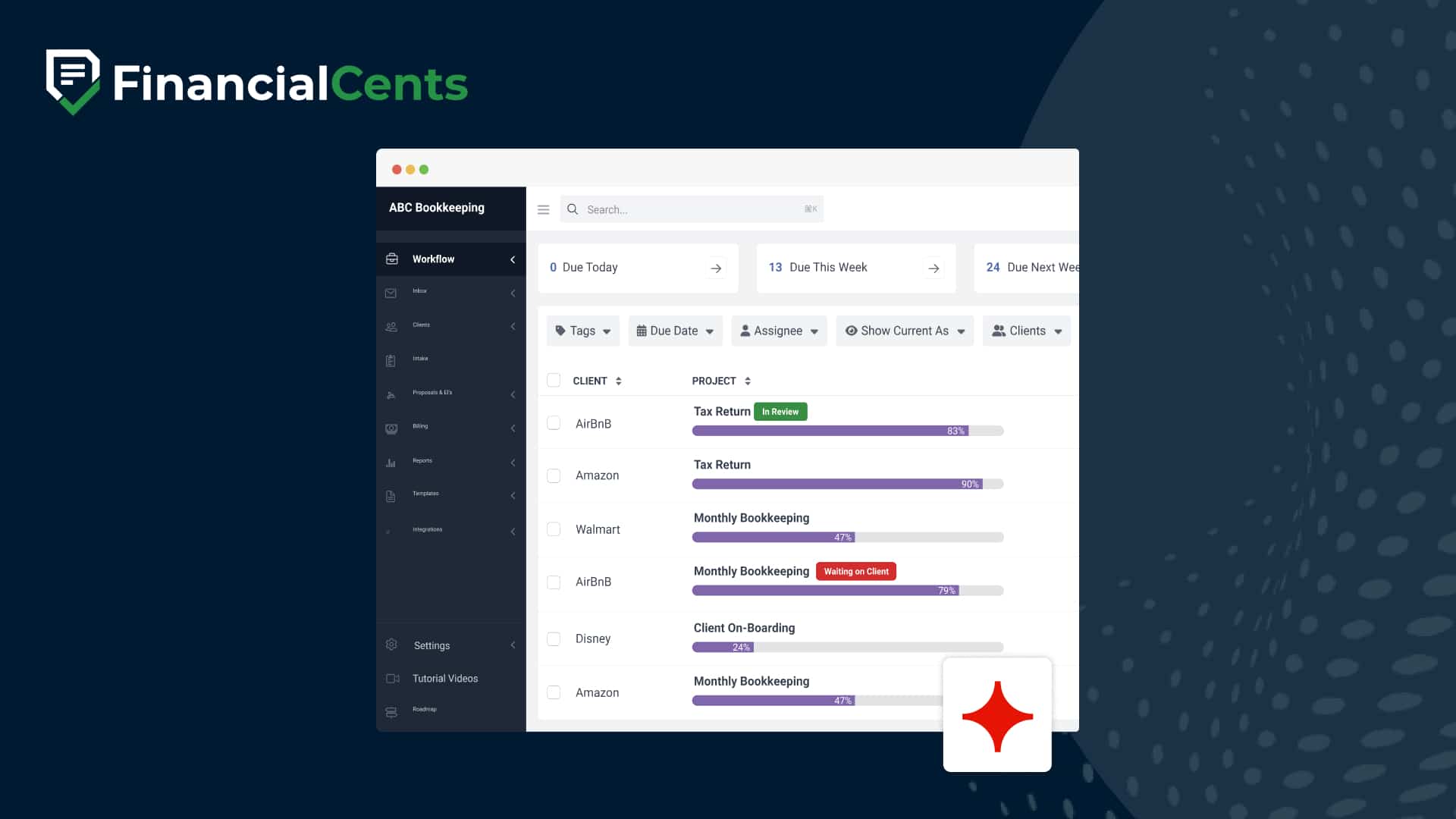
Financial Cents & Ignition integration
Seamlessly connect client engagement and workflow management. With the Ignition + Financial Cents integration, your proposals, payments, and projects stay in sync, automatically.
 4.8 stars




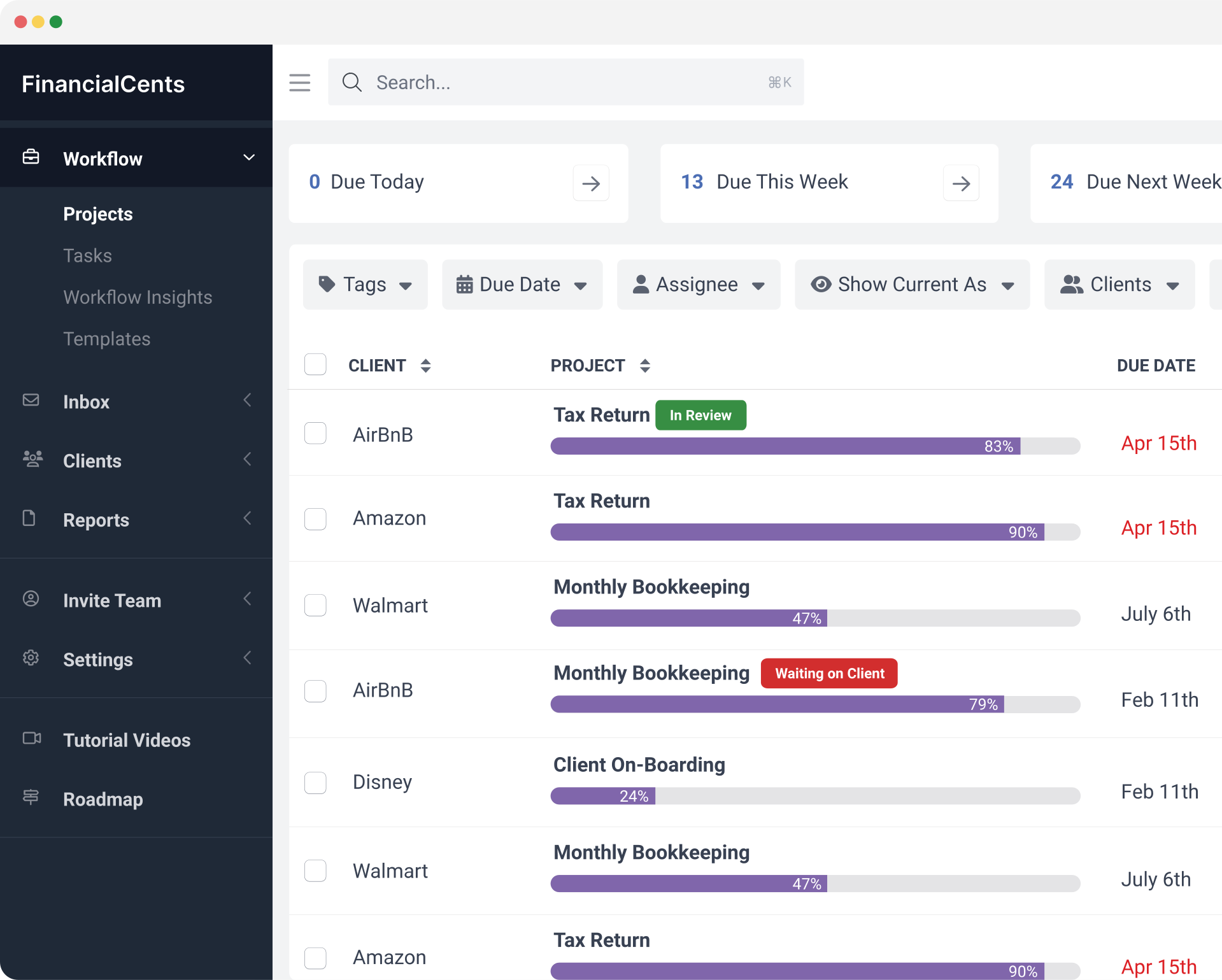

Key features of the Financial Cents & Ignition integration
Automate project creation
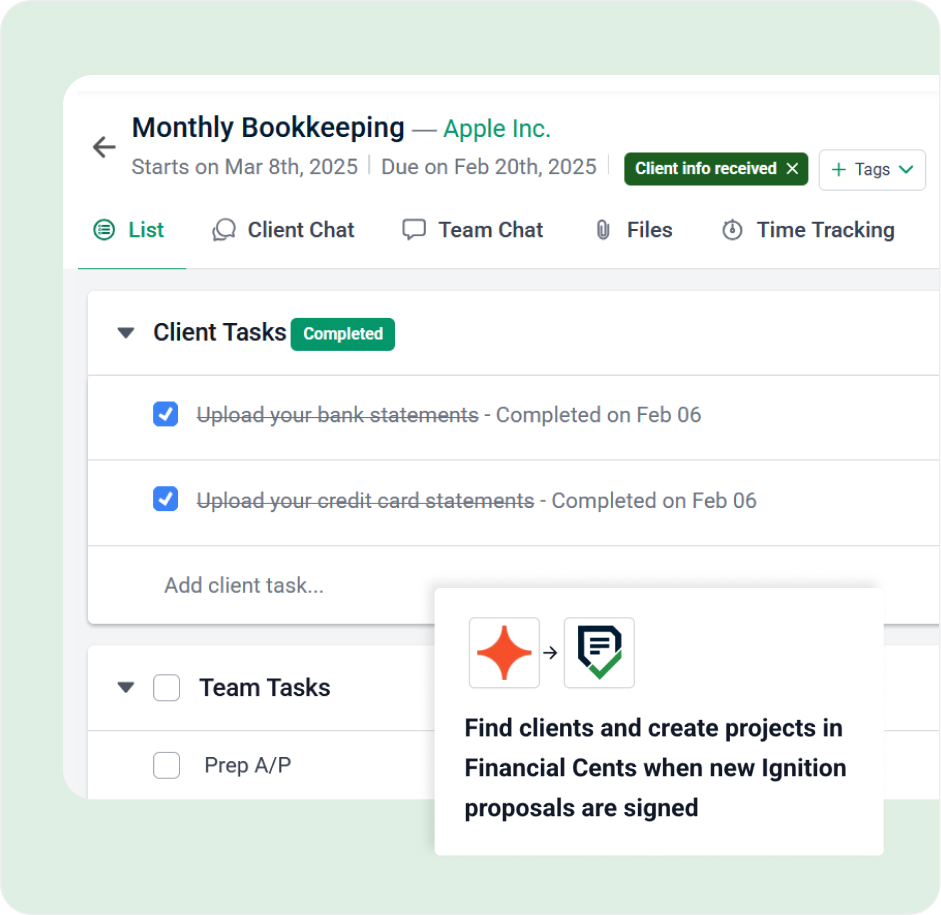
Automatically create projects in Financial Cents the moment a proposal is accepted in Ignition. No more double data entry or onboarding delays.
Map services to workflows
Tie your Ignition service offerings to Financial Cents project templates—so the right tasks are assigned instantly and accurately.
Sync client and contact data
Client and contact details stay updated and consistent across both platforms, reducing errors and admin time.
Assign owners and trigger tasks
Assign team members automatically when a project is created, so nothing falls through the cracks.
Customize your setup
Control when projects are triggered, which templates are used, and who’s responsible—all from your Financial Cents settings.
Ignition + Financial Cents eliminates repetitive admin so your team can focus on doing the work, not setting it up.

Built to save you time
The Ignition + Financial Cents integration was designed for firms that want to streamline operations, reduce risk, and scale efficiently. From client sign-off to kickoff, everything just flows.
“Using Ignition and Financial Cents together has helped me eliminate so much back-and-forth. Projects are created instantly and my team knows exactly what to do.”
Dawn Brolin, CPA
Experience how effortless onboarding become when your tech stack works together.
Start a free trialLearn more about Ignition
Ignition is a revenue and billing automation platform designed for accounting and professional services. It makes it easy to sell, bill and get paid by automating proposals, billing, payments and workflows in a single AI-powered platform. Ignition seamlessly integrates with your existing tech stack, helping you maximize revenue, accelerate cash flow and reduce admin overhead.

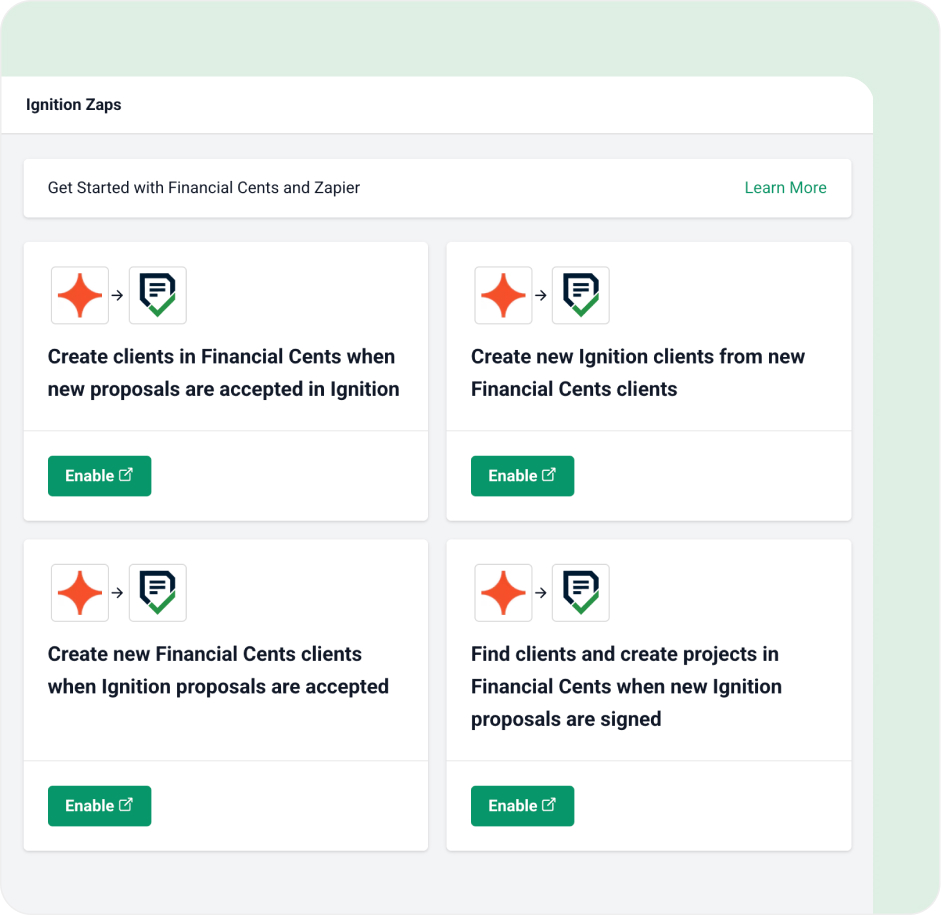
For Financial Cents + Ignition users who aren’t yet connected
The Ignition + Financial Cents integration is here to reduce your workload. If you’re using both platforms separately, you’re missing out on powerful, time-saving automation.
Here’s what you unlock when you connect:
- Automatically create and assign projects in Financial Cents based on Ignition proposals
- Keep clients and contacts in sync between both platforms—no manual updates
- Get clients set up and projects moving without lifting a finger
- Cut onboarding time and eliminate handoff errors
- Free your team from repetitive admin and keep every engagement on track
See other integrations
Connect Financial Cents with your favorite tools to automate workflows, reduce manual data entry, and keep your team in sync.


Financial Cents MCP
Connect your firm’s data to Claude, ChatGPT, Gemini, Cursor, and other AI tools over the Model Context Protocol.


OneDrive and SharePoint
Keep client files in sync with two-way OneDrive or SharePoint sync, right inside Financial Cents

Google Drive
Upload and download files between Google Drive and Financial Cents with ease.

DrakeTax
Store and access your Drake Tax files through Google Drive, directly from Financial Cents.

UltraTax
Keep UltraTax documents organized through Google Drive, accessible from any client in Financial Cents.

Lacerte
Access and share Lacerte files through Google Drive without leaving your Financial Cents workflow.

ProSeries
Manage ProSeries client documents through Google Drive, linked directly to your Financial Cents projects.

ProConnect
Connect ProConnect files to Financial Cents through Google Drive for a smoother tax workflow.

TaxAct
Store TaxAct client files through Google Drive and access them from within Financial Cents.

CCH Axcess
Keep CCH Axcess documents within reach through Google Drive, right inside Financial Cents.

Abacor
Publish meeting notes, transcripts, and action items from client calls directly into Financial Cents timelines — without lifting a finger.

Ping
Capture action items from client conversations and push them straight into Financial Cents as tasks, with meeting notes auto-synced to the right client record.
QuickBooks Online
Import clients, link employees, and sync time logs effortlessly with QuickBooks Online.

Gmail
Import and send emails directly from within FC, keeping your communications in one place.

Outlook
Seamlessly sync your Outlook emails to manage all your client communications from FC.

Adobe Sign
Send e-signature requests and track their progress without leaving your project workspace

SmartVault
Link client vaults directly to their profiles for secure and streamlined document management.

OneDrive
Integrate your OneDrive to upload and download from within Financial Cents

Anchor
Create a new client & project in Financial Cents when a proposal is signed.

Zapier
Integrate Financial Cents with over 5,000 other apps to keep data in sync across your tech stack