
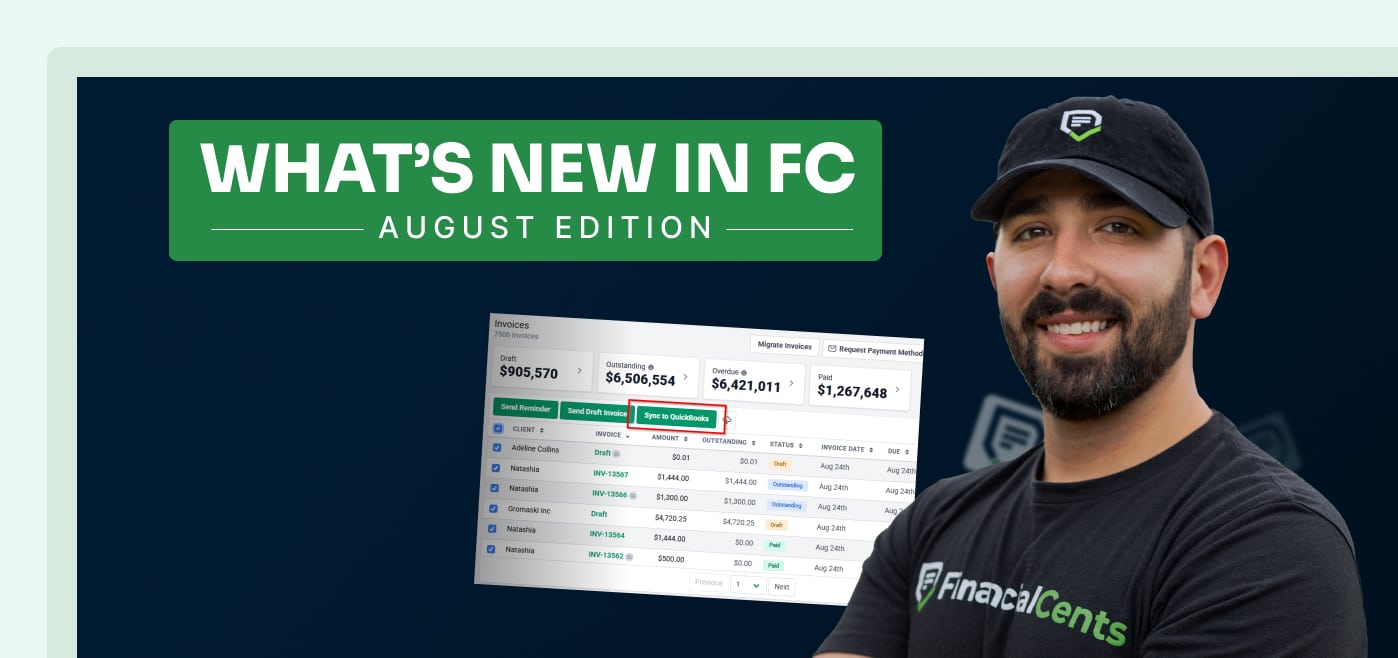
If your firm’s files are scattered across Financial Cents, OneDrive, SharePoint, and Google Drive, this recap is for you.
August brought a major expansion to our document syncing suite, a handful of workflow visibility upgrades that make it easier to see what’s actually outstanding, and a first look at three features we’re especially excited about: a rebuilt shared email inbox, native eSignatures, and smarter intake forms.
Here’s everything that shipped, plus what’s coming next.
SharePoint 2-Way Sync Is Officially Out of Beta
If you’ve been eagerly anticipating this one, the wait is over: SharePoint 2-way sync is fully live, joining OneDrive as part of our growing document syncing suite.
Files and folders now automatically sync back and forth between Financial Cents and SharePoint, so nothing gets stuck in one system or the other. A couple of things that come with this update:
- Full DMS Integration Suite: SharePoint joins Google Drive and OneDrive, so you can back up firm files seamlessly across whichever document management system your firm already relies on.
- Desktop & Tax App Access: Access your Financial Cents files directly through desktop drive apps, or print straight from your tax software into Financial Cents.
Between this and our document management tools, wherever your files actually live, they’ll always stay in sync.
Clearer Workflow Visibility, Right From the Dashboard
We also shipped a batch of updates designed to answer the “where do things stand?” question without you having to click into every single project:
- Client Task Section Status: See whether client task sections are “Sent” or “Unsent” directly from the dashboard view. No more guessing what’s already gone out.
- Expanded Calendar Hover: Hover over a calendar project pill to see the full project name and client details without clicking in.
- Month-End Close Indicators: Dynamic counters highlight flagged transactions and uncategorized items at a glance, so you know exactly how much cleanup is left before you dig in.
If you close books every month or manage a team juggling client tasks, these are the kinds of small changes that save real minutes every single day.
Coming Soon: A Redesigned Shared Inbox, Native eSignatures, and Smarter Forms
Here are three sneak peeks of exciting updates to come:
Redesigned Shared Email Inbox: We’re rebuilding how teams manage client email, with support for shared inboxes and folders across multiple team inboxes (synced from Gmail and Outlook); internal @mentions and notes directly on client email threads; and the ability to snooze incoming messages, schedule responses, and send bulk email blasts.
Native eSignatures & KBA: Send unlimited signature requests directly inside Financial Cents client tasks, at no extra cost. Built-in Knowledge-Based Authentication (KBA) covers tax form compliance needs like 8879s, and in-app document prep lets you drag and drop signatures, initials, dates, and checkboxes right onto the document. This pairs with our existing e-signature tools to bring more of your document workflow in-house.
Variable Rates & Form Organizers: Set client-specific and work-item-specific hourly billing rates for different team members, build smart tax organizers and onboarding forms with conditional logic, and let completed forms automatically spin up new projects and route straight into client files.
That’s a Wrap on August
Between SharePoint syncing the way it’s intended to, clearer visibility into what’s sent and what’s flagged, and eSignatures and smarter forms in development, August was a banner month for anyone trying to get more clarity into their firm’s day-to-day.
Want to see any of this in action? Book a live demo and we’ll walk you through the entire platform, or keep an eye on our changelog for updates as they ship.
Share this article:



