
There are well over a hundred accounting practice management (and related) software solutions on review sites like Capterra.
Whether you’re a solo accountant, small bookkeeping firm, mid-sized accounting firm, or a large CPA practice, you’ll find that there are still a handful of suitable options to choose from.
While most of these options can serve, very few will ultimately align with your firm’s size, budget, workflow procedures, and growth plans. And until you find the right fit, your team will spend more time than necessary navigating inefficient processes, manual workarounds, and disconnected tools.
That is why workflow inefficiencies remain the biggest challenge for 55.5% of accounting firm owners, according to the 2025 Financial Cents Workflow & Automation Report.
GOOD NEWS: You don’t need to evaluate hundreds of tools to find the one that works for your firm. I’ve compared the thirteen (13) top practice management systems for accounting, bookkeeping, and tax firms in 2026. By the end of the article, you can walk away with a tool or two you can implement today, a tool you wouldn’t need to change over the next several years.
TL;DR
- Accounting practice management software centralizes everything a firm needs to manage client work, team tasks, deadlines, billing, and communication, replacing the disconnected mix of spreadsheets, email threads, and standalone apps most firms start with.
- The 13 tools in this article cover a wide range of firm sizes and service mixes. Financial Cents is built for small to mid-sized firms that want broad functionality and fast adoption. Karbon suits larger teams that need deep email integration and collaboration. TaxDome is strong for tax-heavy practices. Canopy fits firms with complex modular needs. Jetpack Workflow works for firms that only need task and deadline tracking.
- Ease of use is underweighted in most software evaluations, a platform with strong features that your team never fully adopts delivers less value than a simpler tool used consistently. Financial Cents holds the Capterra Best Ease of Use 2026 award, the highest in the accounting practice management category.
- Pricing models vary significantly across the category: per-user flat pricing (Financial Cents, Jetpack Workflow) is the most predictable; modular pricing (Canopy, older TaxDome tiers) can escalate quickly as you add features. Always calculate the total stack cost rather than comparing base prices in isolation.
- The right platform is the one your team will actually use, that covers your core service mix without requiring constant workarounds, and that grows with your firm without forcing a migration every two to three years.
Practice Management Software for Accountants Comparison Table
← Scroll to see more →
| Tool | Starting Price | Client Management |
Bookkeeping Module |
Workflow Automation |
Time Tracking |
Billing | E-Signatures | Integrations | Best For |
|---|---|---|---|---|---|---|---|---|---|
| Financial Cents | $19/month per user | ✓ | ✓Month-End Close dashboard | ✓ | ✓ | ✓+ Payments | ✓ | QBO, Gmail/Outlook, Zapier, Google Drive | Small to mid-sized firms (2–30 staff) looking for all-in-one visibility. |
| Karbon | $59/month per user | ✓ | Requires integration with a separate paid tool | ✓ | ✓ | ✓+ Payments | ✓ | QBO, Xero, Gmail/Outlook | Growing, mid-to-large collaborative firms with complex team structures. |
| TaxDome | $700/year per user | ✓ | Basic workflows | ✓ | ✓ | ✓+ Payments | ✓ | QBO, IRS Transcripts, Zapier | Heavy tax compliance firms seeking a rigid, client-facing workflow engine. |
| Canopy | $74/month per user | ✓ | ✓Close Automation | ✓ | ✓ | ✓+ Payments | ✓ | Tax software, QBO, IRS Transcript | Mid-size+ tax and resolution firms needing custom modular add-ons. |
| Jetpack Workflow | $40/month per user | Basic | ✓Standard workflows | ✓ | Limited | — | — | QBO, Gmail/Outlook, Zapier | Small to expanding teams seeking straightforward tracking without feature bloat. |
| Double | $10/month per client | ✓ | ✓AI automated file review | ✓ | ✓ | — | Limited | QBO, Xero | Bookkeeping teams prioritizing automated transaction error-spotting. |
| Pixie | $129/month (< 250 clients) | ✓ | ✓Standard workflows | ✓ | — | — | ✓GDPR compliant | Gmail, Outlook | Small firms or solo accountants wanting an intuitive layout without per-user seat fees. |
| Aero Workflow | $135/month (1-5 users) | Basic | ✓Strong | ✓ | ✓ | — | Limited | QBO, Ignition, Zapier | CAS and bookkeeping-focused small-mid firms prioritizing staff training. |
| Client Hub | $49/month per user | ✓ | ✓AI-driven uncategorized queries | ✓ | ✓ | — | ✓ | QBO, Xero, Anchor | Small firms prioritizing client communication and proactive file collection. |
| Senta | $23.20/month per user | ✓ | ✓Standard workflows | ✓ | ✓ | — | ✓Free | Xero, QBO, Companies House | UK and growth-minded international practices looking for a highly custom CRM. |
| Mango Practice | $35/month per user | ✓ | ✓Standard workflows | ✓ | ✓ | ✓+ Payments | ✓Engagement letters | QBO, QuickBooks Desktop | Firms needing heavy document management combined with fast payment processing. |
| OfficeTools | Contact for pricing | Single-screen contact dashboard | ✓Standard workflows | ✓ | ✓ | ✓+ Payments | ✓ | Intuit Lacerte, QBD, M365 | Tax-focused desktop or hybrid practices managing complex regulatory filings. |
| Firm360 | $49/month per user | ✓ | ✓Standard workflows | ✓ | ✓ | ✓+ Payments | ✓ | QBO, Tax Tools, Zapier | US small-to-mid accounting practices aiming to replace multiple disjointed software platforms. |
Use this table to narrow the list to two or three products before reading the detailed reviews. Starting prices are shown using each vendor’s published billing model, so check whether the amount is per user, per firm, or per client. Feature availability may also vary by plan. Pricing and product details were checked in September 2026.
What is Accounting Practice Management Software?
Accounting practice management software helps accounting, bookkeeping, and tax firms manage client work from one system. It typically combines workflow and task management, client records, document requests, team collaboration, time tracking, billing, reporting, and automation.
The best tools go beyond managing accounting project delivery to ensure clients are effectively onboarded and that payments are fully collected.
In essence, practice management software for accounting firms replaces the spreadsheets, email, and standalone workflow management, accounting CRM, billing, and proposal solutions that firms depend on to run their firms end-to-end.
For a deeper explanation of how these systems work, read our complete guide to accounting practice management software.
You may be interested:
Practice Management Software Explained for Accounting Operations Manager
What to Look for When Choosing a Practice Management Software
Getting a suitable practice management tool begins with firms understanding and choosing the tool with the right combination of features and functionalities that will have the biggest positive impact on their operations.
Workflow & Task Management
The workflow and task management feature is the foundation upon which the other features in any accounting practice management system are built. It enables firms to standardize their processes, assign responsibilities, track progress, and ensure deadlines are met across the firm.
Without a solid workflow and task management tool, your team will struggle with knowing where client work stands and what’s at risk of slipping through the cracks. It’s no wonder 73.9% of firm owners in this 2025 Report choose the workflow dashboard as their most important feature in a workflow or practice management software!
Workflow Automation
Workflow automation reduces the amount of manual work required to keep accounting engagements moving.
From automatically creating recurring jobs to assigning tasks, sending reminders, updating project statuses, and notifying team members when action is needed, the best practice management software handles many routine administrative tasks without manual intervention.
This saves time and also reduces the risk of missed deadlines, forgotten tasks, or inconsistencies. As your firm grows, workflow automation becomes even more important for keeping up with client demands.
Client Management
This feature creates a single source of truth for all client information, from contact details to communication history, documents, and engagement details. By storing this important data in a central location, your practice management software makes it easy for every team member to work with up-to-date information.
Time Tracking and Billing
Show me a firm owner who doesn’t care how time is spent across clients and services, and I’ll show a firm that won’t maximize its profits.
Your accounting practice management solution should track the time spent on work and turn those time logs into invoices that encourage timeliness. Bonus point if it processes payments as well.
Reporting & Insights
Reporting and insights provide the data firms need to make informed operational, staffing, and growth decisions.
The best accounting practice management systems provide visibility into project status, team workloads, productivity, capacity, deadlines, and key financial metrics to help firms make smarter decisions.
Bookkeeping Module
When your practice management software includes a month-end close feature, your team can manage accounting workflows alongside transaction reviews, account reconciliations, and 1099 tasks from a single platform.
This can be a major advantage for bookkeeping and CAS firms, who would have to juggle spreadsheets, email threads, and separate bookkeeping practice tools in its absence.
Team and Capacity Management
With the capacity management features, your manager won’t have to follow up with staff members individually or track data in multiple places to understand who is overloaded, who has availability, and when tasks should be reassigned.
Integration with Accounting Software
Integration between your practice management tool and relevant accounting software solutions ensures that data flows between your tech stack with little to no human effort. This enables your team to focus on completing actual accounting tasks.
Ease of Use
A high ease-of-use rating is one of the biggest predictors of successful software adoption. It doesn’t matter how powerful a tool is. If it is difficult to learn or navigate, your team will struggle to use it consistently enough to enjoy its benefits.
When comparing software, consider factors such as the learning curve, onboarding requirements, user interface, and customer review scores.
Pricing Model and Fit
There are various pricing models, such as per-user, per-client, and flat rate, and each model has its benefits and trade-offs depending on your firm’s size, growth plans, and service offerings.
For example, per-user pricing may work well for smaller teams but become more expensive as headcount grows. Per-client pricing can be attractive for firms with larger teams, but it may increase the long-term cost of using the practice management software as your client base expands.
Here’s a full and detailed overview of practice management software features every accounting firm needs.
The Best Accounting Practice Management Software Solutions in 2026
1. Financial Cents
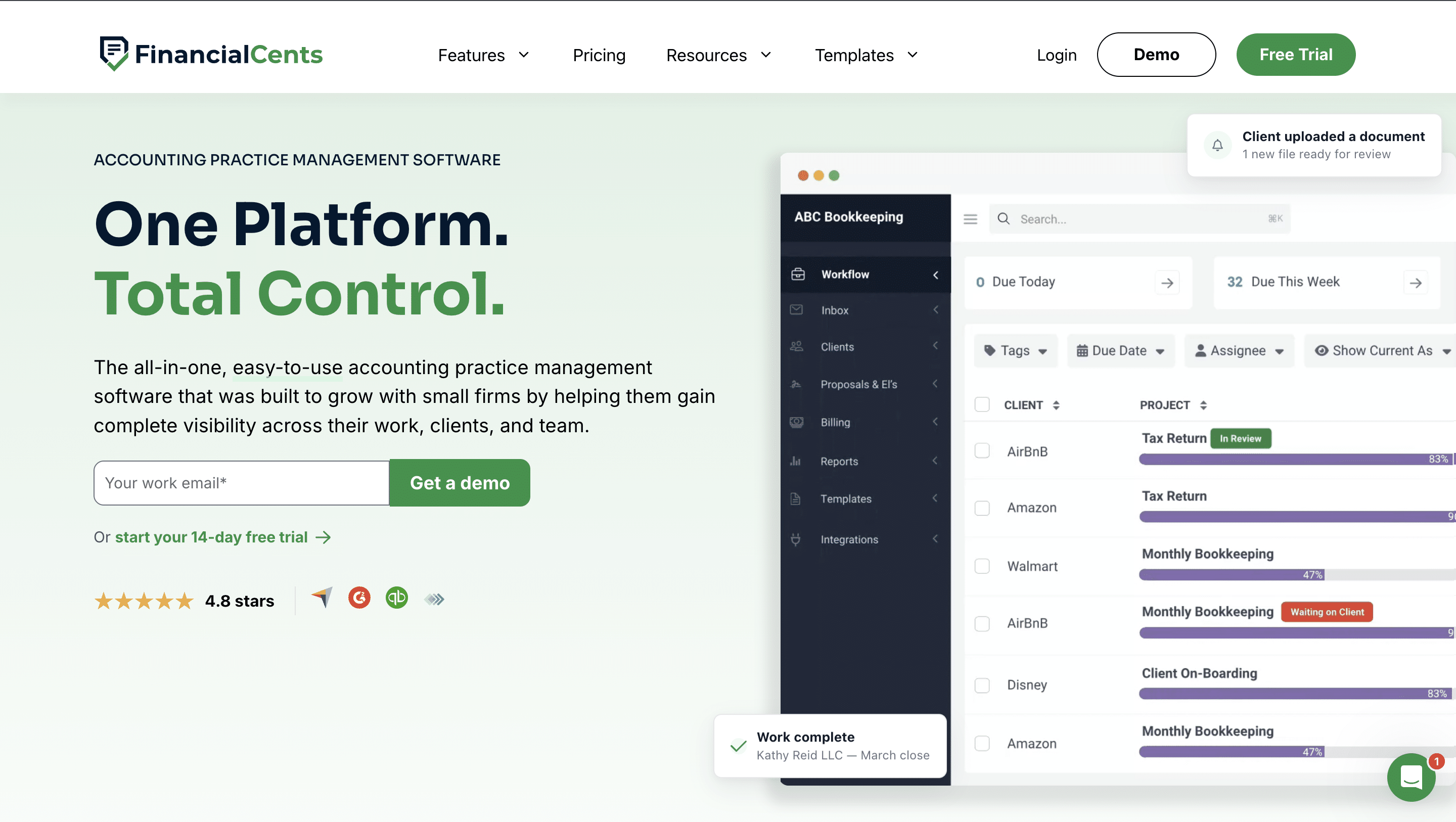
Financial Cents is an all-in-one practice management for small, growing and mid-sized accounting, bookkeeping, and tax firms. It connects recurring workflows, client records, document requests, team collaboration, proposals, engagement letters, time tracking, billing, reporting, and month-end close work in one system.
It has stood out for accounting professionals as an incredibly easy-to-use platform, which is rare for a tool with so much feature depth and breadth. Rated 4.9/5 for its ease-of-use, Financial Cents has again won the 2026 easiest-to-use practice management software on Capterra, because of its zero learning curve, clean workflow layout, and fast data migration.
Financial Cents is particularly well suited to small and growing firms that want workflow management, client collaboration, billing, proposals, engagement letters, and month-end close work connected in one system without a lengthy implementation process.
Financial Cents’ Key Features Include:
- Workflow Management and Automation: Financial Cents allows firms to create projects, standardize workflows (using templates), assign tasks, and track progress to ensure all deadlines are met.
Its workflow automation tools enable firms to recreate projects, coordinate dependencies, request documents, and follow up with clients without manual efforts.
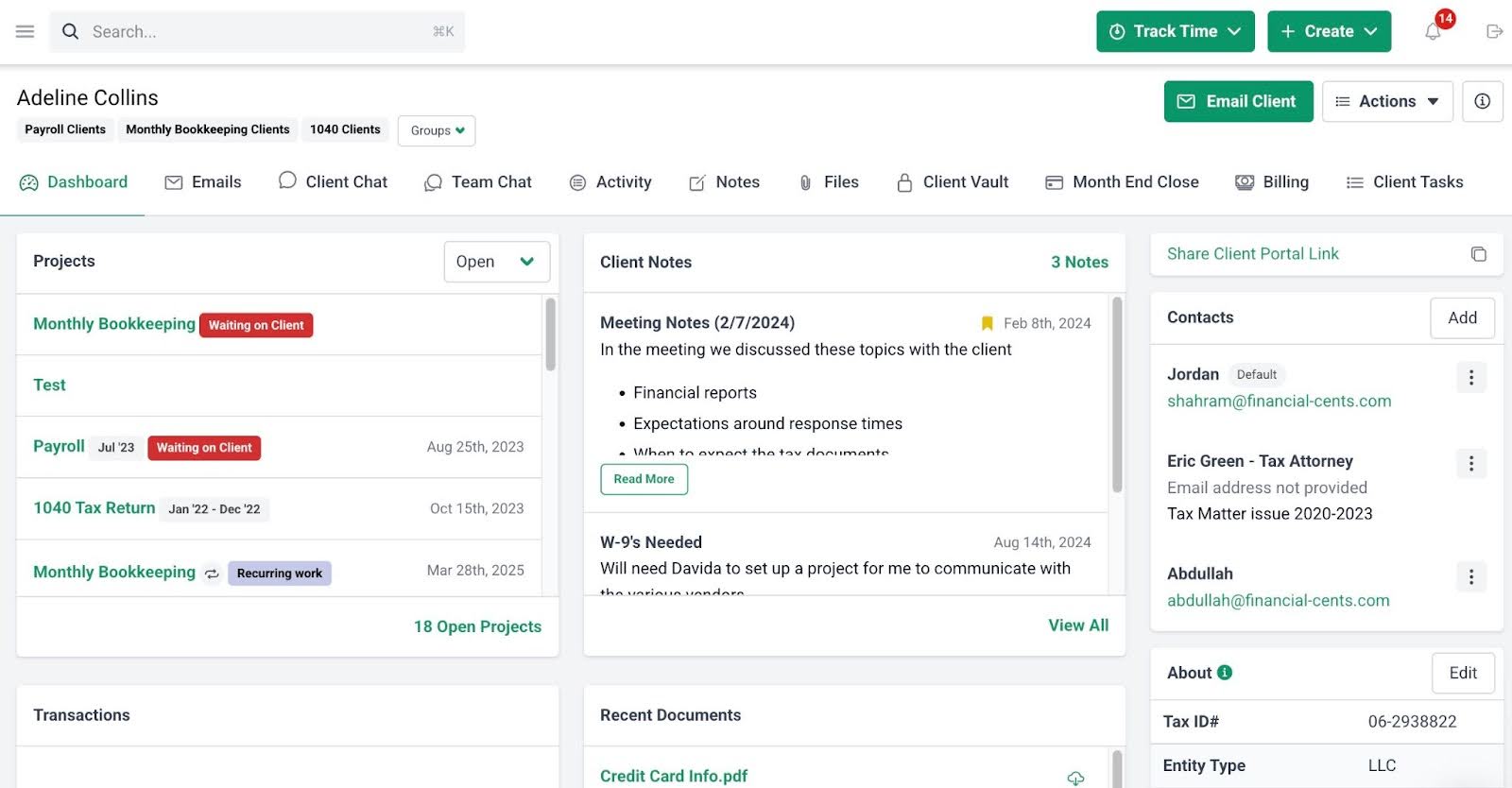
- CRM and Client Portal: Financial Cents organizes all clients in the client databases, and each profile in the database contains all the information about the client, from their projects, documents, and emails to the client chat, notes, and custom fields for storing unique client information.
The passwordless client portal centralizes client collaboration and enables clients to share files, review payment information, E-sign documents, and collaborate on transaction review with your team.
- Capacity Management: Displays every team member’s workload in hours to understand who’s overutilized or underworked and ensure no one is burning out.
- Time Tracking, Billing, and Payments: The built-in time and billing solutions work together to ensure accurate timesheets, invoicing, and payment collection.
- Month-End Close Feature: Syncs with QuickBooks Online to automatically flag transaction errors, such as uncategorized expenses, missing payees, or missing classes, and allows you to send questions to the client portal and push approved corrections back to QBO.
- Budgets and Reporting: Real-time data that show firm-wide metrics, such as realization rates and project profitability, to provide actionable insights into staff productivity and performance.
Pricing
Financial Cents uses a tiered per-user pricing:
- Solo Plan: $19 per month (billed annually)
- Team Plan: $49/month per user (billed annually) or $69/month per user (billed monthly)
- Scale Plan: $69/month per user (billed annually) or $89/month per user (billed monthly)
- Enterprise Plan: Custom pricing
Free Trial Availability
Financial Cents offers a 14-day free trial you can access here and now
Best For
Financial Cents is best suited for small-to-mid-sized accounting and bookkeeping firms that want to manage the entire project life-cycle from proposal and workflow management to time tracking, billing, and payment processing in one tool that is easy to adopt.
| Pros | Cons |
|---|---|
| Intuitive interface ensures fast adoption | Firms seeking highly complex enterprise resource planning may need more advanced functionality |
| The passwordless client portal improves client responses | Limited Xero support |
| Built-in proposal and engagement letter feature defines engagements and automates client payments | Per-user pricing adds up quickly for firms with many staff |
Rating
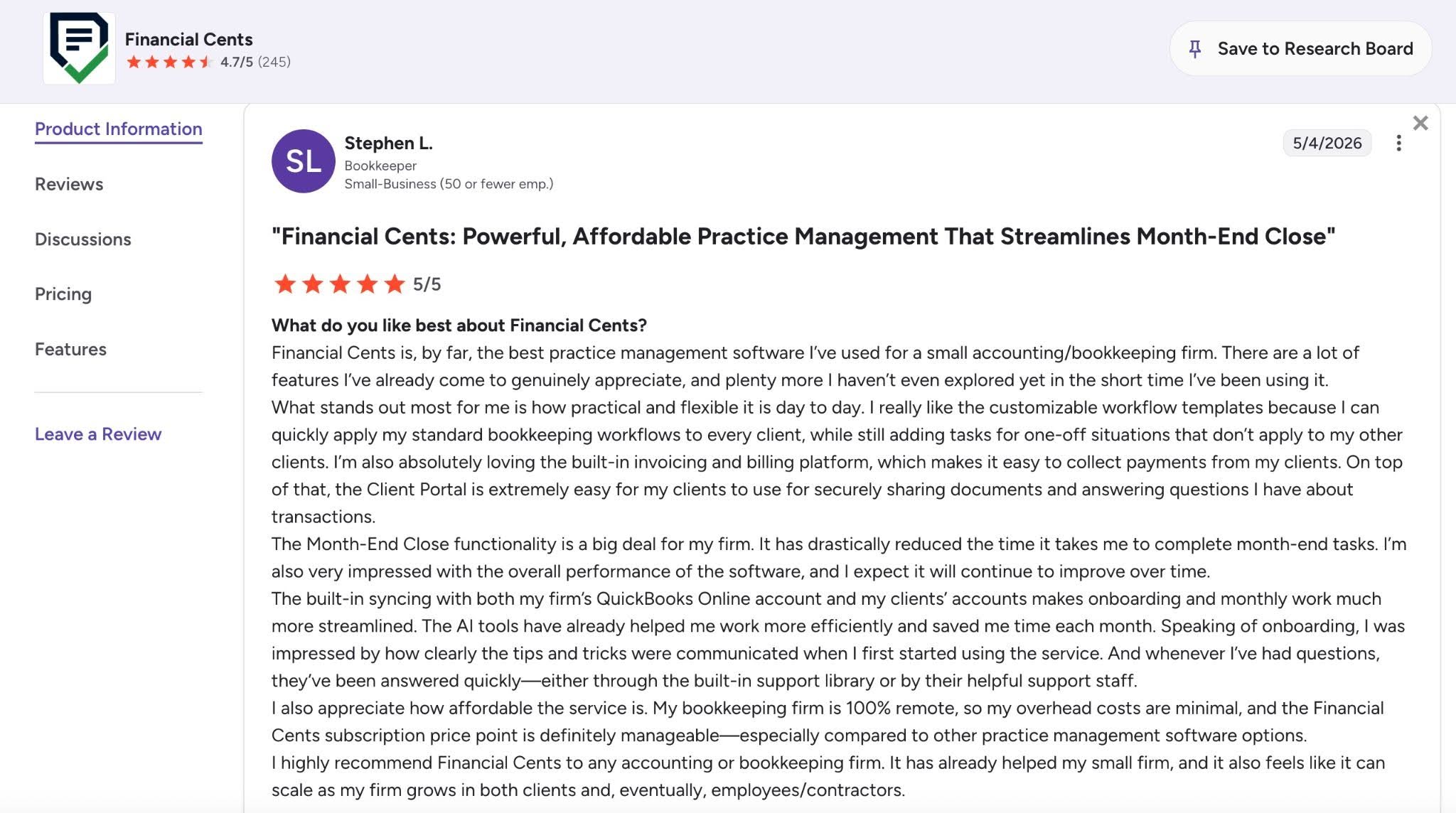
Financial Cents is rated:
Want to see whether Financial Cents fits your firm’s workflows? Book a free personalized demo, or start a 14-day free trial with no credit card to walk through your current processes with the team.
2. Karbon
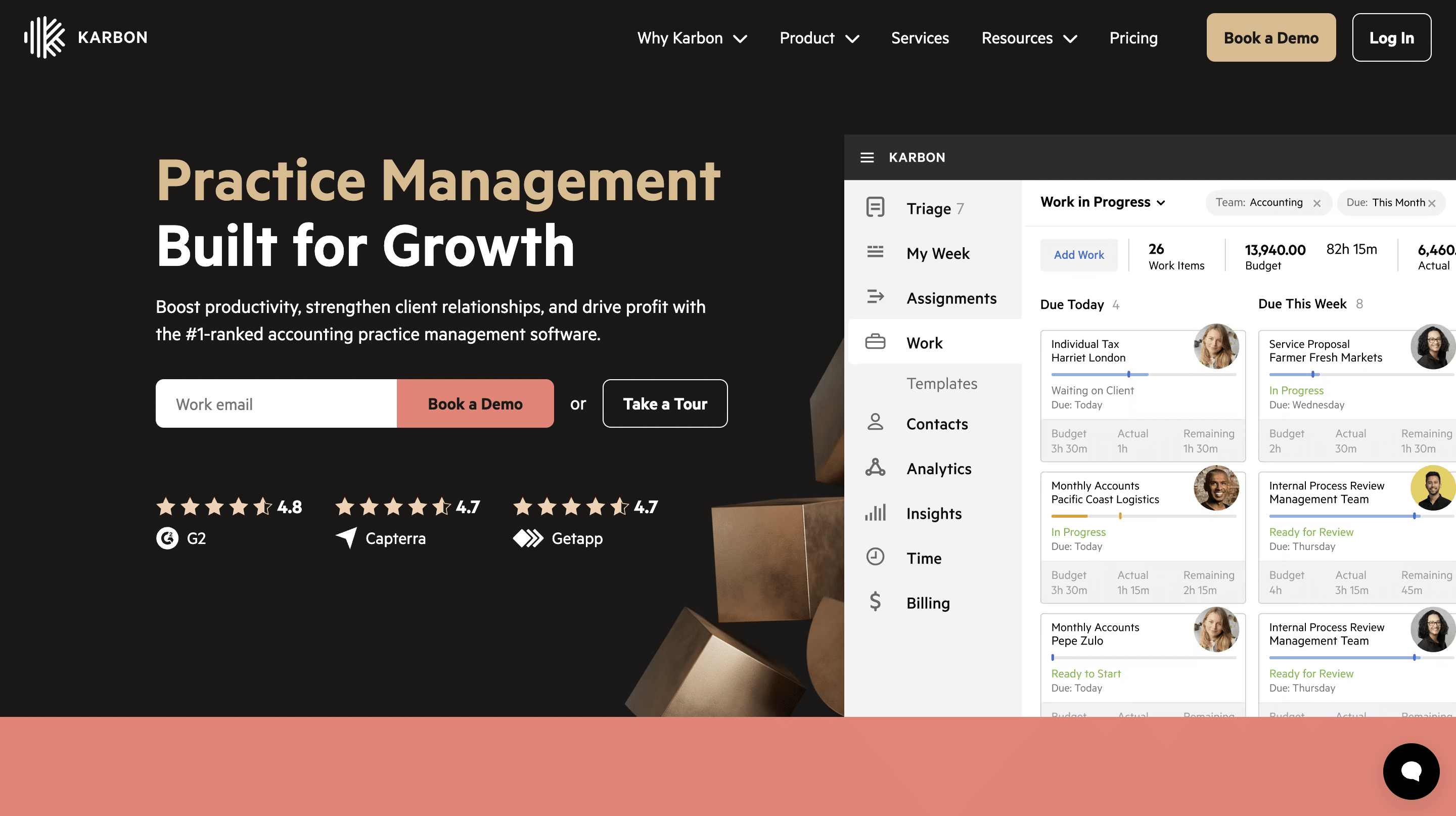
Karbon is an enterprise-grade practice management software with deep workflow management capabilities and integrated communication features that help firms centralize client work and internal interactions.
While other practice management solutions prioritize ease of use, Karbon provides firms with a high degree of operational visibility and process control, which makes it better suited to larger firms that have the resources to implement it across multiple teams.
Karbon’s Key Features Include:
- Project Management and Workflow Automation: Karbon organizes your firm’s work into visual Kanban or calendar dashboards while automatically triggering recurring accounting jobs and moving tasks between team members when previous steps are completed.
- Email Management: This feature integrates your Gmail or Outlook inbox into Karbon to link emails to specific clients and convert incoming messages into tasks.
- Team Collaboration: Karbon centralizes internal communication right where the actual work happens and enables staff to chat and tag colleagues inside specific client emails, tasks, and project files.
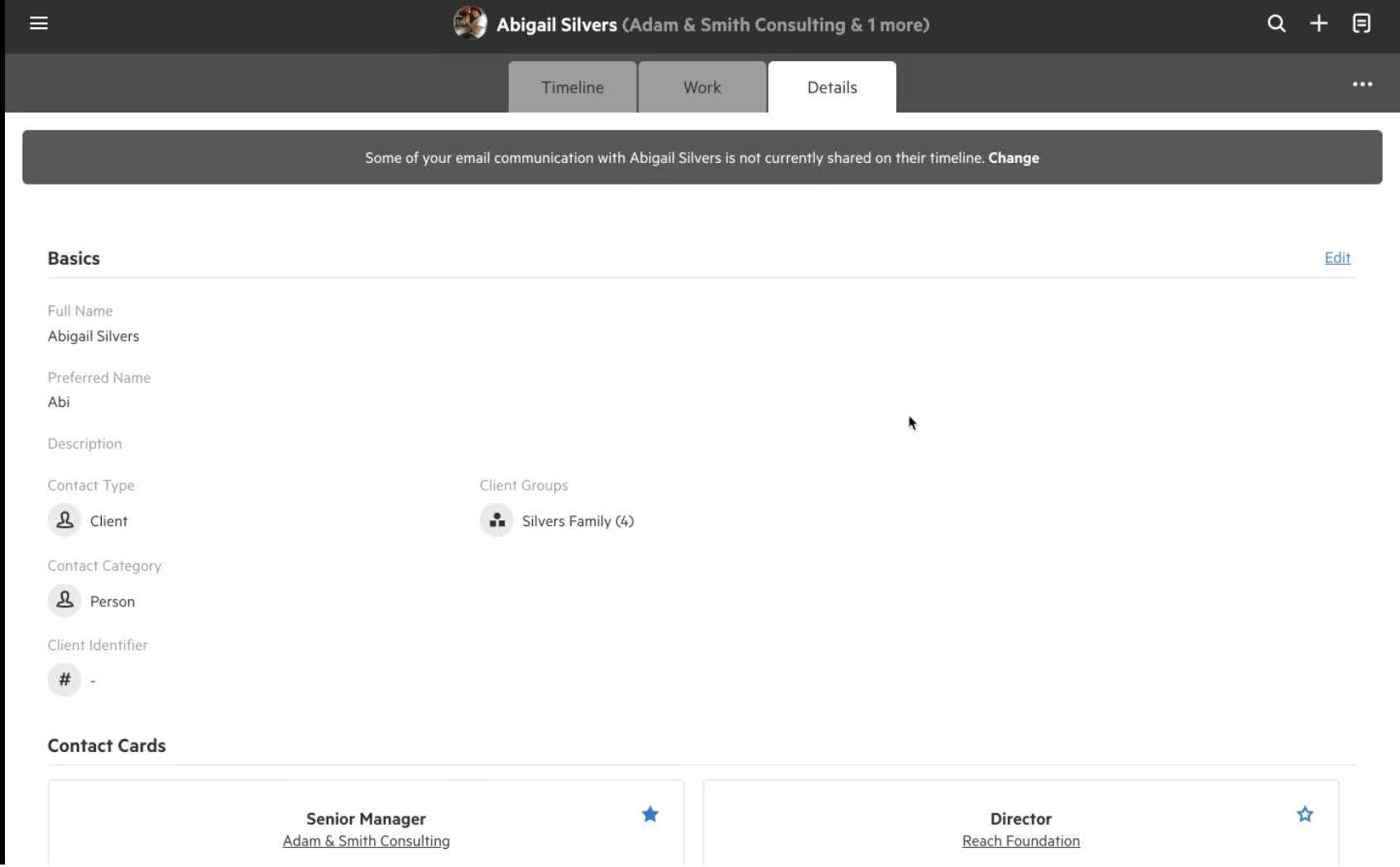
- Client Management: Provides a centralized database that links a client’s corporate entities, contact details, and communication history into one location.
- Client Portal: A secure platform that automatically sends clients recurring reminders to upload documents, answer questions, and complete eSignatures.
Pricing
Karbon uses a tiered per-user pricing system:
- Team: $59/month per user (annual billing) and $79/month per user (monthly billing)
- Business: $89/month per user (annual billing) and $99/month per user (monthly billing)
See full breakdown of Karbon pricing plans and add-ons.
Free Trial Availability
Karbon does not offer a self-serve free trial. You need to complete a demo with the sales team to gain access to the platform for a free trial.
Best For
Ideal for established accounting firms that need advanced workflow management, capacity planning, and firm-wide visibility across multiple teams and service lines.
| Pros | Cons |
|---|---|
| Strong team collaboration and email integration features | Higher cost than many competing solutions |
| Comprehensive operational reporting | Steeper learning curve for small firms |
| Deep workflow customizability | Locks free trial behind a demo |
Rating
Karbon is rated:

Related:
The 8 Best Karbon Alternatives to Consider in 2026
3. TaxDome
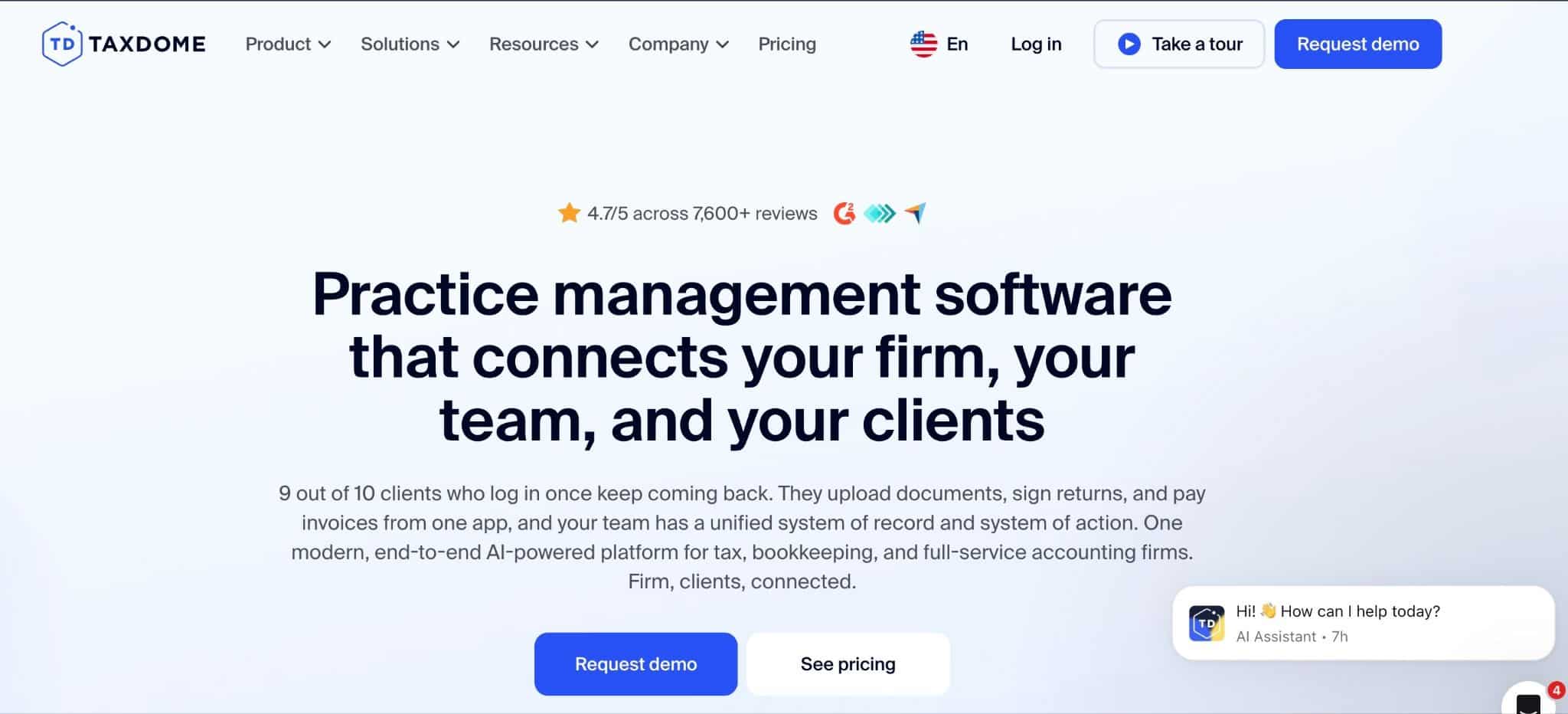
TaxDome’s feature-rich practice management platform reduces the number of separate applications tax, accounting, and bookkeeping firms need to operate by bringing client-facing and internal operations tools together in one place.
It relies heavily on “Pipelines” that automatically move client jobs forward through customizable stages while automating manual tasks.
TaxDome’s Key Features Include:
- Workflow Automation: TaxDome operates a stage-and-pipeline model that automatically generates checklists, sends client reminders, requests documents, and assigns tax returns as a job moves through your custom milestones.
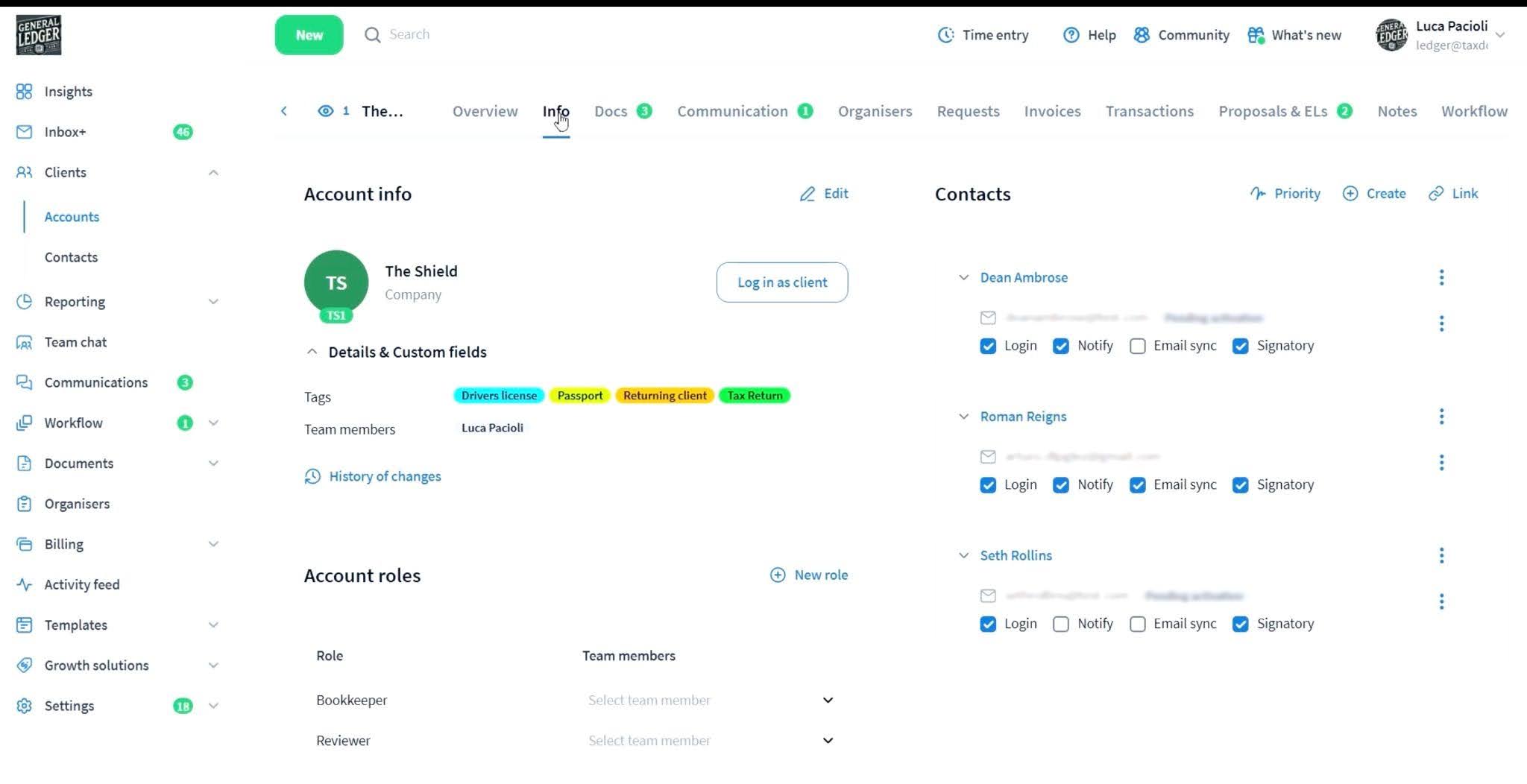
- CRM and Client Management: Centralizes communication histories, custom client tags, and intake forms to enable firms to manage prospects and active accounts in one place.
- Document Management: TaxDome pairs unlimited cloud storage and a virtual desktop drive with automated file templates and an embedded native PDF editor to organize client files.
- Client Portal: A client-facing workspace with a built-in document scanner and chat threads.
- Time and Billing: Tracks time and integrates time logs into active workflows to generate invoices and collect client payments.
Pricing
TaxDome uses a per-seat/user pricing system:
- Essentials: $800/year per seat (1-year commitment), $750/year per seat (2-year commitment), or $700/year (3-year commitment)
- Pro: $1,000/year per seat (1-year commitment), $950/year per seat (2-year commitment), or $900/year per seat (3-year commitment)
- Business: $1,200/year per seat (1-year commitment), $1150/year per seat (2-year commitment), or $1100/year per seat (3-year commitment)
For firms considering this option, see TaxDome pricing explained before comparing its total cost with other practice management platforms.
Free Trial Availability
TaxDome does not offer a self-serve free trial for firms based in the United States. Firms outside of the United States can access the free trial after booking a demo first.
Best For
Growing tax and accounting practices are looking for an integrated ecosystem to centralize every aspect of their firm (workflows, tax organizers, client file collections, billing, and document management) in a single tool.
| Pros | Cons |
|---|---|
| Extensive feature set reduces reliance on multiple software tools | The learning curve is steep due to feature breadth |
| Strong client portal and document management capabilities | No self-serve free trial for U.S.-based firms |
| Status-triggered pipeline rules | Lack of month-to-month billing options |
Rating
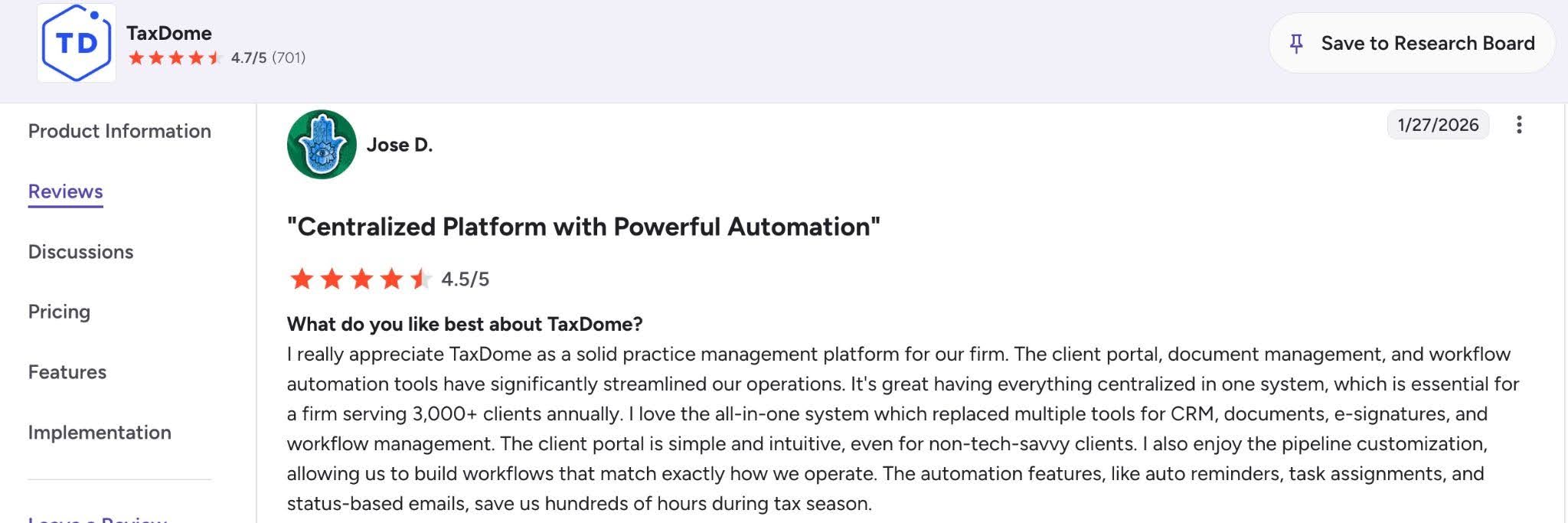
TaxDome is rated 4.7/5 stars on both Capterra and G2
Related:
The Top 10 Alternatives to TaxDome for Your Accounting Firm [2026]
4. Canopy
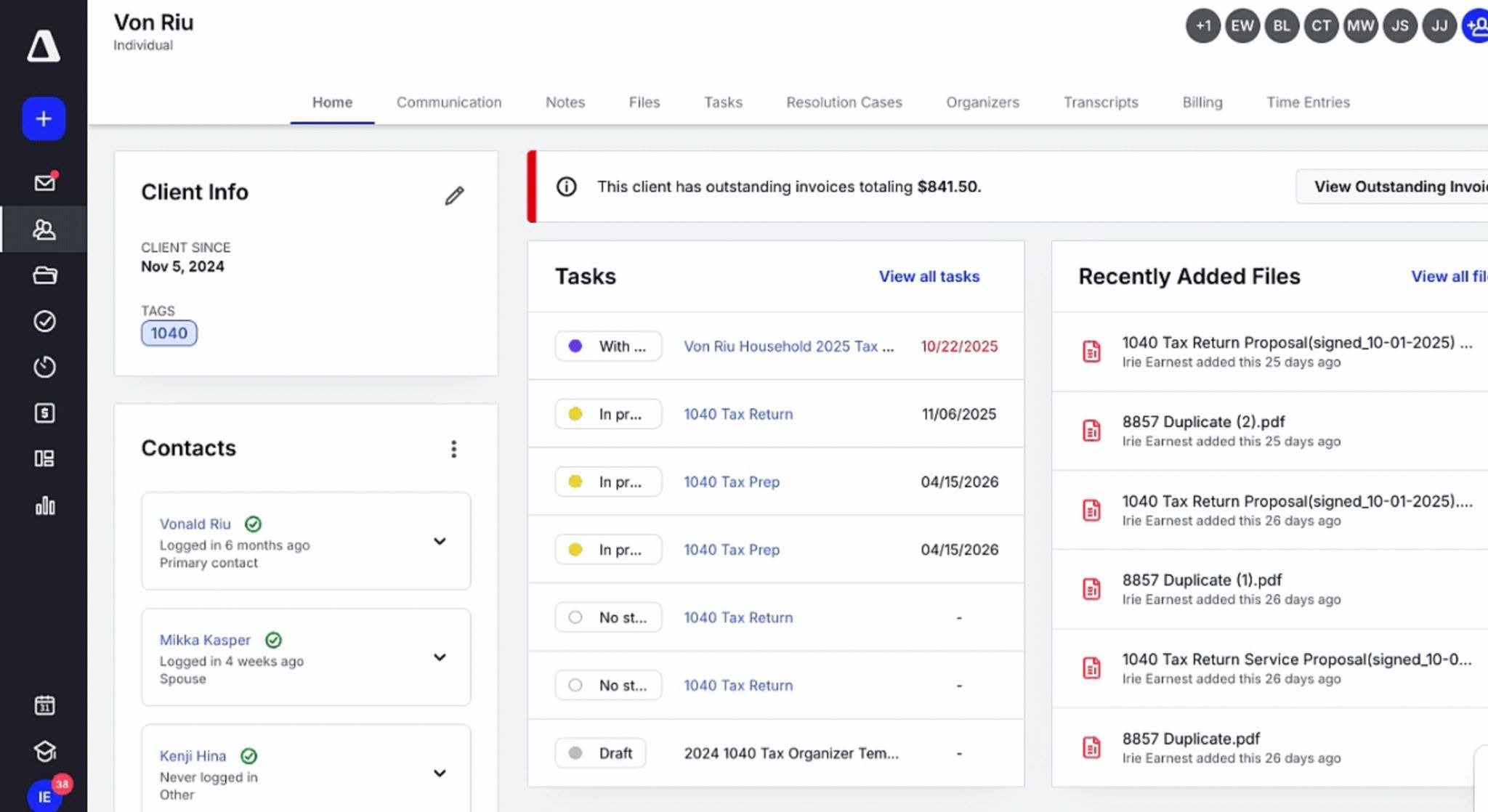
Canopy is a practice management software that combines workflow management, document management, client communication, billing, CRM, and tax resolution tools.
It is particularly popular among tax-focused firms because of its strong client management capabilities and optional tax resolution features that streamline IRS transcript retrieval and notice management.
Canopy’s Key Features Include:
- Workflow Automation: A tool that allows firms to create projects, assign tasks, automate recurring work, track deadlines, and monitor progress across engagements. Workflow templates help standardize processes while automations handle recurring jobs, status updates, and client reminders.
- Client Portal: The client portal ensures secure document exchange and communication with clients, and collects information without relying on email attachments.
- CRM: Built-in CRM functionality that helps firms manage prospects, client relationships, contact information, and notes from a single location.
- Time Tracking and Billing: The platform includes time tracking, invoicing, and payment collection tools that help firms manage billing workflows and monitor engagement profitability.
- Tax Resolution: Canopy connects directly to the IRS e-Services portal, allowing practitioners to pull client transcripts automatically in the background, track changes, and generate instant tax resolution reports.
Pricing
Canopy uses a tiered per-user pricing:
- Standard: $74/month per user (annual billing) or $93/month per user (monthly billing)
- Plus: $109/month per user (annual billing annually) or $136/month per user (monthly billing)
- Premium: $149/month per user (annual billing) or $186/month per user (monthly billing)
- Enterprise: Custom pricing
Free Trial Availability
Canopy requires firms to complete a structured demo before trying the product.
Best For
Best for tax and accounting firms that want a comprehensive practice management platform with strong client management, document management, and built-in IRS transcript capabilities.
| Pros | Cons |
|---|---|
| Automated background IRS transcript pulling | Free trial is hidden behind the product demo |
| Strong client portal and document management functionality | Implementation requires more setup than simpler alternatives |
| Responsive customer support | Many small firms will not need the breadth of functionality it offers |
Rating
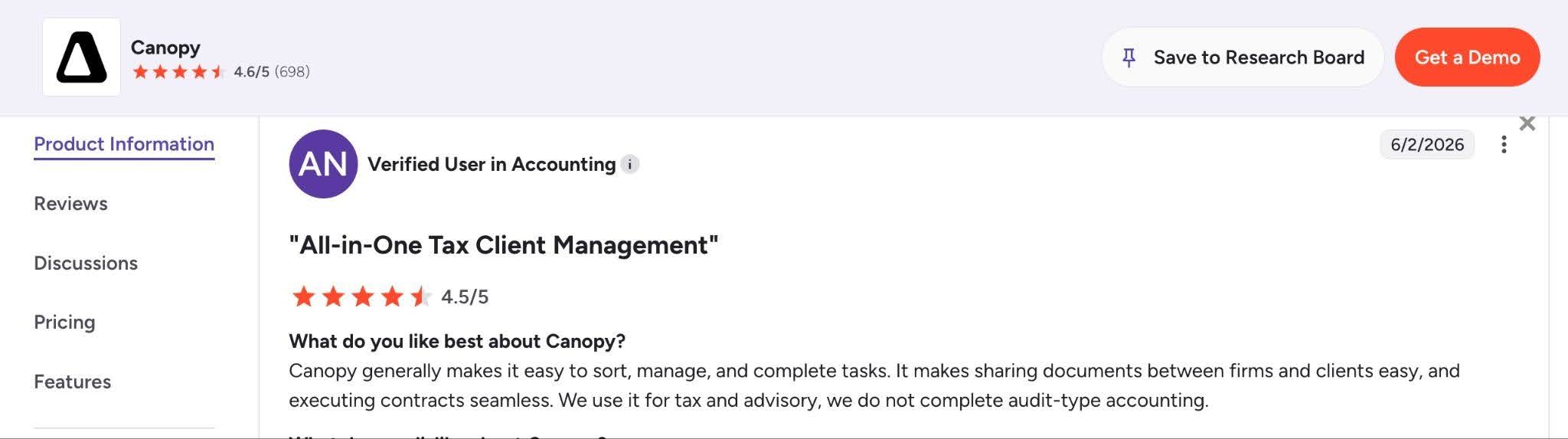
Canopy is rated:
Related:
The 6 Best Canopy Alternatives to Explore in 2026
5. Jetpack Workflow
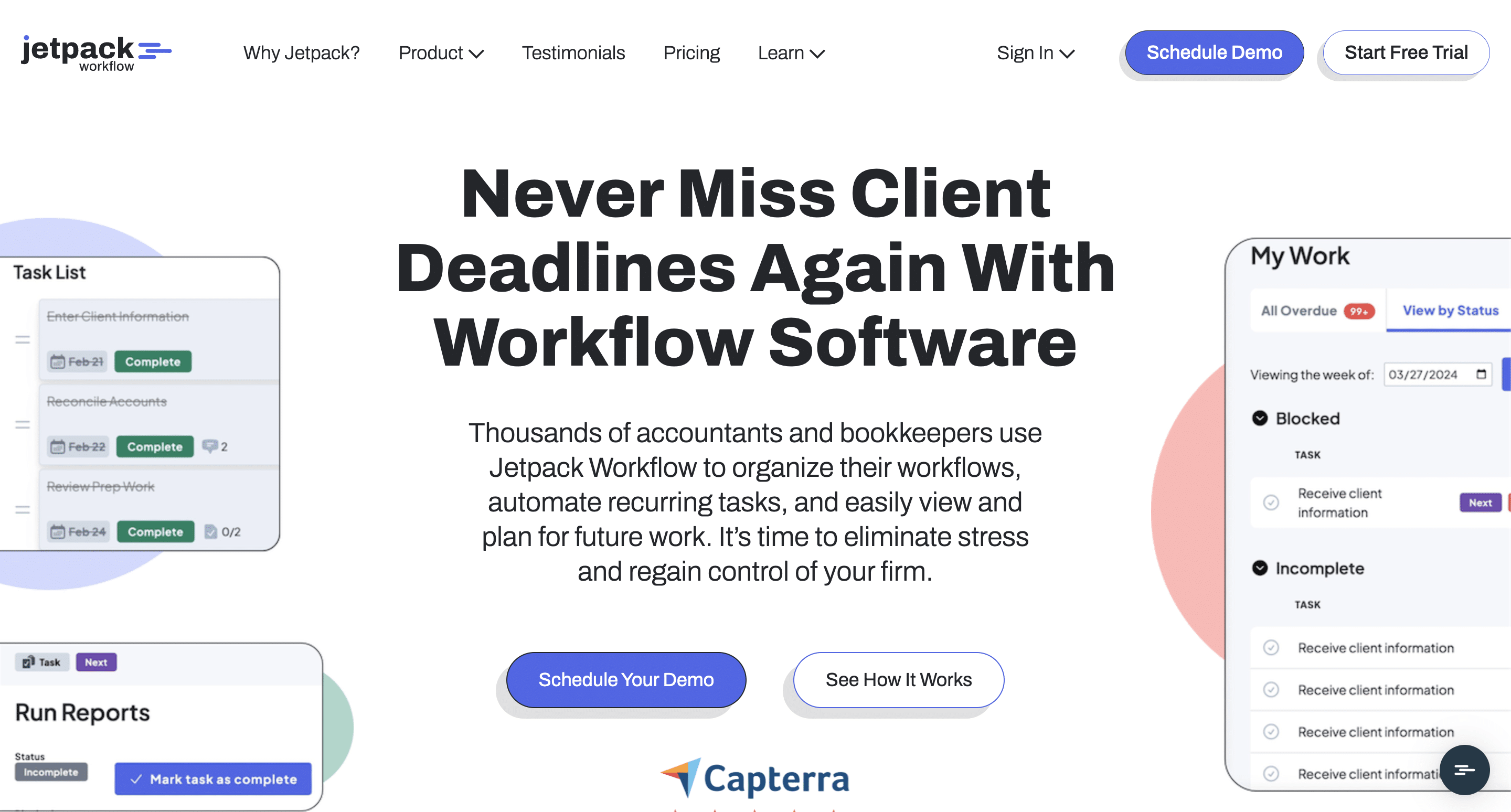
Jetpack Workflow is an accounting workflow management software that focuses on helping firms organize recurring client work, standardize processes, and gain visibility into deadlines without the complexity of larger practice management systems.
Jetpack Workflow has remained popular among small and mid-sized firms because of this simplicity and narrow focus, which helps to maintain operational consistency across large volumes of recurring bookkeeping work, tax, payroll, and compliance work.
Jetpack Workflow’s Key Features Include:
- Templates: Jetpack Workflow provides a library of over 70 customizable accounting templates to standardize your firm’s processes.
- Workflow Automation: A system that automatically schedules recurring client engagements months in advance and uses cascading task deadlines to update multi-step projects.
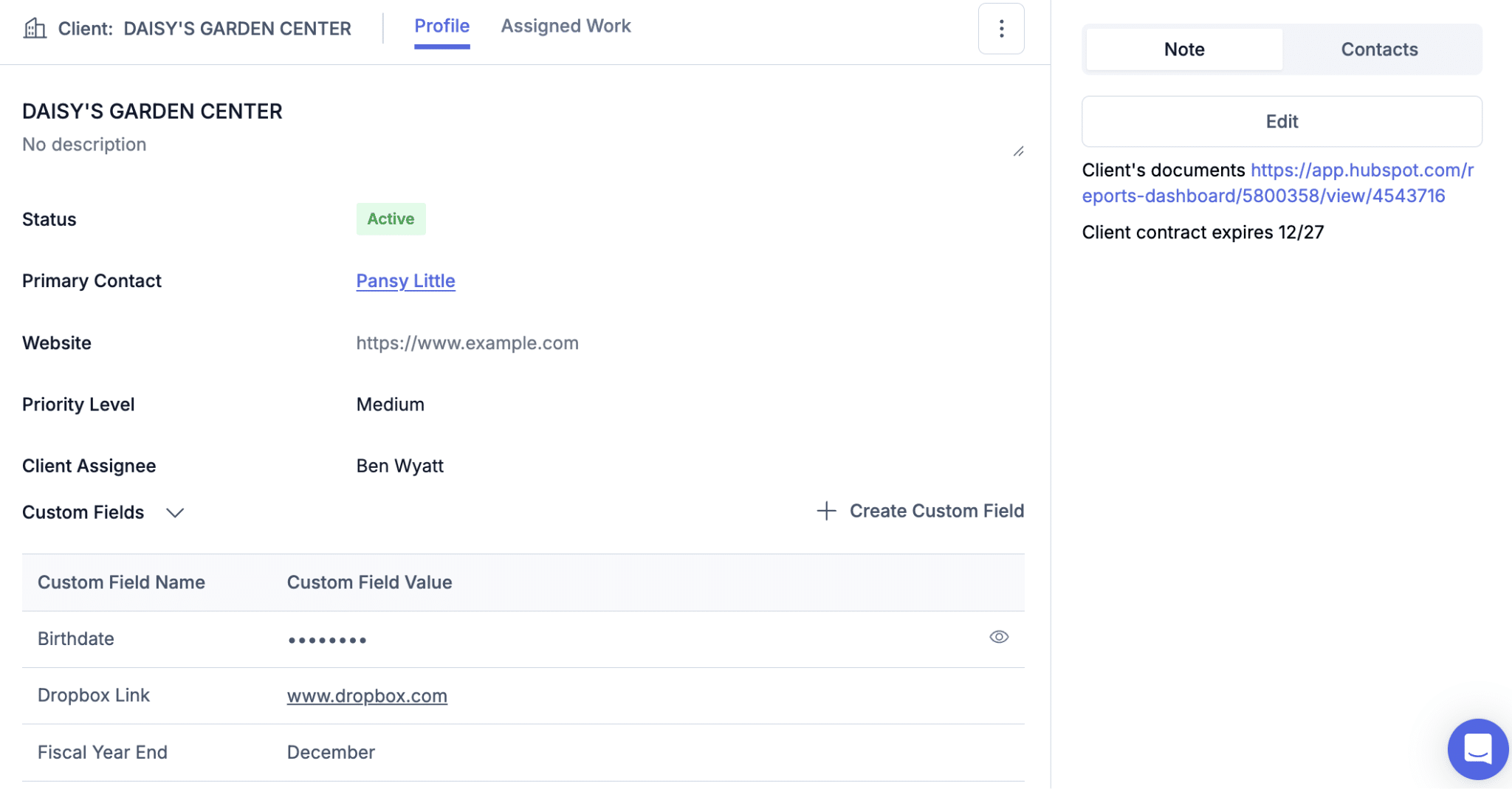
- Clients: A basic database that links every client to its historic notes, documents, and active jobs.
- Jobs: A spreadsheet-style dashboard that lists every active client engagement and allows you to instantly filter, search, and sort work by its deadline and status.
- Team Management: This feature gives firm owners visibility into employee capacity by comparing individual workloads and reassigning tasks to prevent bottlenecks.
Pricing
Jetpack Workflow uses a tiered per-user pricing:
- Starter: $40/month per user (billed annually) or $49/month per user (billed monthly)
- Premium: $50/month per user (billed annually) or $59/month per user (billed monthly)
Free Trial Availability
Jetpack Workflow offers a self-serve 14-day free trial that you can access here and now.
Best For
Small and mid-sized accounting firms that need recurring workflow management, deadline tracking, and process standardization, and won’t mind using separate accounting CRM systems, proposal, and billing tools.
| Pros | Cons |
|---|---|
| Easy to learn and implement | Doesn’t have a client portal |
| Strong recurring workflow automation capabilities | Lacks the all-in-one breadth offered by platforms like Financial Cents |
| Large library of workflow templates | Limited reporting capabilities |
Rating
Jetpack Workflow is rated:

Related:
The 8 Best Jetpack Workflow Alternatives for Modern Firms [2026]
Financial Cents vs Jetpack Workflow
6. Double (Formerly Keeper)
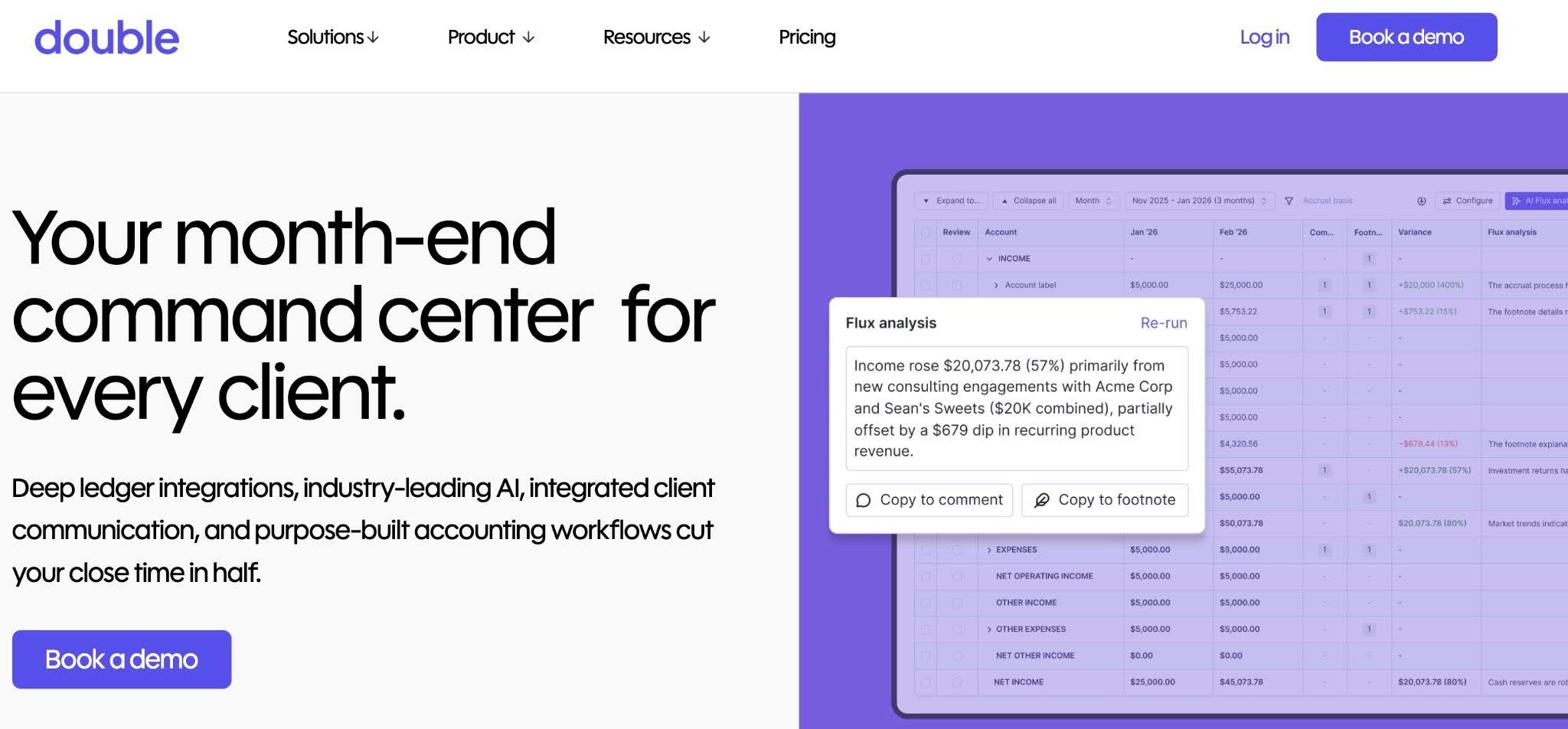
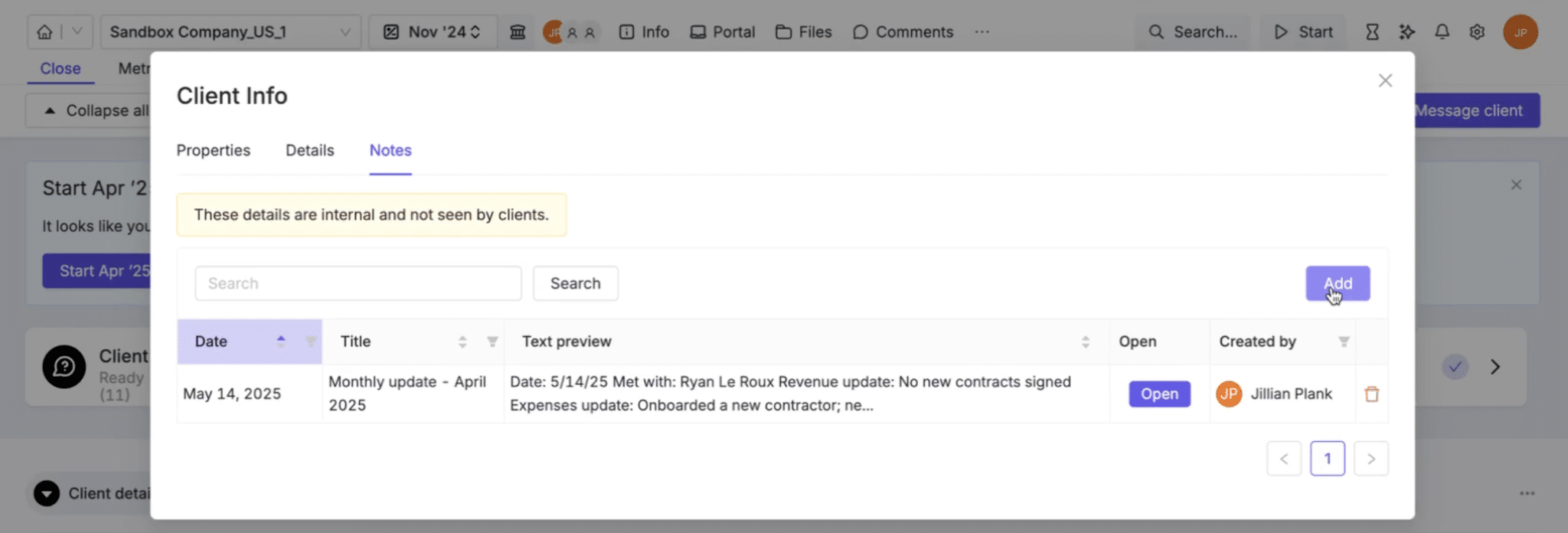
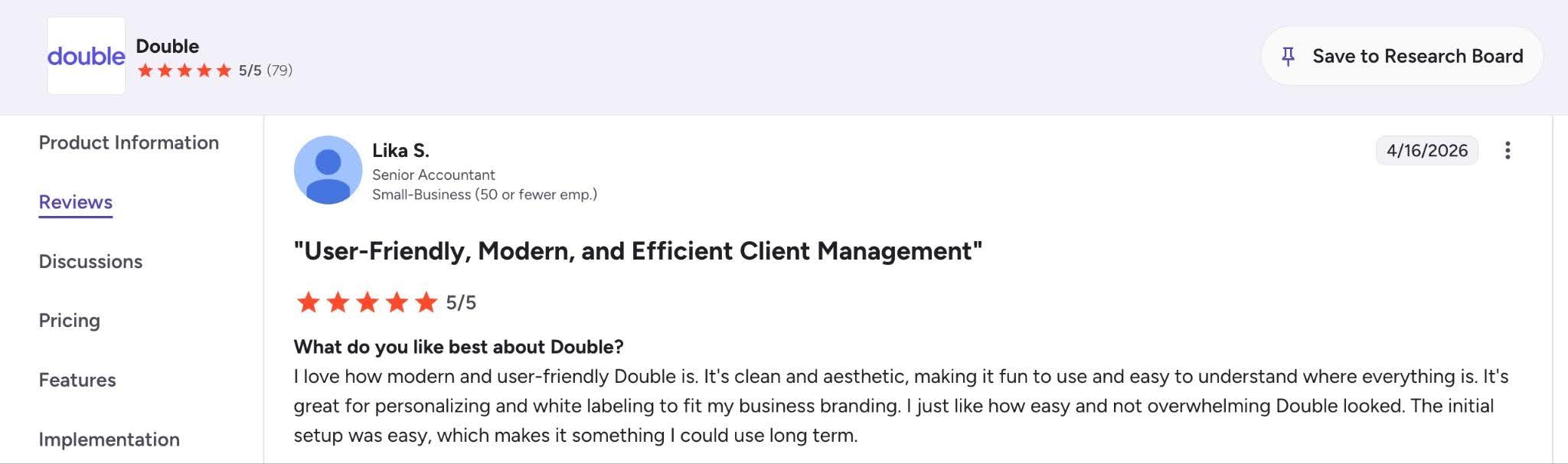
Double is a practice management and client collaboration platform for bookkeeping and Client Accounting Services (CAS) firms that focuses on client communication, transaction reviews, month-end close workflows, and bookkeeping operations.
While it may not offer the same breadth of practice management functionality as some all-in-one tools on this list, its workflow design makes it particularly valuable for firms that provide recurring bookkeeping services.
Double’s Key Features Include:
- AI Workflows: Double offers a specialized AI tool to help bookkeepers complete recurring month-end tasks faster, while leaving review, control, or accountability to humans.
- File Review: AI-powered review that syncs with QuickBooks Online and Xero to automatically flag expense inconsistencies, uncategorized transactions, and missing payees.
- Time Tracking: Tracks billable time directly alongside Close tasks and client accounts your team is working on to measure revenue leakage.
- Client Communication: Double enables you to securely text, chat, or send magic links to clients, and automatically log their responses to the relevant project.
- 1099 Management: Allows your firm to request W-9 details and tracking information from clients’ vendors while syncing the gathered data to the general ledger.
Pricing
Double uses per-client pricing:
- Core: $10/month per client (billed monthly)
- Plus: $25/month per client (billed monthly)
- Scale: $50/month per client (billed monthly)
Free Trial Availability
Double requires you to complete a demo before starting your free trial.
Best For
Best for bookkeeping and CAS firms whose operational bottleneck is navigating messy monthly close files in QBO or Xero and constantly chasing clients for transaction information.
| Pros | Cons |
|---|---|
| Excellent client communication workflows for bookkeeping engagements | Less comprehensive than other practice management platforms on the list |
| Helps reduce email back-and-forth during month-end close processes | May require additional software for capacity management and reporting |
| Per-client pricing allows more internal users | Cost scales with client volume |
Rating
Double is rated:
Related:
The Top 7 Double (Formerly Keeper.app) Alternatives
Financial Cents Vs Double (formerly Keeper)
7. Pixie
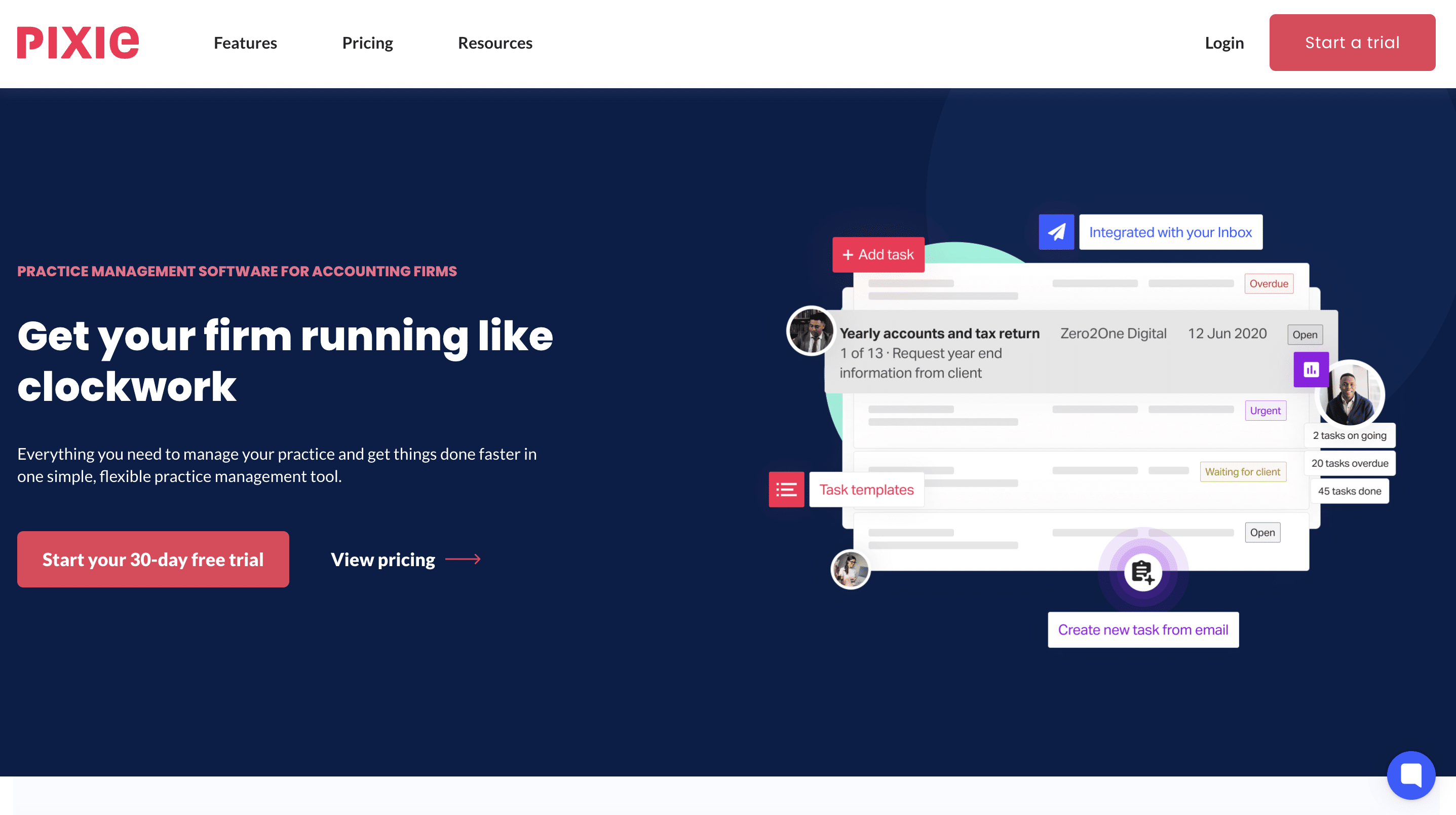
Pixie’s practice management solution simplifies workflow management, client communication, task tracking, and document collection for smaller accounting and bookkeeping firms.
It is popular among firms that have outgrown spreadsheets and email-based workflows but don’t necessarily need the complexity or high costs of the larger all-in-one practice management platforms.
Pixie’s Key Features Include:
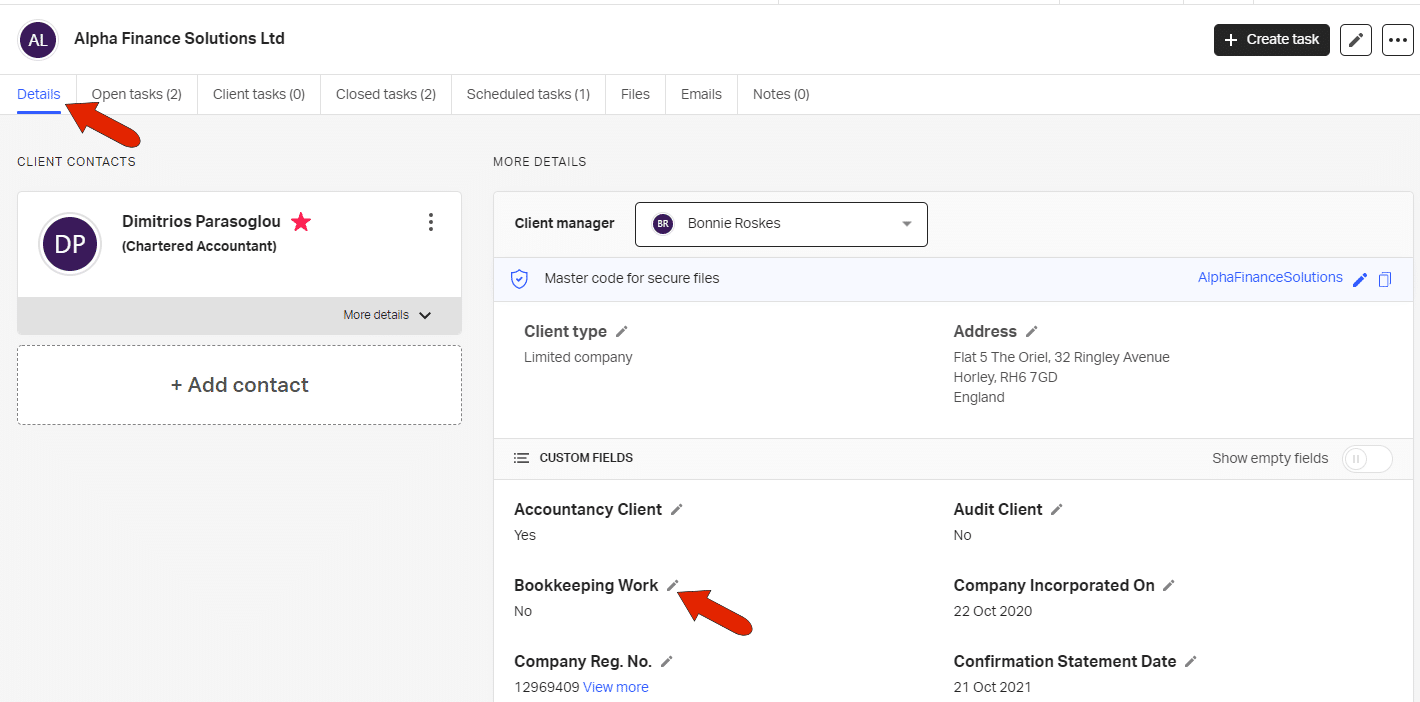
- Workflow Management: Pixie structures your practice into a clear, flexible system using customizable fields and templates to break accounting jobs down into standardized steps.
- Team Management and Reporting: An operational dashboard that tracks job progress and task statuses across your entire firm.
- Recurring Tasks: Pixie automatically schedules future compliance work based on key client dates and statutory deadlines.
- Client Tasks: A GDPR-compliant portal that lets you assign specific to-do lists and request documents from clients.
- Email Integration: Pixie links your firm’s individual or shared Outlook and Gmail inboxes directly to the platform to automatically log client correspondence on their record.
Pricing
Pixie uses a flat pricing system that increases with client volume:
- Less than 250 clients: $129/month
- 251-500 clients: $199/month
- 501-1000: $329/month
- Over 1000: custom pricing
Free Trial Availability
Pixie offers a 30-day self-serve free trial that you can access here and now.
Best For
Best for solo practices and small firms that prioritize a simple, easy-to-adopt operational hub over complex tools with time-billing and granular reporting.
| Pros | Cons |
|---|---|
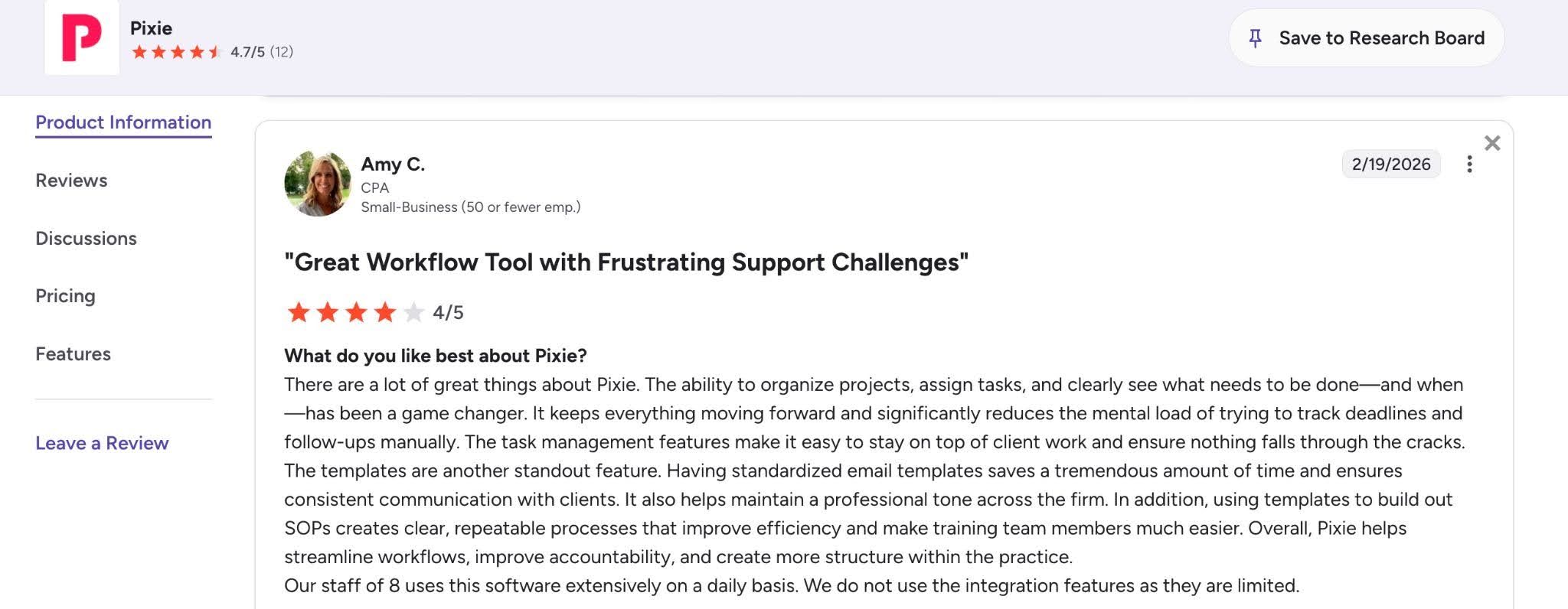
| Easy to learn and implement | Reporting capabilities are limited |
| Includes an E-signature feature | No native time & billing tool |
| Pricing allows unlimited users | Users have complained about frequent updates that disrupt their operation |
Rating
Pixie is rated:
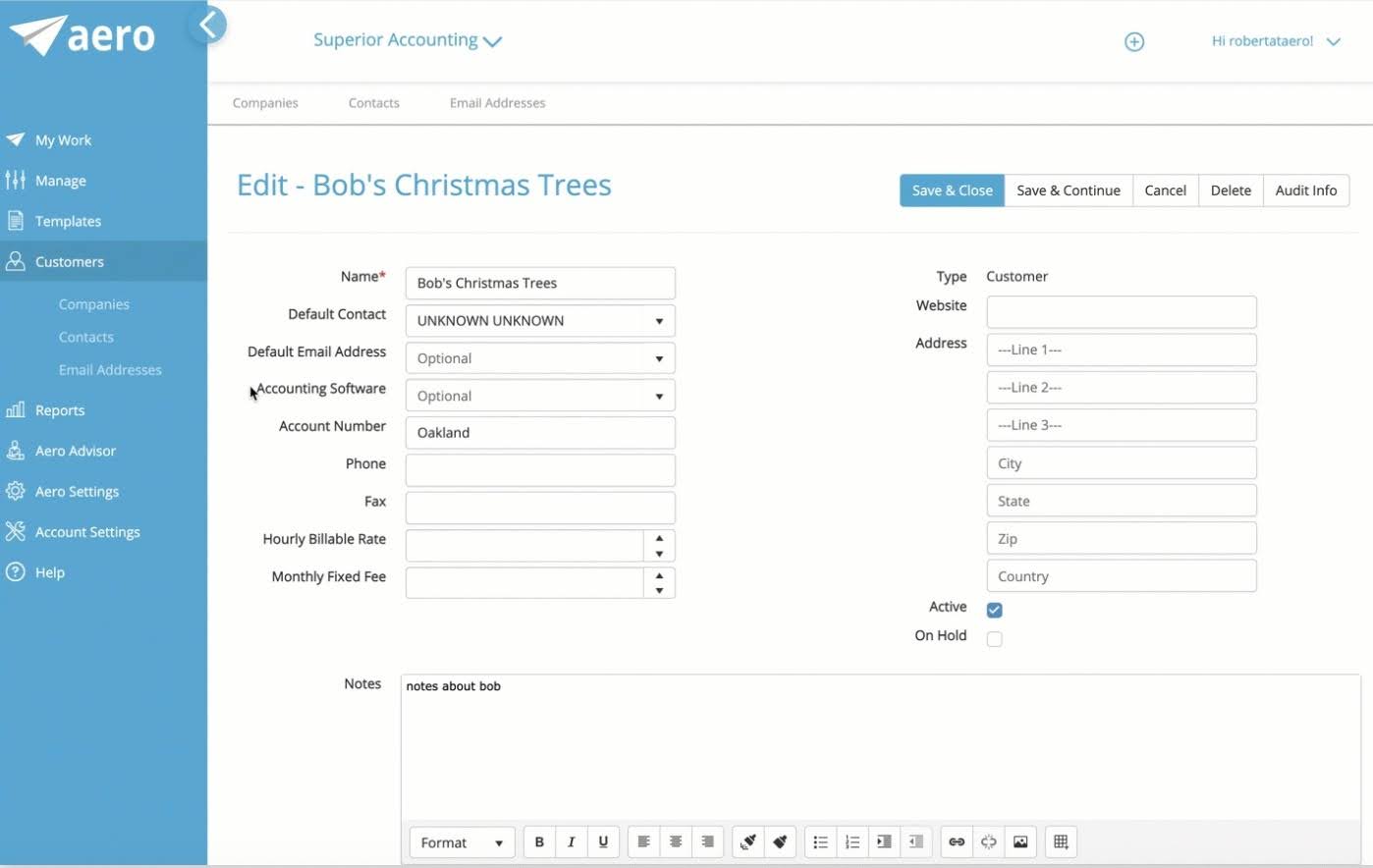
8. Aero Workflow

Aero Workflow is an accounting workflow software that standardizes recurring work, manages deadlines, and improves team accountability.
Aero Workflow takes a more streamlined approach than tools like Financial Cents and TaxDome and emphasizes workflow execution rather than all-in-one accounting firm management. This makes it more appealing to firms that want stronger process management without paying for extensive CRM, document management, or client portal functionality.
Aero Workflow’s Key Features Include:
- Checklists: Aero Workflow embeds step-by-step operating procedures, instructions, and screenshots directly into active employee tasks, to ensure staff know what to do and how.
- The Client Vault: A secure information hub that places client passwords, tax IDs, and login links directly within the active task workspace so staff can access necessary accounts easily.
- Integrated Time Tracking: Built-in timer automatically starts the second a staff member opens a task checklist to capture billable hours and compile data in real-time.
- Scheduling and Recurring Tasks: Automatically creates, assigns, and maps out future recurring engagements or one-time projects.
- Performance Reporting: Over 20 built-in reporting dashboards display live firm performance to measure overall team and firm productivity and client profitability.
Pricing
Aero Workflow uses a tiered flat-rate pricing:
- Startup: $108/month (billed annually) or $135/month (billed monthly)
- Growth: $200/month (billed annually) or $250/month (billed monthly)
- Scaling: $295/month (billed annually) or $365/month (billed monthly)
Free Trial Availability
Aero offers a 30-day free trial that you can access here and now.
Best For
Best for small and mid-sized accounting firms that want dedicated workflow management and recurring task automation without paying for an extensive practice management platform.
| Pros | Cons |
|---|---|
| Strong recurring workflow automation capabilities | Lacks a native client portal |
| Relatively simple implementation process | Reporting and analytics are less advanced |
| Flat-rate pricing is team-size friendly and transparent. | Requires additional software tools for tasks like billing |
Rating
Aero Workflow is rated:

9. Client Hub
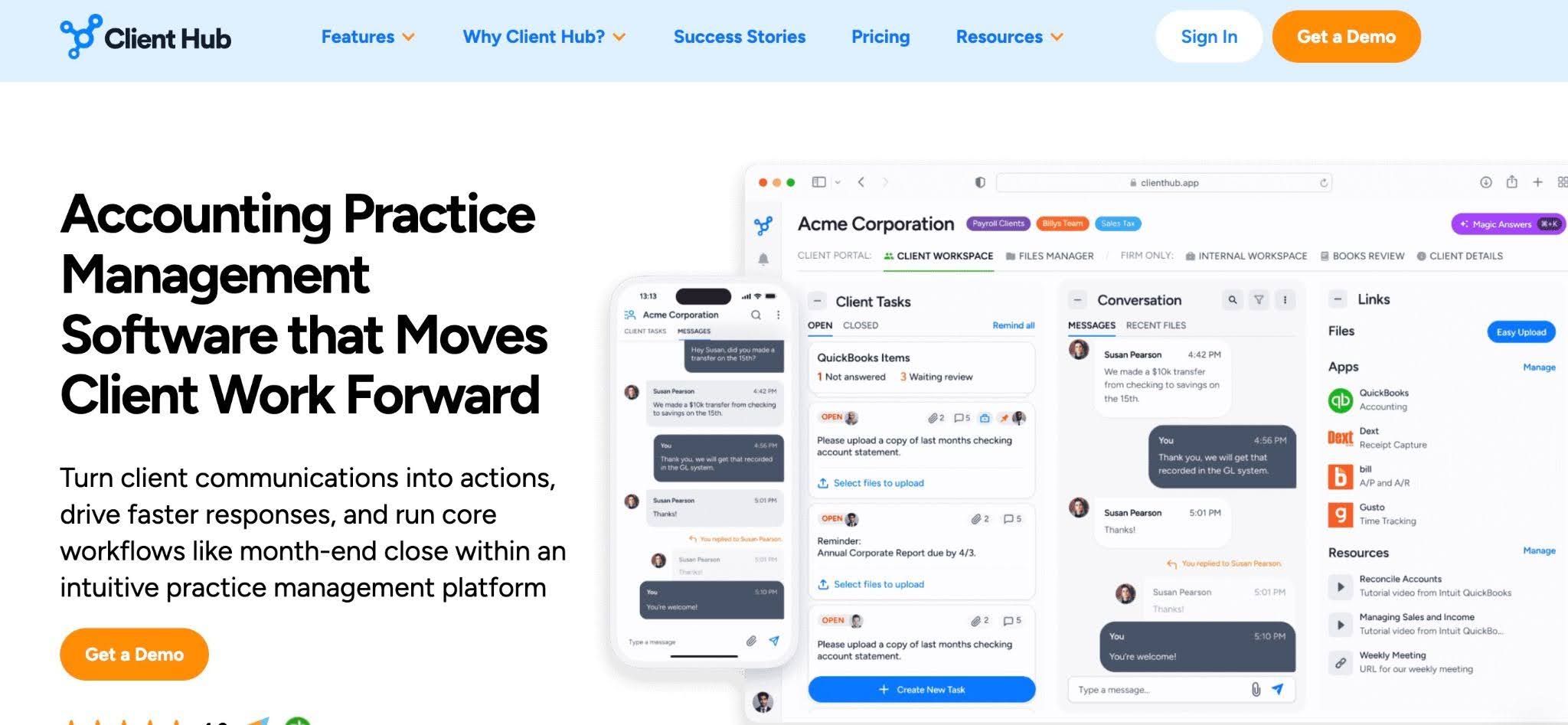
Client Hub is a client collaboration and workflow management platform designed to solve the problem of constant back-and-forth communication between firms and clients.
It centralizes client requests, automates reminders, collects documents, and manages conversations through a shared workspace to save firms the time lost following up on missing documents, waiting for client responses, and managing fragmented communication across emails, phone calls, and messaging apps.
Client Hub’s Key Features Include:
- Workflow Management: Client Hub organizes your firm’s daily operations into structured, client-centric checklists where jobs can be scheduled and assigned to individual staff members.
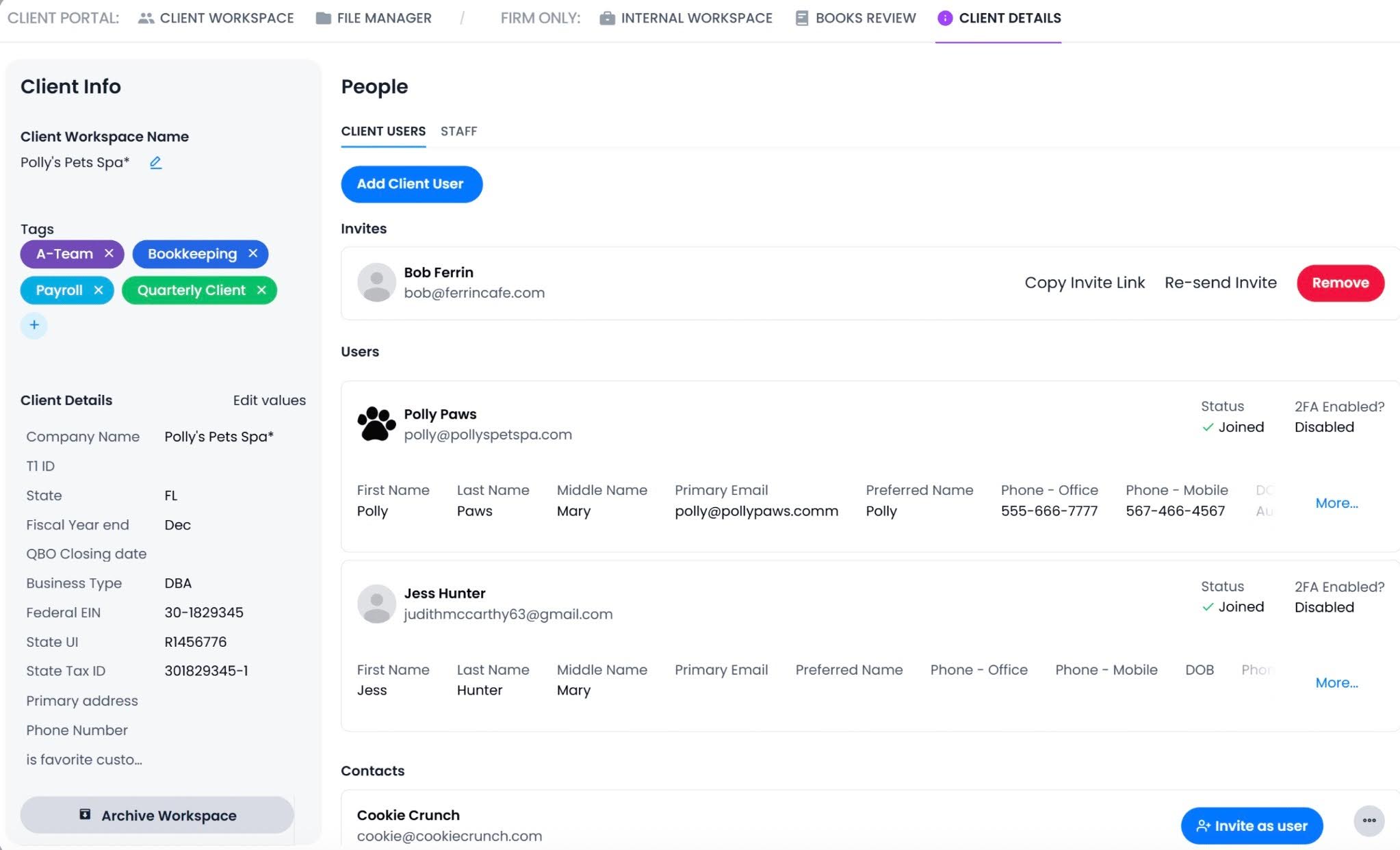
- Client Portal: A secure workspace accessible via web browsers and dedicated iOS and Android mobile apps that allow clients to complete tasks, sign documents, and send messages.
- File and Document Management: An unlimited cloud storage divided into internal and client-facing folders. Offers bulk-download options, embedded eSignatures, and a built-in document scanner.
- Email Integration: Links your firm’s Gmail or Outlook to the workspace to pull emails into a centralized timeline so your team can collaborate on them.
- Firm Management and Dashboards: Client Hub tracks staff time against project budgets, flags bottlenecked client requests, and provides firm owners with visibility into team capacity.
Pricing
Client Hub uses a tiered per-user pricing:
- Solopreneur: $49/month for single user (annual billing)
- Practice Manager: $59/month per user (annual billing) or $79/month per user (monthly billing)
- Practice Manager Plus: $79/month per user (annual billing) or $99/month per user (monthly billing)
Free Trial Availability
Client Hub requires you to complete a demo to start your free trial, which lasts 14 days.
Best For
Best suited to firms struggling with client communication and collaboration as their primary operational constraint.
| Pros | Cons |
|---|---|
| Strong fit for bookkeeping and CAS workflows | Less comprehensive than full practice management platforms |
| Improved client responsiveness and engagement | Limited capacity management features |
| Includes an uncategorized transaction feature | Doesn’t include a billing solution |
Rating
Client Hub is rated:
10. Senta

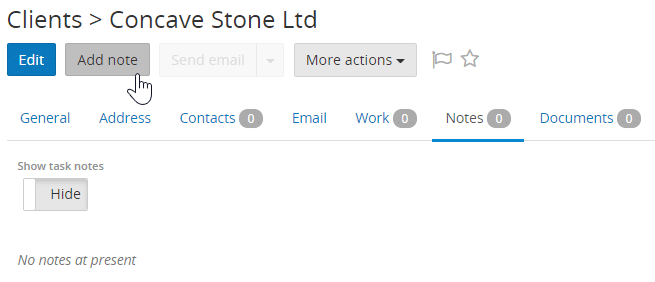
Built in the UK, Senta has established itself as a workflow-centric software that helps accounting, bookkeeping, and tax practices manage recurring work, automate client onboarding, track deadlines, and standardize internal processes.
Unlike some all-in-one practice management platforms that handle every aspect of firm operations, Senta focuses primarily on workflow automation and client lifecycle management.
Senta’s Key Features Include:
- Workflow: Uses customizable job templates to create accounting services (like VAT filings or year-end accounts), trigger steps, and assign tasks when they are needed.
- CRM: Senta tracks your complete client relationships, including prospective leads, custom entity types, and multi-contact structures, while logging interaction histories in the client profiles.
- Client Portal: A GDPR-compliant portal with unlimited cloud storage, e-signatures, and document upload capabilities.
- Email Automation: The communication tool uses dynamic client fields and placeholders to draft and send tailored project updates, query checklists, and overdue document reminders on your behalf.
- Firm Insights and Reporting: A customizable analytics workspace that filters and sorts your active task loads, client milestones, and team performance metrics.
Pricing
Senta uses a per-user pricing system (with volume discounts as more users are added):
- Team of 1: $23.20/month per user (billed annually) or $29/month per user (billed monthly)
- Team of 5: $21.60/month per user (billed annually) or $27/month per user (billed monthly)
- Team of 10: $20.64/month per user (billed annually) or $25.80/month per user (billed monthly)
Free Trial Availability
Senta offers a 30-day free trial that you can access here and now.
Best For
UK-based small to mid-sized accounting and bookkeeping firms (especially those already using IRIS software) that are seeking to automate recurring workflows, client onboarding, and compliance-focused processes.
| Pros | Cons |
|---|---|
| Transparent all-inclusive pricing with no hidden fees. | The interface looks out of date |
| Easy CRM configuration according to users. | Reporting and advanced analytics are basic |
| Tailored for UK firms | Primarily UK-focused, which may limit appeal or integrations for US firms. |
Rating
Senta is rated:

11. Mango Practice

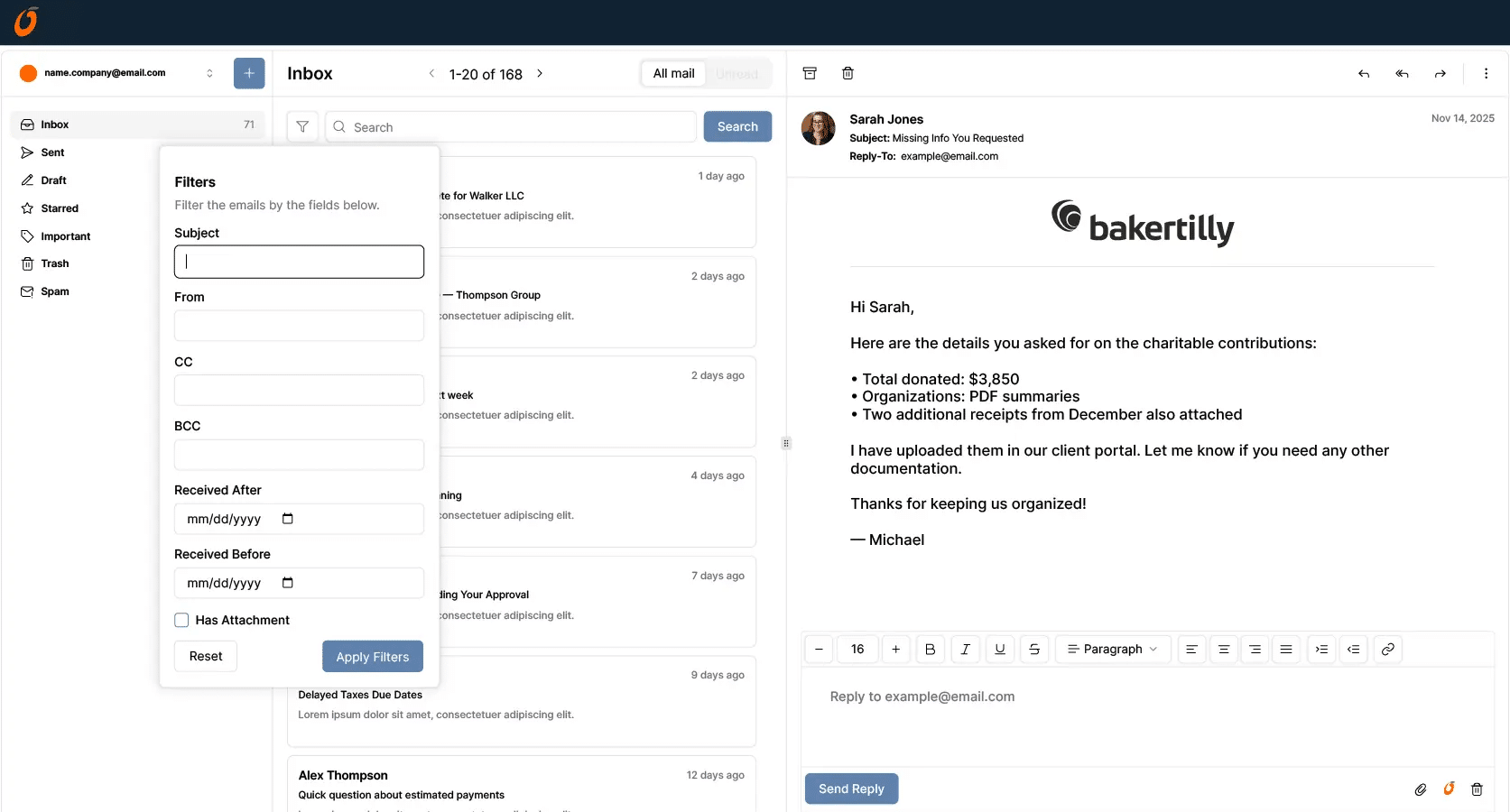
Mango Practice Management is a practice management software that combines CRM, workflow management, document management, billing, and client communication in a single system.
It seeks to unify the disconnected systems that many accounting firms work with to reduce the need for multiple applications.
Mango Practice’s Key Features Include:
- Project and Workflow Management: An accounting workflow tool that uses accounting-specific templates to automatically track accounting deadlines and recreate recurring milestones when a previous task is completed.
- Time and Billing: Mango Practice includes built-in time tracking and payment processing functionality.
- Document Management System: Secure cloud storage and a built-in document viewer that handles folder-level permissions and automated email alerts to notify clients when files are uploaded.
- Client Portal: Includes dedicated iOS and Android mobile apps that allow clients to view bill histories, settle open invoices, and exchange messages with your team.
- Capacity Planning and Performance Reporting: An analytics center that provides firm owners with real-time visibility into employee utilization rates, cash flow health, and project budgets.
Pricing
Mango uses a tiered per-user pricing system:
- Basic: Starts at $35/month per user (annual billing) or $45/month per user (monthly billing)
- Plus: Around $55/month per user (annual billing) or $65/month per user (monthly billing)
- PRO: $69/month per user (annual billing) or $79/month per user (monthly billing)
Free Trial Availability
Mango offers a self-serve 14-day free trial that you can access here and now.
Best For
Best for accounting and CPA firms that want an all-in-one platform combining workflow management, CRM, document management, billing, and practice administration.
| Pros | Cons |
|---|---|
| Broad feature set that reduces the need for multiple software tools | May require more implementation effort than workflow-focused alternatives |
| User-friendly client portal and document management. | Trial access requires completing a demo |
| Solid reporting tools for small firm insights | Limited depth for tax-heavy firms. |
Rating
Mango is rated:
12. OfficeTools
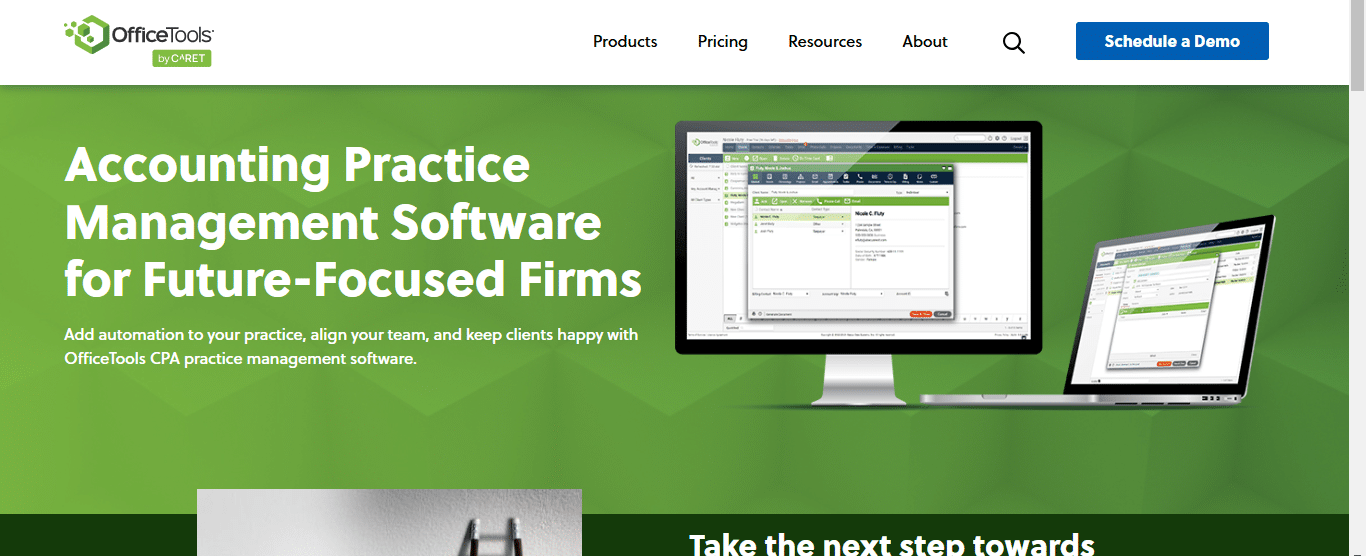
OfficeTools was founded in 1999 to help accounting, bookkeeping, and tax firms manage client relationships, workflows, billing, scheduling, and firm operations from a centralized system.
While newer competitors often focus on ease of use and modern interfaces, OfficeTools appeals to firms seeking operational depth and administrative control.
OfficeTool’s Key Features Include:
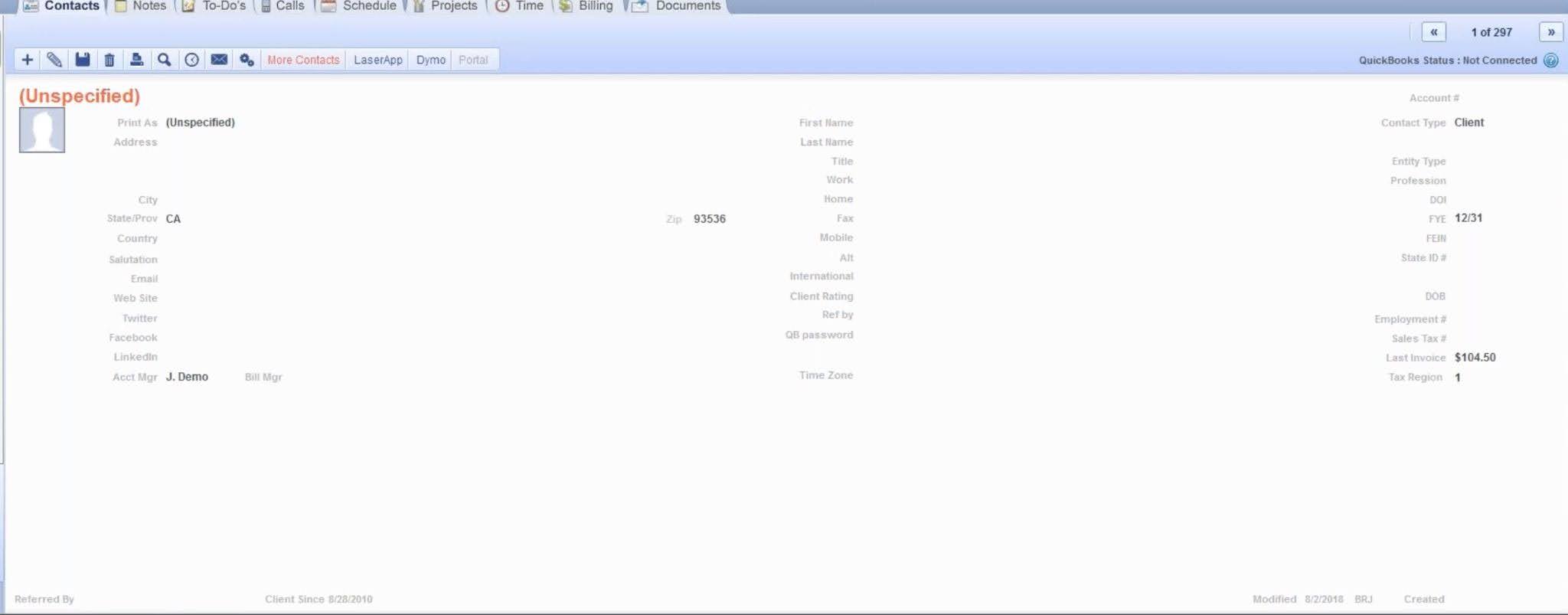
- Workspace Dashboard: OfficeTools consolidates your firm’s core operations onto a single master screen divided into contact records, primary management tabs, and active employee to-do calendars to manage daily activities without switching tabs.
- Project and Due Date Tracking: Monitors multi-step tax filings and bookkeeping milestones from start to completion and automatically generates team alerts.
- Time Tracking and Billing: Links integrated timers directly to phone calls, emails, and client tasks. Rolls captured billable hours seamlessly into customizable invoices.
- Document Management System: A non-proprietary file storage space that connects with your firm’s local or cloud server drives. It enables your staff to use drag-and-drop actions to organize records inside client files.
- Client Portal: Branded workspace that allows clients to view bill histories, securely sign IRS-compliant engagement letters, and upload documentation to their master files.
Pricing
OfficeTools uses custom pricing. You’ll have to contact the vendor to request a demo for a tailored quote.
Free Trial Availability
OfficeTools requires you to complete a demo for a chance to try the product.
Best For
Best for established accounting firms that need a comprehensive practice management system with strong billing, scheduling, CRM, and administrative capabilities.
| Pros | Cons |
|---|---|
| Well-suited for firms seeking operational control and administrative oversight | User interface feels dated compared to newer competitors |
| Long track record serving accounting practices | Implementation requires significant planning and training |
| Flexible deployment options (cloud, hybrid, on-premise) | Pricing is not transparent |
Rating
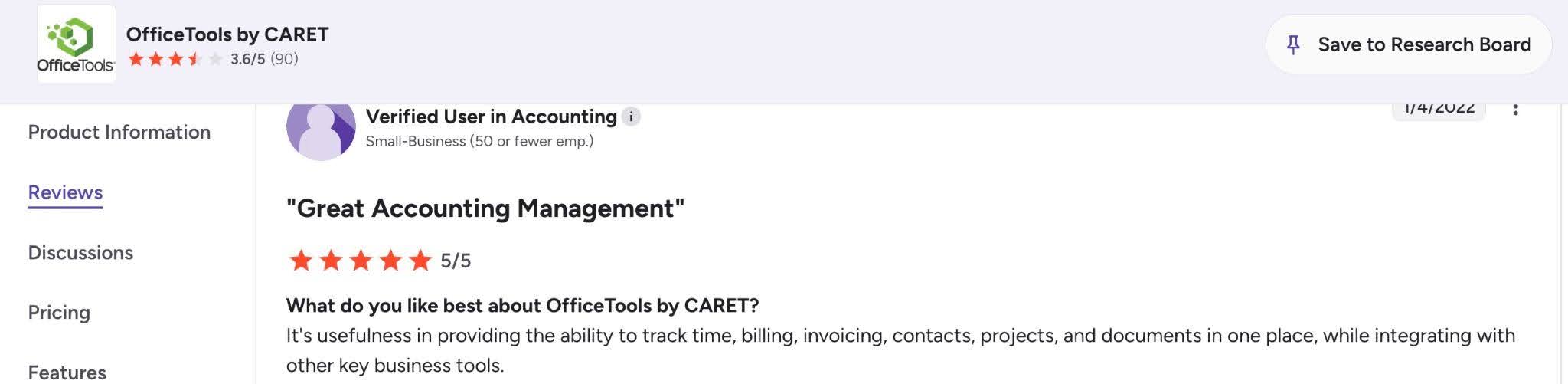
OfficeTools is rated:
13. Firm360

Firm360 is a modern practice management platform built by accountants for accountants. It centralizes workflows, client management, time tracking, billing, document storage, and collaboration to help firms reduce admin work, improve visibility, and deliver a better client experience.
It offers a wide breadth of functionality at a price point that is more accessible than many of its competitors in the market.
Firm360’s Key Features Include:
- Project Management: Firm360 centralizes your daily operations in a unified workflow dashboard where managers can assign individual tasks, track real-time job statuses, and balance staff workloads across active client deadlines.
- Document Management: Secure file storage system with native PDF editor, and an automatic image-to-PDF conversion tool that translates snapshots of client tax forms into digital documents.
- Client Portal: A branded space that supports weekly automated checklist reminders and login-free upload links and allows clients to securely transfer files, complete eSignatures, and send messages.
- Time Tracking and Billing: Time tracking that connects staff timers to client records to enable your team to generate customizable invoices and automate accounts receivable collections.
- Advanced Reporting: Tracks firm-wide metrics like client realization rates, staff utilization, and live accounts receivable reports to drive profitable business decisions.
Pricing
- Basic: $49/month per user (annual billing)
- Standard: $79/month per user (annual billing)
- Premium: $99/month per user (annual billing)
Free Trial Availability
Firm360 requires you to complete a demo for a chance to try it.
Best For
Best for small and mid-sized accounting firms that want a comprehensive practice management platform with strong workflows and client portals at an all-inclusive price.
| Pros | Cons |
|---|---|
| Built-in E-Signature | Requires booking a demo to test it |
| Robust native document management | Advanced customization may require additional setup and training |
| Comprehensive feature set that reduces reliance on multiple tools | Limited reporting capabilities |
Rating
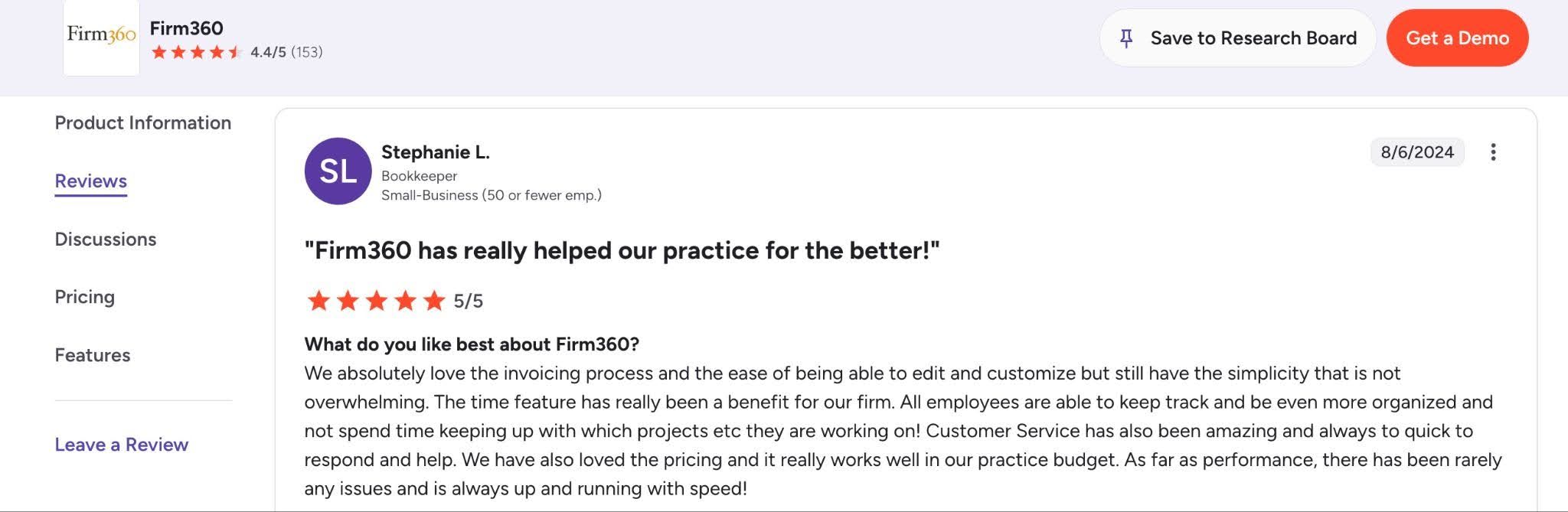
Firm360 is rated:
How to Choose the Right Tool for Your Accounting Firm
If you went through the list and found that the feature sets of several of these tools are capable of meeting your firm’s needs, that shouldn’t come as a surprise. They are all designed for the accounting industry, after all.
But that’s your sign to look beyond feature sets and focus on alignment with your firm type, budget, and team preferences:
a. Choose by firm type
The operational priorities of firms vary by firm size, so the best software for one firm may be completely wrong for another.
b. Scalability
Your practice management software is not a tool you want to change frequently, so the tool you choose must support the growth you’re expecting in your firm.
When evaluating platforms, consider where your firm will be in, say, five or 10 years. Like I said earlier, a solution that works perfectly for a three-person firm may become the bottleneck as your client base and team expand.
Can the platform support additional users without becoming difficult to manage? Does it offer the reporting and visibility you’ll need as your firm grows? Questions like these will help you make a more sustainable decision.
c. Your Budget
You know well enough not to choose a tool that’s above your budget. What you may not know is that, beyond the monthly subscription costs, some tools may require additional payments for implementation and other add-on services.
You need to factor in the exact cost of any additional payments to determine whether the long-term cost of using the tool is worth it.
d. Support and Onboarding
A solid onboarding support system helps your firm to get maximum return on investment in your practice management software.
When ease of use is combined with strong customer support, the learning curve reduces quickly, and your team realizes value faster.
The top practice management software solutions do this through assisted onboarding, training resources, responsive customer support, and a resourceful knowledge base.
e. Self-serve signups
Nothing beats taking a tool for a spin to make your own conclusions. Unfortunately, some practice management software solutions require you to commit to a product demo before you can try out the features and functionalities.
While tools like Financial Cents and Jetpack Workflow allow prospective customers to test their workflows on the platform immediately, others like Karbon and Canopy require you to complete a demo before trying them out.
The more obstacles you have to overcome to test a tool, the higher the chances of never seeing how it works before you commit your time and money.
Choose an Accounting Firm Management Software (Based on Firm Type)
Solo accountants and firms 1-3 people
Prioritize a system that is quick to set up and does not require a dedicated administrator. Financial Cents and Pixie are worth comparing for ease of adoption, while Jetpack Workflow may suit a firm that mainly needs recurring tasks and deadline management. Compare the functions included in each plan so a lower starting price does not lead to additional software costs.
Growing firms with 4-20 staff
Growing firms usually need more than a shared task list. Look for recurring workflow automation, team visibility, capacity planning, standardized processes, client collaboration, and reporting. Financial Cents is a strong all-in-one option for this stage, while Karbon may appeal to teams that place greater weight on email collaboration and complex workflow control.
Bookkeeping and CAS firms
Bookkeeping and CAS firms should evaluate how each platform handles recurring month-end work, transaction questions, document collection, client reminders, and QuickBooks Online or Xero connectivity. Financial Cents and Double both support bookkeeping-focused work, but they differ in breadth, pricing model, reporting, and the accounting systems they connect with.
Tax focused firms
Tax firms should compare client organizers and document requests, deadline tracking, e-signatures, secure file delivery, portal usability, tax-software integrations, and seasonal capacity planning. TaxDome and Canopy provide tax-oriented capabilities, while Financial Cents combines tax workflows with broader firm management for firms that also offer bookkeeping, CAS, or advisory services.
Larger or specialized firms
Larger firms should prioritize permission controls, advanced reporting, capacity and resource planning, multi-team workflow management, implementation support, and integration depth. Karbon and other platforms aimed at larger teams may provide more customization, but firms should weigh that depth against setup time, adoption, and total cost.
What to Look for Based on Your Current Setup
| Current setup | Column |
|---|---|
| Spreadsheets and email | Fast setup, reusable templates, recurring work, central visibility, and automated client reminders |
| Asana, ClickUp, or Monday.com | Accounting-specific recurrence, client records, due-date logic, document requests, and firm reporting |
| Separate workflow and billing tools | Native time tracking, invoicing, proposals, engagement letters, payment collection, and profitability reporting |
| Existing practice management software | Data import, migration support, contract timing, permission mapping, team training, and feature gaps |
| Several bookkeeping tools | QBO or Xero connectivity, month-end close workflows, transaction review, client questions, and reduced data re-entry |
Are you ready to switch to any of the tools above?
Migration is easier when done systematically, especially when the platform has good import tools, dedicated migration support, and clear documentation.
Here’s a practical guide on how to migrate to a new practice management software.
Why Financial Cents is the Go-To Choice for Small and Mid-Size Accounting Firms
The selection criteria for accounting practice management software are so many that it would be inappropriate to say one tool is equally suitable for all firms.
But we can look at a specific type or size of firm and tell which tool(s) were built to service their operational needs and growth objectives. For small and mid-sized accounting, bookkeeping, and tax firms (with 2-30 staff), Financial Cents is one excellent option.
Financial Cents was designed around the day-to-day operations of running a small and mid-sized accounting firm.
It doesn’t just include all the features firms need now, the:
- Team Collaboration: Lets your staff tag colleagues, make internal notes, and chat directly inside client projects or tasks for better context.
- Document Management: Organizes files into dedicated client folders while keeping essential files accessible within projects.
- Client Requests and Reminders: Automatically sends document requests to clients and follows up with clients on schedule.
- Proposals and Engagement Letters: Streamlines your onboarding process by allowing you to draft engagement letters, establish billing structures, and auto-charge their account when they sign.
- Email Integration: Embeds Outlook and Gmail directly into projects and client profiles to filter client emails into a focused client inbox.
It is also designed for where they are going. Its per-user pricing system (that includes Solo, Team, Scale, and Enterprise plans) and powerful feature set make Financial Cents affordable enough to scale with growing firms.
Knowing that powerful features don’t matter if a tool is hard to implement and navigate, the Financial Cents team emphasizes ease of use in the features and functionalities it builds.
It is not surprising then that it is consistently rated the easiest to adopt and use, with an Ease-of-Use rating of 4.9/5 on Capterra.
If you’re ready to see how Financial Cents works, click here for a personalized walkthrough of Financial Cents.
Choosing Your Next Accounting Management Software Shouldn’t Be Very Hard
While the volume of accounting practice management tools today makes the market feel crowded, there is more segmentation than it seems.
The industry has moved beyond a one-size-fits-all tool, and most providers are building an all-in-one platform for specific firm sizes and compliance needs. For observant accounting professionals, finding the right fit is not so difficult.
Most practice management software solutions might be marketing identical feature sets, but that’s because every accounting team needs these features at the core of their operations to meet deadlines consistently and scale their firm predictably.
Yet, every platform has its unique design philosophy, which reflects the type or size of firm they are built for.
So, if you’re a:
- Solo accountant or a firm with fewer than five staff; You’ll likely find Financial Cents or Pixie more useful due to their ease of adoption and use.
- Growing firm with 5–15 staff; Financial Cents will also stand out for its all-in-one features (workflow, automation, CRM, proposal and engagement letters, client portal, billing, and team collaboration).
- Tax-focused firm; TaxDome and Canopy will offer you strong document management, client communication, and tax-centric workflows.
- Larger firms with complex operational needs; Karbon will be worth considering for its advanced reporting, workload management, and capacity planning capabilities.
- Firms looking for an all-in-one alternative; Financial Cents, TaxDome, Karbon, Firm360, and Canopy provide all-encompassing practice management features within a single platform.
Are You Ready to Take the Next Step?
There is never a perfect time to move your operations between platforms, but if you make the right decision, you can settle your firm in the new system before the next busy season.
If you’re still unsure which platform to choose, start your evaluation with a 14-day free trial of Financial Cents.
Frequently Asked Questions
- Solo accountants: $15–$50/month
- Small firms (2–5 staff): $60–$150/month
- Growing firms (5–15 staff): $120–$200+/month
- Larger firms: Custom pricing
Some tools charge separately for onboarding, implementation, integrations, and other add-on costs when comparing options.
- Workflow and task management
- Workflow automation
- Client management (CRM)
- Client portal and document exchange
- Time tracking and billing
- Reporting and insights
- Team and capacity management
- QuickBooks and Xero integrations
- Ease of use
These will ensure that your team can actually adopt and use the software consistently.
Share this article:



This was a very good article and will prove to be helpful to UK tax advisers