
Less admin work, more time back in your day.
That’s the whole idea behind everything we shipped last month at Financial Cents. We’re constantly building to make managing your firm easier, and July was a big month with:
- AI File Renaming,
- AI File Validator,
- Two-way OneDrive sync, and
- In-app P&L reviews
Here’s the full breakdown, plus what’s coming next.
Prefer to watch instead of read? Check out the full July recap video here. Our CEO Shahram walks through every update live, screen-share and all.
AI Now Catches Bad Client Uploads (and Renames the Good Ones)
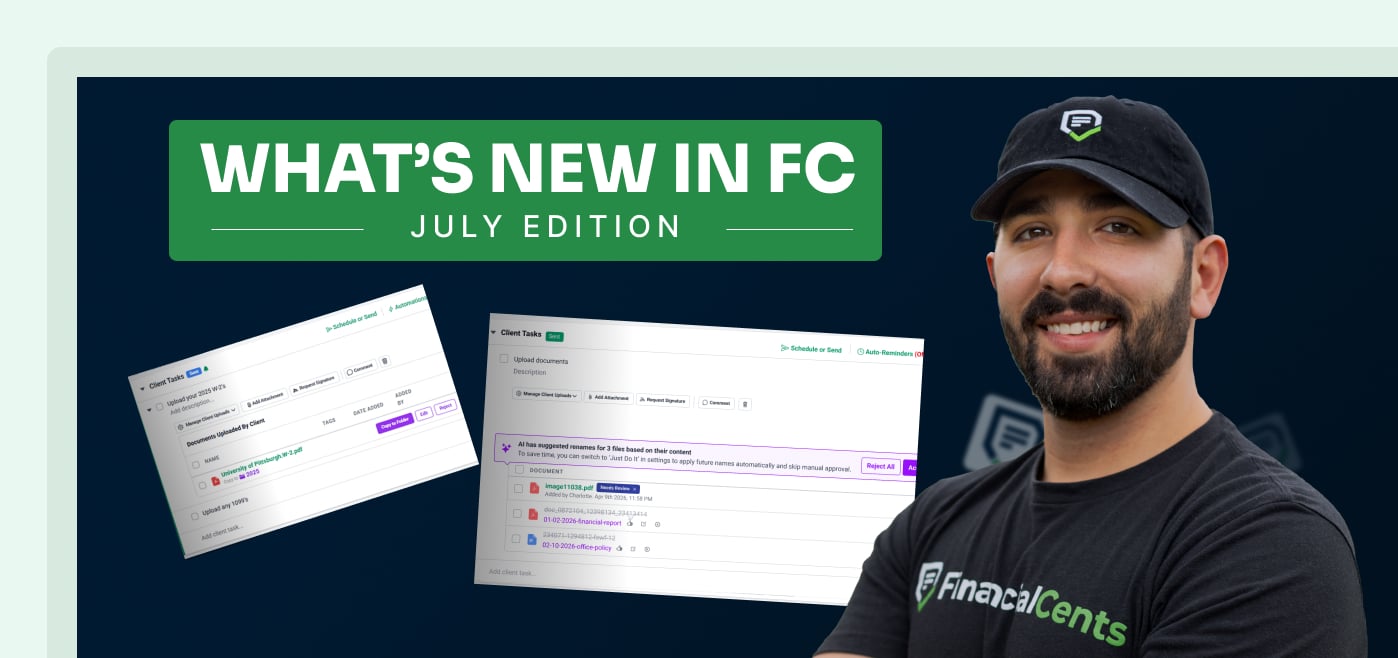
Let’s start with the update most likely to save you an afternoon: AI File Renaming and Document Validation is live.
Here’s the problem it solves:
A client uploads “IMG_4471.pdf” instead of naming it anything useful. Or worse, they upload last year’s W-9 when you asked for this year’s bank statements. Normally, you don’t catch these issues until you’re elbow-deep in the work.
Now, Financial Cents’ built-in AI agents check every client upload the moment it lands:
- AI File Renaming: Automatically renames client-uploaded files to match your firm’s naming conventions (e.g., date, client name, account number, etc.). You can let it run automatically or approve each suggested name first.
- AI File Validator: Flags files immediately if a client uploads the wrong document, right in the client task, before your team ever opens the file.
No extra tools to buy, nothing new to learn. It’s all built directly into the workflow you’re already using.
OneDrive Two-Way Sync Is Officially Out of Beta
If you’ve been eagerly anticipating this one, the wait is over: OneDrive two-way sync is fully live.
Folders and files now sync automatically between Financial Cents and OneDrive in both directions, so you’re not stuck manually re-uploading anything or hunting for the “real” version of a file. A few things that come with this feature:
- Document Tree View: A quick-access side menu you can use to navigate client folders without getting lost multiple levels deep.
- Manual Sync: For the moments you want to force a sync rather than wait for it to happen automatically.
Between this and our document management tools, keeping client files organized across platforms just got a lot less painful.
Month-End Close, Minus the Tab-Switching
We also shipped a batch of updates to Month-End Close that cut down on how often you have to leave Financial Cents to get the full picture:
- In-App P&L and Balance Sheet Review: Review Profit & Loss and Balance Sheet statements directly inside Financial Cents. No more jumping into QBO just to double-check a number.
- Uncategorized Item Badges: Quick visual counters on your project dashboard show flagged transactions and unassigned items at a glance, so you know exactly how much cleanup is left before you dig in.
They might be small changes, but if you close books every month, you’ll feel the difference immediately.
Project & Client Task Updates
A few smaller (but definitely useful) updates landed for client tasks and project management:
- “View as Client” in Projects: Preview exactly what your client sees in their portal, directly from the project view. Handy when a client says they “don’t see anything” and you need to confirm what’s actually on their end.
- Simplified SMS & Email Task Sending: Add or update a client’s cell number on the spot when sending tasks via SMS (instead of backing out to update their contact record first).
- Email Automation Placeholders: New {firm_representative} and {firm_name} placeholders make your automated client emails feel a little less like a form letter.
Coming Soon: Native Conditional Forms and eSignatures
Two sneak peeks of what’s coming down the pike next:
Native Conditional Forms & Intakes let you build custom conditional forms, organizers, and onboarding questionnaires directly inside Financial Cents. Client preview, section navigation, in-form client chat, and automatic project creation on completion are all part of the plan.
We’re also redesigning the Shared Email Inbox, adding support for multiple inboxes, shared team email access and delegation, internal @mention comments on email threads, and “Send Later” scheduling.
And rounding things out: Native eSignatures with Knowledge-Based Authentication (KBA) are on the way, so you’ll be able to send eSignature requests directly from projects, with multi-signer support and auto-routing to client folders once everything’s signed. This pairs with our existing e-signature tools to cover more of your document workflow end-to-end.
That’s a Wrap on July
Between AI catching bad uploads before they become your problem, OneDrive finally syncing the way it should, and cleaner month-end reporting, July was a banner month for anyone trying to get client work off their plate faster.
Want to see any of this in action? Book a live demo and we’ll walk you through it, or keep an eye on our changelog for updates as they ship.
Share this article:



