
Best for:
-
Firm owners and managers struggling with visibility into their firm’s workload.
-
Firm owners struggling to make data-informed hiring decisions to prevent overstaffing.
-
Firm operators looking to prevent employee burnout.
Accounting workload management is more science than art. The lack of access to up-to-date capacity data naturally results in:
- Overworked Staff: Some employees are assigned more work than they can handle, leading to burnout and poor work quality.
- Underutilized Team Members: Other employees will not have enough work on their plates, leading to a waste of resources and job dissatisfaction.
- Last-minute Resource Allocation: With the inability to monitor trends, every increase in workload demand catches you unaware, leading to a last-minute rush to meet client deadlines, which never ends well.
Here’s how firm owners like you use Financial Cents to plan their capacity for up to a year to maintain workload balance and peak performance. 👇
Step-by-Step Guide:
Step 1: Visualize Your Team’s Capacity
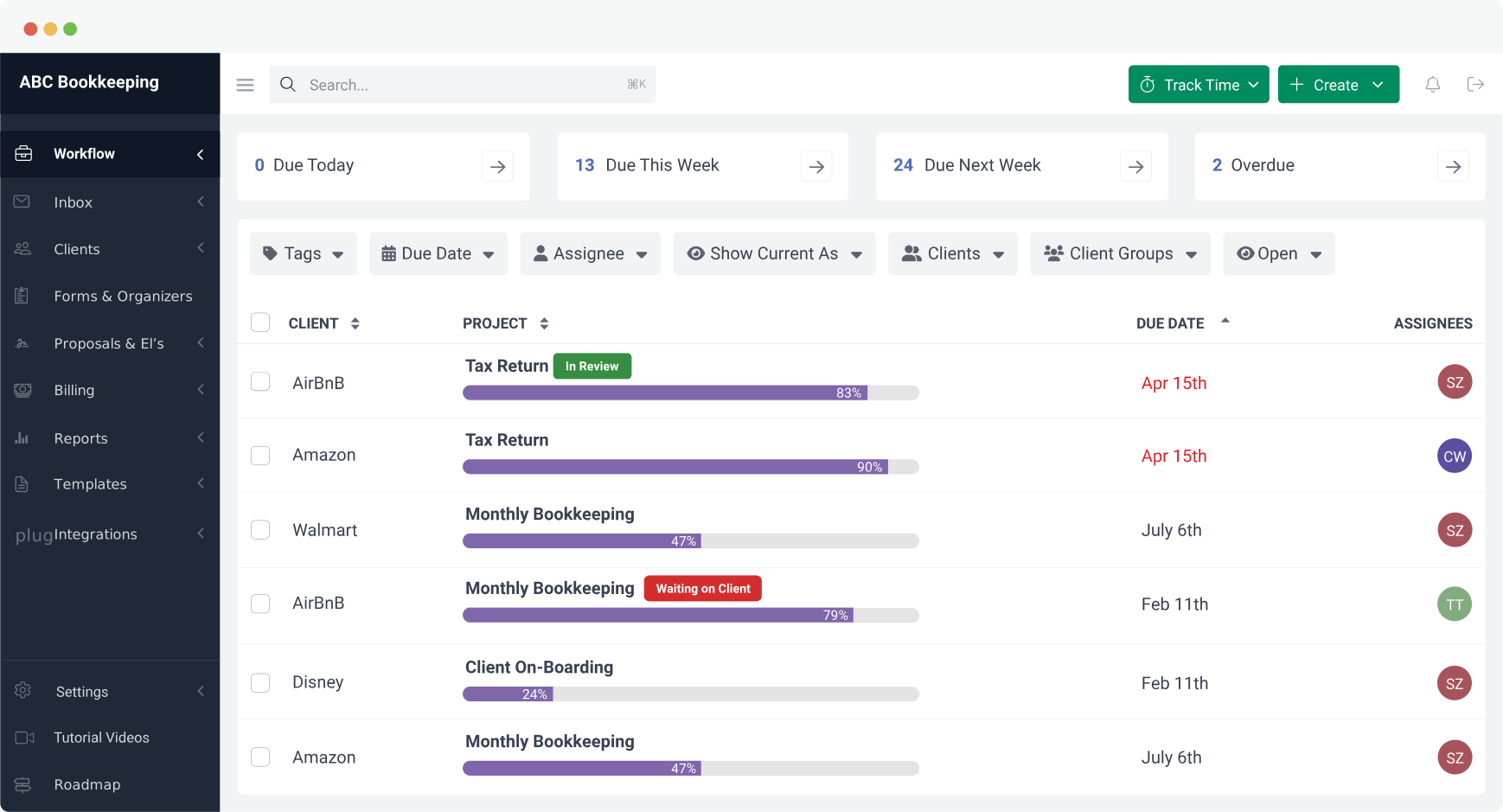
Workload planning begins with real-time visibility into your team’s assigned tasks and availability for more tasks.
Here’s how to view who’s working how many hours each week, month, and quarter. 👇
Step 2: Plan Out Workload Distribution
Here’s where you reassign tasks from overutilized team members to those with more bandwidth for work.
See how to do that in this short video:
Step 3: Forecast Work for the Next 3, 6, and 12 Months
Projects not due until a few months may not appear in your current workflow dashboard.
But when planning your yearly workload, Financial Cents accounts for those work hours in your team’s workload report, giving you a true picture of your firm’s availability of your employees.
Here’s how it works 👇
Step 4: Monitor and Optimize Capacity in Real Time
 Our major benefit from Financial Cents has been organization. We have full insight into what our team is working on. We can assign projects, create filters, and see what is assigned to each team member to help capacity management.”
Recommended Workload Planning Best Practices
When used well, the following suggestions will make your workload management more adaptable to evolving workload demands:
- Set Workload Limits for Team Member: Capacity limits enable Financial Cents to spot employees who have exceeded their maximum capacity.
Without it, you’ll have to scroll through the capacity management dashboard to analyze each employee’s workload data. Even then, you can easily miss critical information. - Review Capacity Reports Regularly: The longer it takes to spot overworking team members, the higher the chances of missed deadlines, employee burnout, client dissatisfaction, etc.
Review your team’s workload as often as you assign tasks to your team members to catch and address workload imbalance more quickly. - Adjust Workload During Tax Season: Tax seasons can disrupt even the most well-planned workload systems.
Monitor your team’s workload even more closely during tax season to catch the bottlenecks causing delays and reassign tasks as quickly as necessary for optimal performance.
Why Yearly Workload Planning Is a Game Changer
Planning your work up to a full year helps you to:
- Reduce Last-minute Workload Adjustments: It gives you sufficient data to accurately forecast workload demands across the months, helping you spot and resolve potential bottlenecks that could have led to errors and missed deadlines.
- Ensure Balanced Workloads Across Employees: The ability to see your team’s future workload empowers you to assign the more complex tasks to the most qualified team members, which increases the quality of client service.
- Improve Productivity and Avoid Burnout: Ensuring no team member is assigned too much work frees everyone up to deliver their best results to meet client deadlines without working their fingers to the bone.
- Gain Real-Time Visibility into Long-Term Capacity Needs: Planning your capacity for up to a year makes it easier to see when you’ll need more hands to meet increased workload demand.
This will enable you to hire the right persons for the right roles to maintain workload balance across your team.
Make Your Next 12 Months the Most Productive with Financial Cents
Financial Cents’ workload planning solution ensures you have the right number of staff (with the right skills) to meet your current and future client demands.
The auto-generated workload data shows you who is over- or underutilized so you can reallocate as many tasks as necessary to maintain productivity, efficiency, and profitability regardless of variations in workload demands.
If you rely on manual workload data, you’ll spend more time entering and analyzing data, and it’s more prone to errors, which might result in worse capacity challenges.
Planning your future workload shouldn’t be labor-intensive. Use the Financial Cents Capacity Management solution to do it on the go today.









Many of the other tools are poor at managing updates and bugs. Some use subcontracted developers, providing real client data samples. Others have suffered breaches without proper notifications.
Of the pre-built systems out there, I do think Financial Cents has a solid offering.
One of my top goals is to make the process easier for clients. Glad I made the switch!
Many of the other tools are poor at managing updates and bugs. Some use subcontracted developers, providing real client data samples. Others have suffered breaches without proper notifications.
Of the pre-built systems out there, I do think Financial Cents has a solid offering.
One of my top goals is to make the process easier for clients. Glad I made the switch!
If you’re not using this feature, I highly recommend it! Remembering to follow up with clients can be a serious bottleneck and I love how this solved that problem!
If you’re not using this feature, I highly recommend it! Remembering to follow up with clients can be a serious bottleneck and I love how this solved that problem!