
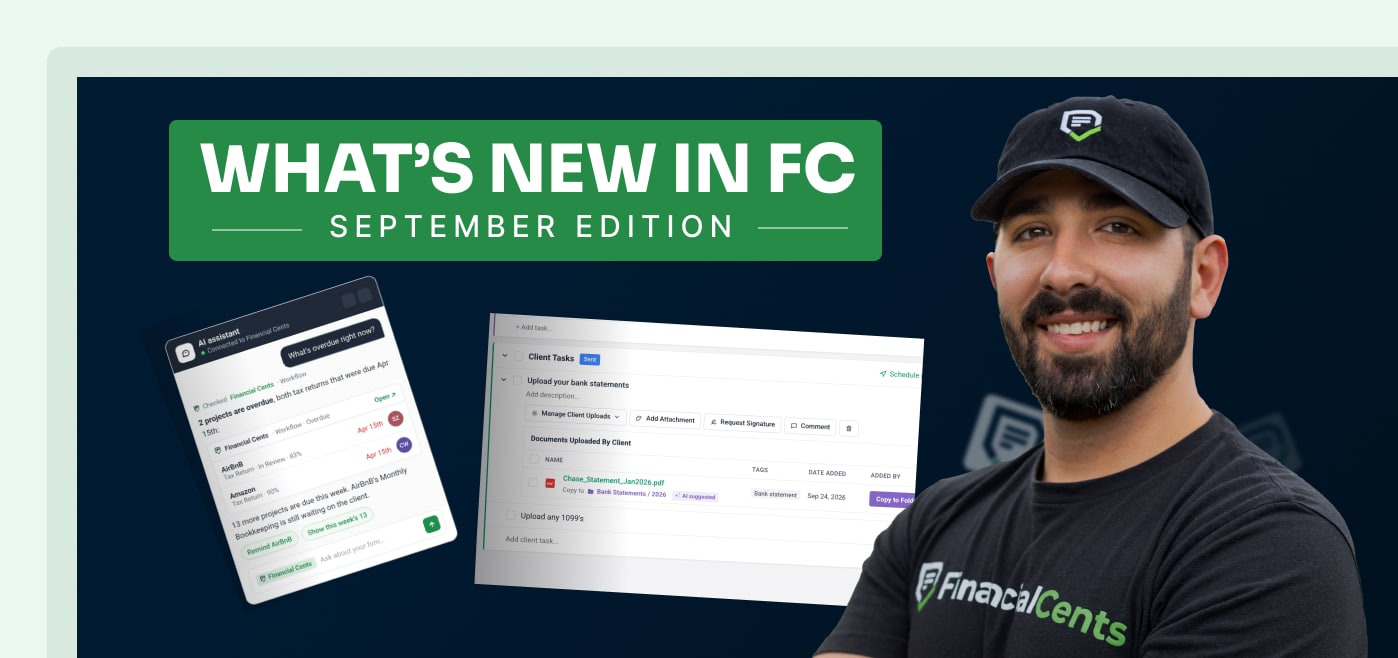
September focused on how your firm bills for its work, files client documents, and connects to the AI tools your team already uses. We shipped variable billing rates (previewed in last month’s recap), added an AI agent that suggests where each uploaded document belongs, and launched a Model Context Protocol (MCP) Server for firms on the Scale plan. We also gave a first look at Tax Organizers, which will go through a beta before release, and shared an update on native eSignatures, with version one targeting late October.
Here’s everything that shipped, plus what’s coming next.
Prefer to watch it instead of read it? Check out the full September recap video here for a complete walkthrough.
Variable Billing Rates and More Flexible Proposals
Variable billing rates are now live. Set rates by team role, service item, or client; then let time tracking apply them for you. Here are all the deets:
- Roles & Services Table: Assign team member roles, service items, and custom client rates directly on each client’s billing tab. Roles pull from the project roles you already have, and you can keep a service item’s default rate or write it up or down for a specific client.
- Role Selection in Time Tracking: Pick the role you’re tracking time for from a dropdown, and the service item and custom rate fill in automatically. This works alongside the assignee option, so nobody has to remember how each client is set up.
- Rate Visibility Controls: Hide billing rate values from team members who don’t have the “manage billing rate” permission. They won’t see the rate on the client profile or while tracking time.
- Ability to Add Unbilled Time to Paid Invoices: If you bill before you track time, select a client’s entries on the Unbilled report and choose “Add to paid invoice.” Financial Cents attaches them to the invoice and writes them down to $0, and the write-down shows up in your realization and profitability reporting.
- Proposals Without Payment Requests: Choose not to request a payment method when you create a proposal, and it’s left out of the proposal entirely. Firms without an active merchant account can now send proposals too.
Document Management and AI File Routing
AI File Routing builds on the AI file Renaming and Document Validation we shipped in July. Once a client uploads a document, Financial Cents now suggests where it should be saved:
- Document Preview & In-Place Rename: Clicking a file name in the client dashboard documents widget now opens a preview instead of downloading the file. From the preview you can move, share, or tag the file, or open it in OneDrive if you have that integration. In most places where you can preview a file, you can also rename it right from the preview header.
- AI File-Routing Agent: Analyzes a client’s folder structure and suggests the exact folder for each uploaded client document. You can copy the file to that folder, choose a different one, or reject the suggestion—or set routing to run automatically.
- AI Agent Controls & Audit Log: In Settings, under AI Agents, choose how file renaming, file validation, and file routing each behave, or turn any of them off. Hover over the sparkle icon on a file to see what the agent did, what the original file name was, and the folder the file was copied to.
Pair this with our document management tools, and uploaded files spend less time sitting in the wrong place.
Financial Cents MCP Server for Scale Plan Firms
The Financial Cents MCP Server is live for firms on the Scale plan. Model Context Protocol (MCP) is a standard way for AI tools to connect to the apps where your data lives, and it now connects to Financial Cents:
- Live MCP Server: Connect Financial Cents directly to external AI tools like Claude, Cursor, or ChatGPT. In Claude, for example, you can search for Financial Cents in your connectors and authorize with your own login.
- 30+ Tools Available: 21 read tools pull information out of Financial Cents, and 12 write tools push entries back in. The first tools focus on projects, time tracking, and client chat. Billing tools for invoices, proposals, tax codes, and discounts are the current focus.
- Permission-Based Access: Each team member connects with their own credentials, and the server respects their individual permissions for secure data handling. On the Scale plan, anyone on the team can connect.
Coming Soon: Tax Organizers and Native eSignatures
We have two sneak peeks this month; both are in active development, so details may change before release.
Tax Organizers
You send an organizer from a project by adding a Client Organizer section and choosing a template. From the project, you can see the percentage of questions completed, the documents uploaded, and the date of the client’s last activity. Required questions have to be answered before a client can submit, and a review step shows them what is missing. A beta with a small group of firms comes first, and the release is planned before the end of the year. Here are a few more details:
- Custom Form Builder: Design tax organizers broken into sections and multi-page layouts.
- Conditional Logic & Tokens: Show or hide questions based on a client’s earlier answers, and personalize messages with dynamic tokens.
- Mobile-Responsive Client Experience: Large, clear interfaces built for clients filling out forms on mobile or desktop.
- Submission & Verification Notifications: Automatically alert designated team members when an organizer is submitted or verified.
Version one will not pre-populate fields or send organizer notifications by text, and only clients can answer questions at first. The ability to answer on a client’s behalf is planned as a fast follow, and you will be able to export a PDF work paper of the questions and answers.
Native eSignatures Update (Targeting Late October)
Native eSignatures live inside client tasks. You choose a PDF and your signatories, drag signing fields onto the document, and save the request to the task. Nothing goes to the client until you select Schedule or Send on the task list.
- V1 Launching Late October: Core native eSignatures, with optional Knowledge-Based Authentication (KBA) that you can enable for each signer. KBA carries an additional cost.
- Unified Client Requests: Request signatures directly inside client task lists so clients receive one consolidated email with everything they need to do. Version one works in client tasks only, not in client files.
- Multi-Contact Client Signatures: V1 supports multiple client signatories per request. Team member signers and signing order are coming in V2.
- Dedicated Tax Delivery Coming Next: A separate feature planned for tax delivery, covering pre-e-file signatures and tax documents. It’s still in research and design, and requesting payment may or may not be in the first version.
Proposals and engagement letters keep their existing built-in signature feature. This first version is a lightweight way to request a signature on anything else, and it doesn’t include templates.
That’s a Wrap on September
Variable billing rates, AI file routing, and the MCP Server give your team more control over how work is billed, filed, and connected to your other tools. The Tax Organizer and eSignature previews give you a look at what’s arriving ahead of tax season.
Want to see any of this in action? Book a live demo and we’ll walk you through it, or keep an eye on our changelog for updates as they ship.
Share this article:



