
![blog cover image for The Top 10 TaxDome Alternatives for Your Accounting Firm [2026]](https://financial-cents.com/wp-content/uploads/2024/04/The-Top-10-TaxDome-Alternatives-for-Your-Accounting-Firm-2025.jpg)
The same accounting practice management software can be a perfect fit for one accounting firm and a constant struggle for another.
Robert, a tax preparer, wrote this about TaxDome on Capterra:
Another firm owner, comparing TaxDome with Financial Cents, had a different experience:
TL;DR
- TaxDome is strong for tax-focused firms, but if you mix tax with bookkeeping, payroll and advisory work, you may outgrow its tax-first design, upfront multi-year billing and learning curve.
- Financial Cents is the best TaxDome alternative if you run a small or mid-sized firm that combines tax, bookkeeping and CAS and you want quick setup, from $19 per month (Solo) or $49 per user per month (Team, annual).
- Canopy is best for tax resolution and IRS-heavy work; Karbon for larger, email-heavy teams; Double for bookkeeping-only firms; Pixie for small UK firms.
- Budget options include Cone (from $5 per user per month) and Jetpack Workflow ($49 per seat), but both have fewer client-facing features.
- TaxDome is still the stronger choice if your firm depends on tax organizers, a W-2 kiosk, built-in PDF markup or client SMS.
Software fit depends on firm type, services and workflow complexity. TaxDome often shines for tax-focused firms because of features like tax organizers and IRS transcript integration. If your firm combines tax with bookkeeping, payroll and other accounting services, you will likely notice its limits sooner.
The best TaxDome alternatives by firm type
- Financial Cents: best for small and mid-sized firms that mix tax, bookkeeping and CAS and want quick setup.
- Canopy: best for tax resolution and IRS-heavy practices.
- Karbon: best for larger, email-heavy teams with multi-step reviews.
- Double: best for bookkeeping-only firms focused on month-end close.
- Pixie: best for small UK firms that want flat, per-client pricing.
← Scroll to see more →
| Tool | Best for | Starting price | Pricing model | Client portal |
|---|---|---|---|---|
| Financial Cents | Mixed tax, bookkeeping and CAS firms | $19/mo (Solo); $49/user/mo (Team, annual) | Per user, monthly or annual | ✓ Branded, passwordless |
| Canopy | Tax resolution and IRS work | $74/user/mo (annual) | Per user, plus add-ons | ✓ |
| Karbon | Large, email-heavy teams | $59/user/mo (annual) | Per user | ✓ |
| Jetpack Workflow | Simple workflow tracking | $49/seat | Per seat | No client portal |
| Aero Workflow | Recurring bookkeeping checklists | $108/mo for 1–5 users (yearly) | Per firm, by user tier | Limited client-facing features |
| Pixie | Small UK firms | $129/mo (up to 250 clients) | Per firm, by client count | ✓ |
| Xero Practice Manager | Firms in the Xero ecosystem | Included with Xero partner plans | Bundled | No built-in client portal |
| Double | Bookkeeping-only firms | Not published; contact sales | Per connected client | ✓ Branded, passwordless |
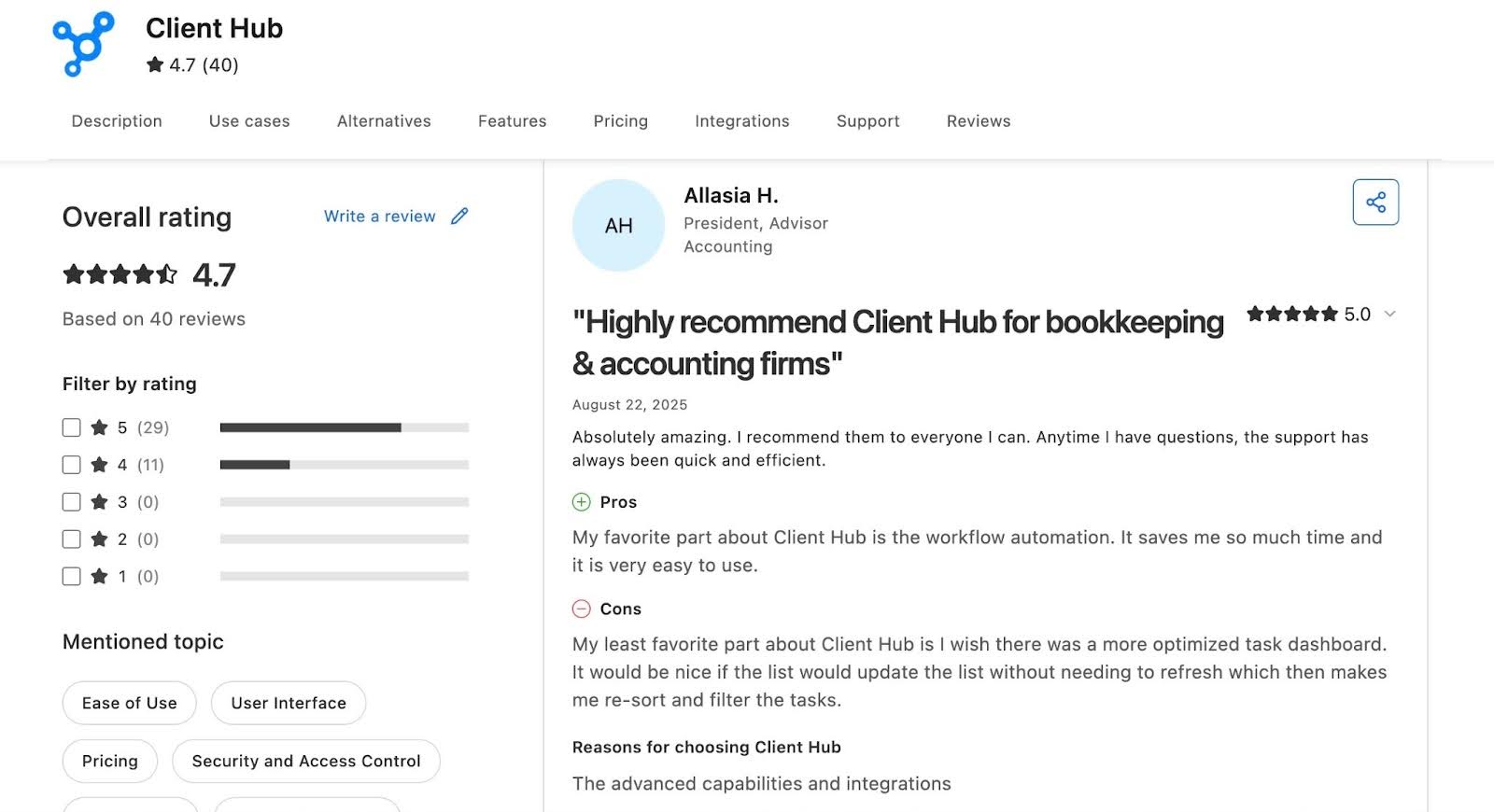
| Client Hub | CAS firms that want AI email tools | $49/mo (Solopreneur, annual) | Per user | ✓ |
| Cone | Budget-conscious small teams | $5/user/mo (Practice Starter, annual) | Per user | ✓ Passwordless |
If you are choosing your first practice management software, avoid these three common mistakes:
- Ignoring ease of use.
- Overlooking real automation.
- Not considering scalability as you grow.
A Quick Overview of TaxDome
TaxDome is a tax and accounting practice management platform that centralizes client projects, communication and documents, and automates repetitive tasks to reduce administrative work.
Workflow Management
- Ready-made templates: speed up job creation and save billable time.
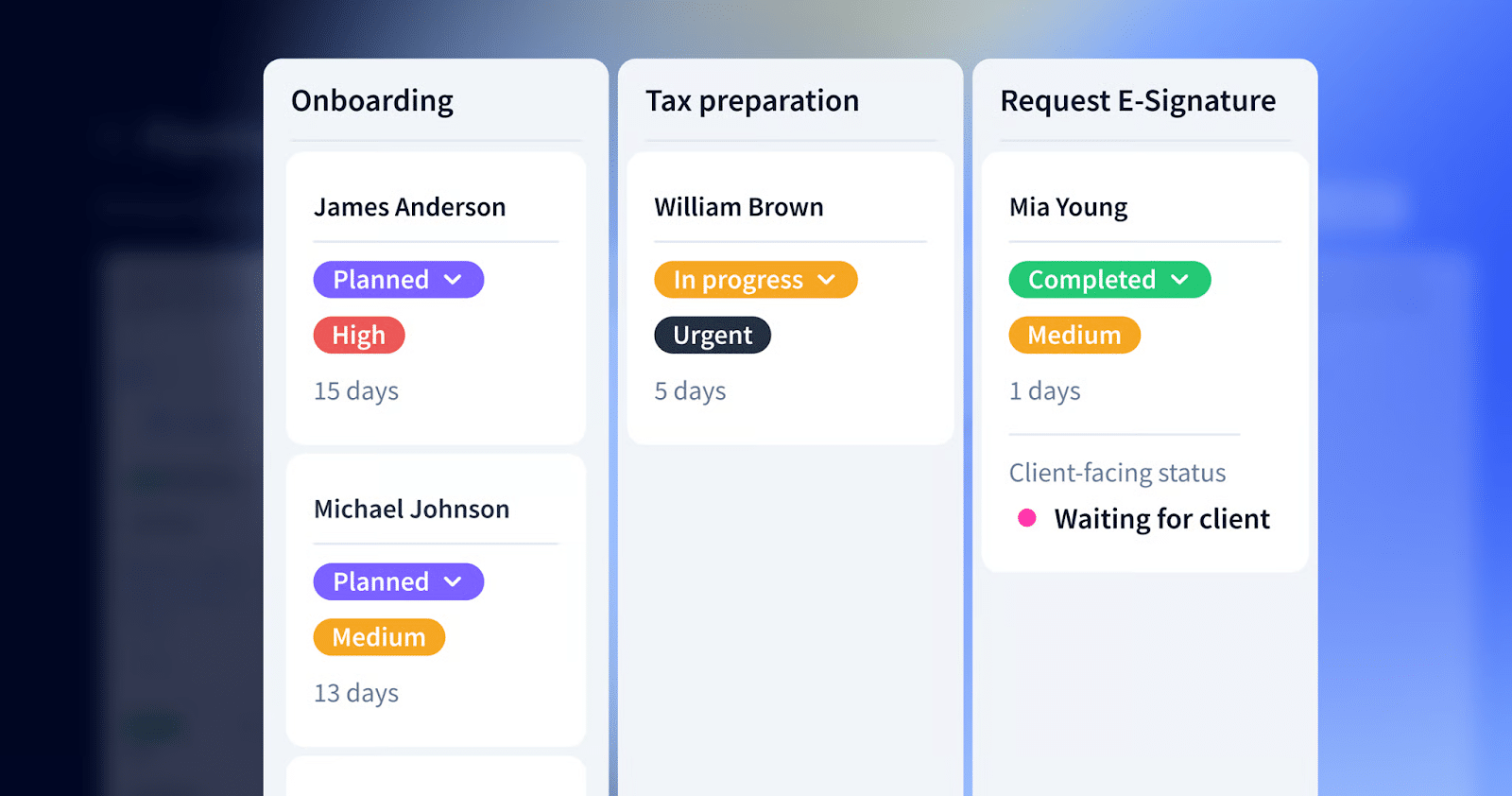
- Kanban and list views: show what stage each job is in, highlight bottlenecks and let staff filter work by assignee or due date.
- Automated client communication: sends messages at key points in the workflow.
Team Collaboration
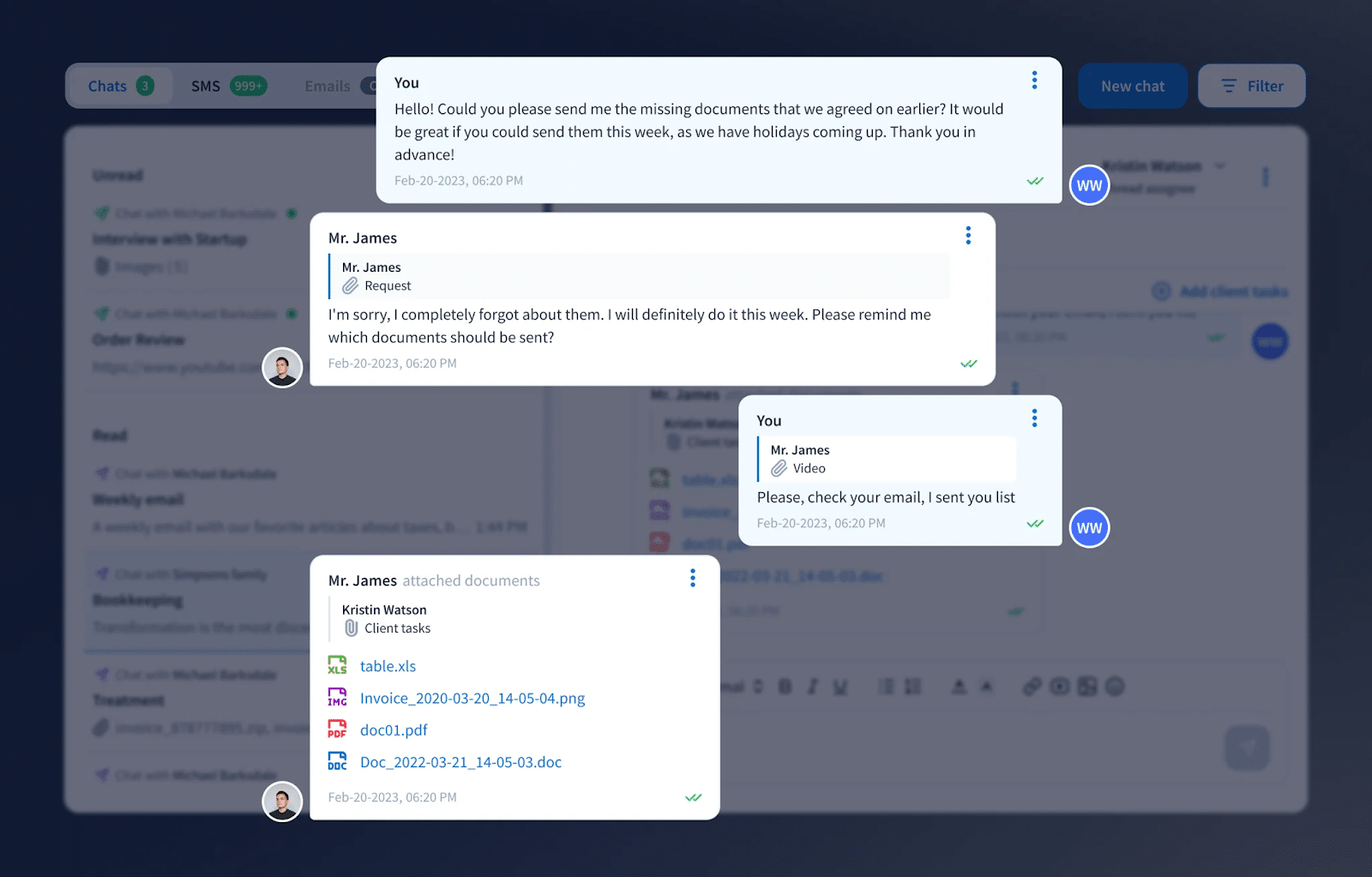
- @mentions: teammates tag each other in jobs and tasks.
- Inbox+: a central notification hub where staff choose which alerts they see.
- Email sync: keeps client email in one place.
Document Management
- Built-in PDF editor: annotate, combine, highlight and create fillable forms.
- Unlimited cloud storage for client documents.
- Virtual drive: manage cloud files like a local file system.
- AI document organization: automatically renames and tags incoming client documents.
Client CRM & Tax Organizers
- Client profiles, custom reminders and chat, email and SMS communication.
- Digital organizers with automatic tag assignment and automated onboarding workflows.
Pricing
TaxDome is billed per seat, upfront, on 1-, 2- or 3-year terms:
| Plan | 1-year | 2-year | 3-year |
|---|---|---|---|
| Essentials (solo only) | $800/yr | $750/yr | $700/yr |
| Pro | $1,000/seat/yr | $950/seat/yr | $900/seat/yr |
| Business | $1,200/seat/yr | $1,150/seat/yr | $1,100/seat/yr |
Before comparing alternatives, review TaxDome plans, add-ons, and total cost so you can evaluate competing products against the same requirements and budget.
TaxDome Reviews
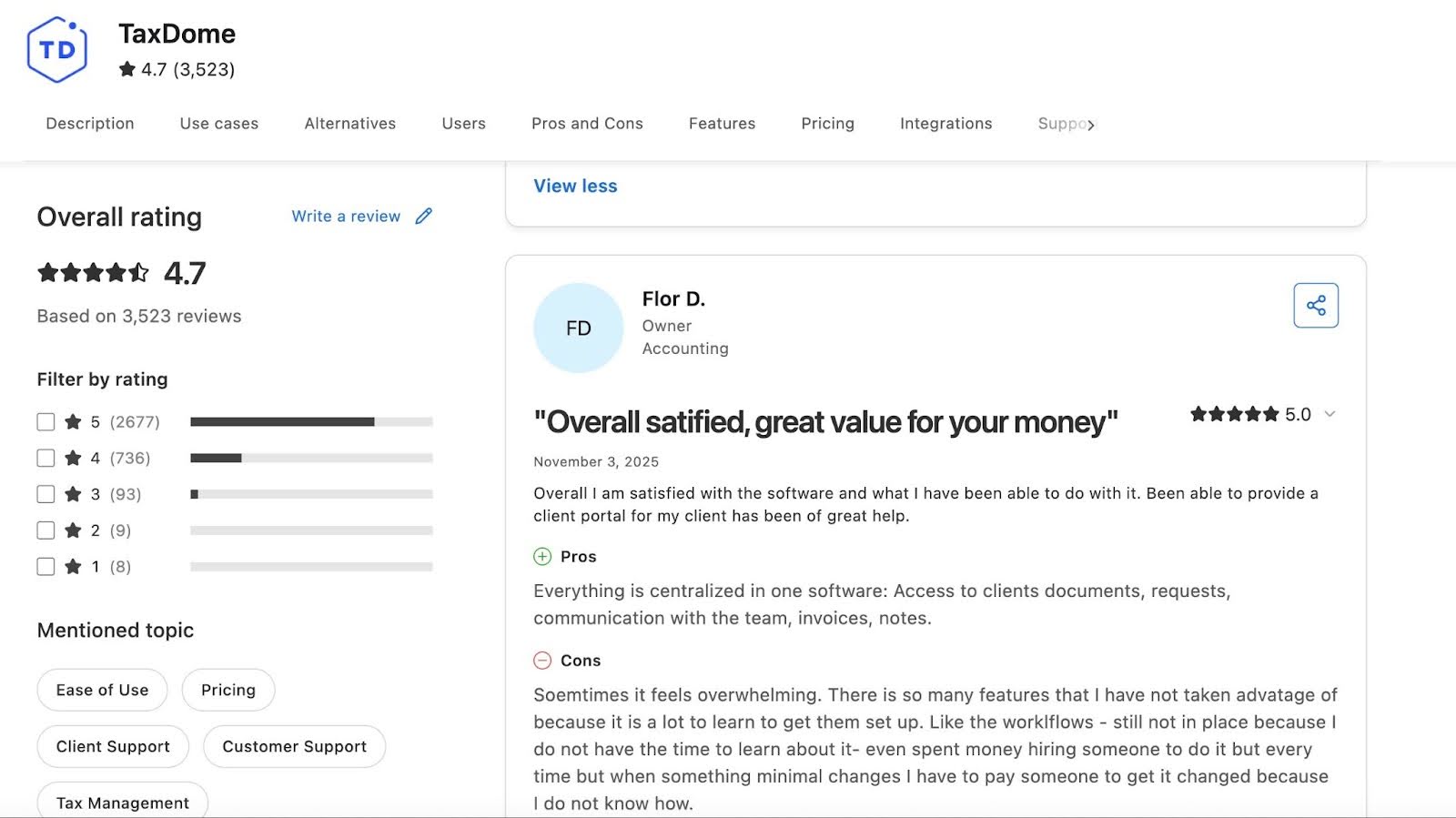
Drawbacks of TaxDome and why firms consider alternatives
a. Mainly built for tax firms
TaxDome’s strongest tools (tax organizers, tax-season pipelines, bulk signature packages and document workflows) are built for tax preparers. If your main services are bookkeeping, client accounting services (CAS) or advisory, you are likely to run into friction. Month-end close, recurring bookkeeping reviews and reconciliations need more customization than TaxDome provides without manual workarounds.
b. Rigid, upfront pricing
TaxDome bills per seat for one to three years upfront, and the lowest rates require a three-year commitment. If you run a smaller firm and manage cash flow carefully, that upfront payment can be hard to justify, and your per-seat price does not drop as your team grows.
One TaxDome user put it this way on Capterra:
c. Limited integration flexibility
TaxDome connects with many tax, email and scheduling tools, and with other apps through Zapier. If you need custom connections to niche applications or specialized workflow tools, you may find the integration options more limited than platforms with a documented open API. And if your firm combines bookkeeping, tax, CAS and advisory services, gaps between systems can leave your information siloed.
d. Steep learning curve for new users
TaxDome’s feature set is powerful, but customizing pipelines, organizers and client portals takes time and training. You may find yourself relying on video tutorials, webinars, community guides or even paid TaxDome consultants to get the system running smoothly.
As one reviewer noted:
e. Automations are powerful but hard to set up
TaxDome’s pipelines and automations depend on precise rules, dependencies and statuses. One misconfigured step can cause tasks to stall, duplicate or trigger at the wrong time, and you can end up spending the time you hoped to save on troubleshooting.
f. Client upload experience
Several firm owners said their biggest worry wasn’t their own team but their clients. They described clients, especially new ones, getting frustrated when uploads didn’t work as expected, and some clients refusing to create another portal login. If your clients avoid the portal, you are straight back to chasing documents by email.
g. Engagement letters and pricing-tier changes
Tax firms switching from TaxDome described the engagement-letter workflow as frustrating, and at least one firm left after a pricing-tier change it did not expect. If you hire part-time or seasonal staff, you may also question paying for a full seat for someone who mostly logs hours.
Where TaxDome is still the stronger choice
To be fair to TaxDome: it does some things that most alternatives, including Financial Cents, do not. Its tax organizers, W-2 kiosk, built-in PDF annotation, branded mobile app and client SMS (at extra cost) are real advantages for tax-heavy firms. If those features run your tax season, weigh them carefully before you switch.
The 10 Best TaxDome Alternatives for Accounting Firms in 2026
1. Financial Cents
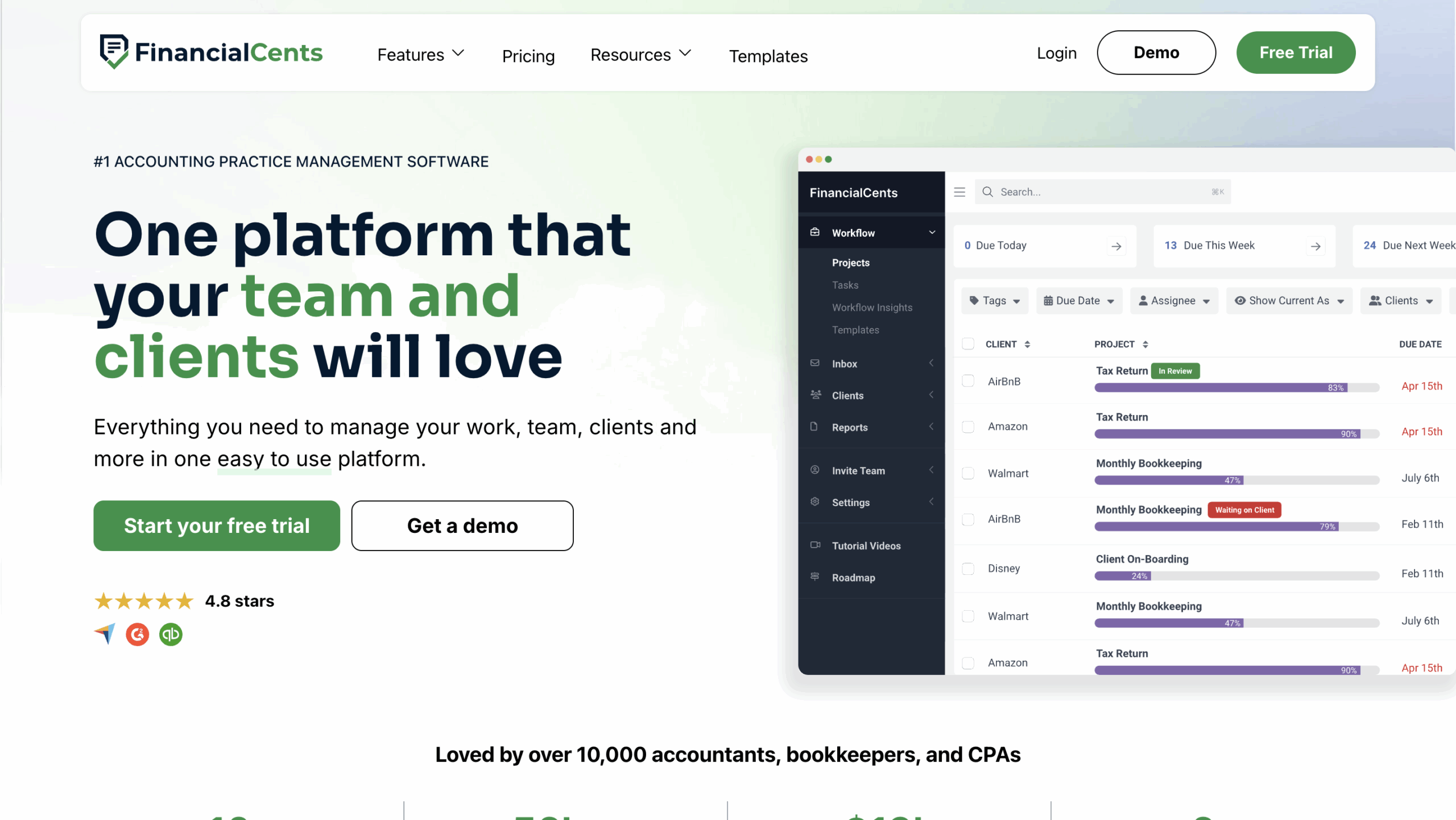
Financial Cents is an all-in-one practice management platform that helps your accounting, tax or bookkeeping firm manage its work, clients and team in one place. It emphasizes ease of use, helping teams track work, meet deadlines, manage capacity and get paid on time.
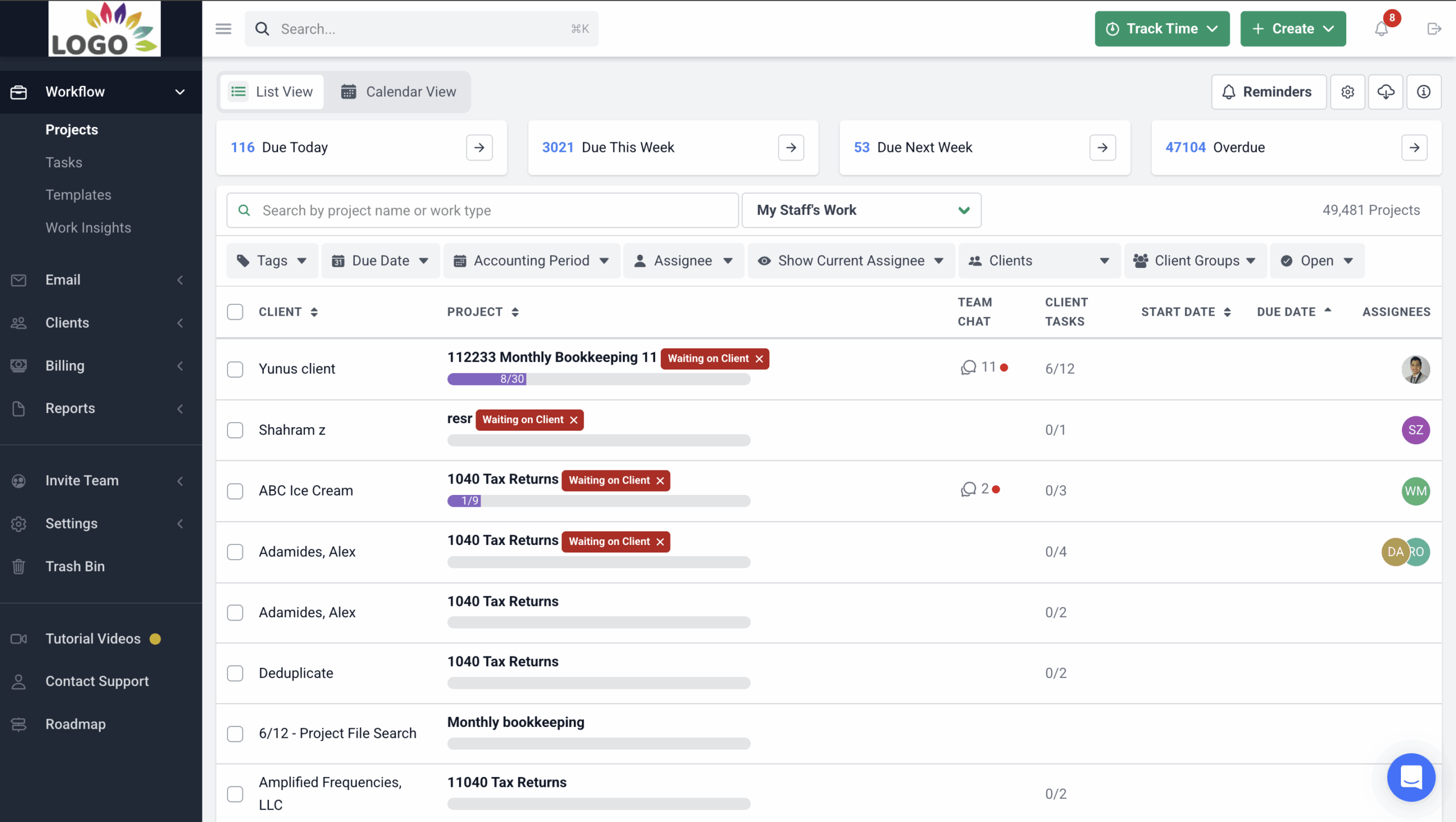
Here are Financial Cents’ Practice Management Features and how they help:
Workflow and to-do lists
- Workflow dashboard: firmwide visibility into every active project.
- Workflow filters: view work by client, team member or tag.
- Turn emails into projects: convert ad hoc client requests into tracked work.
- Workflow templates: prebuilt templates, or build your own from scratch.
Workflow automation
- Recurring work: recreates recurring projects automatically.
- Client reminders: automatically chase clients for files and information.
- Task dependencies: notify the next person when it is their turn.
- Status and email updates: keep clients informed as tasks and sections are completed.
AI agents and MCP
- MCP server: connect Financial Cents to Claude, ChatGPT and other AI assistants to ask about overdue work, unpaid invoices or missing documents, and to log time, create tasks, upload files or message clients. The assistant confirms before every change, and deletes are not available.
- AI File Renaming: applies the firm’s naming convention to every client upload and keeps the original file name on record.
- AI File Validator: checks each upload against the request and accounting period, and tells the client in the portal if something looks wrong.
- AI File Routing: saves a copy of each upload to the best-fit client folder.
- AI checklist and email generation: build workflow checklists and draft client emails faster.
Team collaboration and email
- @mentions, comments and client notes inside each project.
- Focused client inbox: each client has a folder for every email they share with the firm, across multiple inboxes.
- Two-way Gmail and Outlook sync: send, read and archive email from Financial Cents.
- Pin emails to work so important messages stay with the project.
Capacity management and time tracking
- Capacity dashboard and custom workload views: see who is doing how much.
- Task reassignment and automated assignments by role.
- Timers and manual entries, billable vs. non-billable time, and time budgets.
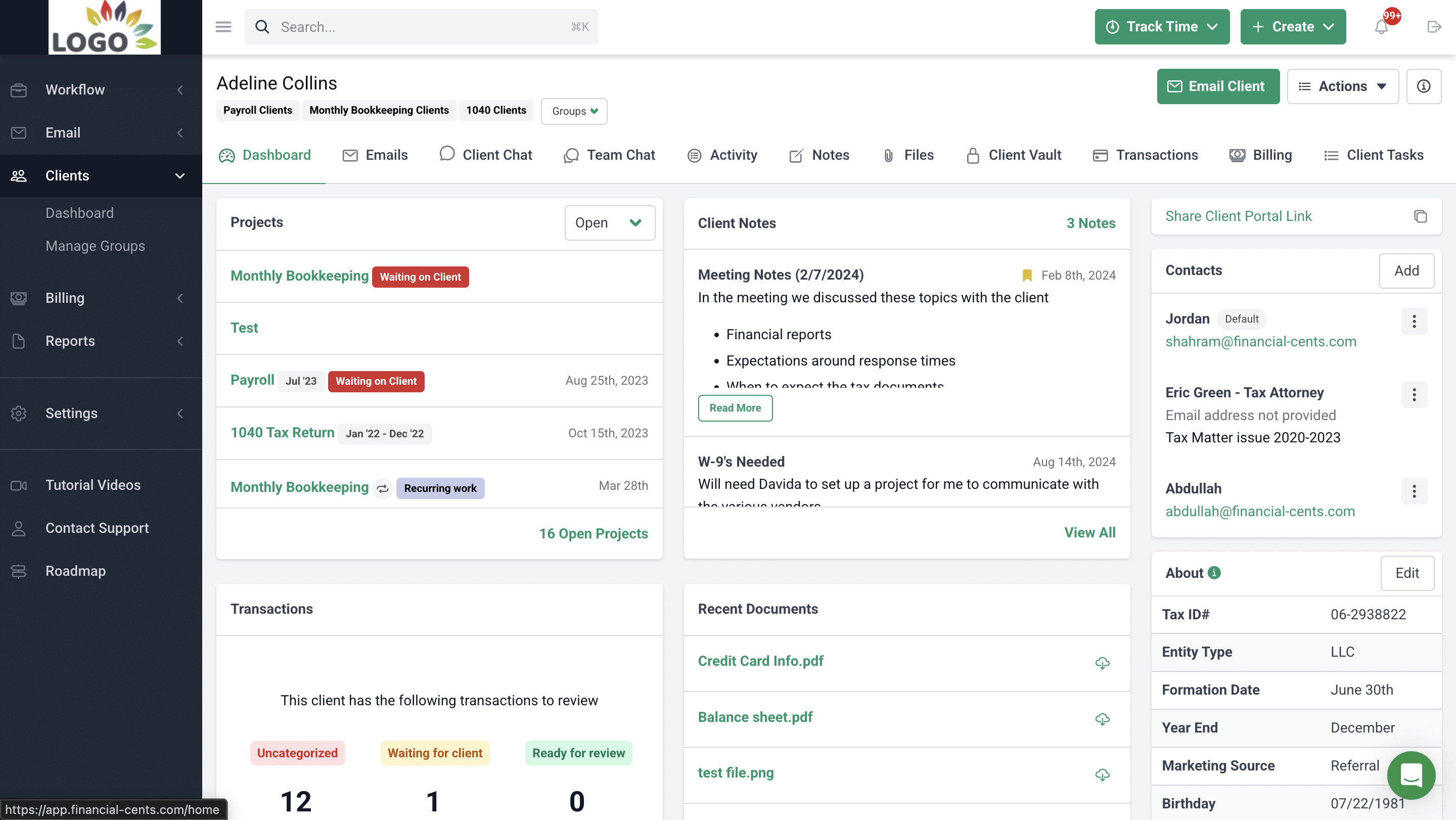
Client portal, CRM and e-signatures
- Passwordless client portal: clients log in with a magic link, with no password to remember.
- Firm-branded portal and client emails: add your firm’s branding to the portal and customize the emails clients receive for their tasks.
- Client tasks and auto-reminders: request files and information, and follow up automatically.
- Client chat alongside document and e-signature requests.
- Activity tab and custom fields for a full view of each client.
- Client Vault: store passwords and other sensitive client credentials securely.
- E-signatures: request signatures through Adobe-certified e-signatures and get notified when documents are signed.
Billing, proposals and month-end close
- One-time and recurring invoices with QuickBooks Online sync and automated payment reminders.
- Proposals and engagement letters with packages, optional upsells, videos and auto-invoicing on acceptance.
- Month-End Close: flag questionable transactions, collaborate with clients in the portal and push corrections back to QuickBooks Online.
- Reports: realization, budget, work insights, revenue insights and utilization.

Integrations
- Two-way Google Drive and OneDrive/SharePoint sync: files saved by desktop tax software like Drake, UltraTax, ProConnect or Lacerte appear in the right client folder.
- QuickBooks Online, Gmail and Outlook: sync clients, invoices, time and email.
- Zapier and an open API: connect Financial Cents to the rest of your tech stack or build your own integrations.
| Pros | Cons |
|---|---|
| Easy to use | Fewer tax-specific features than TaxDome |
| Fast onboarding | |
| Strong workflow visibility and automation | |
| Flexible monthly or annual pricing | |
| Free AI agents on every plan |
Why you should consider Financial Cents
In sales calls, firms that chose Financial Cents over TaxDome most often cited three things: simpler setup, automatic client reminders and lower cost, especially for solo and small teams. Financial Cents suits you if your firm is growing and you want a simple but powerful workflow engine. It gives teams workflow clarity and accountability, and automates complex recurring work like month-end bookkeeping, payroll and CAS. Its passwordless portal and AI agents make it easier for clients to respond and cut the time staff spend on document cleanup.
Reviews
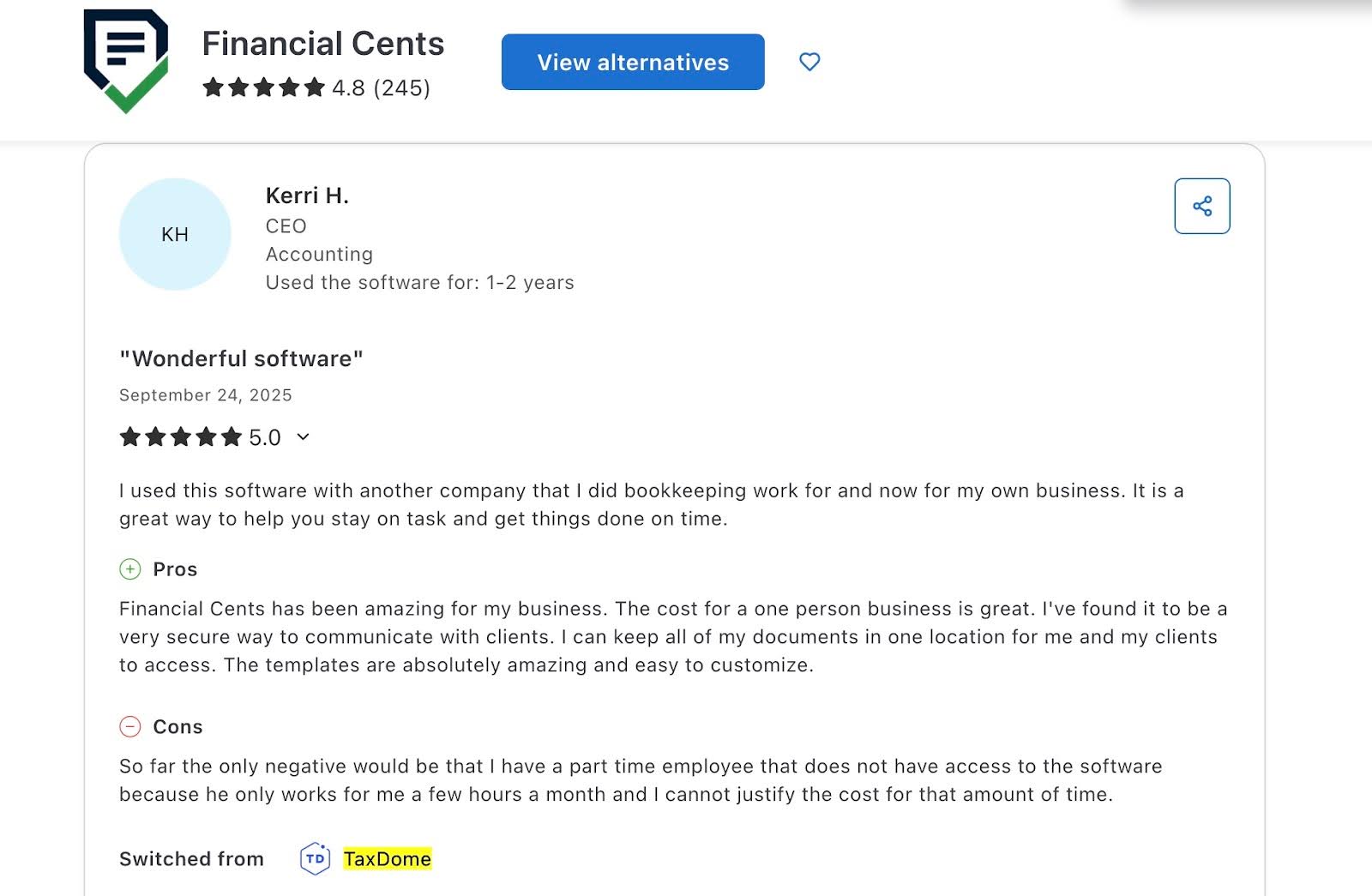
Financial Cents has 4.8 stars (out of 5) based on users’ reviews in Capterra and 4.7 (out of 5) stars in G2.
Pricing
Financial Cents offers a 14-day free trial.
Its paid plans are:
- Solo plan at $19/month per user (billed annually)
- Team at $49/month per user (billed annually).
- Scale at $69/month per user (billed annually).
- Enterprise – custom pricing
Should you use TaxDome or Financial Cents?
Choose TaxDome if you need advanced tax features. Its tax organizers and IRS integrations make tax compliance work easier.
Choose Financial Cents if your firm combines tax, advisory and bookkeeping services. It centralizes your whole firm, and automates day-to-day work like client data collection, document handling and reviewing uncategorized transactions in QuickBooks Online.

See side by side comparison: Financial Cents vs Taxdome
Want to explore how Financial Cents can help you manage your firm? Book a Free Demo.
2. Canopy
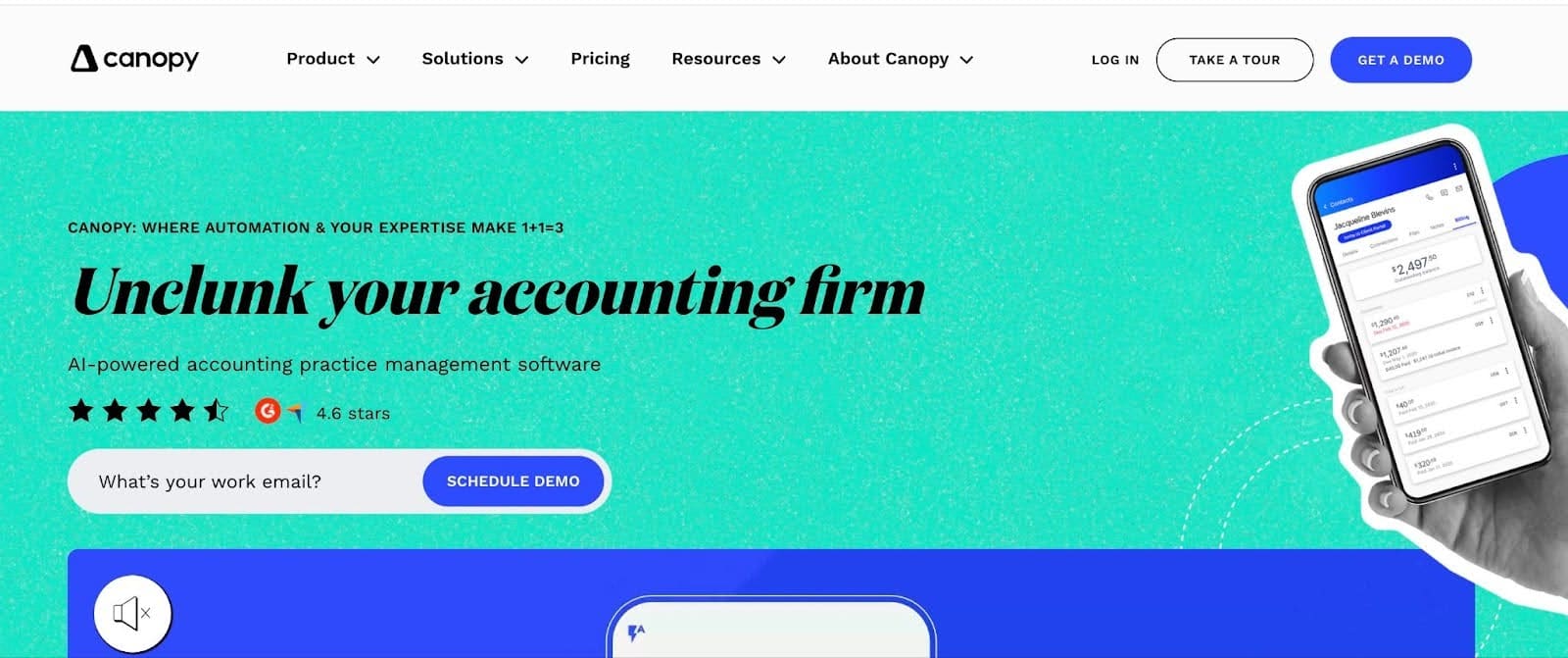
Canopy is a practice management platform for tax resolution and accounting firms. It combines workflows, client management, documents, time and billing, and IRS tools. It sells tiered per-user plans with paid add-ons, so you can add capabilities as you grow, but your total cost rises with each add-on.
Here are Canopy’s Practice Management Features and how they help:
Workflow automation
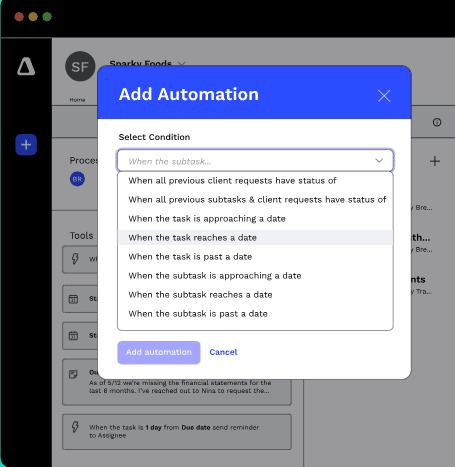
- Workflow templates: apply rules to tasks, subtasks and client requests using conditions and triggers.
- Recurring tasks: repeat work on due dates or after completion.
- Status tracking for tax and resolution work.
Client and document management
- Client records: communication, files, tasks, notes and invoices in one place.
- Global inbox: sync email accounts and attach emails to client records.
- Secure links: share, upload or request signatures without a portal login.
- Unlimited storage and a virtual drive.
Time, billing, transcripts and notices
- Built-in timers, time budgets and flexible invoicing.
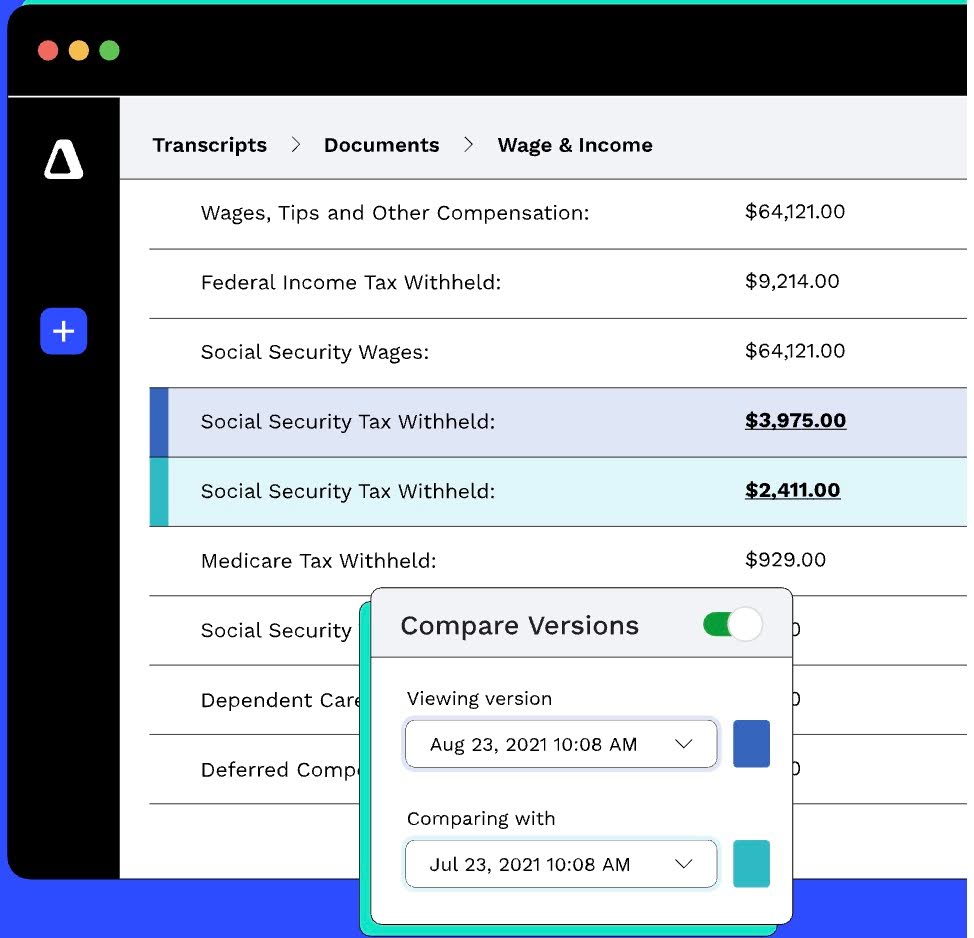
- IRS transcripts: pull transcripts automatically and view clean summaries.
- Notice workflows: prebuilt, annually updated templates for responding to IRS notices.
AI
- Canopy Coworker (beta): an agent that carries out tasks within user permissions.
- Smart Tax Prep, AI document renaming, smart e-signature fields and an AI meeting notetaker.
| Pros | Cons |
|---|---|
| Highly customizable | Add-ons increase total cost |
| Strong client portal | Workflows can feel complex for non-tax teams |
| Strong IRS tools and unlimited storage |
Why you should consider Canopy
Canopy is ideal if your firm is tax-heavy and you need IRS integrations, secure document handling and customizable workflows, particularly if you do tax resolution work.
Reviews
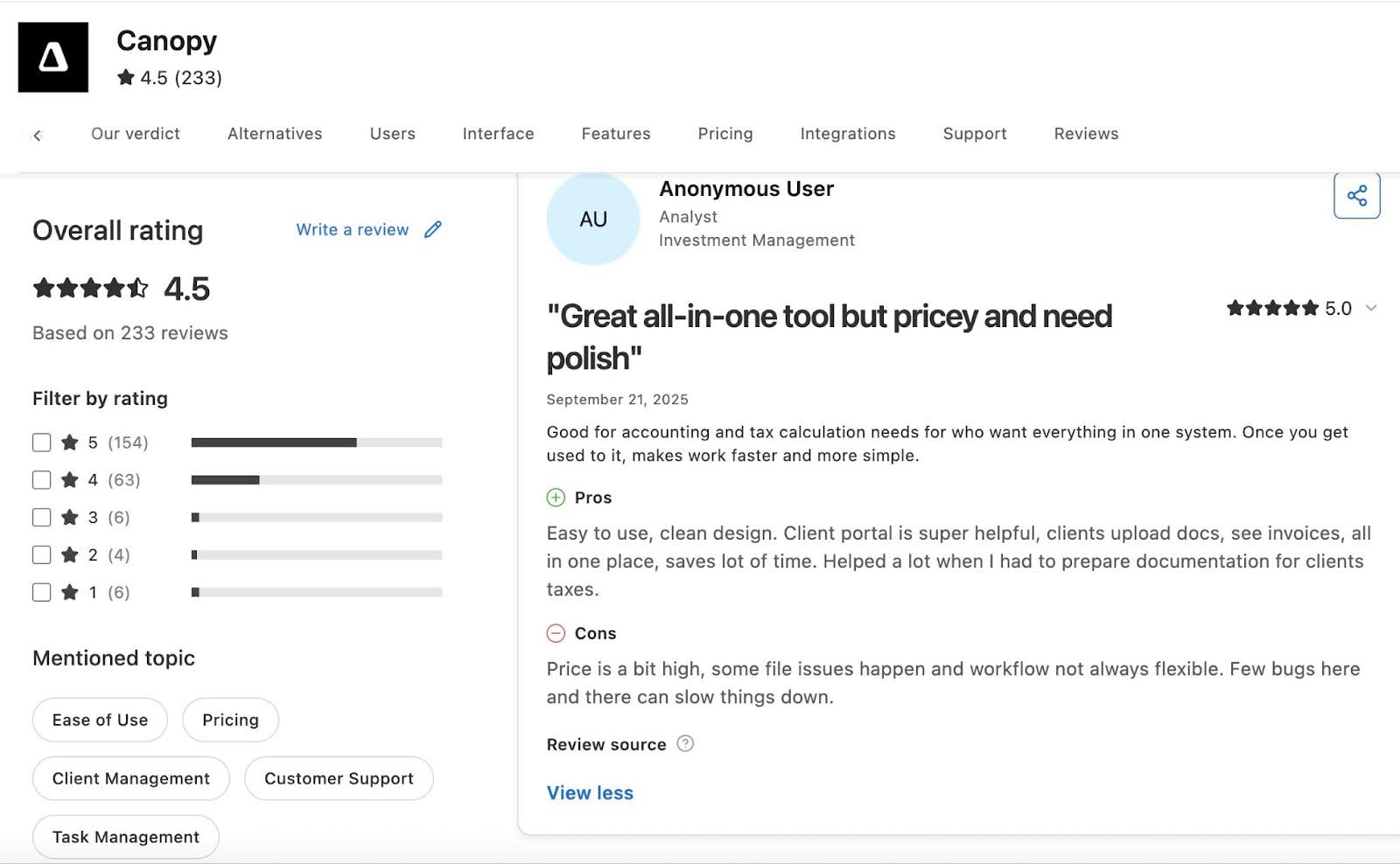
Canopy has:
Pricing (billed annually)
- Standard: $74/user/month
- Plus: $109/user/month
- Premium: $149/user/month
- Enterprise: custom
- Add-ons: Tax Resolution $50/user/month; Tax Workflow Automation from $34 per client credit; Close Automation $10 per connected client per month.
Should you use TaxDome or Canopy?
Choose TaxDome if you want an extensive bundled feature set (workflows, DMS, CRM, e-signatures, billing and a client portal) under one subscription.
Choose Canopy if you work heavily in tax resolution. Its IRS transcript integration and notice workflows give it an edge for compliance cases.
Read the in-depth side by side comparison of Taxdome vs Canopy
Related: Financial Cents vs Canopy
3. Karbon
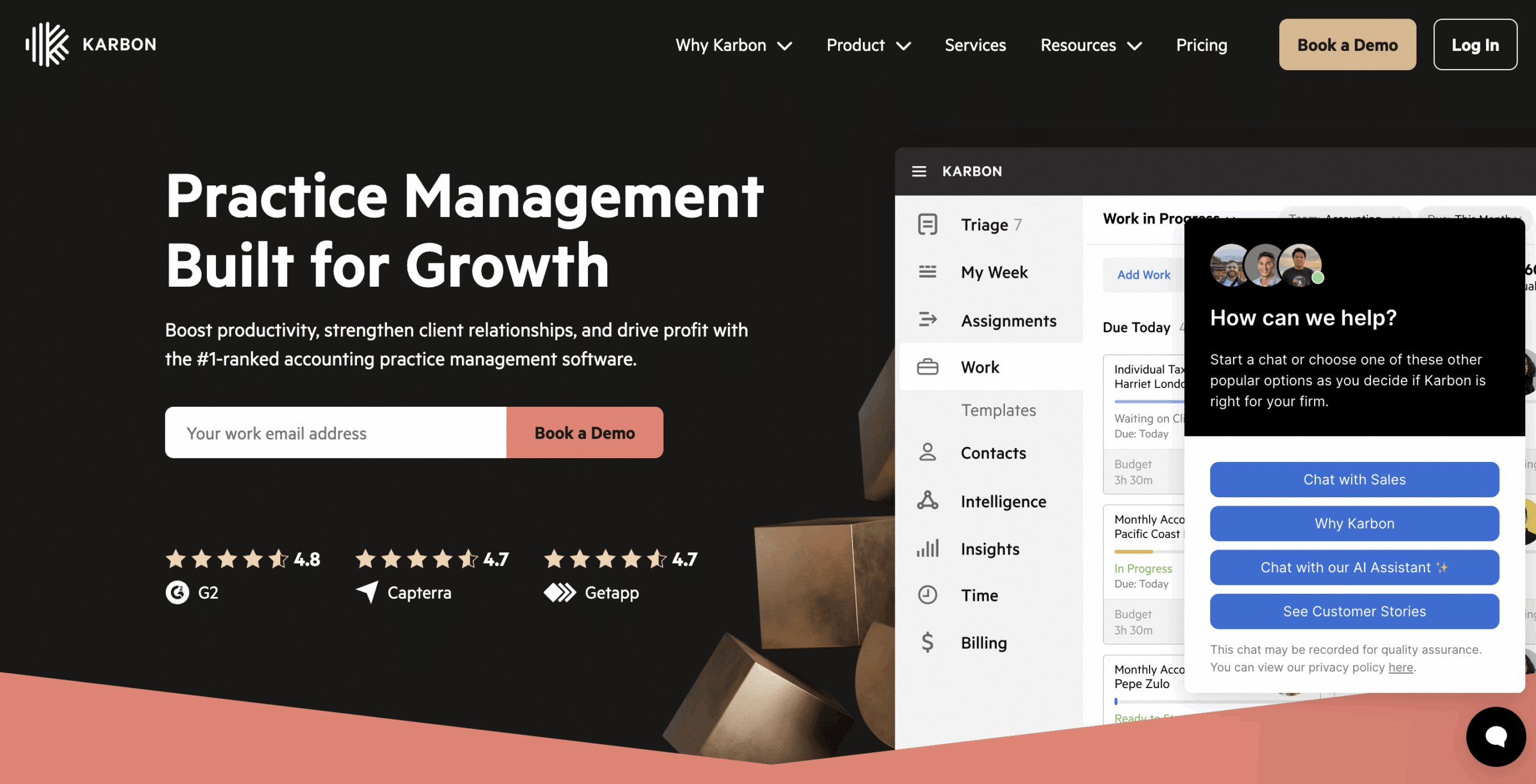
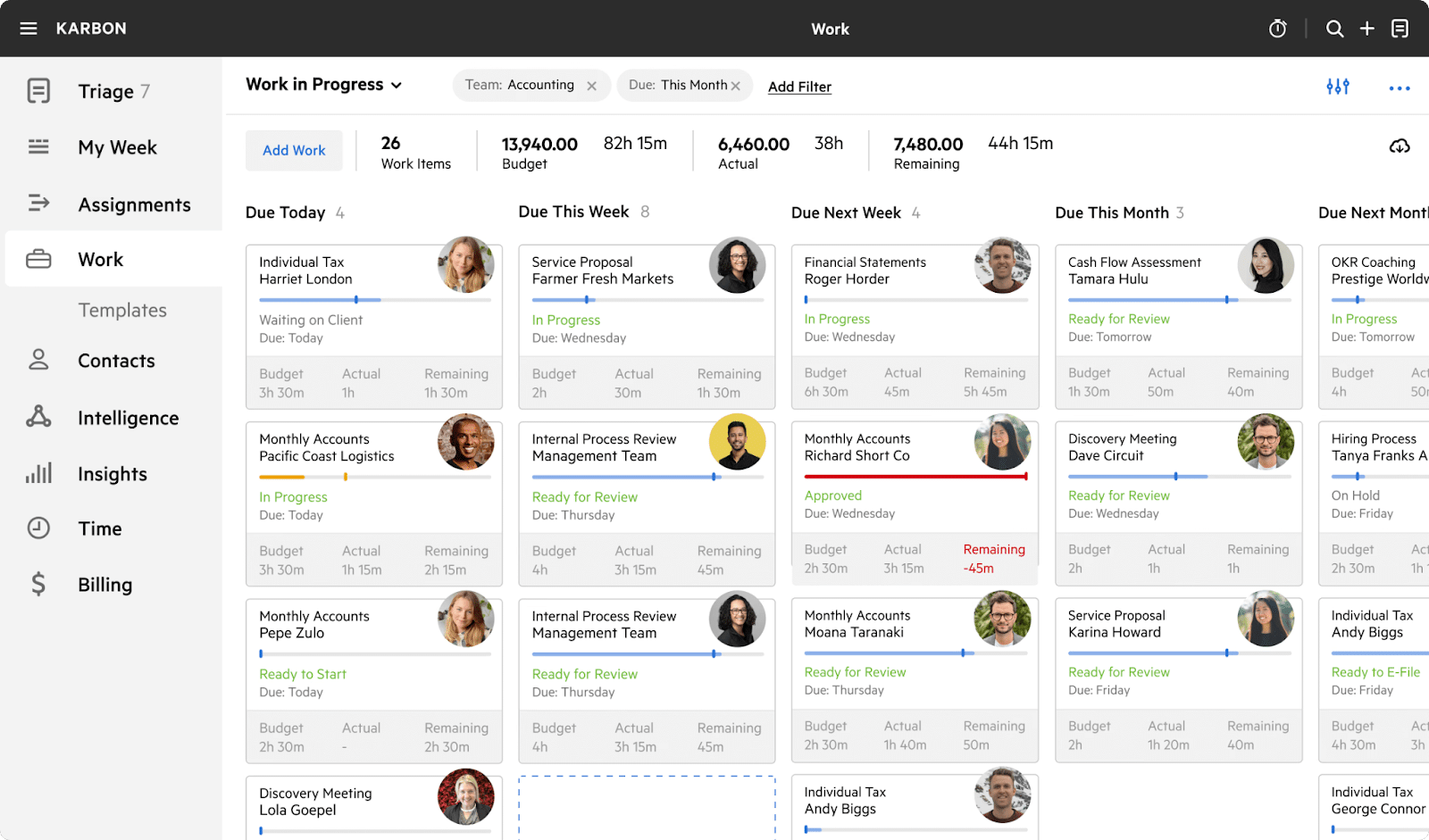
Karbon is a practice management platform for accounting firms with complex operations. It excels at team collaboration, email-driven workflows and AI insights across multi-step engagements.
Project management
- Work templates: standardize processes with reusable templates.
- Automators: set task dependencies and automate handoffs.
- Work scheduler: automate recurring jobs.
- My Week: one view of your tasks, email and priorities.
- Auto-reminders: follow up automatically with clients for missing information.
Email management
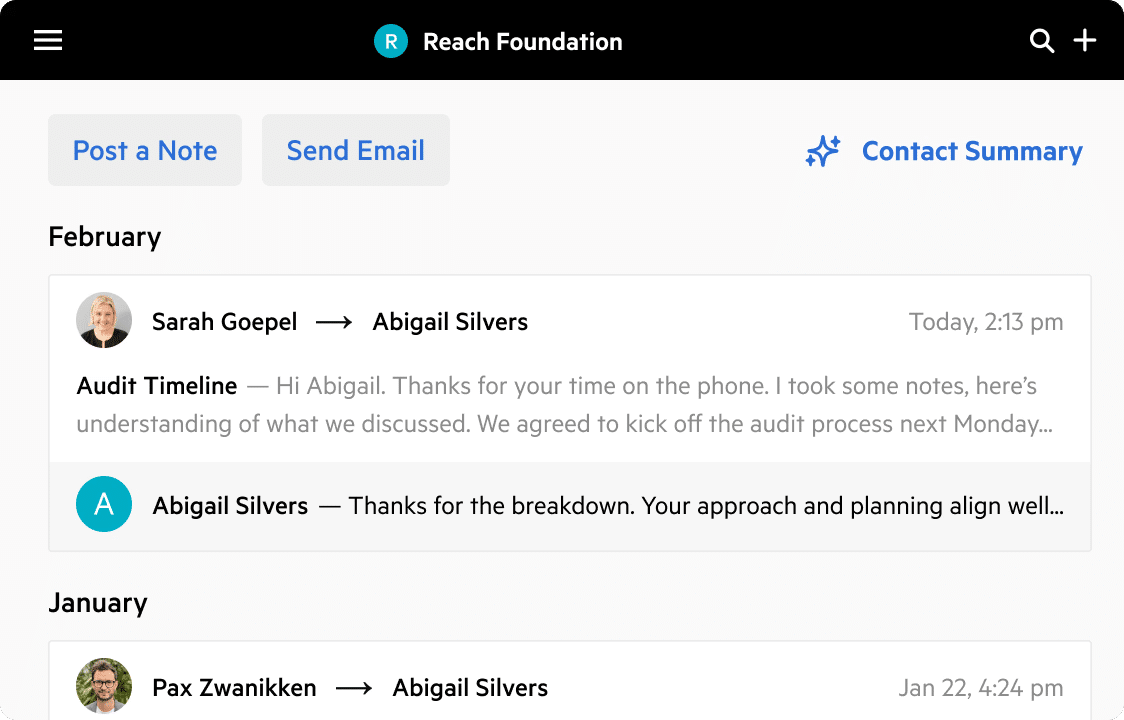
- Integrated email: team-wide visibility into client communication.
- Triage: process emails quickly and collaborate on shared inboxes.
- Email comments: add internal notes without forwarding threads.
- Mobile app: manage email and tasks on the go.
Client management
- Client portal: tasks, document sharing and collaboration in one place.
- AI client summaries: automatic briefs based on notes, email and work history.
- Custom fields: track structured client data and build filtered views.
Time tracking and billing
- Timers: track time per job or client.
- Budgets: role-based billing and resource planning.
- Invoicing: time-based, fixed-fee and recurring billing.
| Pros | Cons |
|---|---|
| Deep email and workflow integration | More expensive than many alternatives |
| Excellent for multi-step review processes | Setup takes time |
Why you should consider Karbon
Karbon suits you if your firm has multiple departments, high email volume, layered reviews or a distributed team.
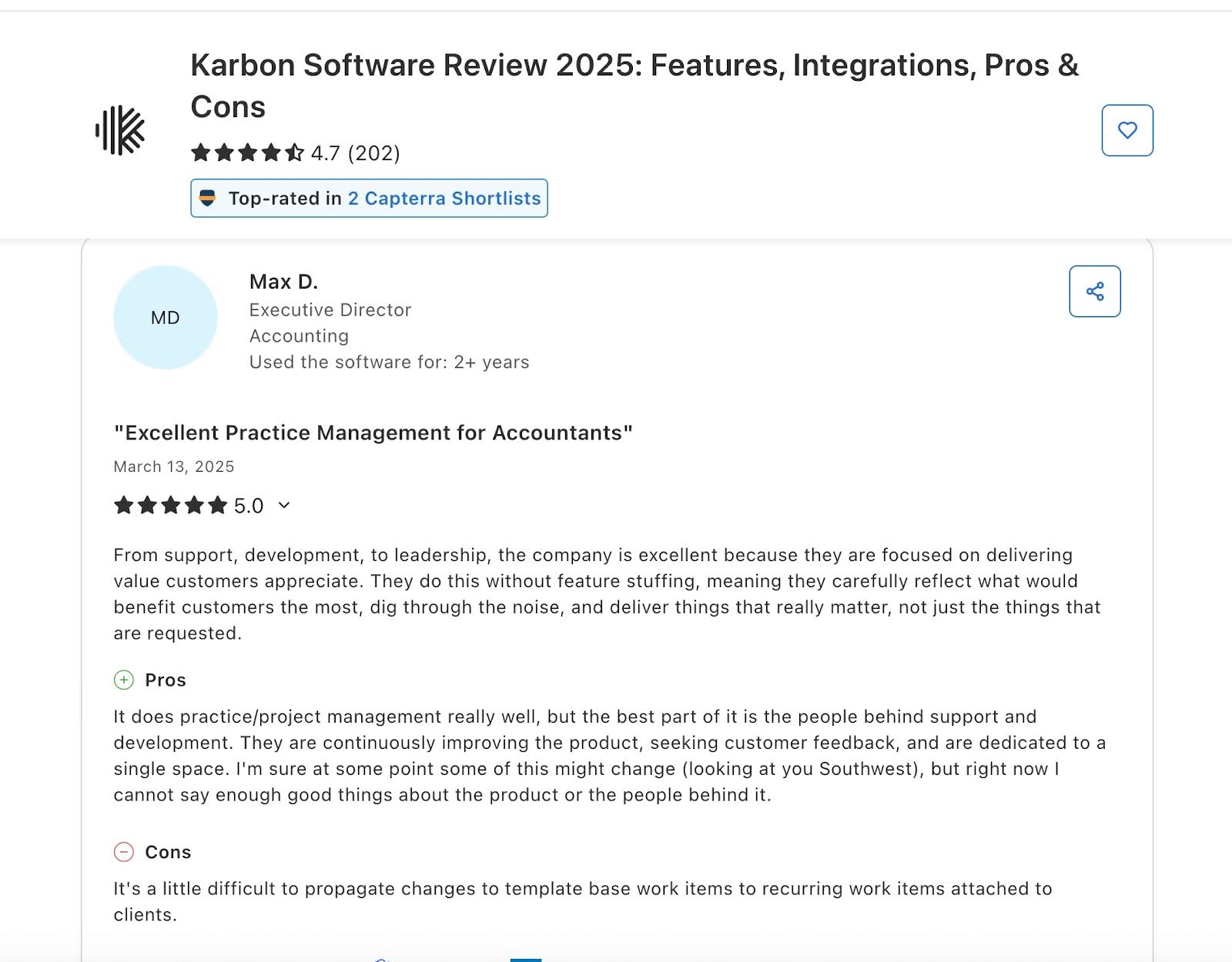
Reviews:
Pricing
- Team: $59/user/month (annual) or $79 (monthly, teams of 4+)
- Business: $89/user/month (annual) or $99 (monthly, teams of 4+)
- Enterprise: custom
Should you use TaxDome or Karbon?
Choose TaxDome for pipelines, task automation and templates geared to tax season. Choose Karbon for an enterprise-grade workflow engine, deeper collaboration and AI-driven team visibility.
Read: Karbon vs TaxDome: An Unbiased Review.
Related: Financial Cents vs Karbon
4. Jetpack Workflow
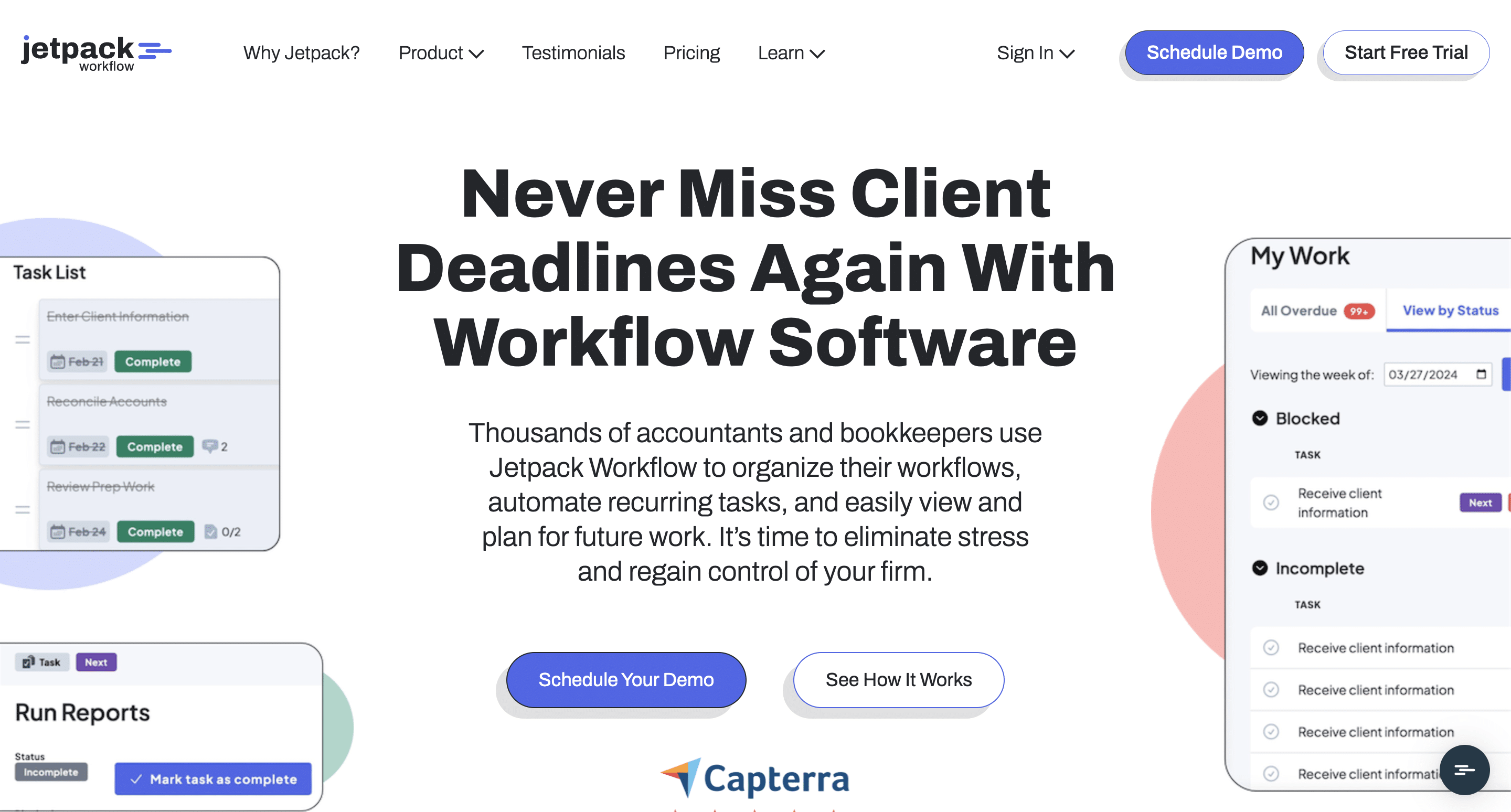
Jetpack Workflow is a workflow management tool for small and mid-sized accounting firms that want simple job tracking, customizable templates and clear task visibility. It does not include the client-facing features of full practice management platforms.
Workflow management
- Workflow templates: create custom templates to standardize processes and cut setup time.
- Recurring task automation: automate recurring jobs with deadlines, reminders and assignments.
- Capacity planning (Premium): see all client work, upcoming deadlines and team workload.
- Unlimited clients and projects: no usage limits on clients, projects or templates.
Team collaboration
- @mentions: tag teammates inside tasks to ask questions or share updates.
- Shared dashboards: keep everyone aligned on active and upcoming work.
- Role-based permissions: control access by role.
- In-task comments: keep communication on the task.
Time tracking and reporting
- Time tracking and budgets (Premium): log time and compare budgets with actuals.
- Progress reports: utilization, completion rates and workload summaries you can export.
| Pros | Cons |
|---|---|
| Easy to use | No client portal |
| Great for solo and small firms | No billing and payments |
Why you should consider Jetpack Workflow
Jetpack suits firms moving off spreadsheets that want reliable workflow tracking but are not ready for a full practice management platform.
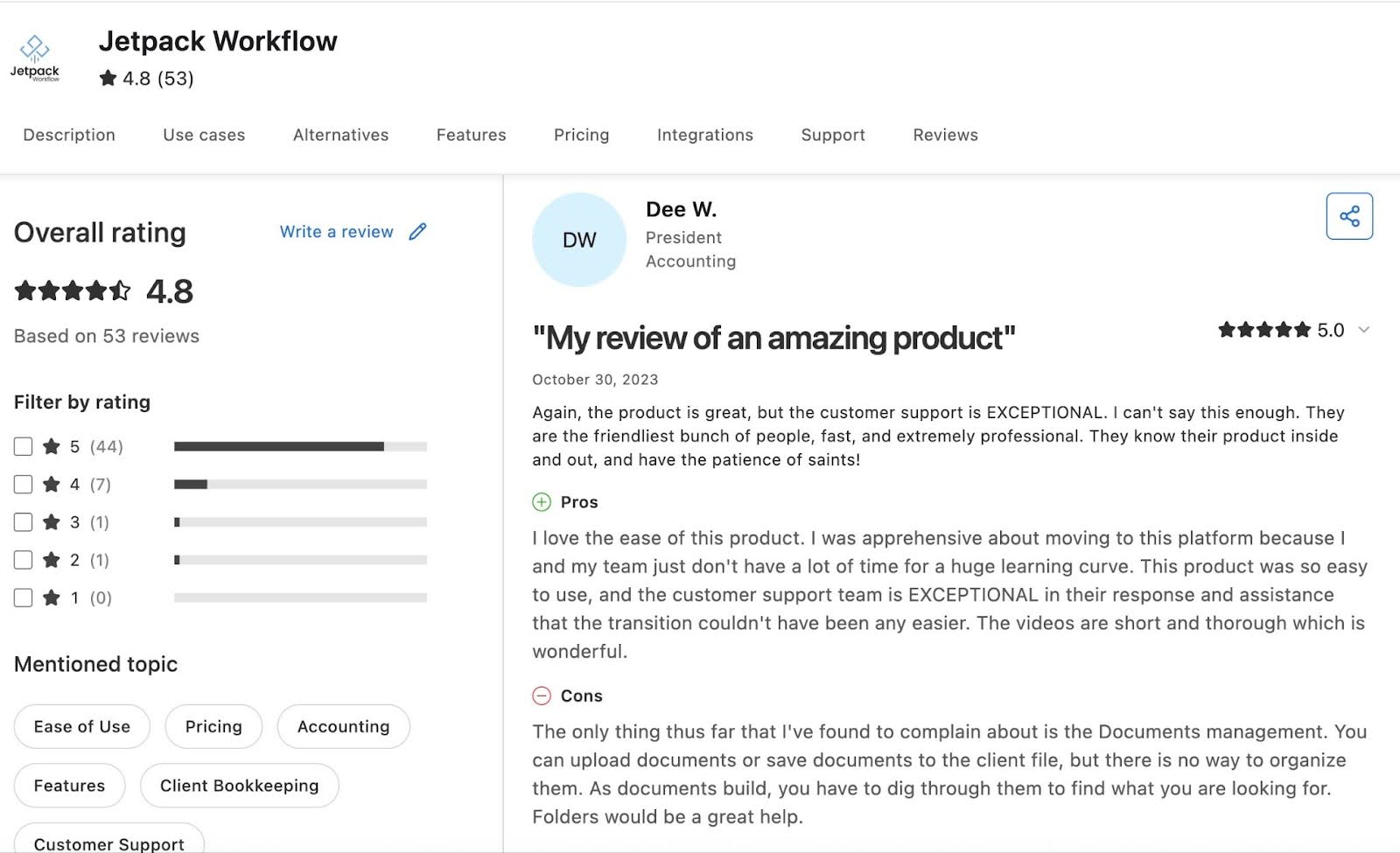
Reviews:
Jetpack has:
Pricing
- Starter: $49/seat
- Premium: $59/seat (adds time tracking, budget reports and capacity management)
- Enterprise: custom
- Add-ons: document storage $5 per 100 GB; onboarding package $1,500 one-time.
Should you use TaxDome or Jetpack Workflow?
Choose TaxDome if you need an all-in-one solution with a client portal, billing and document management. Choose Jetpack Workflow if you want simple, flexible workflows and prefer pairing them with your existing apps.
Related: Financial Cents vs Jetpack Workflow
See: The Best Jetpack Workflow Alternatives
5. Aero Workflow
Aero Workflow is a workflow automation tool for bookkeeping and CAS firms, focused on recurring tasks, standardized checklists and team visibility. It suits small to mid-sized firms that want structure without an all-in-one platform.
Workflow management
- Templates: prebuilt and customizable checklists for bank reconciliations, payroll cycles and month-end close.
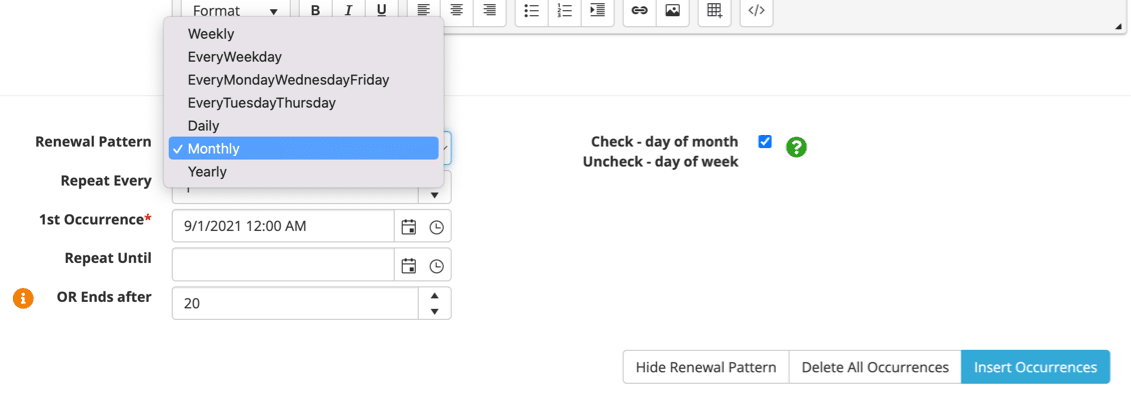
- Scheduled tasks: automate weekly, monthly, quarterly and annual work.
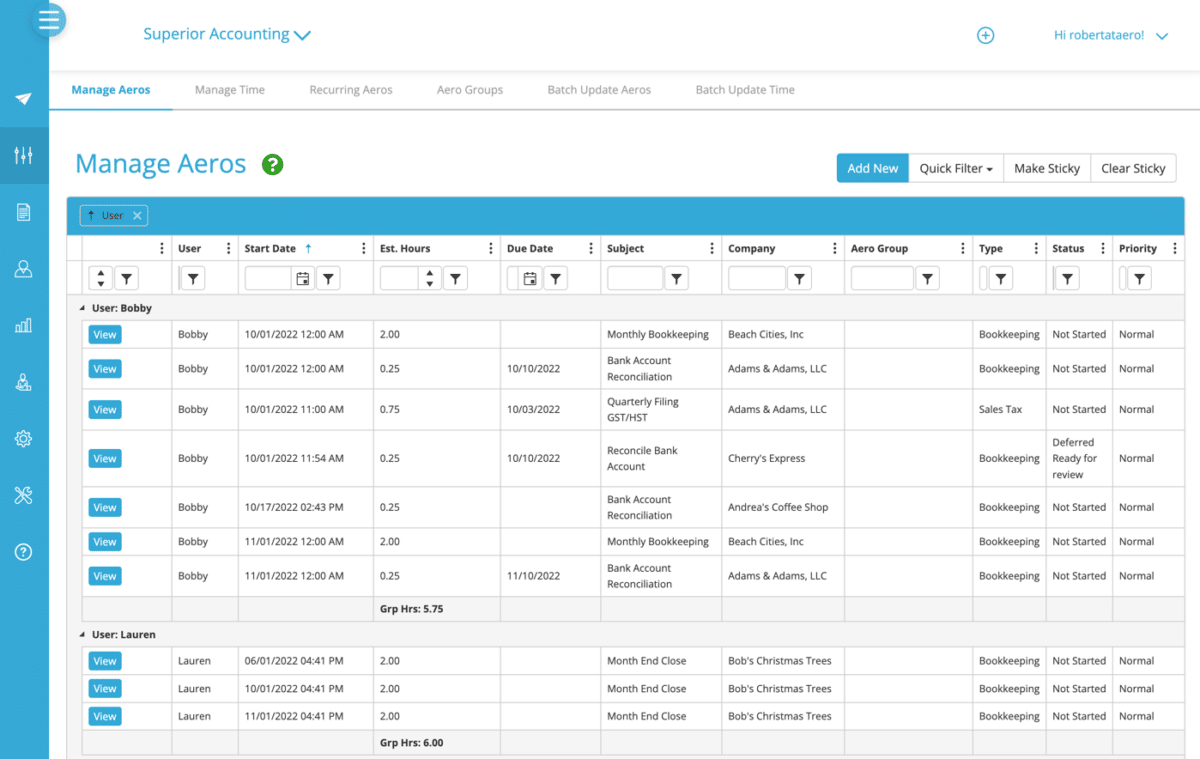
- Workflow dashboard: see what’s completed, overdue or upcoming across all clients and staff.
- Individual dashboards: each team member sees their daily priorities, deadlines and assigned tasks.
Workflow automation
- Recurring projects: repeat projects automatically to reduce admin work.
- Reminders: prompt team members to finish tasks before they’re due.
Team collaboration
- Notes: add comments to tasks to guide how work gets done.
| Pros | Cons |
|---|---|
| Strong checklists and recurring workflow structure | Dated interface |
| Clear visibility across clients and staff | Limited client-facing features |
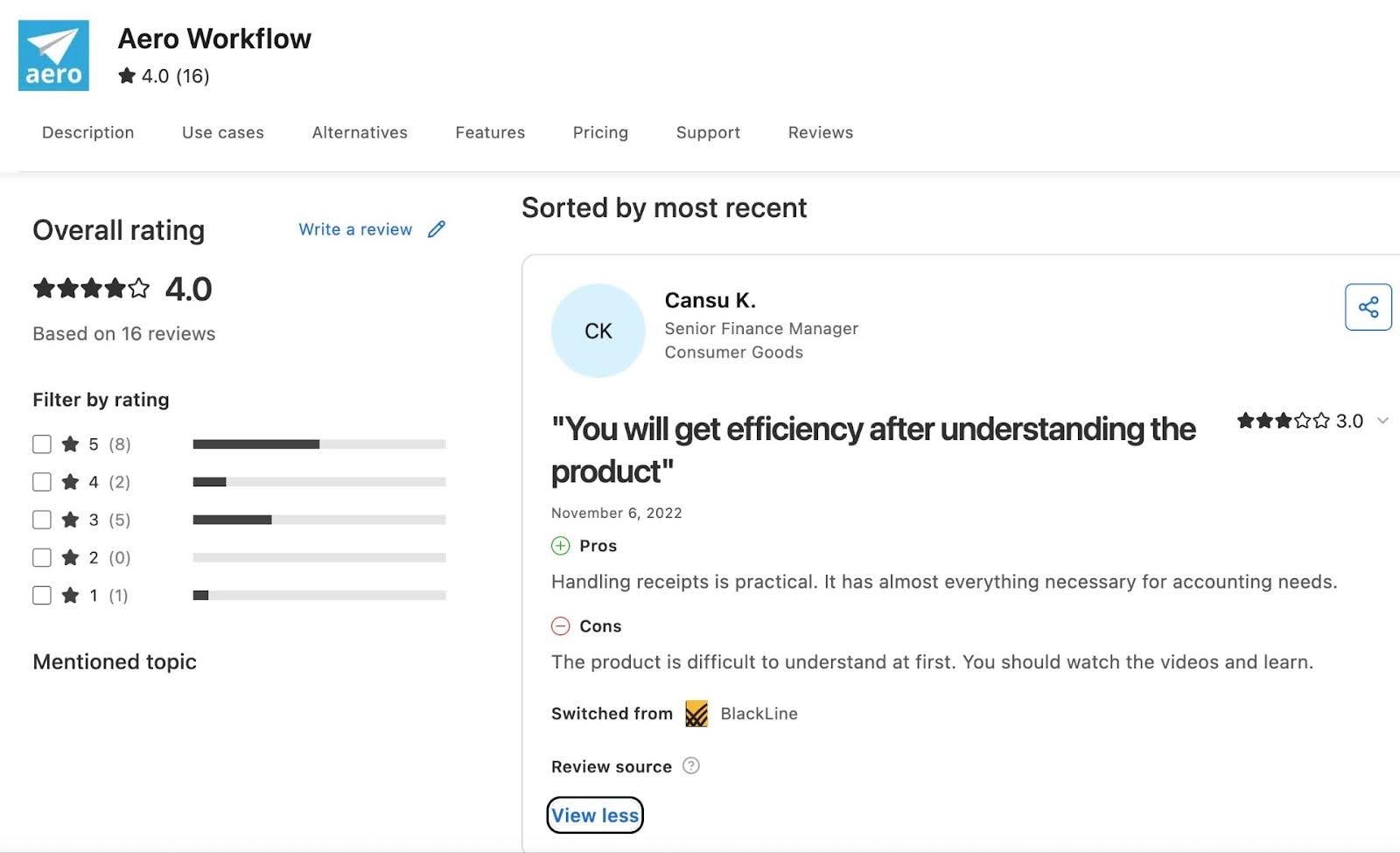
Reviews:
Aero Workflow has
Pricing (per firm, per month)
- Startup (1–5 users): $108 yearly / $135 monthly
- Growth (6–25 users): $200 yearly / $250 monthly
- Scaling (26–50 users): $295 yearly / $365 monthly
- Enterprise (50+ users): custom
Should you use TaxDome or Aero?
Choose TaxDome if your work is driven by tax-season workflows. Choose Aero Workflow if you want a lightweight tool built around recurring accounting processes, CAS and task management.
6. Pixie
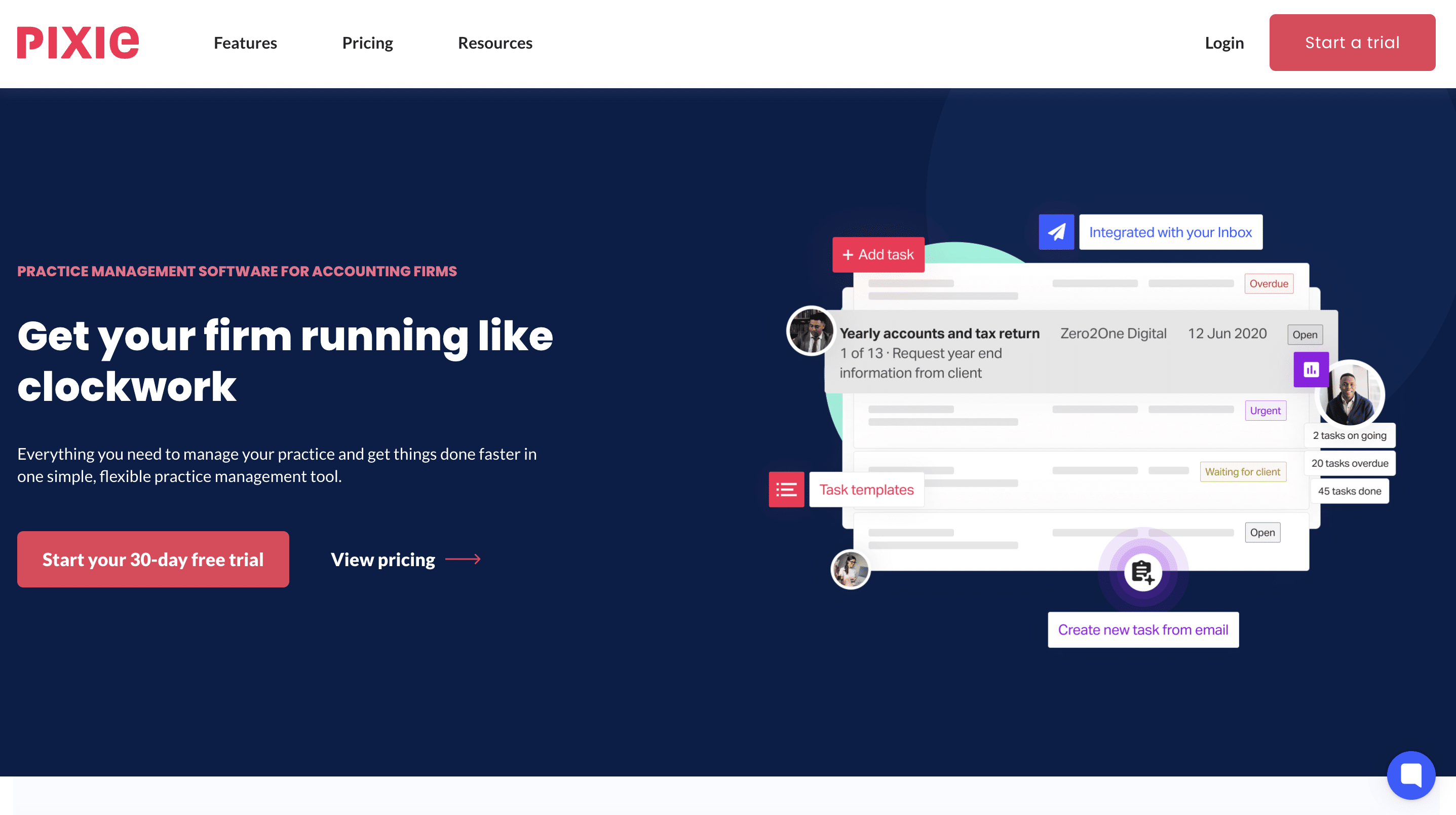
Pixie is a cloud-based practice management platform focused on simple workflow automation, deadline tracking and client collaboration. It is popular with small UK and EU firms looking for an affordable, intuitive alternative to TaxDome.
Workflow management
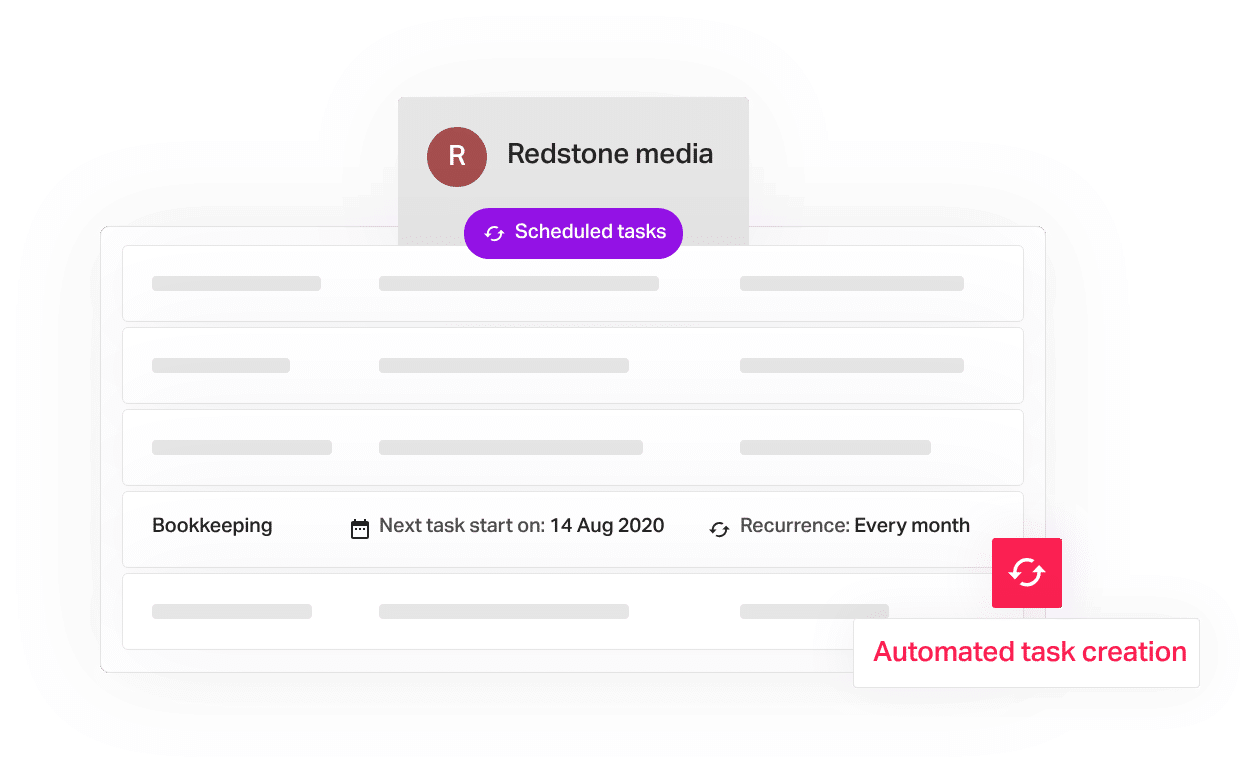
- Task templates: save frequently used tasks for quick reuse.
- Auto-generated to-do lists: prioritized lists for each team member.
- Internal deadline tracking: workflow stages with real-time progress.
- Email templates: automate client emails linked to workflows.
Team management
- Internal notifications: alerts when tasks are completed or emails are read.
- Team-wide task visibility: see your staff’s tasks at a glance to plan capacity.
CRM
- Companies House and Xama AML integrations: import client details and incorporation dates.
- Auto-sync emails and files to each client record.
- Bulk actions: send emails, start workflows or update fields across many clients.
- Client checklists with auto-reminders to chase missing information.
Document management
- Client portal and e-signatures.
- Automatic email attachments saved to client records.
- Auto-reminders for outstanding documents or signatures.
| Pros | Cons |
|---|---|
| Excellent for small firms | Fewer integrations than larger platforms |
| Flat pricing with unlimited users | Less suited to mid-sized or complex teams |
Why you should consider Pixie
Pixie suits small bookkeeping and accounting firms, especially those serving UK clients, that prioritize simplicity. Its flat, per-client pricing can cost less than per-user platforms like TaxDome.
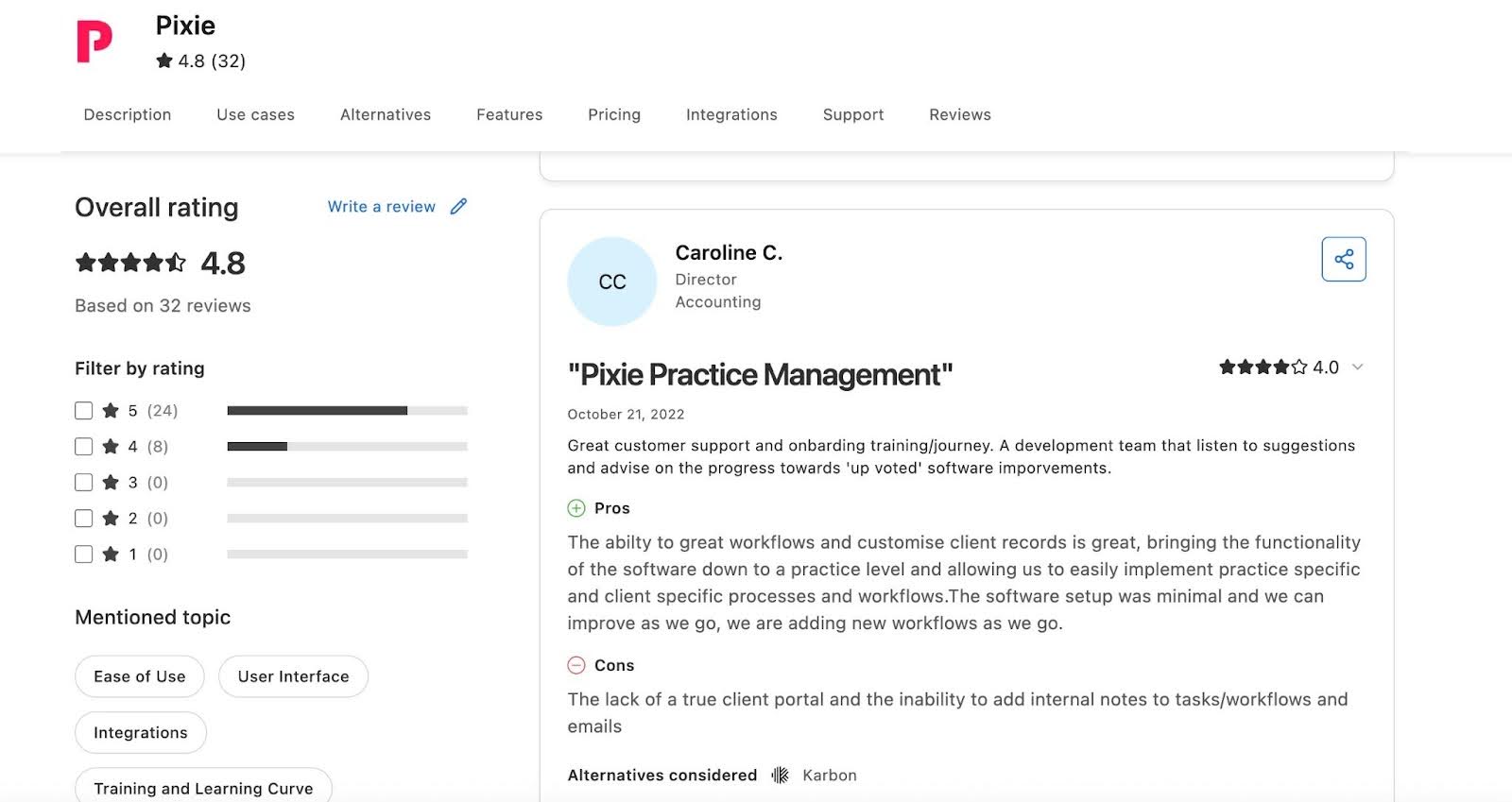
Reviews:
Pixie has
Pricing (monthly, unlimited users)
- Up to 250 clients: $129
- 251–500 clients: $199
- 501–1,000 clients: $329
- Over 1,000 clients: price on application
Should you use TaxDome or Pixie?
Use TaxDome if you need stronger billing and payment processing. Use Pixie if you want a budget-friendly workflow tool for a small team.
7. Xero Practice Manager
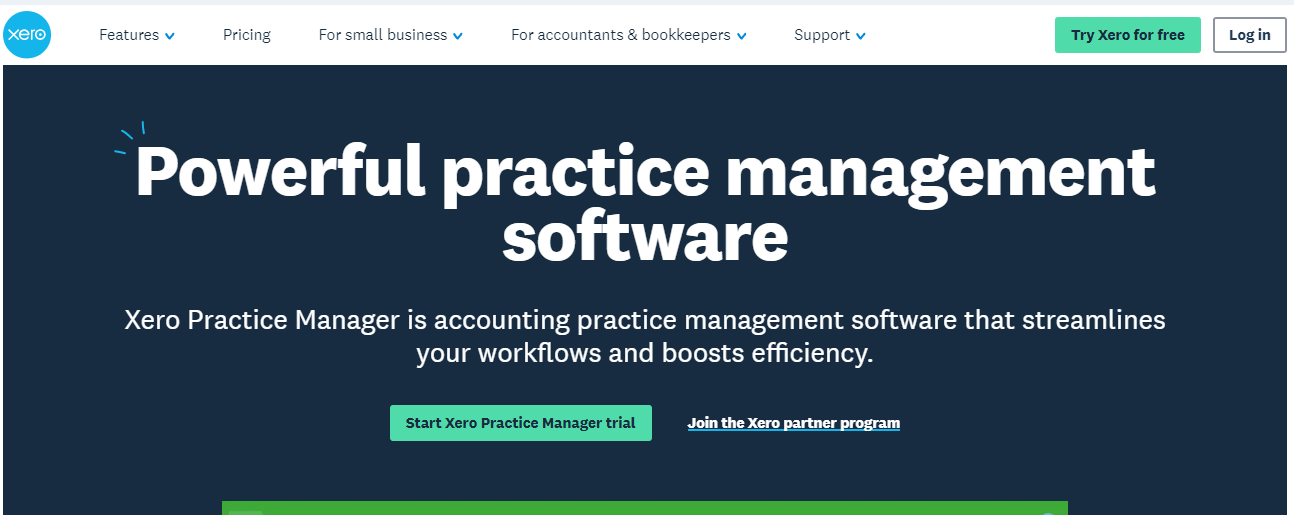
Xero Practice Manager (XPM) is a cloud practice management tool that combines job management, time tracking and invoicing. It integrates directly with Xero to keep client and project data connected.
Project management
- Project oversight: track ongoing jobs, deadlines and priorities.
- Budget control: monitor spending per job and avoid overruns.
- Profitability review: analyze jobs to improve pricing and planning.
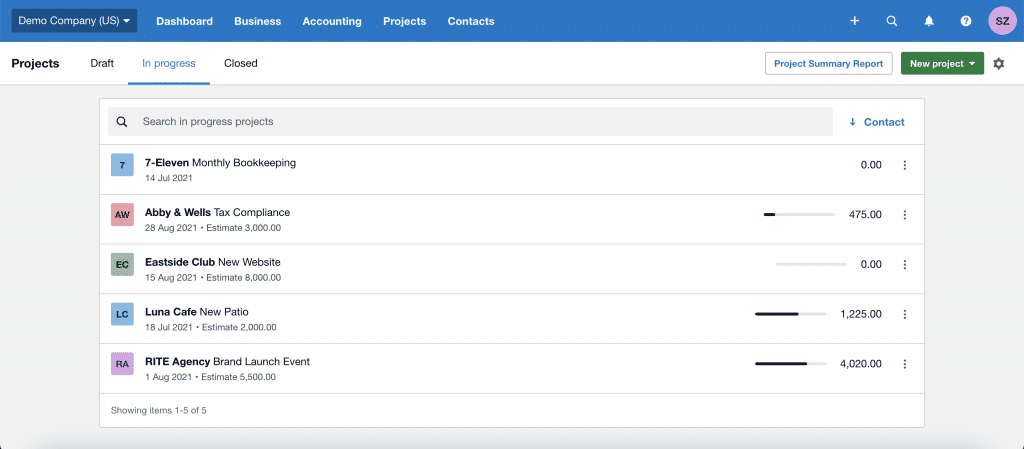
Time tracking and billing
- Mobile time logging: start-stop timers or manual entries on the go.
- Invoicing: fixed-price or hourly invoices, progress payments and “pay now” options.
- Quotes: create quotes from job setup.
Document management
- Hubdoc integration: capture receipts and bills by mobile, email or scanner.
- Automatic data extraction: turn supplier, amount and due-date details into draft Xero transactions.
- Cloud storage: view documents alongside transaction data.
| Pros | Cons |
|---|---|
| Deep Xero integration | Dated interface |
| Robust job and time tracking | Limited workflow automation |
| Project-based invoicing | No built-in client portal |
XPM suits you if your firm runs on Xero and you need job tracking and profitability insights.
Reviews:
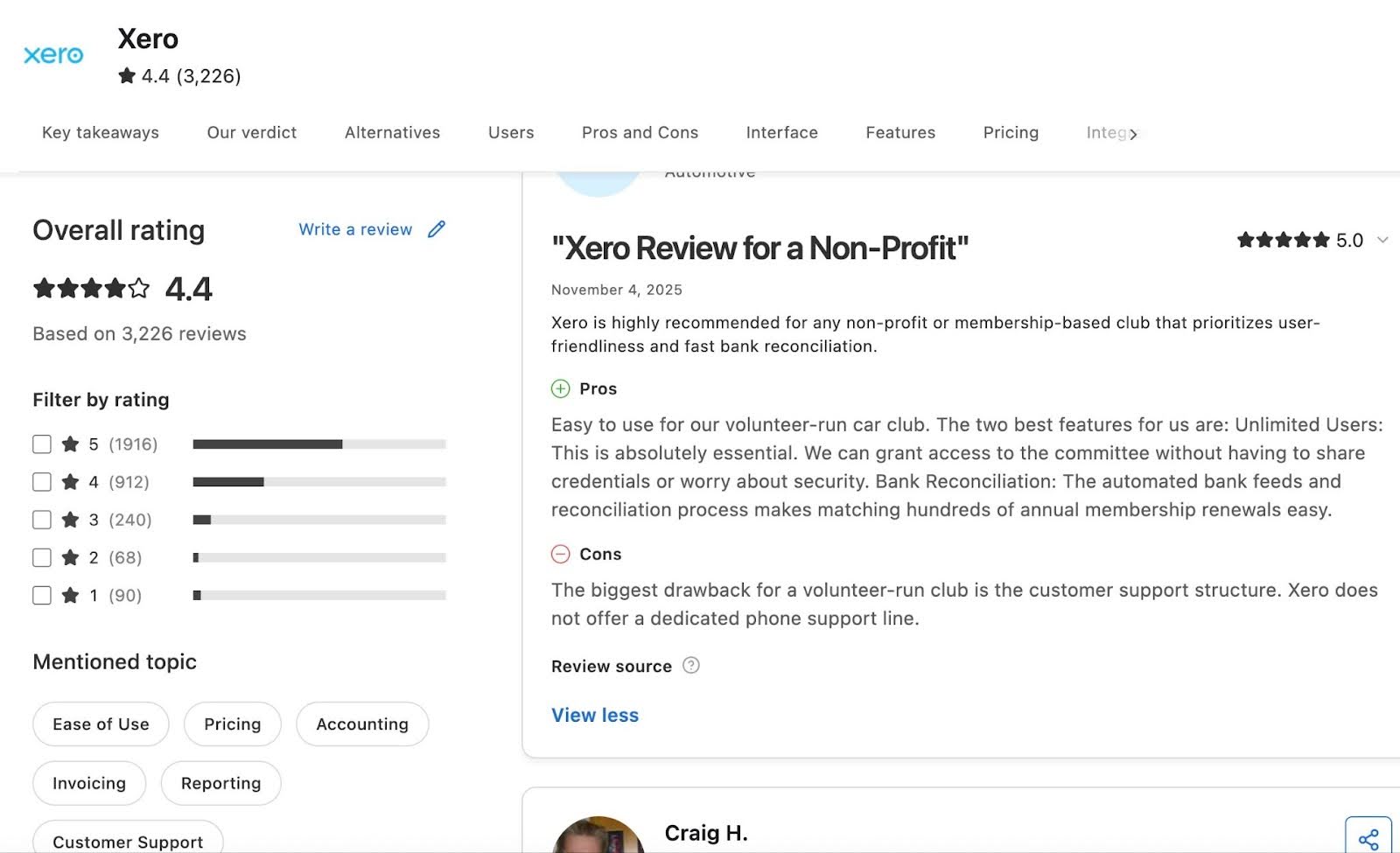
Xero Practice Manager has:
Pricing
XPM is generally included with Xero partner plans rather than sold separately. Check current availability and pricing for your region with Xero.
Should you use TaxDome or XPM?
Choose TaxDome if you need white-labeled portals and mobile apps, secure chat, CRM and e-signatures. Choose Xero Practice Manager if your work relies on job tracking, billing and resource allocation within the Xero ecosystem.
8. Double (formerly Keeper)
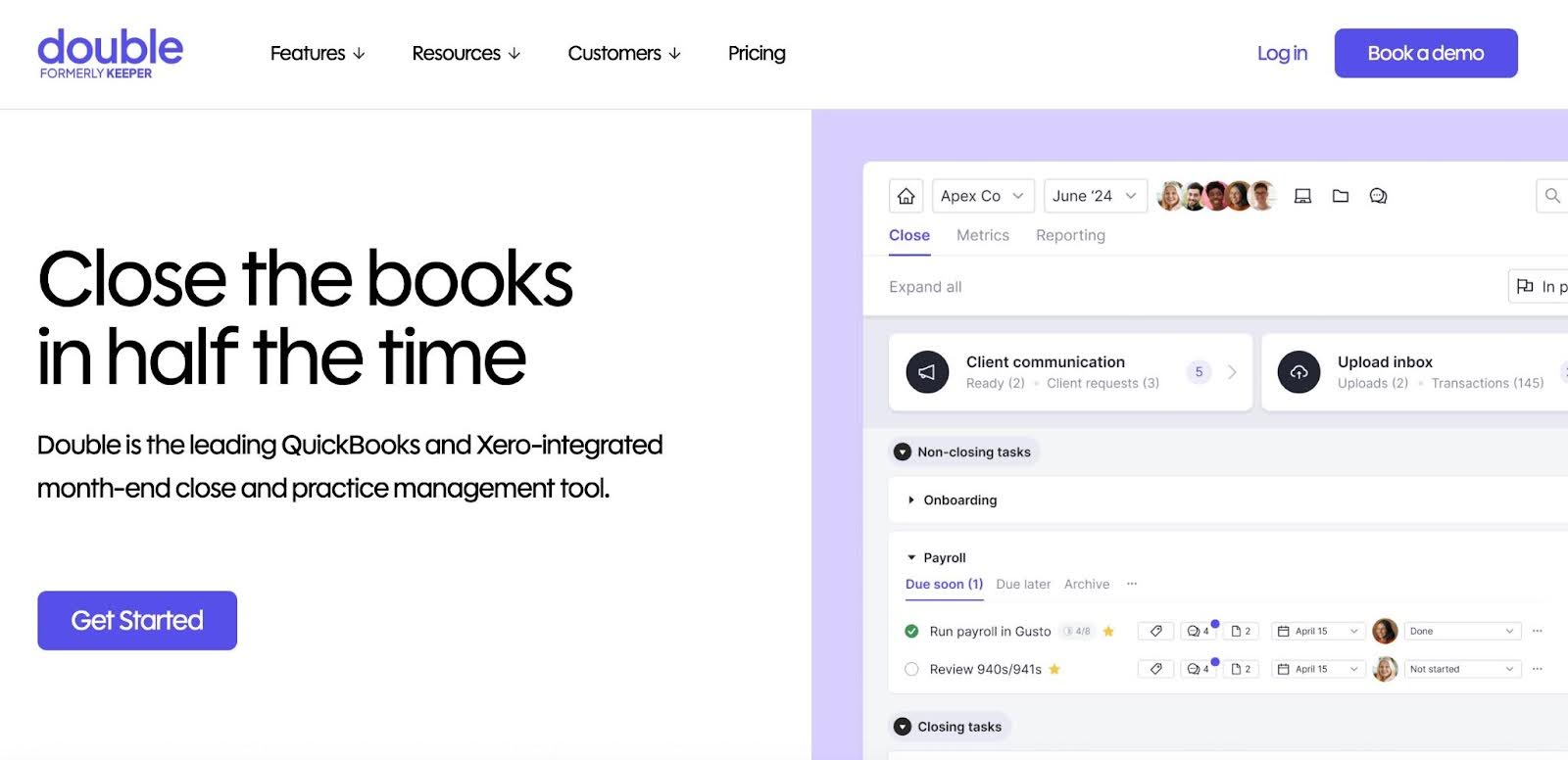
Double is a bookkeeping-focused practice management platform that streamlines month-end workflows, client communication and bookkeeping oversight, with two-way syncs to QuickBooks Online and Xero.
Task management
- Sub-tasks: break complex projects into steps and assign them.
- Tags and priority tasks: filter by client or project and highlight urgent work.
- Internal comments and daily digest: discuss work inside tasks and get summaries of priority or overdue items.
Client portal
- Branded, passwordless portal with magic-link access.
- QuickBooks and Xero integration: clients answer transaction questions directly in the portal.
- Automated reminders and mobile app for client requests and follow-ups.
CRM
- Dashboards: track monthly closes, documents, open questions and client data in one view.
- Zapier integration to connect other apps.
File review
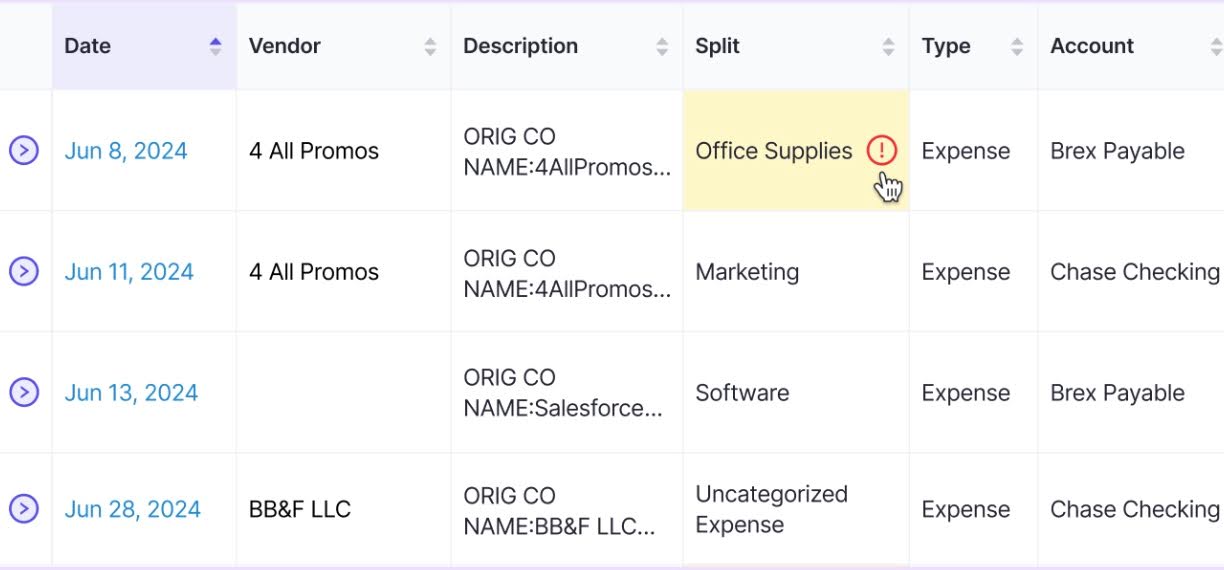
- Error detection: flag coding errors, uncategorized transactions and inconsistencies automatically.
- Vendor-level P&Ls: drill down and export reports.
Tax
- Tax Suite add-on for tax workflows.
| Pros | Cons |
|---|---|
| Purpose-built for bookkeeping | Limited tax workflow support |
| Strong client adoption | Can cost more for smaller firms |
Why you should consider Double
Double suits you if your firm is bookkeeping-heavy and you want centralized client communication, automated month-end workflows and AI-powered error detection.
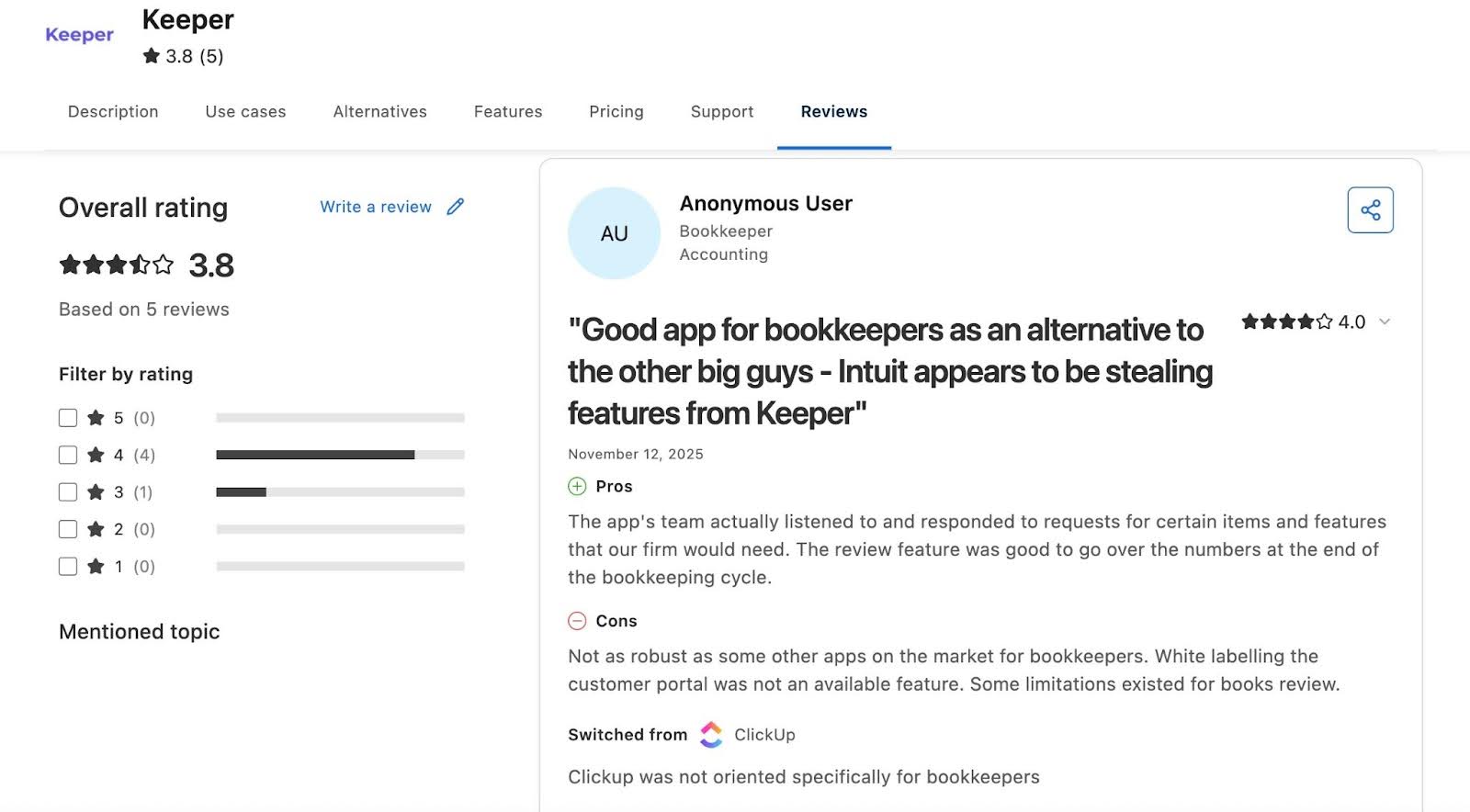
Reviews:
Pricing
Double charges monthly per connected client, with unlimited users. Base plan prices are not published, so contact Double’s sales team. The Tax Suite add-on requires a $200 per month annual commitment.
Should you use TaxDome or Double?
Choose TaxDome for tax-focused workflows, organizers and e-signatures. Choose Double if your firm focuses on bookkeeping and CAS and prioritizes month-end automation.
Related:
Financial Cents vs Double (Keeper)
The 7 Best Alternatives to Double
9. Client Hub
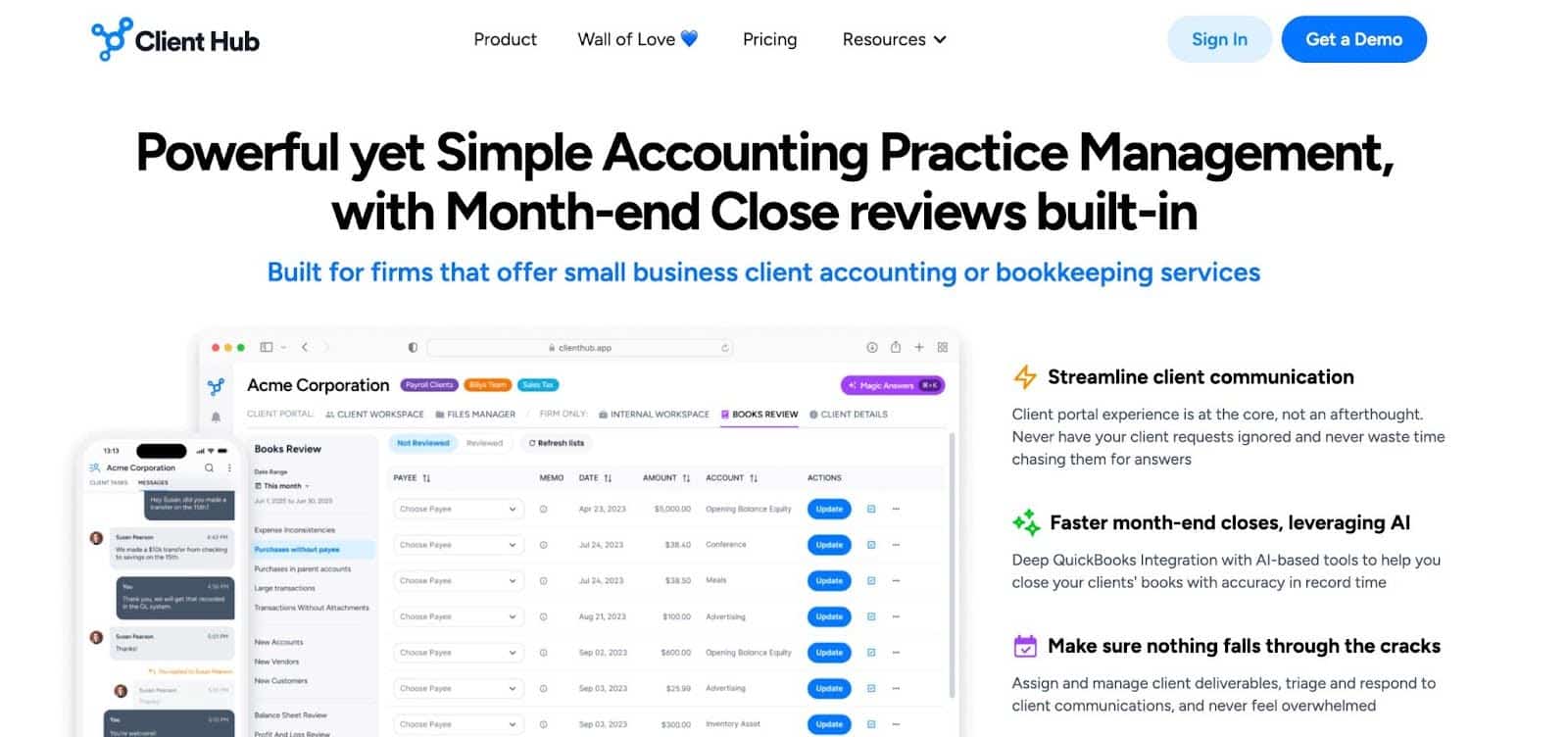
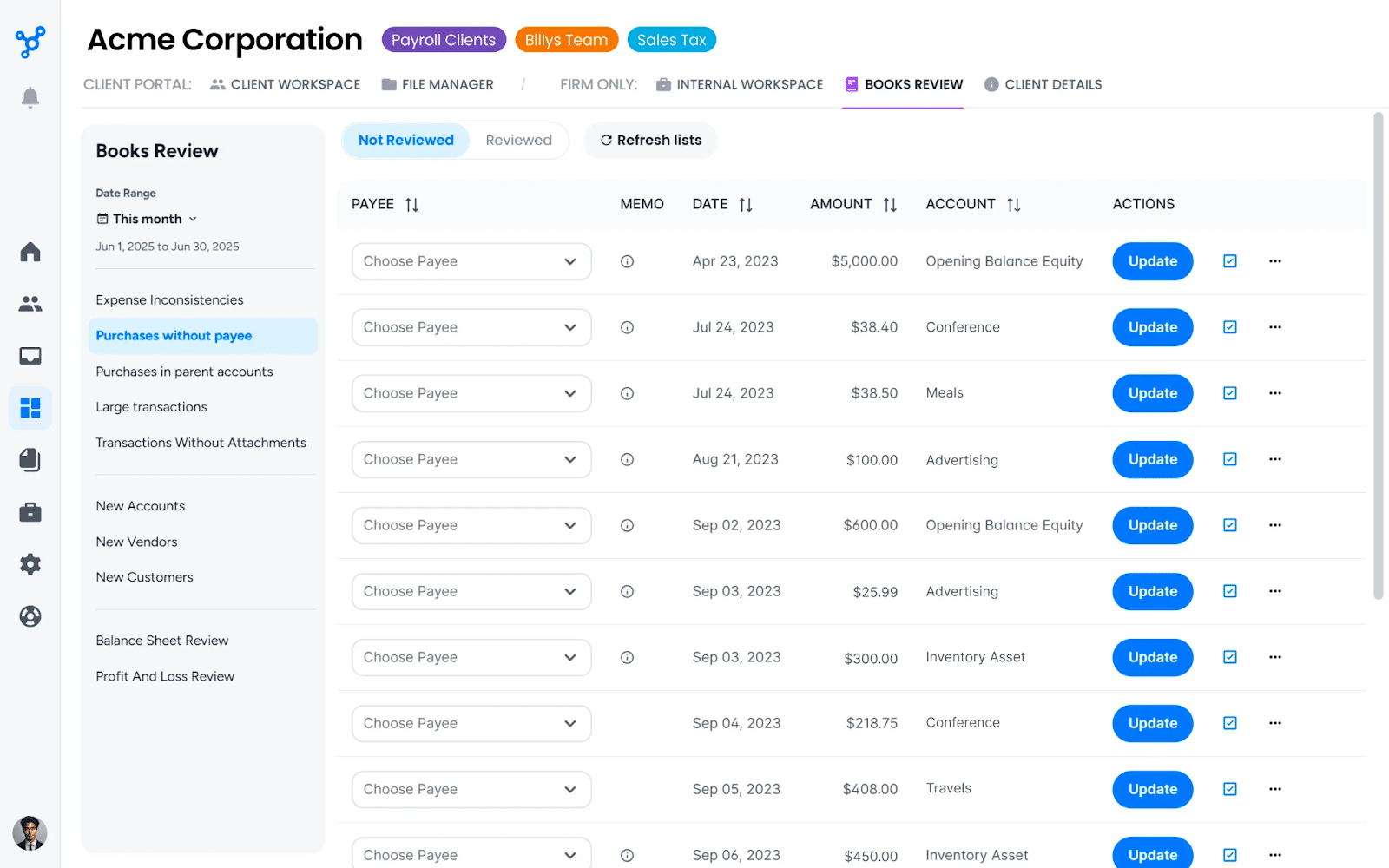
Client Hub is an AI-powered practice management and client portal platform for cloud accounting, bookkeeping and outsourced accounting firms, with QuickBooks and Xero integrations.
Workflow management
- Jobs and task checklists: organize deliverables with step-by-step checklists, owners and deadlines.
- Recurring jobs and Magic Workflow: automate repeating work and generate workflows from AI prompts.
- Task details: attachments, assignees, deadlines and linked accounting entries.
Client management
- Client tasks and messages: assign tasks to clients and collect information through secure messaging.
- Email inbox, Magic Replies and summaries: thread external email, draft replies and summarize long conversations with AI.
Team management
- Pinned items, comments and client notes for shared resources and internal discussion.
- Client data: profiles with custom fields, linked files and activity history.
Document management
- File manager: unlimited storage, version control, e-signatures and AI-powered search.
- Easy upload: drag-and-drop uploads with auto-categorization.
| Pros | Cons |
|---|---|
| AI-powered automation | No native billing |
| Affordable per-user pricing | Fewer enterprise-level features |
Why you should consider Client Hub
Client Hub suits CAS and bookkeeping firms tired of chasing clients over email.
Reviews:
Pricing (annual billing)
- Solopreneur: $49/month (single user, annual only)
- Practice Manager: $59/user/month ($79 monthly)
- Practice Manager Plus: $79/user/month ($99 monthly); adds QuickBooks and Xero integrations
Should you use TaxDome or Client Hub?
Choose TaxDome if you need tax organizers and document automation like tagging and sorting. Choose Client Hub if you prioritize AI email replies, workflow generation and document search.
10. Cone
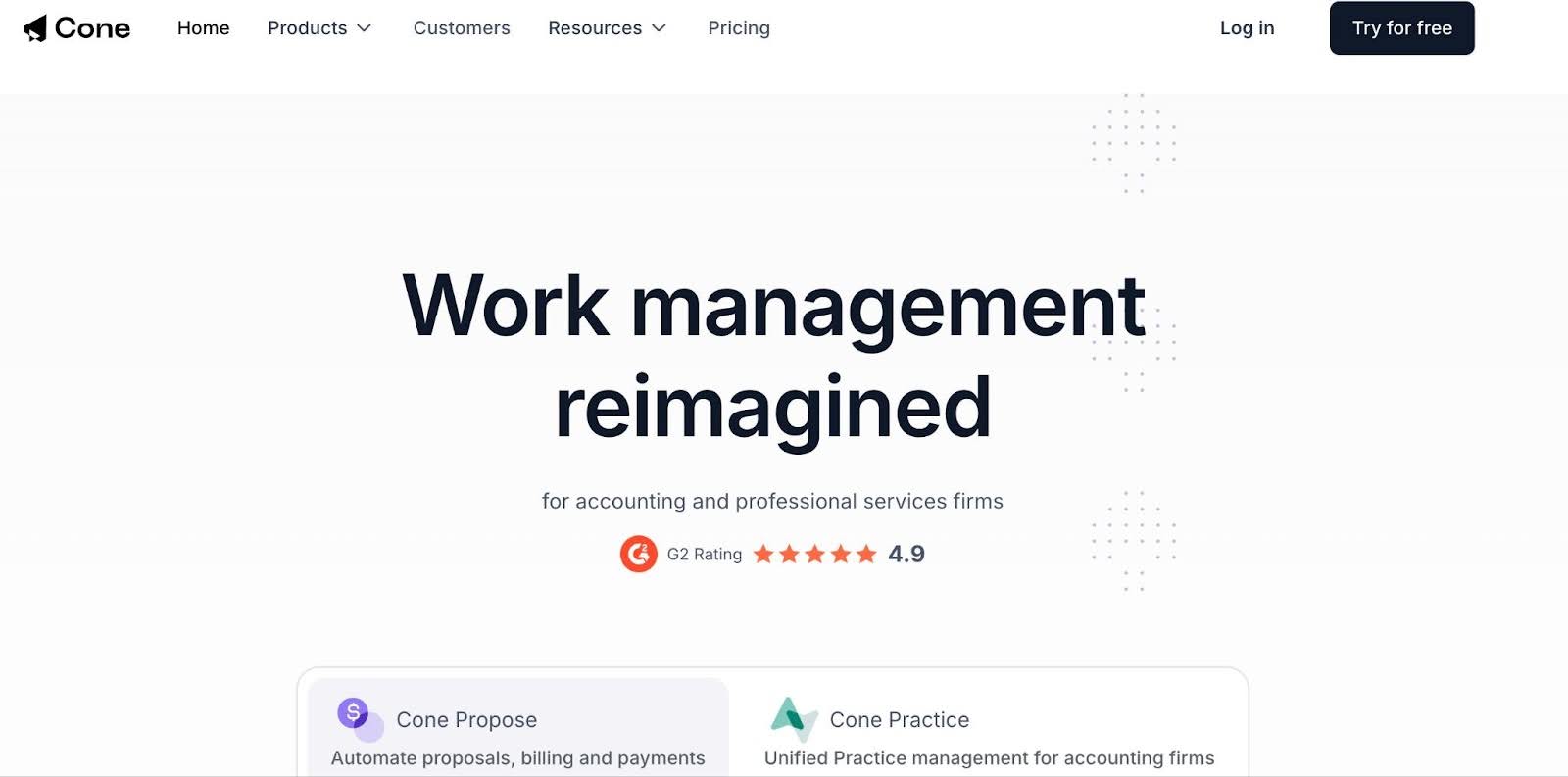
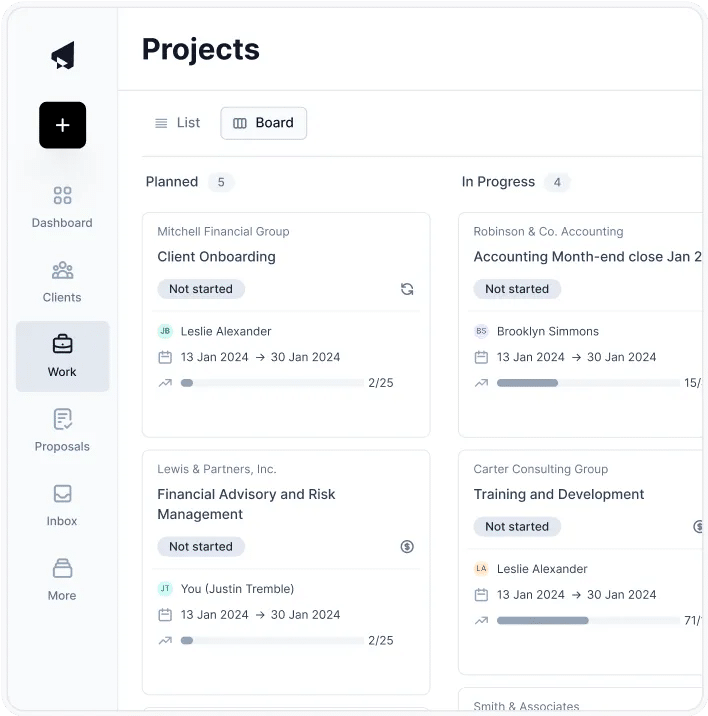
Cone is a newer practice management platform for small accounting firms. It combines workflows, client management, proposals and billing, and its two main products are Cone Practice (practice management) and Cone Propose (proposals and billing).
Workflow management
- Project templates: single or bulk project creation for recurring work.
- Automation: update task statuses, send reminders and trigger follow-ups.
- Client requests: collect documents, e-signatures and forms at scale.
- Document management: store files in workflows, with sync to Google Drive, SharePoint or OneDrive.
Proposal management (Cone Propose)
- Proposal editor: branded, editable web proposals.
- Quotes and pricing packages: offer tiered options to guide client decisions.
- Contracts and e-signature: engagement letters with multiple signers.
Billing and payments
- Billing automation: generate invoices from accepted proposals and charge stored payment details.
- Payment methods: cards and direct debit, with fee pass-through.
- Invoice sync with your accounting software.
Client portal
- Client tasks: a hub for uploading files, submitting forms, chatting and tracking tasks.
- Passwordless login for clients.
- Integrated email: delegate emails and turn messages into tasks.
| Pros | Cons |
|---|---|
| Modern UI | Limited advanced automation |
| Strong collaboration tools | Fewer integrations |
| Low per-user price | Practice management and proposals are sold as separate products |
Why you should consider Cone
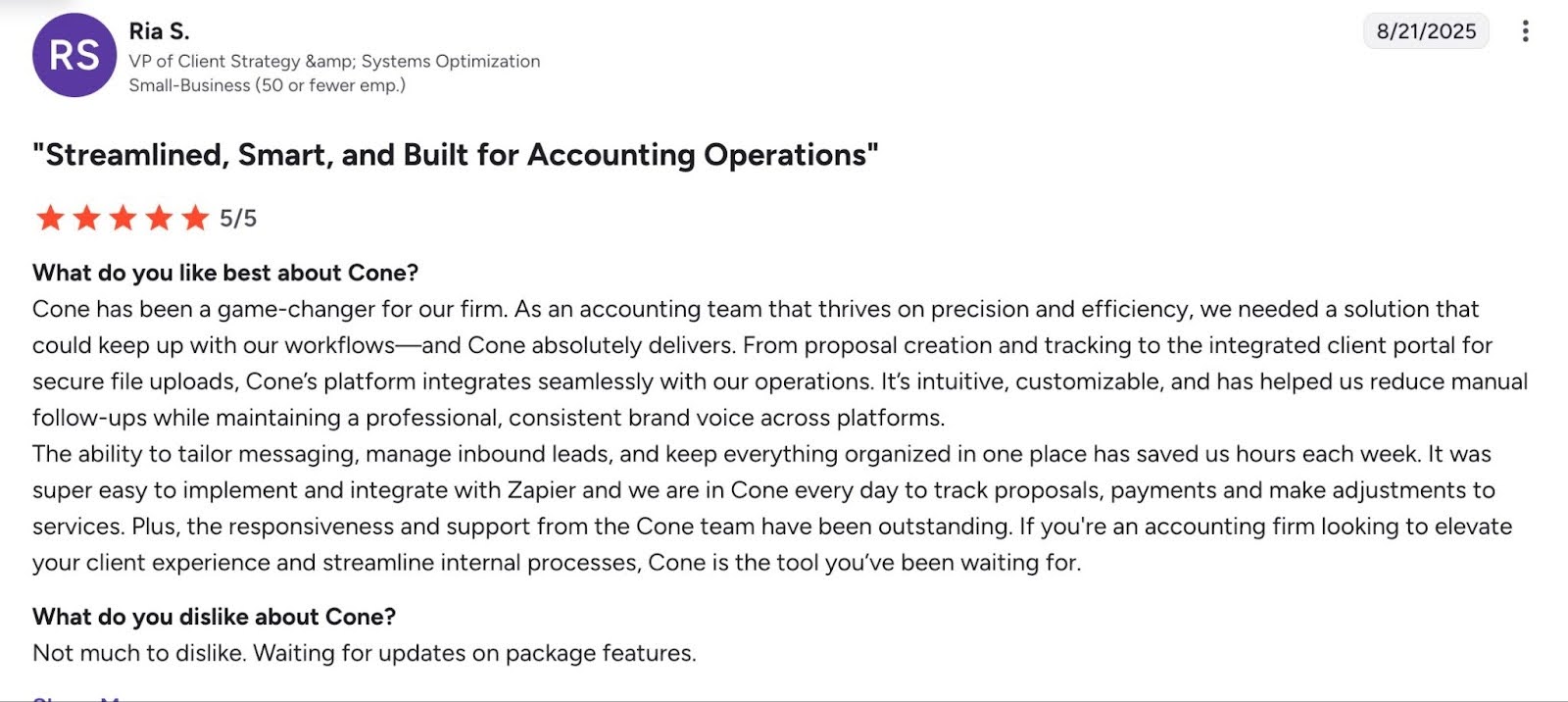
Cone offers much of TaxDome’s value at a lower cost, so it suits budget-conscious small teams that care about proposal-to-payment automation and client communication.
Reviews:
- 4.8 (out of 5) stars on G2
Pricing (per user per month, annual billing)
- Cone Practice: Starter $5, Essentials $11, Growth $17 (US); £5 / £10 / £15 (UK)
- Cone Propose: Essentials $9, Growth $12 (US); £8 / £11 (UK)
Should you choose TaxDome or Cone?
Choose TaxDome if you are an established firm that wants a mature all-in-one system with organizers, advanced billing and tax-focused tools. Choose Cone if you want a lightweight, modern platform for a small team.
What to look for in a TaxDome alternative
a. Workflow management and automation
A strong platform standardizes workflows, removes manual steps and gives staff real-time visibility into every engagement. Look for a workflow dashboard, customizable workflow templates and automation.
b. Client portal and secure communication
The portal should be simple for clients to use and include secure file sharing, task lists or requests with automated reminders, and messaging.
c. Document management and e-signatures
Look for secure storage, consistent folder structures, integrated e-signatures and fast search. AI that renames, checks and files client uploads saves even more time.
d. Time tracking, billing and invoicing
Time tracking shows where team hours go and which clients use the most resources. Billing should generate invoices, automate follow-ups and process payments securely.
e. Integrations and an open API
Native integrations with your general ledger (QuickBooks Online, Xero), email, tax software and CRM prevent information silos. An open API lets you build custom connections as you grow.
f. User experience and implementation
An intuitive interface and strong onboarding support shorten the learning curve and keep the team productive during the switch.
g. Pricing flexibility (monthly or annual)
Long, upfront commitments are harder for small firms managing cash flow. Monthly or annual options lower the risk of adopting new software and make scaling easier.
h. Scalability and firm-size fit
Choose a tool that supports more staff roles and permissions, new service lines (CAS, tax, payroll, advisory) and review and approval workflows, so you don’t have to migrate again.
i. Reporting and AI insights
Look for dashboards showing workload, deadlines and bottlenecks, customizable reports and AI insights that flag risks early.
j. Month-end close
For bookkeeping firms, built-in month-end close tools reduce switching between practice management software and QuickBooks Online. Financial Cents flags questionable transactions, lets the team clarify them with clients in the portal, and pushes corrections back to QuickBooks.
Implementation best practices for switching from TaxDome
Data migration
Fear of a painful switch is the most common reason firm owners who like a new tool still say “let me think about it.” A concrete plan makes your move manageable.
You do not need to move everything from TaxDome. Separate the data you must migrate from what you can archive or rebuild. Start with what keeps client work moving:
- Active client records (in Financial Cents, clients import through QuickBooks Online or a CSV file).
- In-progress projects and tasks.
- Current-year documents.
- Email templates, workflow templates and recurring work.
- Historical files: plan to move these through cloud storage (Google Drive, OneDrive) rather than one-by-one uploads.
- Key deadlines and client-specific notes.
Change management in the team
- Explain why your firm is changing systems.
- Align everyone on upcoming workflow changes.
- Appoint internal champions to learn the system early and support colleagues.
- Deliver role-based training for preparers, reviewers and admins.
Client communication
- Explain the benefits: faster responses and easier document uploads.
- Give step-by-step instructions for logging in, uploading documents and completing tasks.
- Share the migration timeline and any document deadlines.
Rollout timeline
Switch outside your busy season. If you run a tax practice, aim to finish before January or after the extension deadlines. Financial Cents onboarding typically runs as four guided sessions over about four to six weeks. A phased rollout might look like this:
- Weeks 1-2: set up and configure workflows and templates.
- Weeks 3-4: staff training and internal trial runs.
- Month 2: migrate active clients, projects and essential documents.
- Month 3: full firm rollout.
Measure success
Track job turnaround time, staff workload balance, client response times and task completion rates.
“Having previously used TaxDome, Financial Cents offers significantly more advantages”
TaxDome can help a new accounting firm centralize its work and client information. As your firm grows, its focus on tax workflows and its limits in bookkeeping, advisory and CAS work often become more noticeable. Workflows can feel rigid, and upfront pricing can become a barrier to scaling.
That is why firm owners like Megan C. switched to Financial Cents, and within a few months she was already seeing a better return on her investment.
See for yourself: schedule a demo of Financial Cents or start a 14-day free trial to test it with real client work.
TaxDome Alternatives: Frequently Asked Questions
Share this article:



Thanks for the article!