In August 2025, Marquis Software, a data analytics and compliance reporting firm, suffered a ransomware attack that exposed customer data from at least 74 banks and credit unions across the U.S. Early estimates put the toll at more than 780,000 people, and Marquis later confirmed 672,075 individuals were affected.
This is not an isolated incident. It’s one of 739 reported data breaches at U.S. financial services firms in 2025. And each data breach costs an average of $4.4 million globally.
Beyond the dollar figures, breaches expose clients to identity theft, fraudulent tax filings, and financial disruption that can last a lifetime.
Financial services firms are prime targets because of the sensitive information they handle: tax returns, payroll records, bank statements, and SSNs.
One of the most common (and preventable) points of failure is how client files are shared. Emailing sensitive documents, using unsecured consumer-grade cloud storage, and relying on unencrypted attachments are habits many accounting firms still allow. That’s what attackers take advantage of.
Choosing the right file-sharing tool has never been more important. Your clients’ trust and your firm’s survival depend on it.
This guide evaluates the best secure file-sharing tools for accounting firms to help you make the right call for your practice.
TL;DR
- Secure file sharing for accountants means sharing, storing, and managing sensitive client data (tax returns, payroll records, bank statements, SSNs) through tools that provide TLS encryption in transit, AES-256 encryption at rest, and access controls like MFA and role-based permissions.
- For tax and accounting firms, these tools also need to support compliance with IRS Publication 4557 and, ideally, hold a SOC 2 report.
- Financial Cents: Best overall for accounting firms. The only tool on this list that combines secure file sharing with end-to-end accounting practice management. Includes structured document requests, automated reminders, a passwordless client portal (magic links), unlimited document storage, regional data residency (U.S., Canada, U.K., Australia), and SOC 2 Type I certification. Starts at $19/month, billed annually.
- SmartVault: Best standalone secure storage. Purpose-built document management for accounting and tax firms, with AES-256 encryption, a branded client portal, and native Intuit integrations (QuickBooks, Lacerte, ProSeries). Starts at $55/month per user, billed annually.
- Box or ShareFile: Best for enterprise and large firms. Box offers enterprise-grade governance (DLP, watermarking, SOC 1/2/3, ISO 27001, FedRAMP); ShareFile offers a professional client portal with KBA e-signatures. Box starts at $15/month per user; ShareFile at $16.50/month per user (both billed annually, 3-user minimum).
- Google Drive or OneDrive: Best free/familiar option. Both provide AES-256 and TLS encryption, but require higher-tier plans (Google Workspace Business Plus or above, Microsoft 365) and manual configuration to meet IRS Publication 4557 requirements. Google Drive starts at $7/month per user; OneDrive at $7/month per user.
- Financial Cents or ShareFile: Best for client-facing document requests. Both provide client portals that let clients upload documents without a learning curve.
What Is Secure File Sharing for Accountants?
Secure file sharing for accountants is the system accounting professionals use to share, store, and manage the sensitive financial data they handle in client work.
It matters because you work with information (tax returns, financial statements, payroll reports, and identity data) that can break businesses and livelihoods if it falls into the wrong hands.
At a minimum, these tools should have three core security features:
- Encryption in transit: Files and information should be encrypted with Transport Layer Security (TLS 1.2 or higher) as they move between your client’s device and the platform’s servers, or between team members. This prevents anyone from intercepting and reading that traffic.
- Encryption at rest: This protects files stored in the cloud from unauthorized access. The current standard is AES-256, which banks and governments also use, and the core of what vendors mean by bank-level security. If stored data is ever compromised, encryption renders it unreadable.
- Access controls: These protect your data from insiders and from anyone trying to take over your accounts.
One way to control access is multi-factor authentication (MFA), which removes passwords as a single point of failure. MFA verifies identity by sending one-time codes to your phone or email.
Another is role-based permissions, which ensure a staff member, seasonal contractor, or client can only see the information you allow them to see.
For regulatory compliance, a secure file-sharing system for accountants should meet these requirements:
IRS Publication 4557
A secure file-sharing tool is a crucial part of the security plan the IRS expects you to put in place to safeguard taxpayer information.
IRS Publication 4557 is the IRS’s guide to safeguarding taxpayer data, covering secure storage, controlled access, and encrypted transmission. The enforceable requirement behind it is the FTC Safeguards Rule, which requires tax and accounting professionals to maintain a written information security plan (WISP). If your file-sharing tool falls short of these standards, you risk FTC enforcement and increased IRS scrutiny.
SOC 2 Type I or Type II reports
A SOC 2 report shows that an independent auditor has examined a software provider’s security controls. A Type I report confirms the controls are properly designed at a point in time, while a Type II report confirms they operated effectively over a period, usually 6 to 12 months.
Either report is one of the most important signals of a provider’s security maturity, and Type II offers the stronger assurance.
State-level data privacy laws (e.g., CCPA, NY SHIELD Act)
Your firm may also be subject to state-specific data protection laws, depending on where your clients are located. For example:
- CCPA’s extended “right to know”: In California, if your firm retains client data for longer than 12 months, you must be able to fulfill requests for personal information collected as far back as January 1, 2022. That requires long-term archival and search features in your file-sharing tool.
- NY SHIELD’s disposal of “zombie data”: In New York, you must dispose of private information within a reasonable amount of time after it’s no longer needed for business purposes. That requires data retention and disposal capabilities.
What to Look for in a Secure File-Sharing Tool
a. Encryption (in transit and at rest)
Any tool that doesn’t encrypt your data in transit (TLS) and at rest (AES-256) is a potential source of a data breach. Your file-sharing tool should include both as baseline features, not premium add-ons.
b. Access controls and permissions
This determines who can view client data and what they can do with it. A secure file-sharing system should include two-factor authentication (2FA), role-based permissions, expiring links, and download restrictions.
That lets you limit junior staff to specific workpapers, restrict each client to their own documents, and revoke access when an employee leaves.
c. Compliance certifications
Your file-sharing provider should have a SOC 2 report. Type I confirms its security controls are well designed; Type II confirms they’ve worked over time.
For tax and accounting firms, IRS Publication 4557 also requires you to implement safeguards that protect taxpayer data.
d. Client-facing experience
This determines how easily your clients can use your file-sharing tool. If the system is confusing, clients will default to emailing sensitive documents, which defeats the purpose.
A good tool makes it simple for clients to log in, upload files, sign documents, and communicate without friction. A secure client portal built for accounting work handles all of this in one place.
e. Storage capacity and file size limits
Accounting firms routinely store multi-year records, tax returns, and supporting documents, so limited storage quickly becomes a cost and operational concern. Your tool should handle large volumes of client data (and large files) without constant upgrades or overage fees.
f. Workflow integration
File-sharing tools that integrate with (or are part of) your practice management, billing, or tax software tie document collection to your tasks and deadlines.
When a client uploads a document, the system can update the job status, notify the assigned staff member, and keep work moving. That’s what happens when accounting workflow meets document management.
g. Pricing and scalability for small firms
Beyond the initial subscription, adding team members, clients, and storage can increase costs significantly.
Understand how the pricing model (per-user fees, storage limits, and client caps) affects your total cost as your firm grows, so you’re not forced into higher plans too soon.
The 10 Best Secure File-Sharing Software for Accounting Firms in 2026
1. Financial Cents
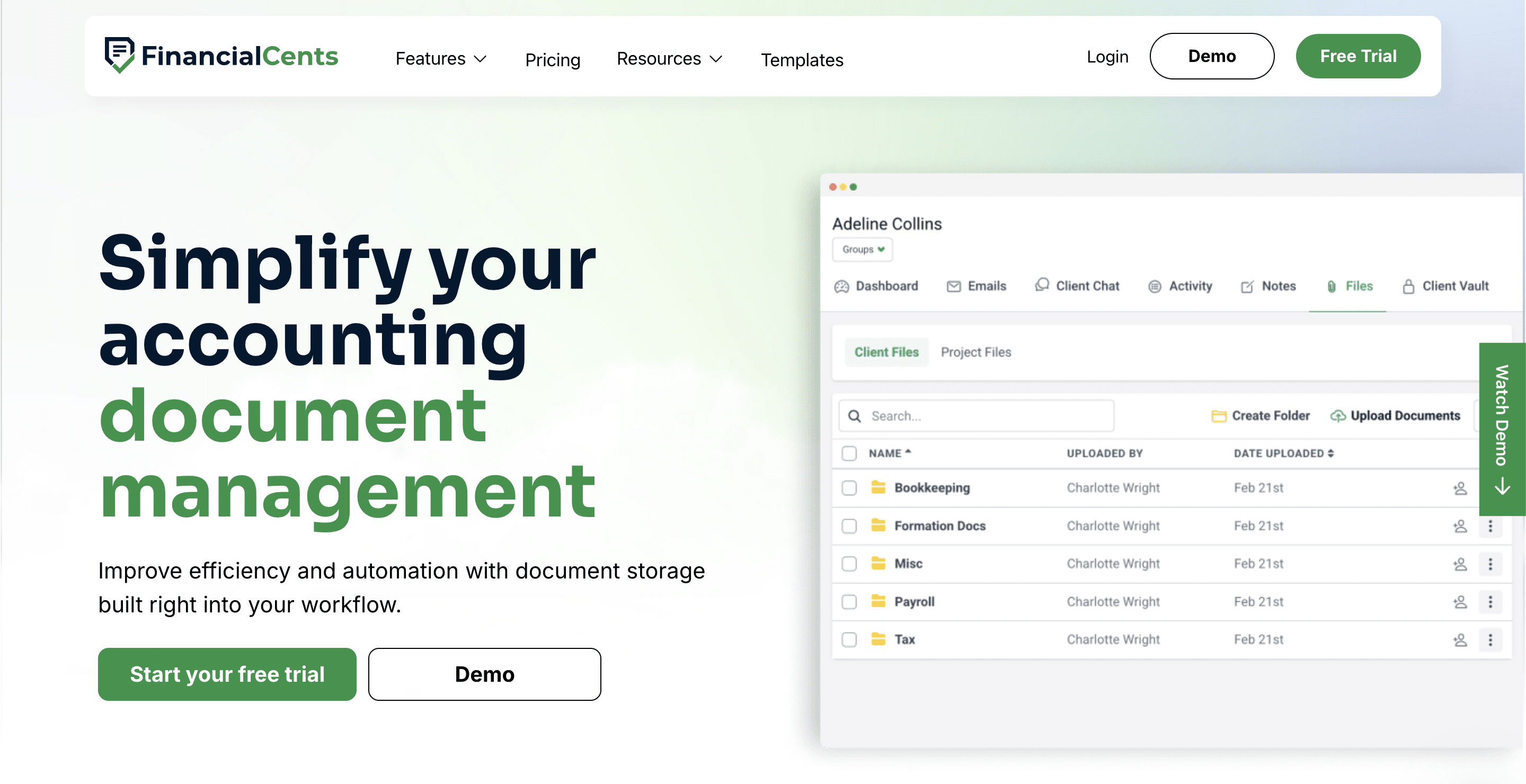
Financial Cents provides secure file sharing, document management, and client collaboration inside an all-in-one accounting practice management platform.
Its file-sharing feature handles the entire data collection process, from document requests to automated client reminders and file storage.
Note: Financial Cents is first on this list because it’s the only tool here that combines file sharing with end-to-end accounting practice management.
Financial Cents’ file-sharing features include:
Security & compliance
- Encryption at rest and in transit: All data is encrypted while stored and transmitted over TLS 1.3 connections.
- SOC 2 Type I certified: Demonstrates adherence to strict standards for security, availability, and confidentiality.
- Access controls and audit logs: Granular permissions ensure only authorized people can access specific data, and you get full visibility into file activity.
- Document storage region: Choose where your documents are stored: the U.S. (New York or Oregon), Canada (Calgary), the U.K. (London), or Australia (Sydney), to meet data residency requirements in regulated regions.
- Unlimited storage: Unlimited document storage on every plan, and archived projects and documents are never deleted.
Document management
- Structured file requests with automated reminders: Send organized document requests tied to specific projects. Clients receive automatic email and SMS follow-ups until outstanding documents are submitted.
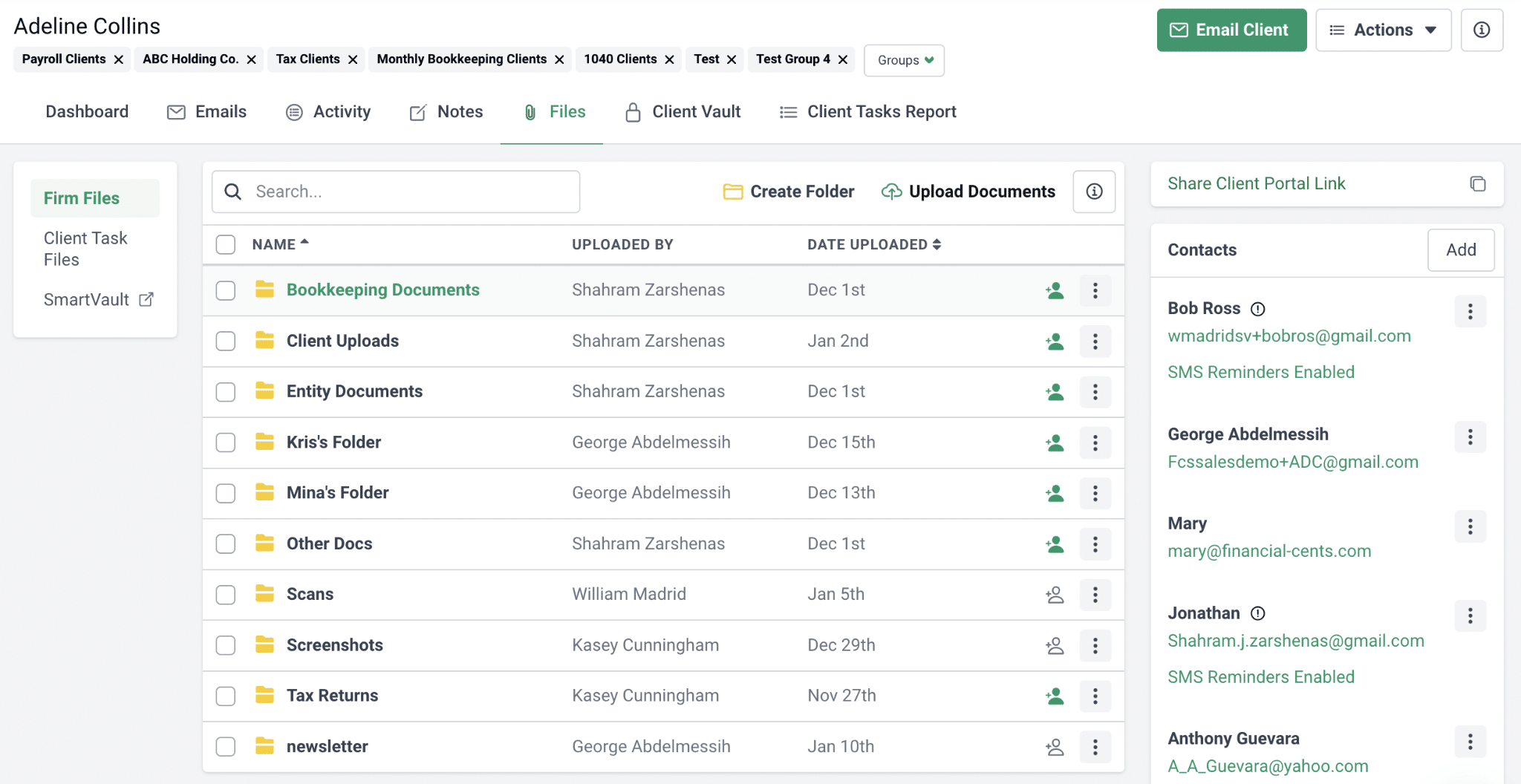
- Folder sharing: Securely share files and folders with clients for easy access to current and historical documents.
- Lock document to invoice: Encourage timely payment by locking files behind an invoice. Locked files become accessible once the client pays.
- Search: Find files instantly with keyword search instead of digging through folders.
- Real-time notifications: Get instant alerts when clients upload or interact with documents.
- Secure client portal: Magic links verify identity, so clients don’t need to create an account or remember a password. Clients can also turn on SMS multi-factor authentication for an extra layer of security.
Read more about Financial Cents’ security practices, or hear from the CTO in the video below:
Integrations
- Storage & documents: Two-way sync with Google Drive, OneDrive (including SharePoint), and SmartVault on the Scale plan.
- Tax software: Save client files from CCH Axcess, Drake Tax, Lacerte, ProConnect, ProSeries, TaxAct, and UltraTax into Financial Cents by printing them to a synced Google Drive or OneDrive folder. This moves documents, not tax data, into the client’s profile.
Other essential integrations include your general ledger (QBO) and client communication (Gmail and Outlook), alongside built-in e-signatures. Learn more about Financial Cents integrations.
| Pros | Cons |
|---|---|
| Combines secure file sharing with full practice management | Overkill if you only need basic file storage without workflow management |
| Passwordless client portal and structured file requests | Features like a branded portal and some automations require higher-tier plans |
| Automated reminders and notifications | No mobile app |
Pricing
Document management is included with Financial Cents’ practice management features on every plan (see Financial Cents pricing for full plan details):
- Solo: $19/month (billed annually)
- Team: $49/month per user billed annually, or $69 billed monthly
- Scale: $69/month per user billed annually, or $89 billed monthly
- Enterprise: Custom pricing
Best for
Small and mid-sized firms that want an all-in-one platform to manage every part of the firm, from proposals and client management to service delivery, billing, payments, and team management, without paying for separate tools or jumping between apps.
Book a demo or start a free trial to explore Financial Cents.
2. SmartVault
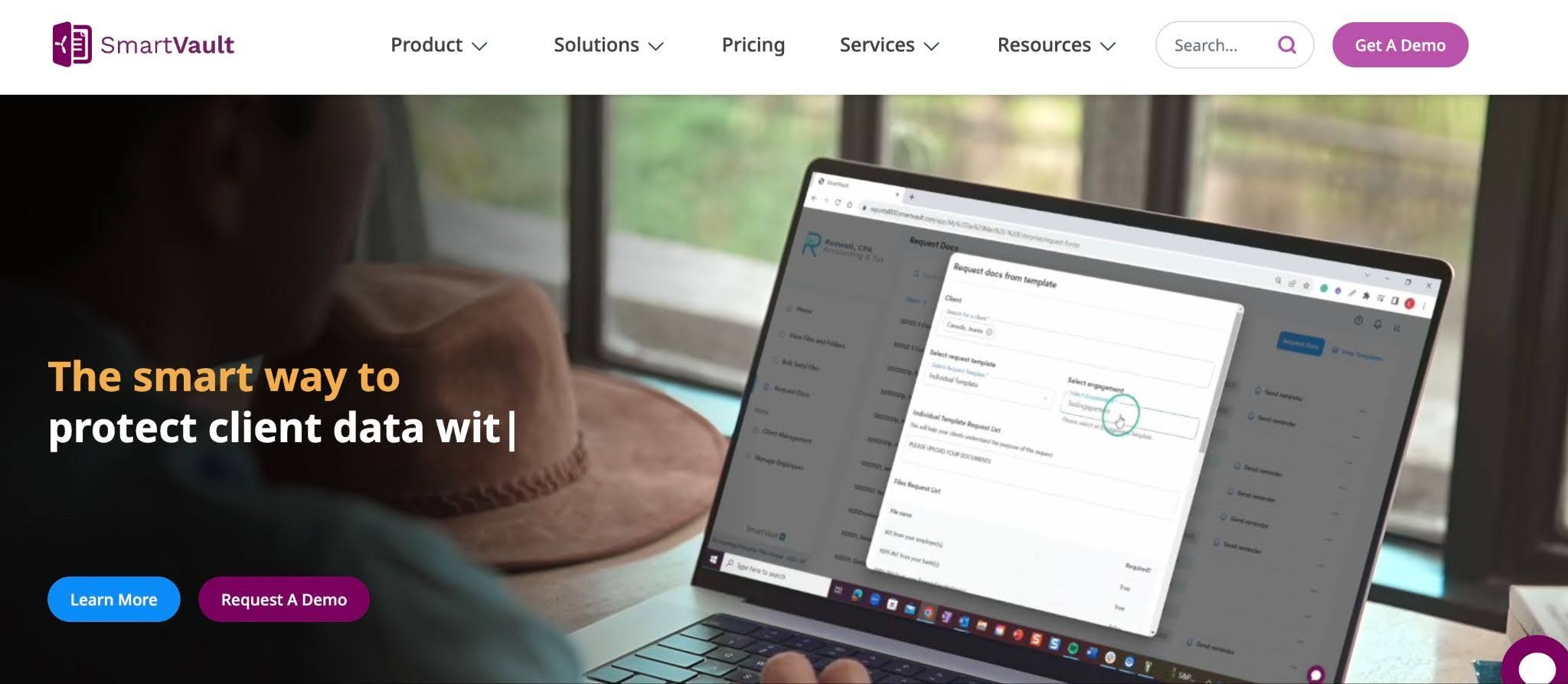
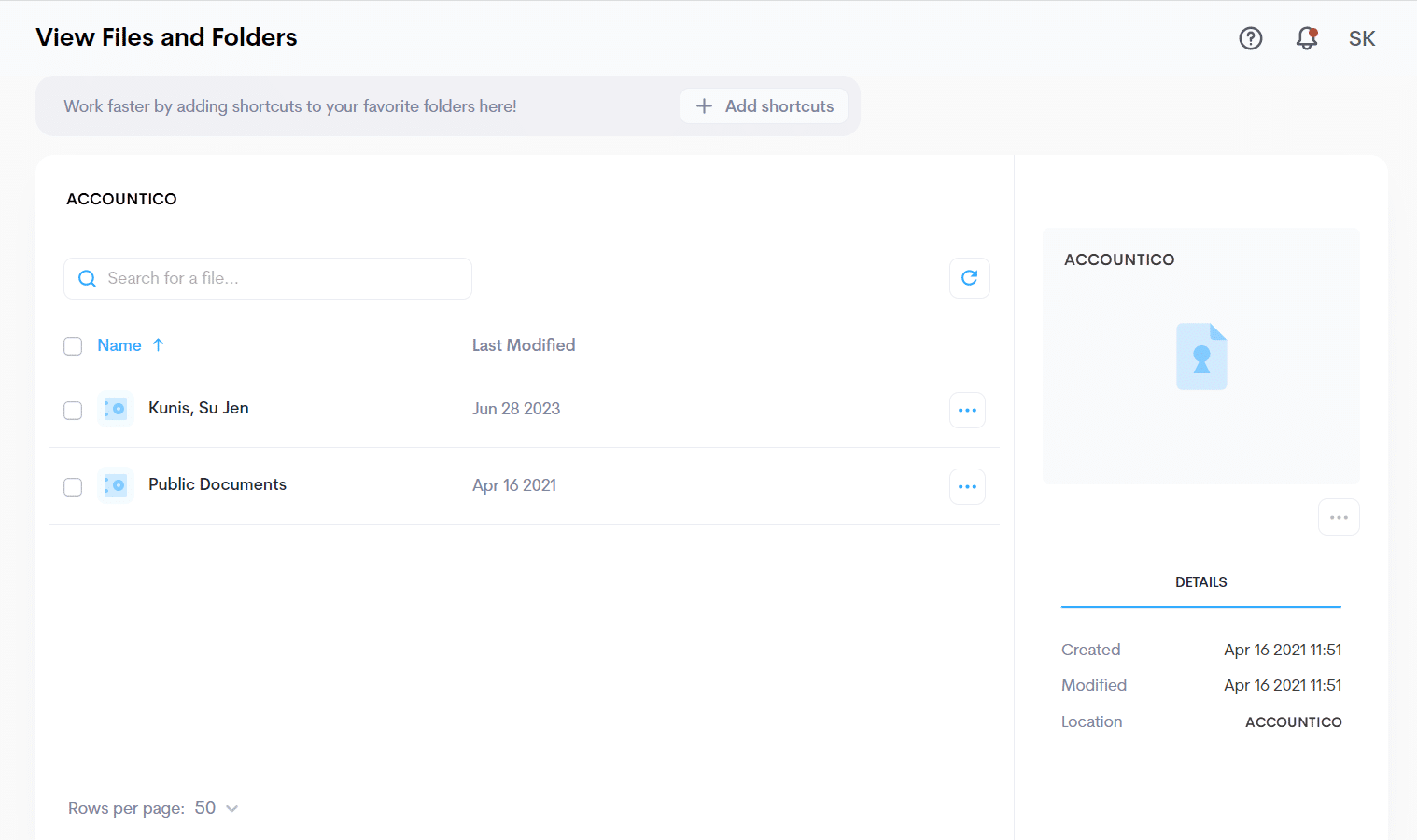
SmartVault is a document management and file-sharing platform designed to help accounting and tax firms store, organize, and exchange sensitive files while maintaining a strong compliance posture.
It suits firms that want a dedicated, accounting-focused storage system with deep integrations into their existing accounting tools.
SmartVault’s file-sharing features include:
- Bank-level security and compliance: AES-256 encryption at rest and TLS in transit, with role-based permissions and secure client access controls.
- Branded client portal with document tracking: A white-labeled portal where clients can securely upload documents and respond to requests.
- Deep accounting and tax integrations: Native integrations with QuickBooks (Desktop and Online), Lacerte and ProSeries, and Financial Cents for practice management.
- Pre-built document organization: Pre-configured folder templates designed for tax and accounting work reduce setup time.
- AI-powered document requests (SmartRequestAI): Automates document collection and generates client-specific request lists to reduce back-and-forth emails.
| Pros | Cons |
|---|---|
| Designed specifically for tax and accounting firms | No practice management capabilities |
| No caps on file volume or number of clients across plans | Per-user costs increase significantly across tiers |
| AI-powered document collection | Setup and migration can take time and effort |
Pricing
Prices are billed annually; monthly billing costs more.
- Business Pro: $55/month per user (3-user minimum)
- Accounting Pro: $65/month per user (2-user minimum)
- Accounting Unlimited: $85/month per user (2-user minimum)
Best for
Accounting and tax firms that want a dedicated document management system with strong compliance features and native integrations with Intuit software like QuickBooks, Lacerte, and ProSeries.
3. Dropbox
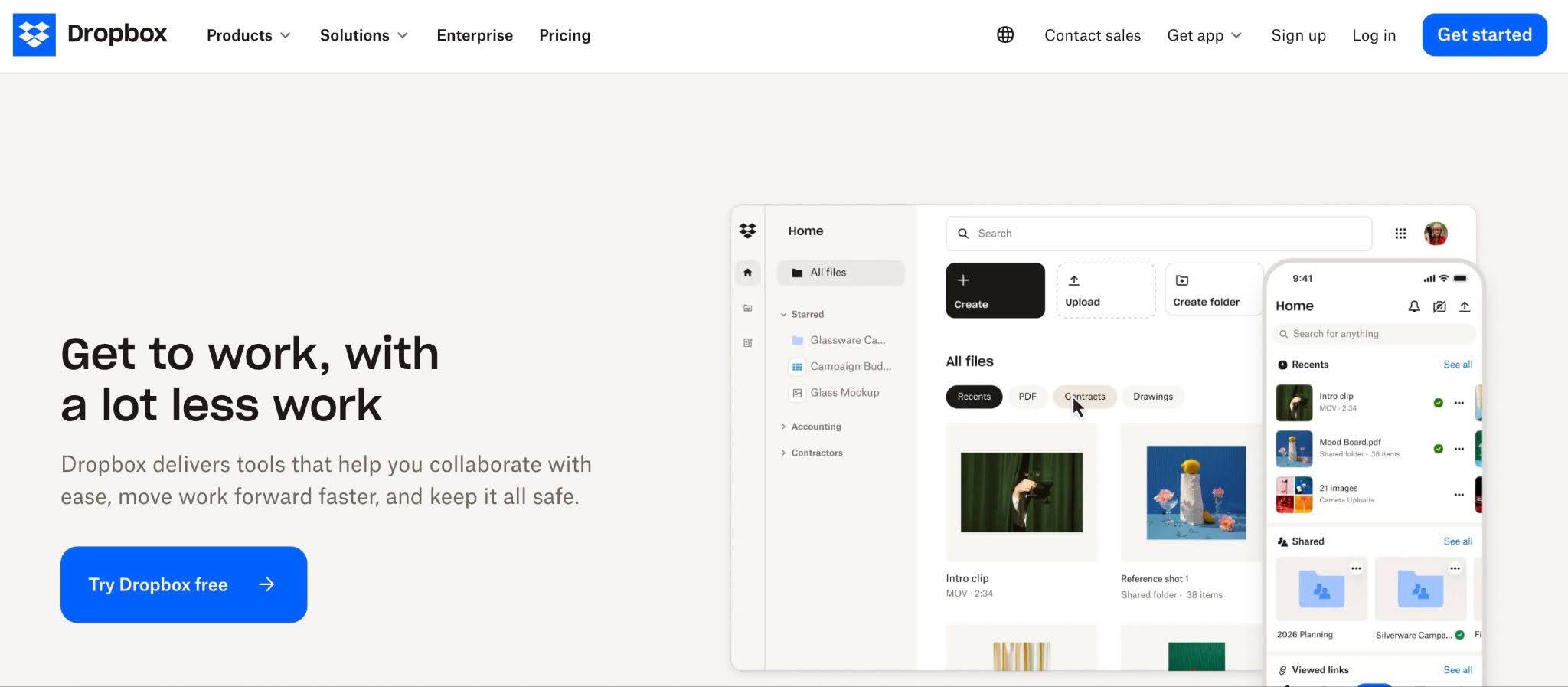
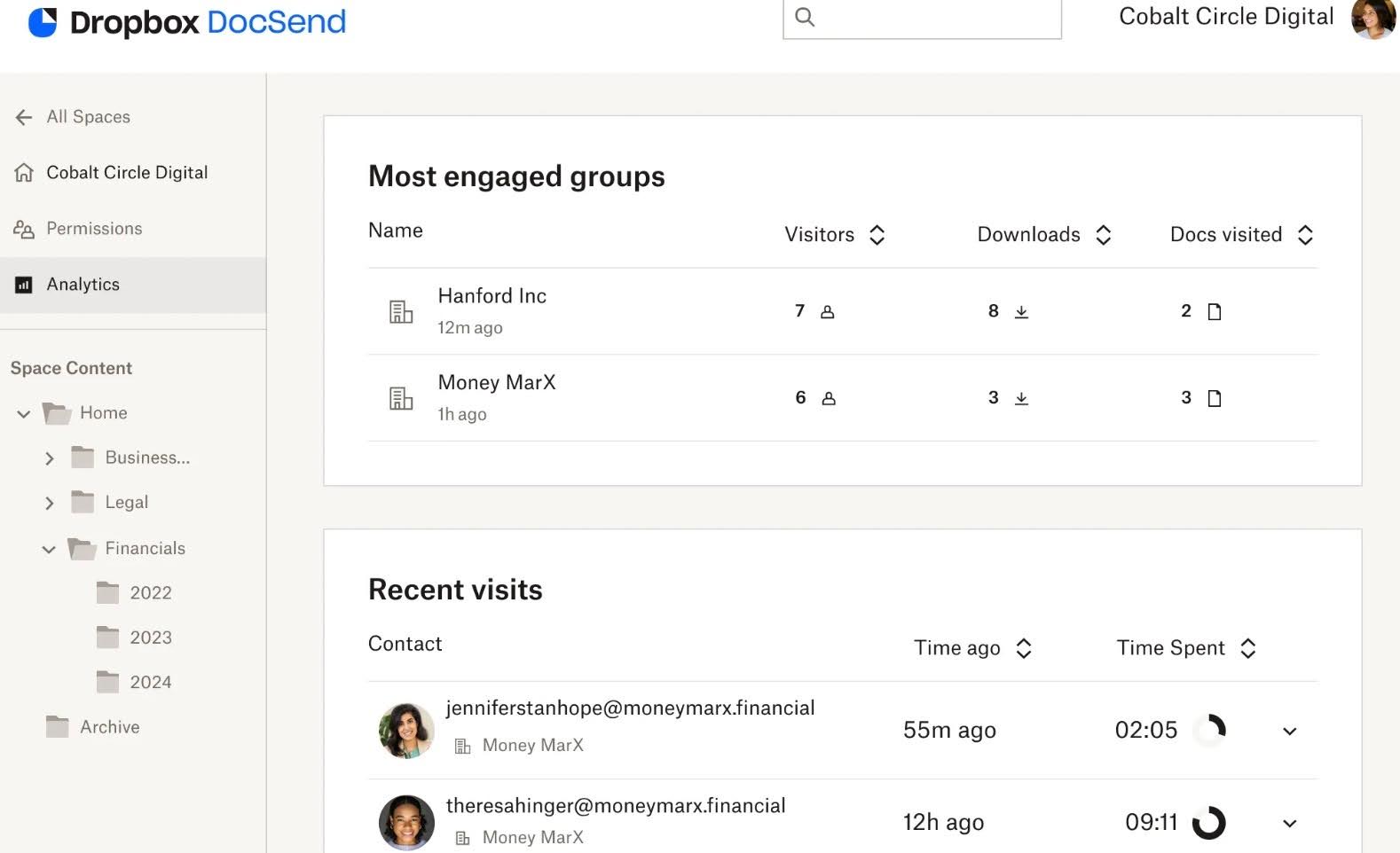
Dropbox Business provides the security and administrative controls professional service teams need to share and collaborate on documents in real time.
Its lower-tier plans are limited on security and shouldn’t be used for sensitive client documents. Its team plans (Standard and Advanced) add stronger controls, including SOC 2 compliance, HIPAA/HITECH support, and Business Associate Agreements.
Dropbox’s file-sharing features include:
- Secure file sharing and compliance controls: AES-256 encryption at rest, TLS in transit, and SOC 2 Type II on business plans.
- Dropbox Transfer: Send large files (up to 250 GB), such as finalized tax returns or financial reports.
- Granular access control and device management: Permission settings, file locking, and remote device wipe for lost or stolen devices.
- Version history and file recovery: Keeps previous versions and deleted files for up to 180 days (longer on higher plans).
- Smart Sync: Access all cloud files from your desktop without storing them locally.
| Pros | Cons |
|---|---|
| Strong security and compliance on business plans | Not built for accounting workflows |
| Works across desktop, mobile, and browser | Security and compliance depend on the plan tier |
| Reliable version history and recovery | Requires separate tools for tasks, billing, and job tracking |
Pricing
- Plus: $9.99/month (1 person; not recommended for client files)
- Standard: $15/month per user
- Advanced: $24/month per user (3+ users)
Best for
Small accounting firms that want familiar, broadly compatible cloud storage and are willing to configure access controls and admin settings to meet their compliance obligations.
4. Box
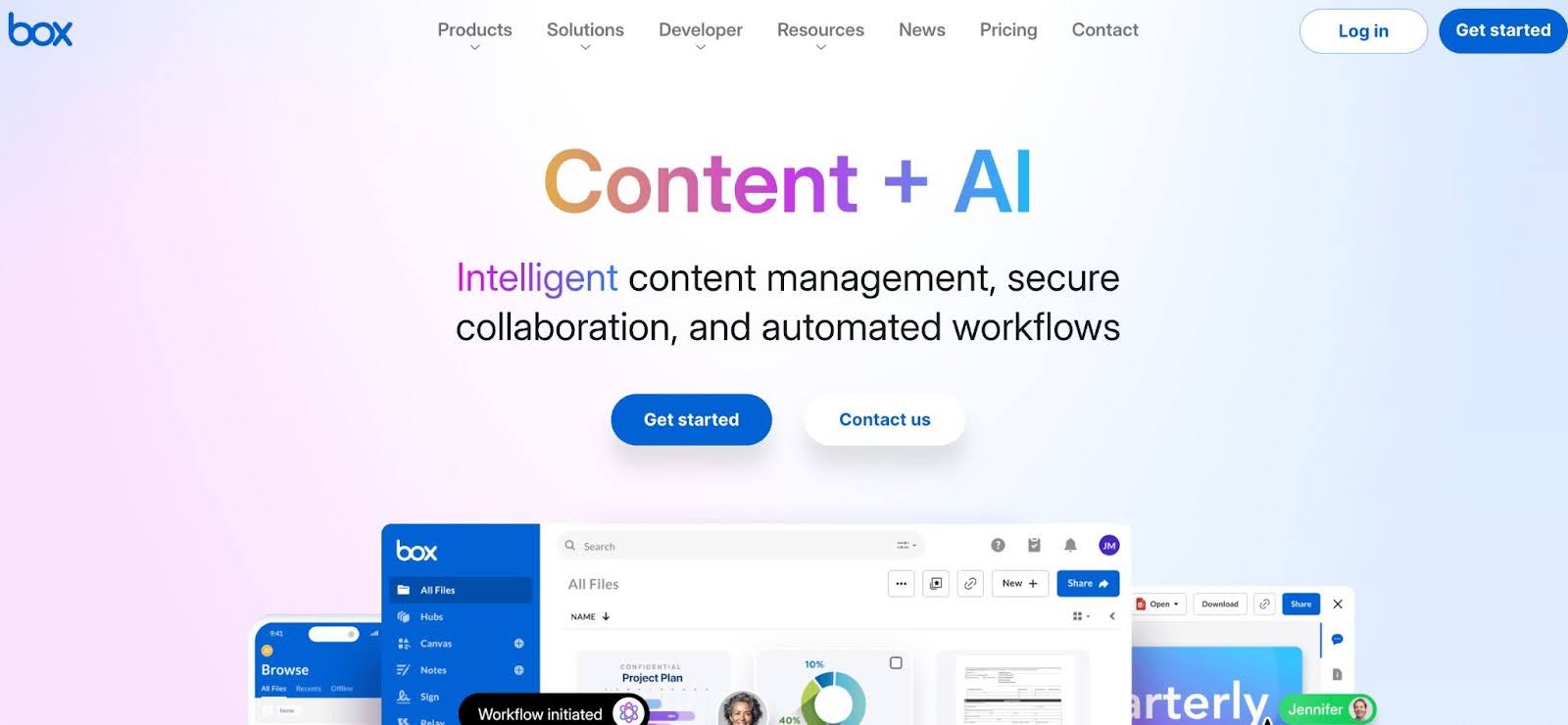
Box is an enterprise-grade content management and file-sharing platform trusted by over 100,000 organizations, including the majority of the Fortune 500.
Its compliance portfolio is among the strongest on this list. Box supports HIPAA, FedRAMP, and GDPR compliance and holds SOC 1, SOC 2, SOC 3, ISO 27001, and ISO 27018 certifications, with AES-256 encryption at rest and TLS 1.2+ in transit.
Box’s file-sharing features include:
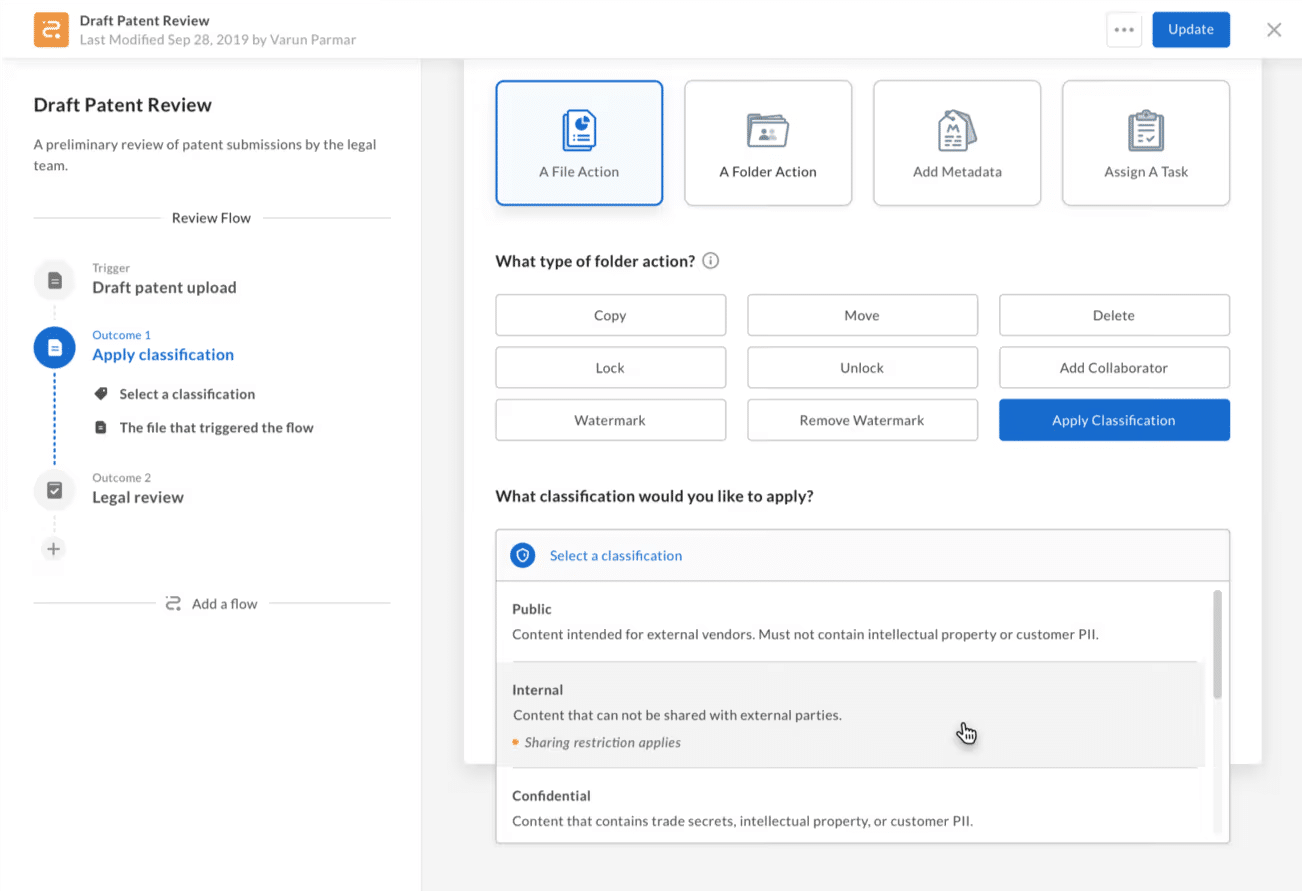
- Enterprise-grade compliance and security: Built for regulated industries, with SOC 2 Type II, HIPAA, FINRA, and FedRAMP compliance at higher tiers.
- Granular access controls and data governance: Detailed permission roles, data loss prevention (DLP), watermarking, and full audit logs.
- Native e-signatures (Box Sign): Unlimited built-in e-signatures on business plans and above.
- Workflow automation (Box Relay): Automates document routing, approvals, and notifications.
- Extensive integrations: 1,500+ integrations, including Microsoft 365, Google Workspace, Salesforce, and Slack, though no tax software.
| Pros | Cons |
|---|---|
| Unlimited storage at scale | HIPAA and FedRAMP compliance require expensive enterprise plans |
| Built-in e-signatures | No accounting-specific integrations |
| Powerful data governance, including DLP, watermarking, audit logs, and retention controls | No workflow, billing, or CRM capabilities |
Pricing
Prices are billed annually with a 3-user minimum; monthly billing costs more.
- Business: $15/month per user
- Business Plus: $25/month per user
- Enterprise: $35/month per user
- Enterprise Plus: $50/month per user
Best for
Large or multi-office practices that need enterprise-level governance, data residency controls, and integrations at scale, and firms serving heavily regulated clients like healthcare, government contractors, and financial institutions.
5. Google Drive
As part of Google Workspace, Google Drive is already familiar to most firms. Its collaboration features are excellent and pricing is accessible, but compliance is more complicated than most firms realize.
Google Drive on a personal account, or on lower-tier Workspace plans, isn’t aligned with IRS Publication 4557 requirements for safeguarding taxpayer data. The security controls that matter for accounting compliance are only available on higher plans.
Google Drive’s file-sharing features include:
- Encryption and baseline security: AES-256 encryption at rest and TLS in transit on all plans.
- Data loss prevention (DLP): Detects and restricts sensitive information (like SSNs, EINs, and bank details) from being shared outside your firm.
- Google Vault: Retain, search, and export data, set retention policies, and apply legal holds across Drive, Gmail, and Chat.
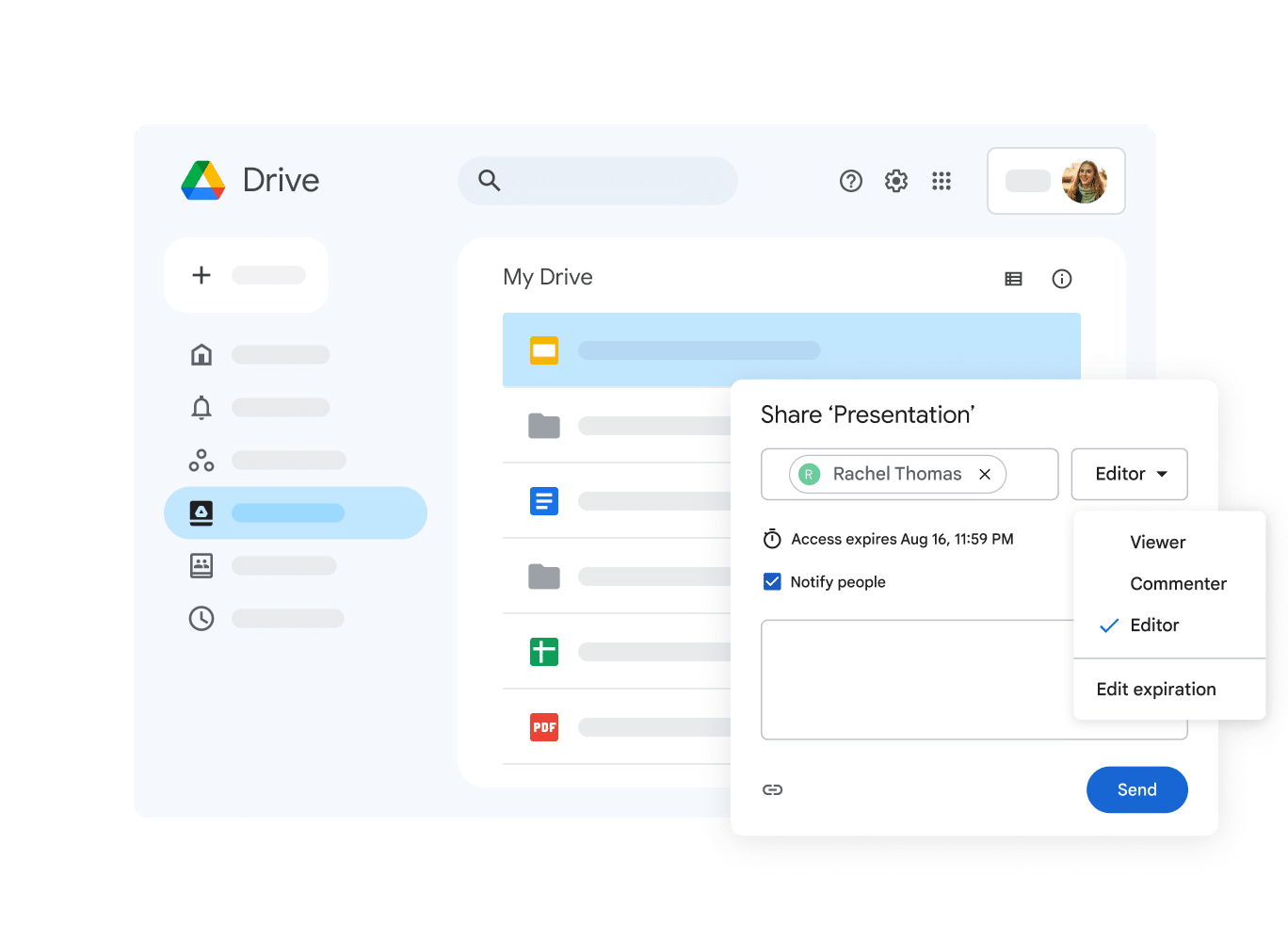
- Access controls, 2FA, and audit logs: Two-factor authentication is included, with more advanced controls on Business Plus and above.
- Shared Drives: Files are owned by the firm, not individual users, which prevents data loss when employees leave.
- Integrations: Connects with accounting tools like Expensify (expenses), Zoho Books (general ledger), and Financial Cents (practice management).
| Pros | Cons |
|---|---|
| Familiar and widely adopted, with minimal onboarding friction | No accounting-specific workflows |
| Cost-effective ecosystem | Requires strong admin discipline |
| eDiscovery, retention policies, and legal holds on qualifying plans | No WISP templates or accounting-specific security frameworks |
Pricing
Prices are for a one-year commitment; month-to-month plans cost 20% more.
- Business Starter: $7/month per user
- Business Standard: $14/month per user
- Business Plus: $22/month per user
- Enterprise: Custom pricing
Best for
Accounting firms already running on Google Workspace that are willing to upgrade to Business Plus or higher and invest time configuring DLP, Vault, and admin security controls.
6. Progress ShareFile
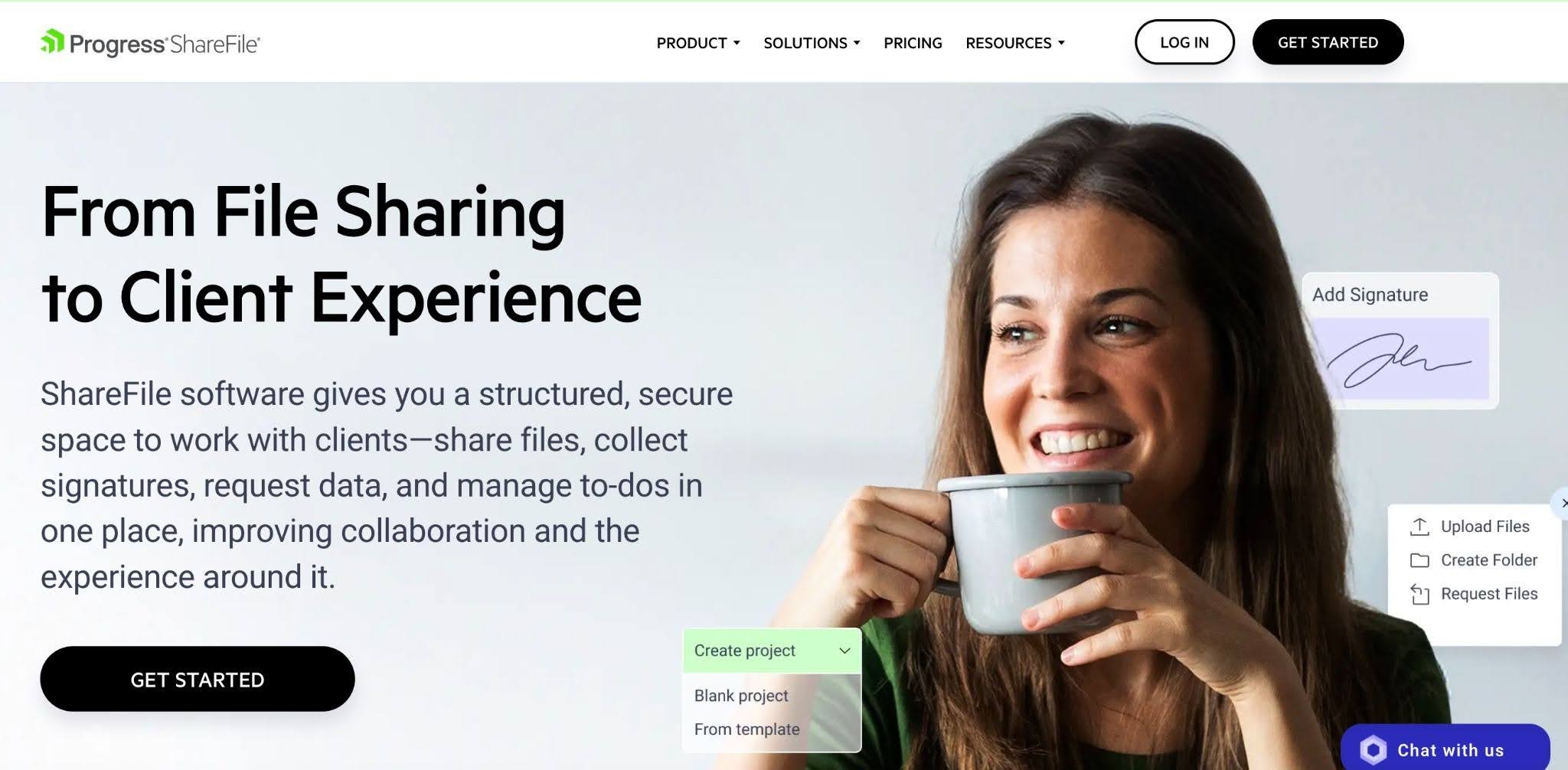
ShareFile is a secure file-sharing and client portal platform that balances strong security with a user-friendly client portal.
It’s designed for firms that collect large volumes of documents during tax season without overwhelming clients, and suits firms that want a professional-grade client portal without a full practice management system.
ShareFile’s file-sharing features include:
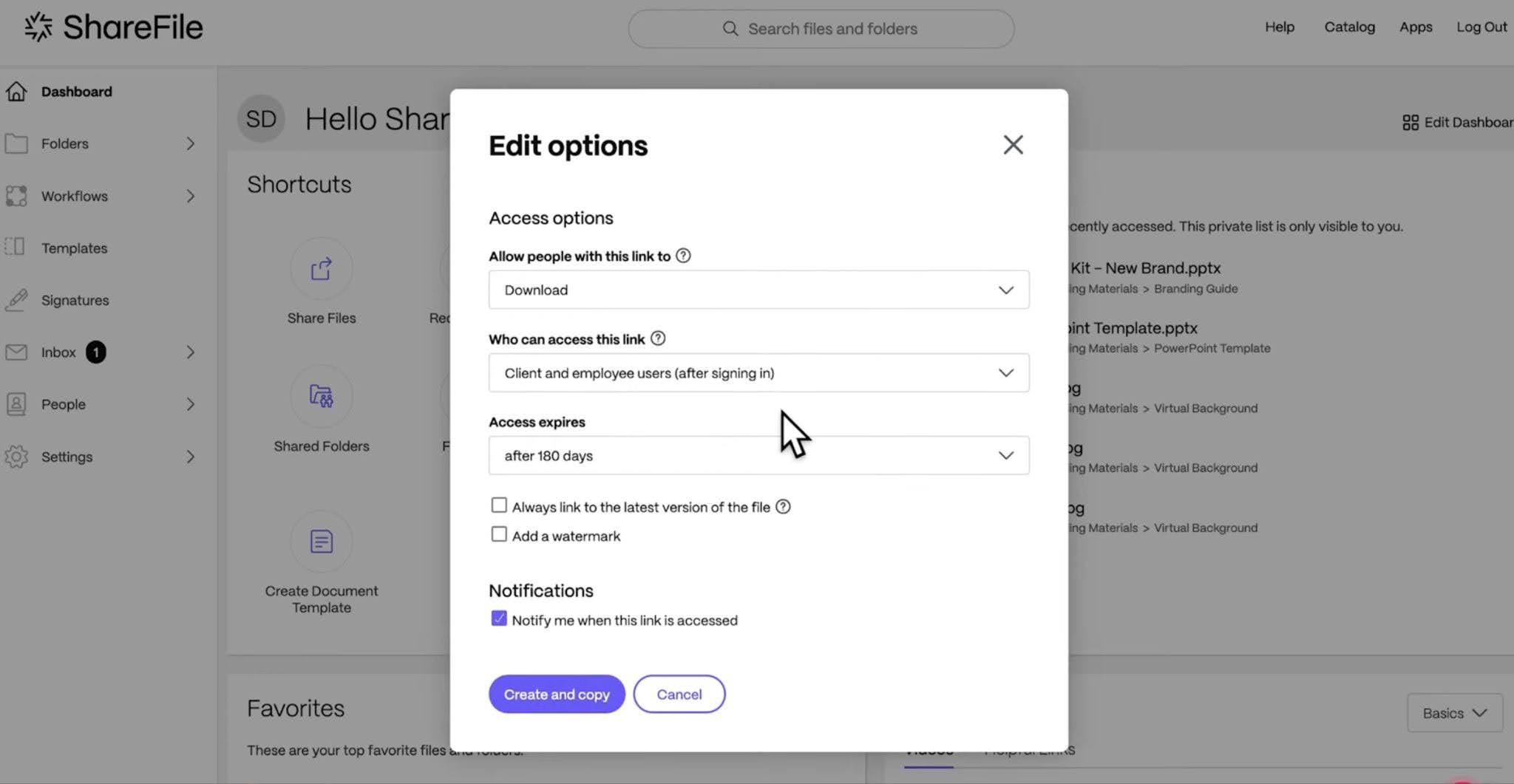
- Secure file sharing and encryption: AES-256 encryption at rest and TLS in transit.
- Branded client portal: Clients upload documents, respond to requests, and access shared files in a fully branded portal.
- Advanced access controls: Role-based permissions, expiring links, and secure external sharing controls.
- Audit trails and compliance reporting: Detailed activity logs, access tracking, and compliance reports.
- Native e-signatures with KBA: Built-in e-signatures with knowledge-based authentication.
| Pros | Cons |
|---|---|
| Excellent client experience for secure upload and access | High cost with user minimums |
| Built-in KBA e-signatures | Not an accounting workflow tool |
| Granular permission controls | Desktop sync and large-file handling can be slow |
Pricing
Prices are billed annually; monthly billing costs about 10% more.
- Advanced: $16.50/month per user (3-user minimum)
- Premium: $26/month per user (3-user minimum)
- Enterprise: $35/month per user (3-user minimum)
- Virtual Data Room: $69.30/month per user (5-user minimum)
Best for
Mid-sized to large accounting firms that need automated document gathering and IRS-compliant e-signatures in a single platform.
7. Microsoft OneDrive
Microsoft OneDrive for Business is a cloud storage and file-sharing solution for storing, syncing, and sharing documents securely across devices.
For firms on Microsoft 365, OneDrive acts as the underlying filing cabinet, with deep integration into Excel, Word, and Teams.
OneDrive’s file-sharing features include:
- Microsoft Purview compliance: Connects to the Microsoft Purview compliance center for advanced data loss prevention (DLP).
- Enterprise-grade security: AES-256 encryption at rest, TLS in transit, and identity controls through Microsoft Entra ID.
- Real-time collaboration and version control: Co-author documents in Word, Excel, and other Microsoft apps.
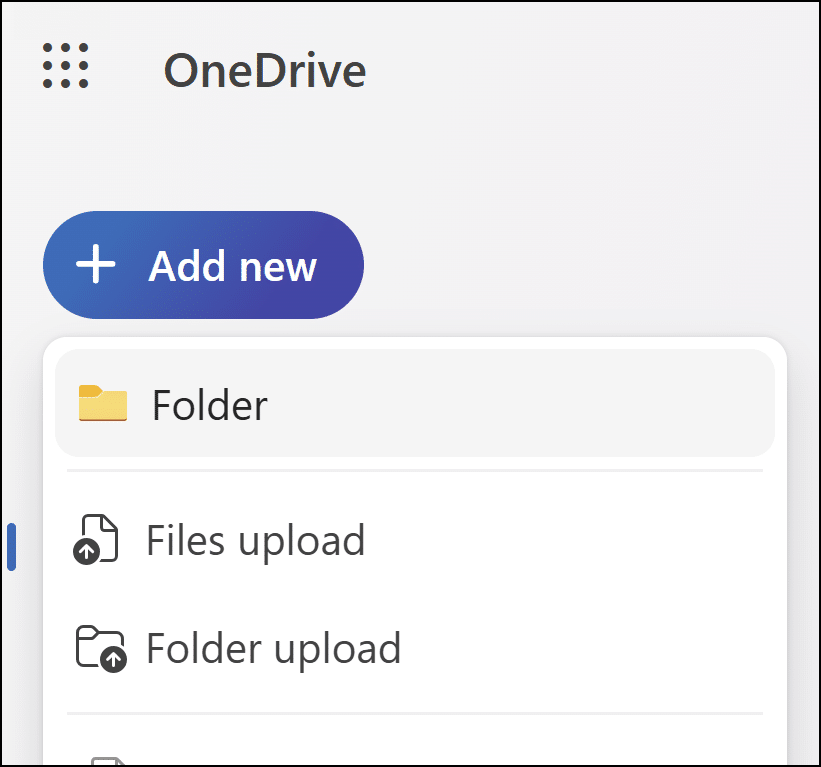
- Access controls and secure sharing: Granular sharing permissions, link expiration, and identity-based access controls.
- Files On-Demand: Access the full document library without storing everything locally.
- Integrations: Connects with accounting tools like Xero, Sage Intacct, and Financial Cents.
| Pros | Cons |
|---|---|
| Deep Microsoft 365 integration | Sharing settings can be confusing |
| Familiar interface | No native client portal |
| Mobile OCR scanning | Limited chain-of-custody visibility |
Pricing
Microsoft raised these prices on July 1, 2026 (from $6 and $12.50).
- Microsoft 365 Business Basic: $7/month per user
- Microsoft 365 Business Standard: $14/month per user
Best for
Accounting firms already on Microsoft 365 that want a secure, cost-effective file-sharing solution integrated into their existing productivity and compliance ecosystem.
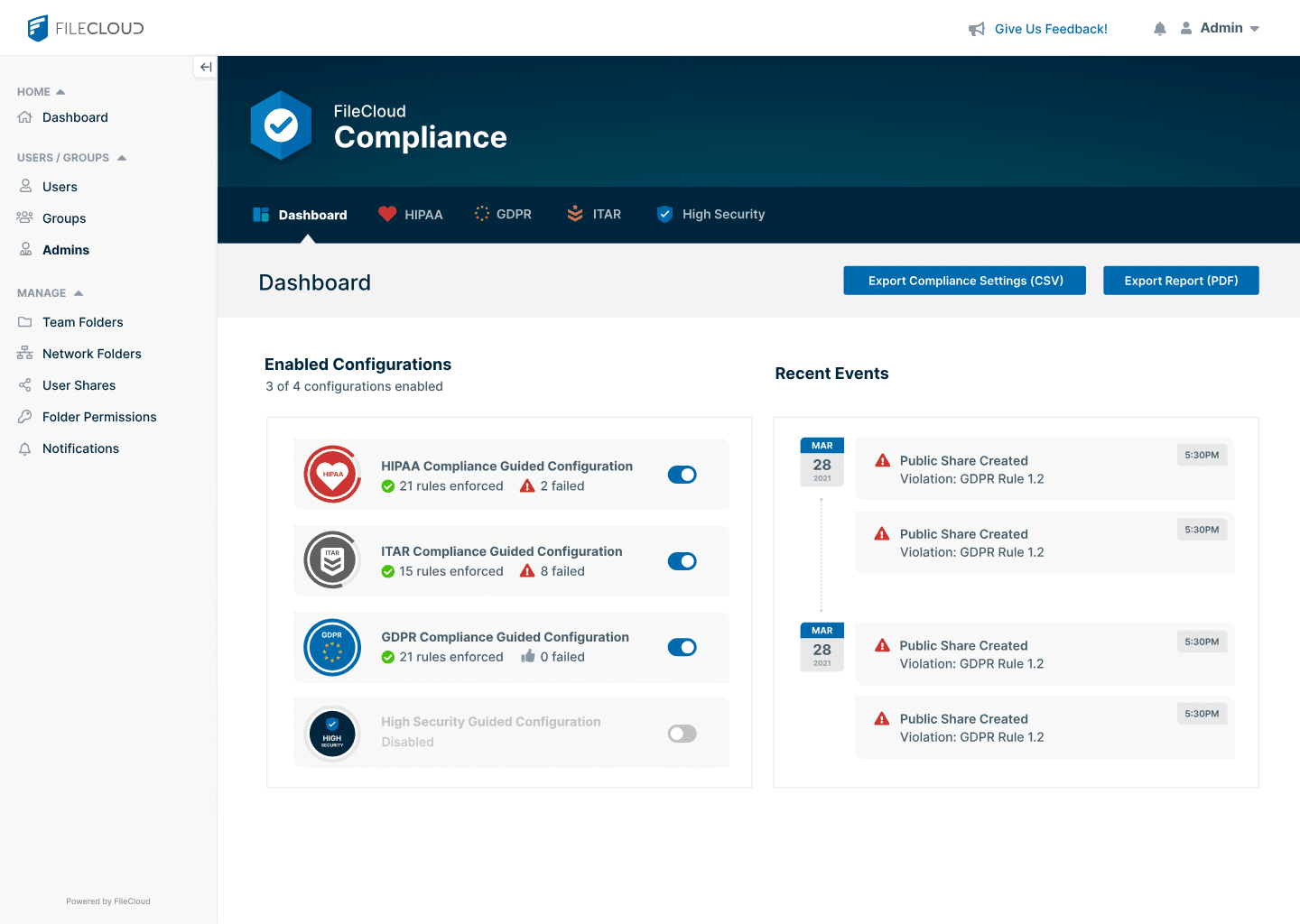
8. FileCloud
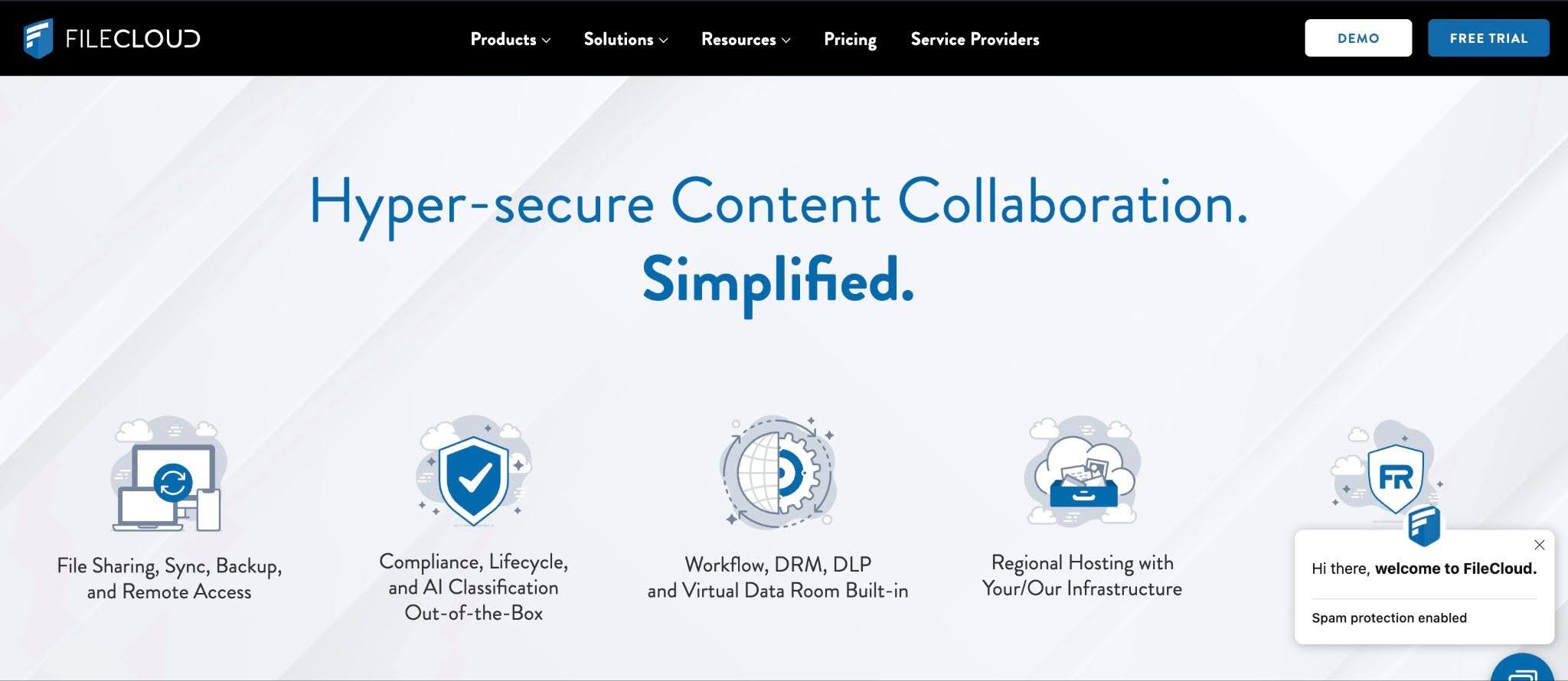
FileCloud is an enterprise file-sharing and management platform for accounting firms with strict data residency requirements, internal IT support, or advanced security needs.
It can be deployed in the cloud, on-premises, or in a hybrid environment, giving you full control over your data, security configuration, and hosting.
FileCloud’s file-sharing features include:
- Flexible deployment and data sovereignty: Host data in specific regions or on your own servers.
- Advanced security and encryption: AES-256 encryption at rest, TLS in transit, and FIPS 140-2 validated encryption for higher-security environments.
- Smart data loss prevention (DLP): Automatically detects sensitive data (e.g., SSNs, financial details) and can block unauthorized sharing.
- Granular permissions and digital rights management (DRM): Fine-grained access controls at the file and folder level, plus advanced DRM.
- Audit trails and compliance support: Detailed activity logs, access tracking, and admin reporting that support SOC 2, HIPAA, and GDPR alignment.
| Pros | Cons |
|---|---|
| Zero-trust file sharing | Clunky user interface |
| Digital rights management (DRM) | Collaboration lag |
| Smart content classification | Complex pricing tiers |
Pricing
All published prices are billed annually.
- FileCloud Server (self-hosted) Essentials: $7/month per user
- FileCloud Server Advanced and Service Provider: Custom pricing
- FileCloud Online (SaaS) Essentials: $14/month per user
- FileCloud Online Advanced and FedRAMP High: Custom pricing
Best for
Security-conscious accounting firms that want full control over where their data lives while still giving clients a modern, branded portal.
9. Revver (formerly eFileCabinet)
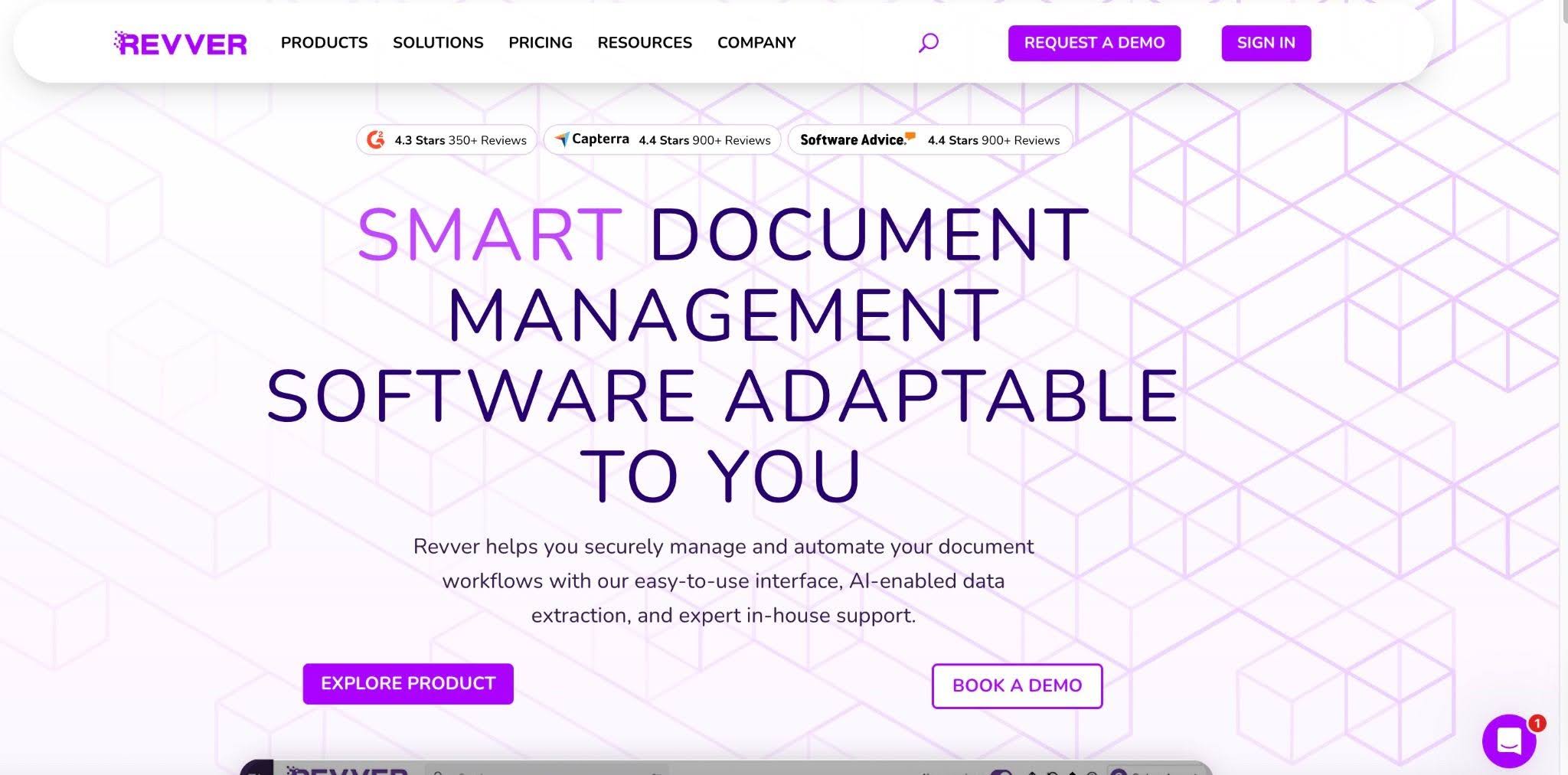
Revver is a document management and workflow automation system that helps firms store, organize, and route business-critical documents securely.
It serves several industries, including accounting and legal services, and emphasizes structured document control and process automation.
Revver’s file-sharing features include:
- Secure document management: AES-256 encryption at rest and TLS in transit.
- Workflow automation (document routing): Automated routing for review, approval, and processing.
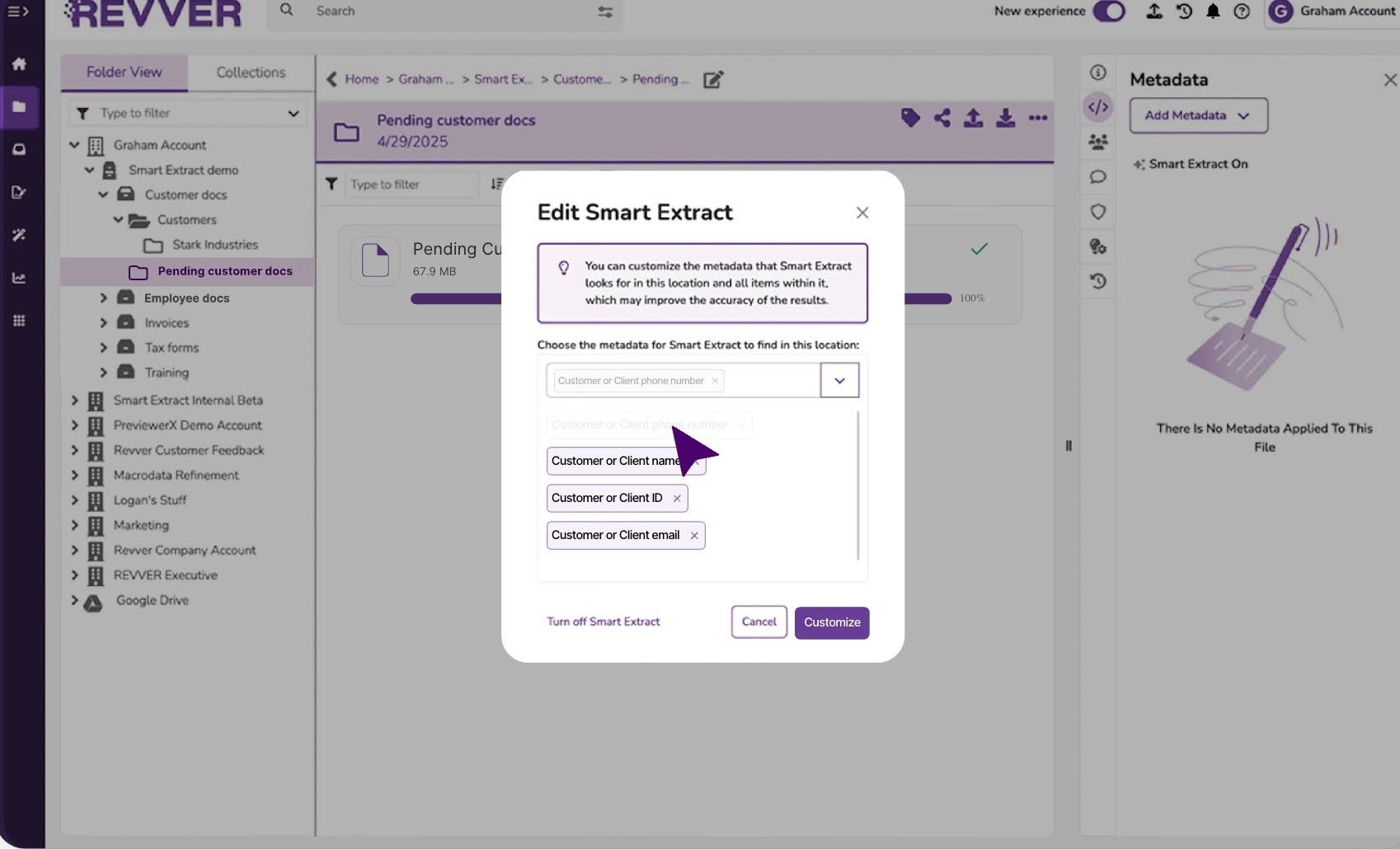
- Automated filing with zonal OCR: Recognizes and categorizes documents automatically (e.g., W-2s, 1099s).
- Advanced organization and metadata tagging: Uses metadata, indexing, and structured templates rather than folders alone.
- Audit trails and compliance controls: A complete chain of custody tracking when files are viewed, edited, shared, or deleted.
| Pros | Cons |
|---|---|
| Automated filing (zonal OCR) | Steep learning curve |
| Highly granular search | The companion desktop app (Sidekick) occasionally breaks |
| Native e-signatures and forms | Rigid filing logic |
Pricing
Revver publishes per-user license tiers, with volume discounts and onboarding services quoted separately:
- Guest User: Free
- Basics: $25/month per user
- Essentials: $67/month per user
- Full: $87/month per user
Best for
Accounting firms looking to reduce manual document management and standardize internal processes by combining secure document storage with workflow automation.
10. SuiteFiles
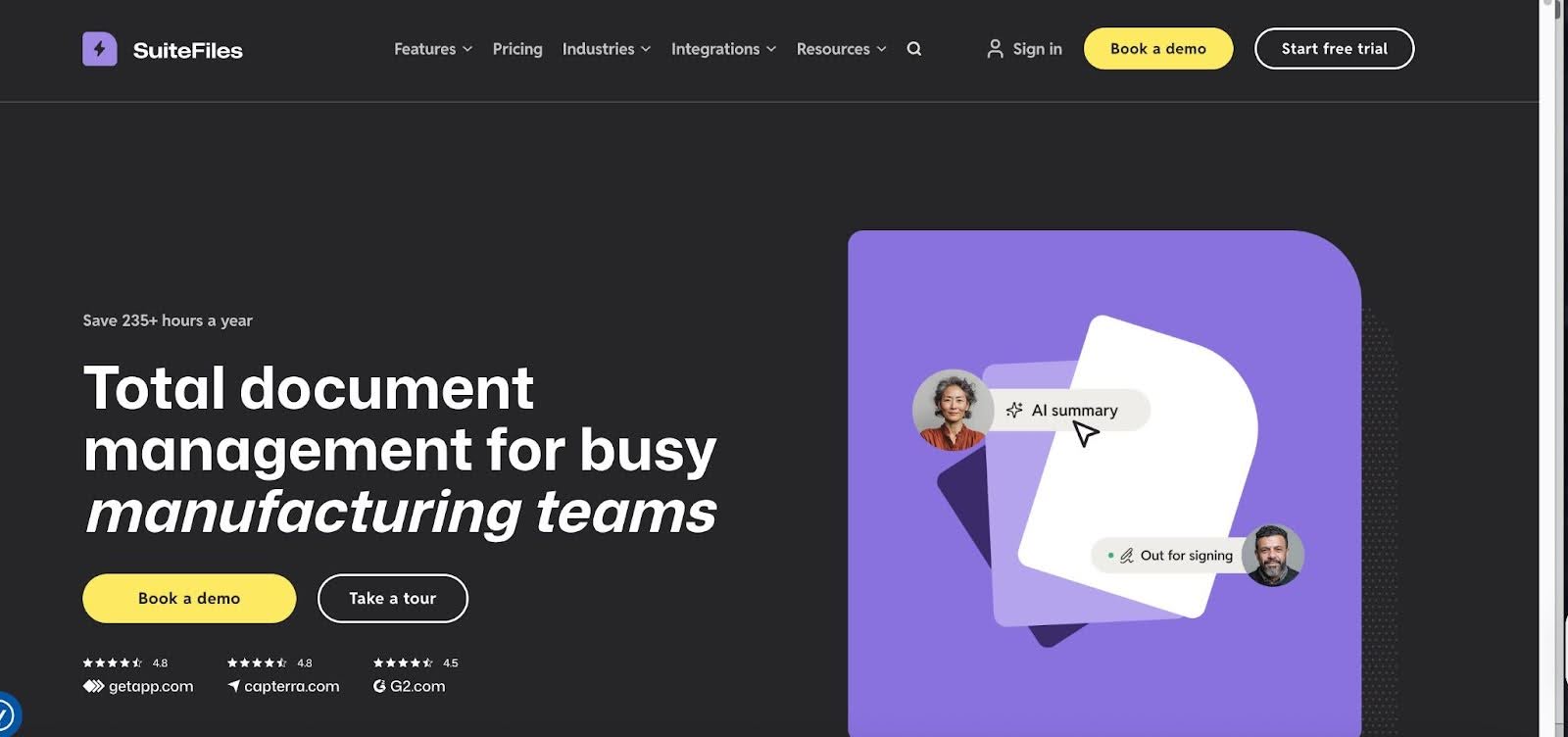
SuiteFiles is a secure file-sharing and client document management platform that simplifies client collaboration for accounting and tax professionals.
It’s built natively on Microsoft 365 and acts as a management layer on top of SharePoint and OneDrive, turning your existing Microsoft ecosystem into a structured document management system.
SuiteFiles’ file-sharing features include:
- Secure file sharing and audit trails: AES-256 encryption at rest, TLS in transit, and activity logs.
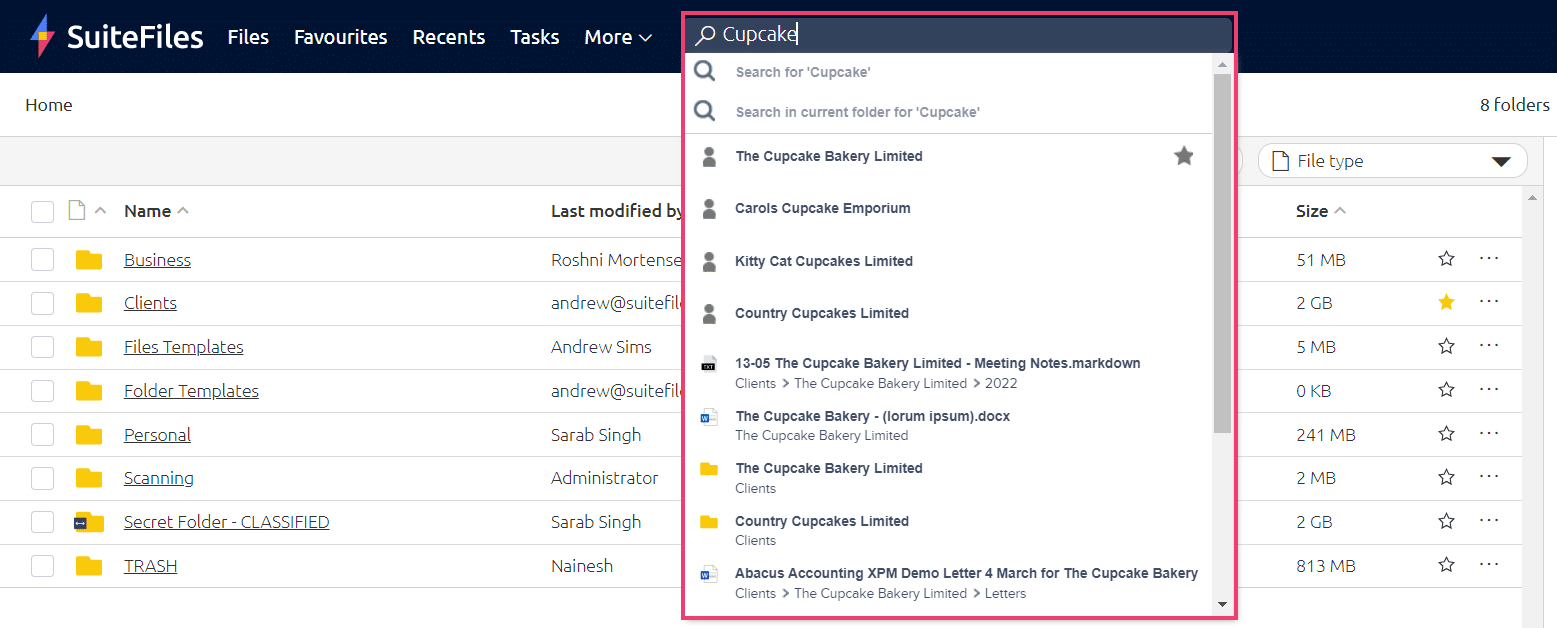
- Branded client portal (Client Connect): A clean, branded interface where clients upload, download, and sign documents securely.
- Structured document requests and tracking: Send organized document requests and track submissions as they come in.
- Deep Microsoft 365 integration: Keep working in Outlook, Word, and Excel while saving emails and attachments directly into client folders.
- Document automation and built-in e-signatures: Generate documents (like engagement letters) from client data; higher-tier plans include unlimited e-signatures.
| Pros | Cons |
|---|---|
| Simple user interface | Plans are sold through a demo rather than self-serve sign-up |
| Up-to-date reports | Frequent, time-consuming updates |
| Setup and migration can take time and effort |
Pricing
SuiteFiles prices per firm, with a set number of users included in each plan:
- Semi-Suite: from $230/month billed annually, or $250 monthly (includes up to 10 users)
- Super Suite: from $210/month billed annually, or $225 monthly (includes up to 5 users), adding unlimited e-signing, a personalized client portal, advanced PDF tools, and automated folder generation
- Super Suite for Enterprise: Price on application
Best for
Accounting and tax firms looking for an accounting-specific client portal for secure document exchange and request tracking.
Quick Comparison Table of the Top Secure File-Sharing Tools
| Tool | Best for | Encryption | SOC 2 | Workflow integration | Starting price |
|---|---|---|---|---|---|
| Financial Cents | Full practice management | ✓ | ✓ | Full native | $19/month |
| SmartVault | Tax firms | ✓ | ✓ | Partial | $55/month per user |
| Dropbox | Fast sync and teams | ✓ | ✓ | — | $15/month per user |
| Box | Enterprise controls | ✓ | ✓ | — | $15/month per user |
| Google Drive | Collaboration | ✓ | ✓ | — | $7/month per user |
| ShareFile | Client document requests | ✓ | ✓ | Partial | $16.50/month per user |
| OneDrive | Microsoft ecosystem | ✓ | ✓ | Partial | $7/month per user |
| FileCloud | Data sovereignty | ✓ | ✓ | — | $7/month per user |
| Revver | Automated filing | ✓ | ✓ | Partial | $25/month per user |
| SuiteFiles | Microsoft power users | ✓ | ✓ | Partial | $210/month (up to 5 users) |
How to Choose the Right Secure File-Sharing Tool
Identify your needs
If you spend most of the month or tax season collecting large volumes of client data, you need structured document request lists, submission tracking, and automated follow-ups.
If you mainly use file sharing to deliver finished documents, simpler storage and delivery features may be enough.
Consider your firm’s size
Larger firms often need more storage, granular user permissions, and detailed audit trails to maintain control and compliance across teams.
Smaller firms tend to prioritize simplicity, ease of use, and predictable pricing.
Client experience
The best platforms let clients upload, download, and sign documents without software downloads, complex setup, or another password to manage.
Walk through the upload and download process yourself to see what your clients will experience. This is especially important for non-technical clients, where small barriers can delay submissions.
Document collection requests and automation
Secure, paperless file sharing and document management are the bare minimum today.
Tools like Financial Cents combine secure file sharing with structured request lists and automated reminders to cut the back-and-forth that slows client work.
Security and compliance requirements
Confirm the platform meets core security standards, including TLS and AES-256 encryption, multi-factor authentication (MFA), role-based access controls, and detailed audit logs.
Also check whether the vendor has a SOC 2 Type II report, which shows its security controls were independently audited over time.
Standalone tool or integrated practice management platform
Standalone file-sharing tools are built specifically for secure document storage and exchange, but they operate separately from your broader workflows.
Integrated practice management platforms include file sharing as part of a larger system that also manages tasks, deadlines, workflows, billing, and client information and communication. If you’re weighing that route, compare the best accounting practice management software on how each handles client documents.
The hidden cost of standalone tools: each one is a separate subscription, and doing this for every part of your firm multiplies costs. It also adds friction because your team has to work across multiple tools.
That’s why 59% of bookkeeping firms re-enter information across their tools multiple times a day, which creates plenty of room for human error.
A file-sharing tool built into your practice management software gives your team one place to find everything they need: fewer subscriptions and fewer places to enter data and manage projects.
Secure Your Client Data Without Slowing Down Your Firm
The IRS has warned that every tax professional is a potential target for sophisticated, well-funded cybercriminals whose goal is to steal client data and file fraudulent returns. These security risks apply to all accounting firms.
Protecting client information is critical, but managing every aspect of cybersecurity internally can be complex and time-consuming. The right secure file-sharing tool simplifies this by giving your firm a reliable, structured, and compliant way to share sensitive data.
That’s why the tool you trust with this responsibility matters so much. As you evaluate options, prioritize tools that don’t treat file sharing as a standalone activity. Standalone tools force you to stitch together separate tools for each part of your practice.
The result is a fragmented tech stack that increases security risk (a stack is only as strong as its weakest tool), operational friction, and overall cost.
Firm owners choose Financial Cents because it builds secure, encrypted file sharing directly into the firm’s workflow, so you can request files, track tasks, collaborate with your team, and manage clients in one place:
- Your clients upload documents, sign documents, and communicate with your firm through a secure portal.
- Your staff sees exactly which documents have been received and which are still outstanding.
- Your firm gets a security and compliance foundation built for handling sensitive client data.
- Each completed file request notifies your team and moves your workflows forward, saving hours every week.
Brad Messner, an EA and cybersecurity expert who runs his own firm, has shared how he builds a security workflow for a growing accounting firm. Here’s how he describes the experience:
Work falling through the cracks? Try Financial Cents free for 14 days. Start your free trial (no credit card required) or book a free demo.
Frequently Asked Questions (FAQs)

Wesley Armstrong is the Customer Onboarding Manager at Financial Cents and a former Technical Support Specialist at SmartVault. He helps accounting and bookkeeping firms set up workflows that fit how they actually work, and writes about choosing, comparing, and switching practice management software.
Share this article