
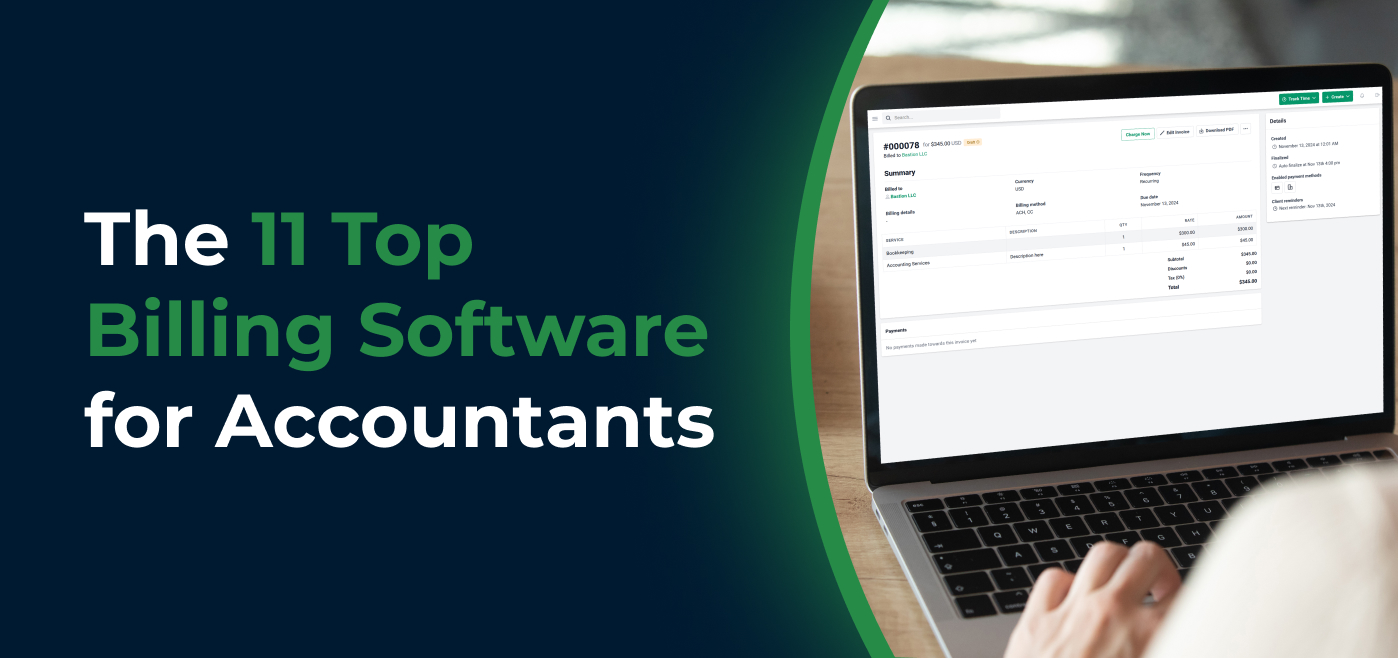
Accounting billing software turns a firm’s billable time, fixed fees, and expenses into invoices, collects payment by ACH or card, and follows up on unpaid invoices automatically. The right tool shortens the time between finishing client work and getting paid.
The best choice depends on where billing should live. It can sit inside your practice management software, inside your accounting ledger (QuickBooks Online or Xero), or in a standalone billing or proposal app. This guide compares 11 options on billing features, current pricing, and free trials so you can match a tool to your firm’s size and billing model.
TL;DR
- For most small and mid-sized accounting, bookkeeping, and tax firms, Financial Cents is the strongest all-in-one choice. It invoices from tracked time and recurring work, accepts ACH and card payments, supports autopay, and syncs to QuickBooks Online, all included in plans from $19 per user per month (billed annually).
- Ignition fits firms that want proposal-to-payment automation (from $39/month, billed annually).
- QuickBooks Online and Xero suit firms that want billing inside the ledger.
- Harvest, Clockify, and BigTime fit teams that bill mainly from timesheets.
- Zoho Invoice is a free option for simple invoicing.
- When comparing accounting billing software, look beyond invoice creation. Consider recurring billing, payment collection, automated reminders, time and WIP billing, accounts receivable reporting, accounting integrations, client portal access, and whether the billing system connects with the rest of your firm’s workflow.
Best Billing Software for Accountants at a Glance
| Tool | Best for | Starting price | Free plan / trial |
|---|---|---|---|
| Financial Cents | All-in-one practice management with built-in billing | $19/mo, 1 user (Solo, annual) | 14-day trial, no card required |
| FreshBooks | Small firms wanting simple invoicing and retainers | $23/mo flat (Lite) | Free trial |
| QuickBooks Online | Firms already keeping books in QBO | $38/mo flat (Simple Start) | 30-day trial |
| ClickTime | Hourly billing and timesheet control | $12/user/mo (annual) | Free trial |
| TimeCamp | Low-cost automatic time capture | Free plan; paid from $3.99/user/mo (annual) | Free plan |
| Clockify | Budget time tracking with basic invoicing | Free plan; invoicing from $5.49/seat/mo (annual) | Free plan (up to 5 users) |
| BigTime | WIP and AR visibility for growing firms | $20/user/mo | Free trial |
| Xero | Firms on Xero for bookkeeping | $25/mo flat (Early) | 30-day trial |
| Harvest | Turning timesheets into invoices | Free plan (1 seat); Teams $9/seat/mo (annual) | Free plan + 30-day trial |
| Zoho Invoice | Free invoicing with a client portal | Free | Free |
| Ignition | Proposals plus automated billing | $39/mo flat (Solo, annual) | 14-day trial |
What is Billing Software for Accountants?
Accounting billing software solutions help accounting firms request and process payments for their work by turning their billable hours (and expenses) into invoices.
These tools enable accounting firms to create invoices, track (and receive) payments, and generate data that gives you visibility into your billing and payment processes.
The 3 Types of Accounting Billing Software
Billing tools for accounting firms fall into three groups, and knowing which group fits your firm narrows the list quickly.
a. Practice management software with built-in billing.
Billing sits alongside workflow, client requests, time tracking, and a client portal, so invoices draw directly from the work your team tracks, with invoicing and payment processing in the same tool. Examples include Financial Cents, Karbon, and TaxDome. This type suits firms that want fewer tools and a single client experience.
If billing is only one of the jobs you need your software to do, our roundup of the best practice management systems for accountants compares these platforms on workflow, client management, and more.
b. Accounting software with invoicing.
QuickBooks Online and Xero handle invoicing inside the general ledger. This type suits firms that mainly need to bill and reconcile, but it doesn’t manage client work or deadlines.
c. Standalone billing, proposal, and time-and-billing apps.
Ignition specializes in proposal-to-payment automation. FreshBooks and Zoho Invoice focus on invoicing. Harvest, Clockify, TimeCamp, ClickTime, and BigTime turn timesheets into invoices. This type suits firms that want best-in-class depth in one area and are comfortable connecting several tools.
What Features Should Accounting Billing Software Have?
a. Automated Invoicing and Reminders
Billing software generates and sends invoices based on the time spent (and expenses incurred) on a client’s project.
A good billing solution also follows up with clients to make due payments at predetermined periods. This helps clients to send payments faster.
b. Time Tracking
You should be able to see how much time your team is spending on a client’s project regardless of your billing methods.
Time data lets you justify your rates (especially with hourly billing) and see which clients take the most time to optimize your rates for maximum profit.
c. Recurring Billing Capabilities
The recurring billing feature makes it easier to request client payments on an ongoing basis, which can help firms prevent late payments.
It sends invoices to clients on a set date every week or month using the time tracked for the client’s work. This also saves you the time and error of creating the invoice from scratch each time.
d. Customizable Invoices
This feature allows you to use your branded assets, like logo and color scheme, in your invoices to standardize all client touch points.
Without it, clients receive generic invoices that don’t look like they came from your firm.
If you’re still standardizing what goes on your invoices, start with a free invoice template for accountants.
e. Multiple Payment Options
Client convenience is critical for any business. Giving your clients multiple payment options makes it easier for them to pay for your services.
Your potential billing software should accept ACH and credit card payments. The more options you provide your clients, the higher their chances of completing payments immediately.
f. Reporting
This feature gives you data to make smart billing decisions. Data like payment trends, day sales outstanding, and the effectiveness of your collections empower you to adjust your billing process to encourage timely payments.
g. Integrations with Accounting and Financial Tools
Most billing software addresses a single challenge, billing. When you rely on feature-specific solutions, your administrative work and the number of tools your team has to subscribe to, learn, and use daily will multiply.
Using the fewest possible applications for your firm streamlines your operations and improves the accuracy of your billing information.
With integration, your applications sync information together, which saves time and prevents data entry errors.
The savings go beyond subscriptions. Here are some unexpected ways integrated billing software saves you money.
h. Client Portal Access
Access to the portal, where your clients are already collaborating with your team, provides a single source of truth for your clients.
When you give them one place to make payments, access their past payments, and share files and information, your clients will be more responsive overall.
Billing Models and Metrics Your Software Should Support
Hourly billing
Clients pay for tracked time at set rates. Hourly billing requires accurate time tracking, billable hours vs. non-billable time, and invoicing directly from time entries.
Fixed-fee and recurring billing
Clients pay a set price per engagement or per month, which many firms use for bookkeeping and advisory packages. Recurring billing requires scheduled invoices and saved payment methods with autopay.
Work in progress (WIP)
WIP is billable time and expenses that have been recorded but not yet invoiced. A WIP view shows what’s ready to bill, so unbilled work doesn’t age into write-offs.
Realization
Realization compares what a firm actually bills and collects against the full value of the time recorded. Low realization points to underpricing, scope creep, or write-offs. Billing software with time tracking and reporting makes it measurable.
If your realization rate shows you’re underpricing, the next step is usually a rate change. A price increase letter for accounting services helps you communicate new fees without losing good clients.
Accounts receivable (AR) aging
An AR aging report groups unpaid invoices by how long they’ve been outstanding (for example, current, 30, 60, and 90+ days). It shows which clients need follow-up.
Firms that bill hourly need strong time-to-invoice features. Firms that bill fixed fees need recurring invoices, proposals tied to billing, and autopay. Many firms need both.
The report tells you who owes what. A documented process tells your team what to do next. Here’s how to streamline your accounts receivable process.
How to Choose Billing Software for Your Accounting Firm
Match the tool to your billing model
Hourly firms need time tracking that flows into invoices, plus a WIP view. Fixed-fee and subscription firms need recurring invoices, proposals tied to billing, and autopay. Firms with both models should shortlist tools that handle both natively.
Decide where billing should live
If your team already manages client work in a practice management tool, billing inside that tool removes double entry. If you only need to invoice and reconcile, your accounting software may be enough.
Check payment options and fees
Confirm which payment methods clients can use (ACH, card, digital wallets), whether card fees can be passed to clients, and what processing fees the provider charges.
Confirm integrations
Check that invoices and payments sync with your general ledger, and in which direction. One-way and two-way syncs create very different reconciliation work.
Test it with real work
A demo shows what a tool can do. A free trial shows how it fits your firm’s workflow. Run at least one real billing cycle during the trial before you commit.
The 11 Best Billing Software Solutions for Accounting Firms
1. Financial Cents
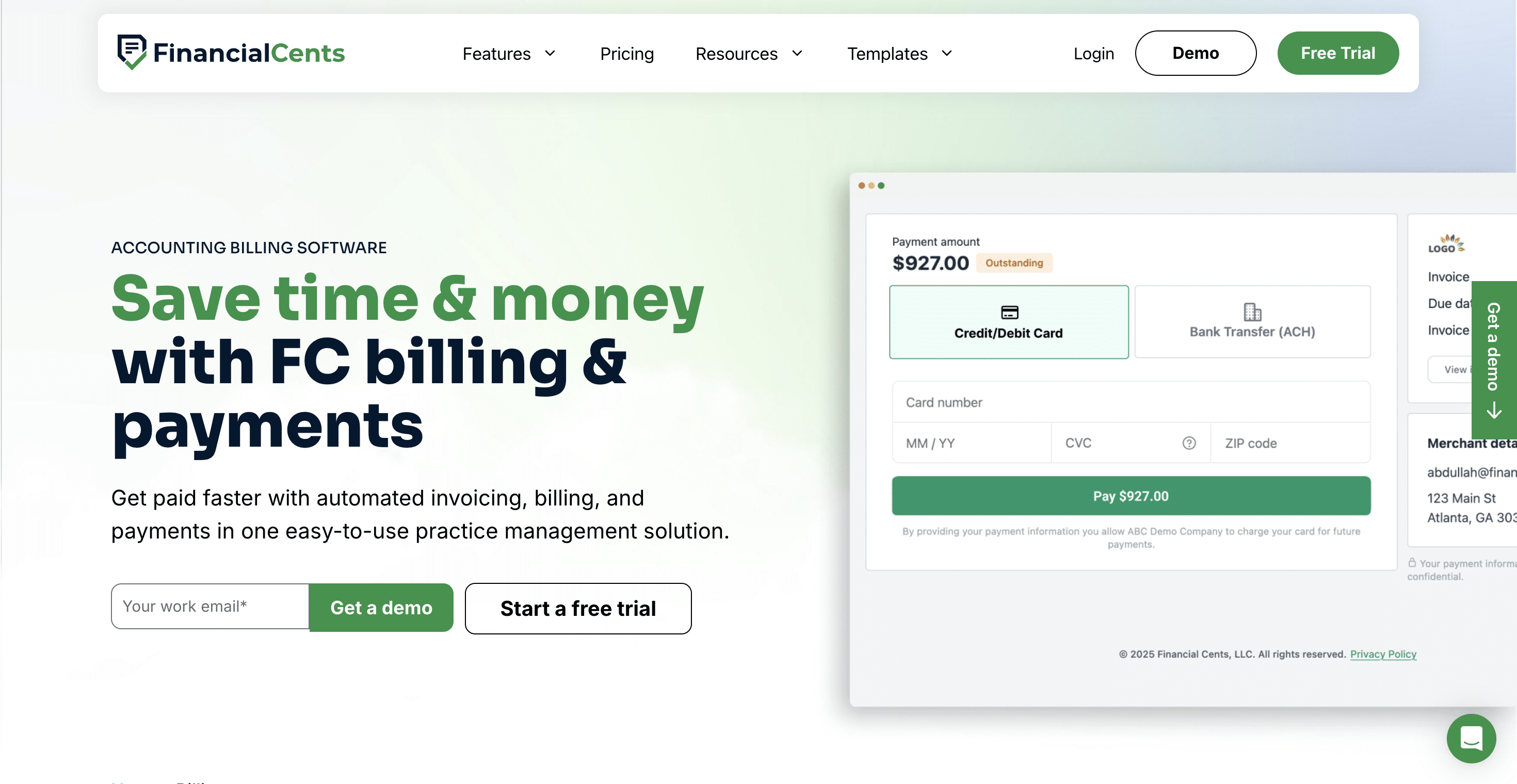
Financial Cents is an all-in-one practice management software for accounting firms. Its billing, workflow, and client management features consolidate everything accounting, bookkeeping, and tax firms need to stay organized, efficient, and profitable in one place.
Key billing features:
- One-off and recurring invoices: bill project work once, or schedule recurring invoices for monthly and fixed-fee engagements.
- Invoicing from billable time (WIP): the Unbilled view shows tracked time and expenses that are ready to bill. Select entries and draft an invoice in a few clicks, or export the list as a WIP report.
- Multiple payment options: clients pay by ACH bank transfer, credit or debit card, Apple Pay, or Google Pay. Canadian firms collect pre-authorized debit instead of ACH.
- Saved payment methods and autopay: store a client’s payment method and charge it automatically on individual or recurring invoices.
- Card fee pass-through: optionally add a card processing surcharge to card payments. The rate is configurable and can be overridden per client. ACH payments are never surcharged.
- Automated payment reminders: nudge clients automatically until an invoice is paid.
- Proposals and engagement letters: clients review services, accept terms, sign, and add payment details in one flow, so billing starts as soon as the engagement is accepted, using proposal software for accounting firms built into the same platform.
- AR aging report: see outstanding invoices grouped by age (current through 90+ days) and export them to Excel.
- Automatic time-entry locking: time entries on a sent invoice are locked so they can’t be edited after billing.
- Refunds: process full or partial refunds from the invoice.
- Billing permissions: control which team members can manage invoicing and proposals. Billing access is Owner-only by default.
- QuickBooks Online sync: invoices and payments recorded in Financial Cents push to QuickBooks Online, so they don’t need to be re-entered.
- Client portal billing: clients view, pay, and manage invoices in the same client portal they use for document requests and chat.
| Pros | Cons |
|---|---|
| Billing, proposals, time tracking, and workflow in one tool | No direct Xero integration |
| Billing included in every plan at no extra charge | Billing available in USD and CAD only |
| Invoice from tracked time (WIP), with autopay and an AR aging report built in | QuickBooks Online sync is one-way (payments marked paid in QBO don’t update Financial Cents) |
| Clients view and pay invoices in the same client portal they use for requests and documents |
Best for:
Accounting, bookkeeping, and tax firms that want billing, proposals, and client work in one practice management tool.
Pricing
Billing is included in every Financial Cents plan:
- Solo: $19/month (billed annually)
- Team: $49/month per user (billed annually)
- Scale: $69/month per user (billed annually)
- Enterprise: custom pricing
Free Trial
A 14-day free trial is available, with no credit card required.
Rating
Financial Cents has:
As of September 2026.
Manage invoices in the same place you manage projects, client relationships, and team workload. Book a Free Demo to see how it fits your firm.
2. Freshbooks
FreshBooks is a small business accounting software with billing features that enable firm owners to automate tasks, free up their time, and get paid faster.
Key billing features:
- Multiple Payment Methods: FreshBooks accepts ACH and credit card payments.
- Automation: automatically charge a client’s credit card and follow up with them for due invoices.
- Requests and Deposits: receive part of your money in advance by requesting clients to deposit a portion of the total amount.
- Billable vs Non-Billable Time: track billable and non-billable hours to bill for what you deserve.
- Retainers: FreshBooks retainers help you establish a fixed, recurring inflow of cash and make it easier to forecast your firm’s income.
| Pros | Cons |
|---|---|
| Easy to use, with polished invoices, deposits, and retainers | Each additional team member costs $11/month |
| Responsive customer support | Recurring invoices and automated reminders require the Plus plan or higher |
| Users have complained about price increases over time |
Best for:
Small practices that want simple, polished invoicing with retainers and deposits.
Pricing
- Lite: $23/month
- Plus: $43/month
- Premium: $70/month
- Select: custom pricing
- Additional team members cost $11/month per user.
Free Trial
A 30-day free trial is available
Rating
FreshBooks has 4.5 (out of 5) stars on Capterra and G2
3. QuickBooks Online
QuickBooks Online streamlines your billing process with a Pay Now button. Its other billing features enable you to send invoices and monitor when they are viewed to increase your chances of getting paid on time.
Key billing features:
- Invoice Customization: QBO’s invoices are easily customizable with logos and colors.
- Add Billable Hours: QBO gives you the option to turn billable hours into invoices automatically.
- Invoice Tracking: get real-time updates on your invoices when clients view or make payments.
- Progress Invoices: estimate the total cost of a project and send estimates based on stages, milestones, or percentage completion.
- Multiple Payment Methods: QBO accepts ACH and credit card payments.
- Recurring Customer Billing: automatically bill your recurring clients at set times of the week or month.
- Automatic Follow-Up on Unpaid Invoices: send custom reminders to your clients to help them pay you on time.
| Pros | Cons |
|---|---|
| Invoicing and bookkeeping in the same system | No client portal, workflow, or client request management |
| Automatic bank feeds and easy-to-use reporting | The interface has a learning curve |
| Some users report slow customer support and payout delays |
Best for:
Firms that want to invoice and reconcile inside QuickBooks Online.
Pricing
QBO’s plans are:
- Simple Start: $38/month
- Essentials: $85/month
- Plus: $140/month
- Advanced: $340/month
Free Trial
A 30-day free trial is available
Rating
QBO has
Free Trial
A 30-day free trial is available
Rating
QBO has
4. ClickTime
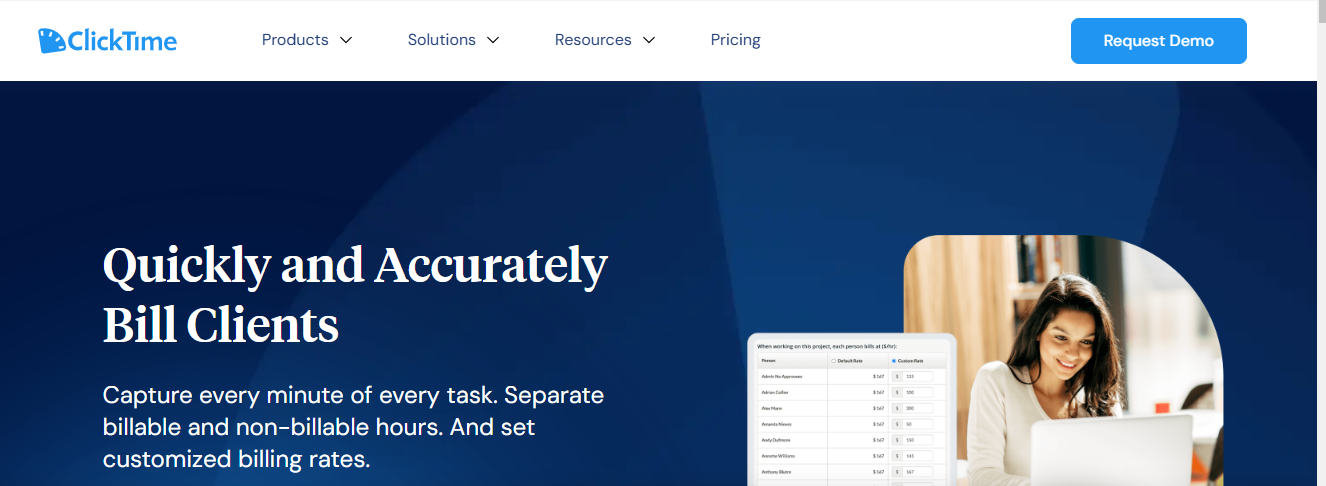
ClickTime enables you to track every minute of work to separate billable hours from non-billable and bill your clients according to your billing method.
Key billing features:
- Time Entry Completion Dashboards: allows you to see your employee timesheet for accurate billing.
- Billable vs. Non-Billable Hours: separates billable hours from non-billable to understand your staff’s profitability.
- Change Order Tracking: monitor changes in the scope of work and adjust your billing for adequate compensation.
- Automatic Reminders: ClickTime’s automatic reminders notify your staff to track their time completely.
- Automated Invoices: ClickTime creates complete invoices with your billing rate, especially hourly rates.
| Pros | Cons |
|---|---|
| Strong timesheet controls, approvals, and user permissions | No recurring invoices or client payment collection listed |
| Tracks billable vs. non-billable hours in detail | Some users find the interface dated |
Best for:
Firms that need tight timesheet control before billing hourly work.
Pricing
ClickTime (per user per month, billed annually)
- Starter: $12
- Team: $15
- Premier: $27
- Enterprise: custom
Free Trial
A 14-day free trial is available.
Rating
ClickTime has 4.6 (out of 5) stars on Capterra and G2.
5. TimeCamp
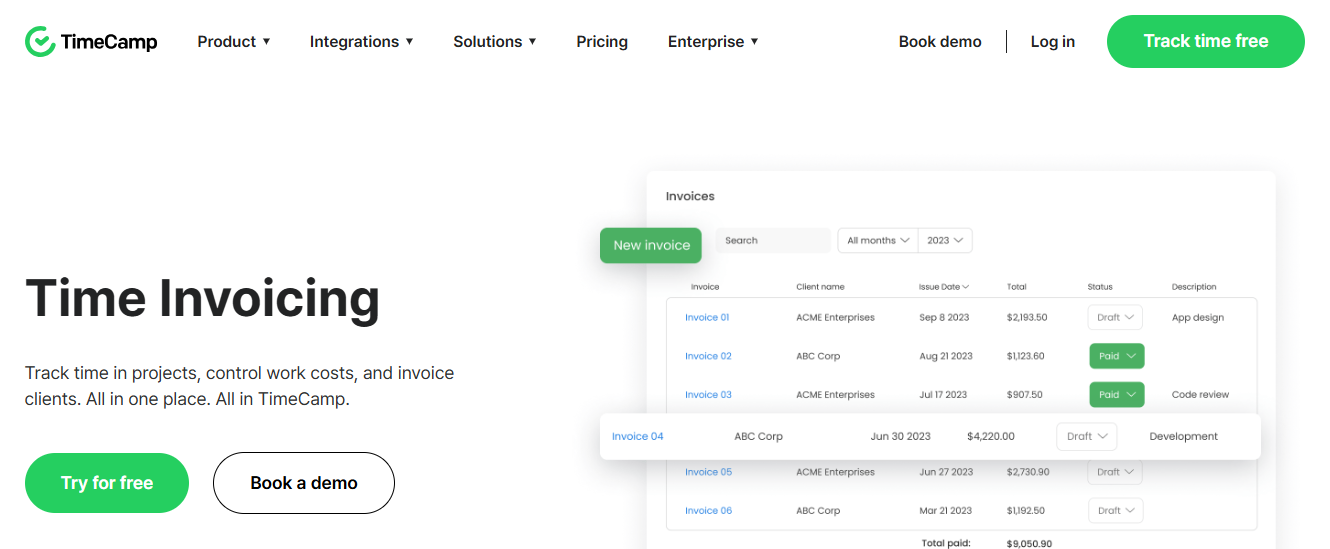
TimeCamp is a time-tracking tool whose features extend to billing, attendance, and project profitability.
Key billing features:
- Automatic Billing: TimeCamp uses your predefined rates to automatically create and send bills.
- Access to Billing Information: your clients can access their billing information and reports to break down your work hours and help you maintain a transparent billing process.
- Hourly Rates: if or when you need to charge by the hour, the hourly billing system helps you define your rates to receive adequate compensation for your services.
- Reports: TimeCamp’s 20+ reports detail your team’s use of time to give you insights into your productive resources.
- Shared Reports: send time and billing reports to clients to help them understand the value of your work.
| Pros | Cons |
|---|---|
| Free plan, with low-cost paid tiers | No recurring invoices or client portal |
| Automatic time capture, comprehensive reports, and a mobile app | Limited chat support |
Best for:
Budget-conscious teams that want time tracking with basic billing.
Pricing
TimeCamp’s plans are:
- Free plan available.
- Starter: $2.49 per user/month (billed annually).
- Premium: $3.99 per user/month (billed annually)
- Ultimate: $4.99 per user/month (billed annually)
- Enterprise: $11.99 per user/month (billed annually)
Free Trial
A 14-day free trial is available.
Rating
TimeCamp has 4.7 (out of 5) stars on Capterra and G2.
6. Clockify
Clockify is an all-in-one time and billing software that tracks employee work hours, generates invoices, and analyzes client profitability.
Key billing features:
- Discount & Tax: Clockify adds discounts and taxes to your invoices.
- Download PDF Invoices: this helps to download and send invoices to clients in PDF format.
- Invoice Status: the ability to mark invoices as sent, unsent, or void.
- Invoice Tracking: see which invoice has been paid, what is outstanding and what is past due.
- Invoice Export: Clockify allows you to export invoices in CSV or Excel spreadsheet.
- Invoice Customization: customize your Clockify invoice by adding your firm’s logo and brand assets before sending it to clients.
| Pros | Cons |
|---|---|
| Free plan for up to 5 users | No automated invoice reminders listed |
| Detailed time and billing reports that are easy to export | Some users report an outdated interface and occasional time-outs |
Best for:
Firms that want a free or low-cost way to turn tracked time into invoices.
Pricing
Clockify’s plans are:
- Free: up to 5 users
- Basic: $3.99/month per seat (billed annually)
- Standard: $5.49/month per seat (billed annually)
- Pro: $7.99/month per seat (billed annually)
- Enterprise: $11.99/month per seat (billed annually)
- Cake: $12.99/month per seat (billed annually)
Free Trial
A 7-day free trial is available.
Rating
Clockify has:
7. BigTime
BigTime helps service-based businesses manage projects and improve cash flow by simplifying time and billing.
Key billing features:
- Automated Invoice Generation: generate invoices for the time you have tracked according to your billing model.
- Work in Progress (WIP): track unbilled and uncompleted client projects and bill clients for time spent.
- Branded Invoice: use your branded assets to customize your invoice for a more personal client experience.
- AR Dashboard: displays insights from your accounts receivable data in a central dashboard.
| Pros | Cons |
|---|---|
| Built for WIP, AR, and hourly professional services billing | Implementation has a learning curve |
| Reports are easy to navigate, and support is responsive | Client portal requires a higher tier |
| Some users report occasional glitches |
Best for:
Hourly, WIP-heavy professional services firms.
Pricing
BigTime’s plans are:
- Essentials: $20/month per user
- Advanced: custom pricing (request quote via demo)
- Premier: custom pricing (request quote via demo)
- Advanced plus: custom pricing (request quote via demo)
Free Trial
A 14-day free trial is available
Rating
BigTime has
8. Xero
Xero’s invoicing software enables you to automate much of the accounting invoicing value chain so that you can cut down admin work/time.
Key billing features:
- Invoice Templates: create templates for your invoices to reduce the admin time of future invoices.
- Multiple Payment Methods: receive payments with a credit card, direct debit, Stripe, and GoCardless.
- Payment Reminders: Xero can chase clients on your behalf with automated reminders, freeing you up to focus on your firm.
- Invoice Customization: add your firm’s logo to your invoices to improve client trust.
- Recurring Payments: you can set your regular billing/payments to recur automatically.
- Invoice Tracking: Xero shows you when your client has viewed your invoice.
| Pros | Cons |
|---|---|
| Unlimited users on every plan | No native time tracking to bill from |
| Automatic bank feeds, recurring invoices, and invoice reminders | No client portal or workflow management |
| Customer support can be difficult to reach |
Best for:
Firms that run their books, and their clients’ books, on Xero.
Pricing
Xero’s plans are:
- Starter: $25/month
- Standard: $55/month
- Premium: $90/month
Free Trial
A 30-day free trial is available
Rating
Xero has:
9. Harvest
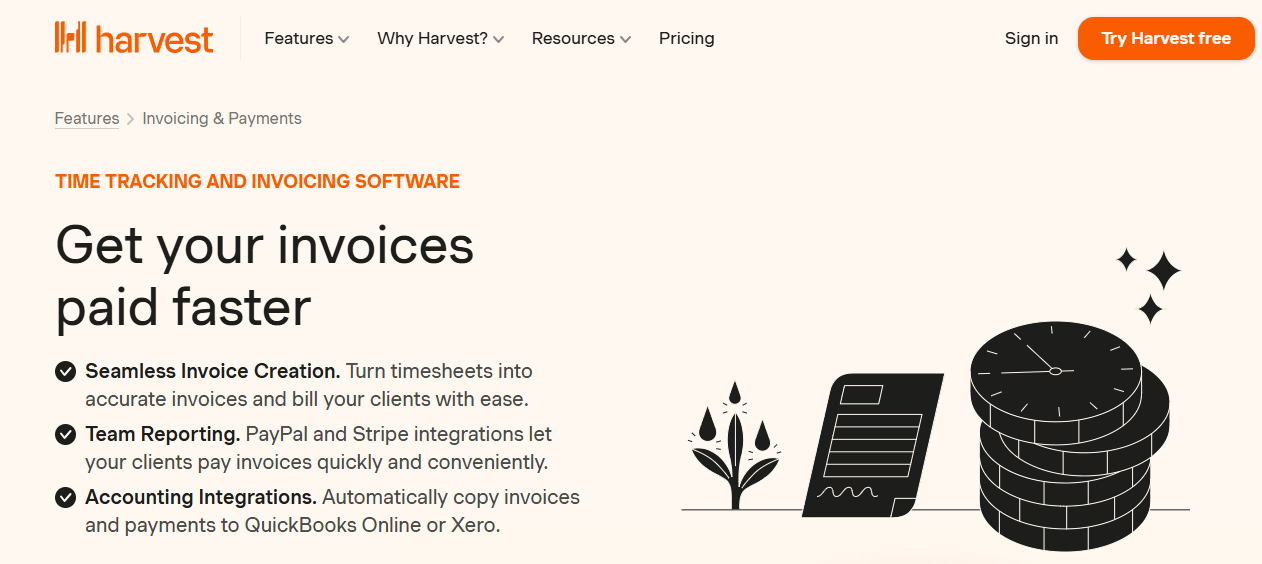
Harvest tracks time and automatically turns timesheets into invoices so clients can pay more quickly and conveniently.
Key billing features:
- Invoices from Timesheets: time spent on client projects and tasks is automatically turned into a bill for the client.
- Accept Online Payments: Harvest accepts payments from PayPal and Stripe.
- Email Invoice: you can send an invoice directly to your client’s email account for quicker action.
- Payment Reminders: you can also auto-nudge your clients in Harvest to make payments within a time frame.
- Invoice Reports: Harvest’s time and billing reports give insight into your firm, helping you see where adjustments are needed for a better AR process.
- Track Open Invoice: Harvest shows which clients have made payments and those with outstanding payments.
| Pros | Cons |
|---|---|
| Free plan and a user-friendly interface | Limited reporting features |
| Turns timesheets into invoices quickly, with robust integrations | No client management features or client portal |
Best for:
Teams that bill directly from timesheets and want a free starting tier.
Pricing
Harvest’s plans are:
- Free: 1 seat
- Teams: $11/seat/month ($9 billed annually)
- Enterprise: $17.50/seat/month ($14 billed annually)
- Enterprise plus: custom pricing
Free Trial
A 30-day free trial is available
Rating
Harvest has:
10. Zoho Invoice
Zoho Invoice allows you to create professional invoices from estimates, track time, send the invoice, and collect payment from your clients.
Key billing features:
- Quotes: define service and payment terms that can be automatically converted to invoices.
- Time Tracking: accurate time tracking that results in accurate client billing. Zoho Invoice shows you how much each client owes based on the time tracked for their work.
- Expenses: Zoho Invoice allows businesses to turn expenses into invoices.
- Payment Reminders: Zoho auto-nudges clients to help you collect payments on time.
- Reports: a dashboard that gives insights into your accounts receivable collections such as AR aging.
| Pros | Cons |
|---|---|
| Free, with no paid tiers to outgrow | Integrates natively with Zoho Books only |
| Includes a client portal and payment links | Invoice templates can be difficult to customize |
Best for:
Firms that want free invoicing with quotes, time, and expenses.
Pricing
Free
Free Trial
Yes
Rating
Zoho Invoice has 4.7 (out of 5) stars on Capterra and G2
11. Ignition
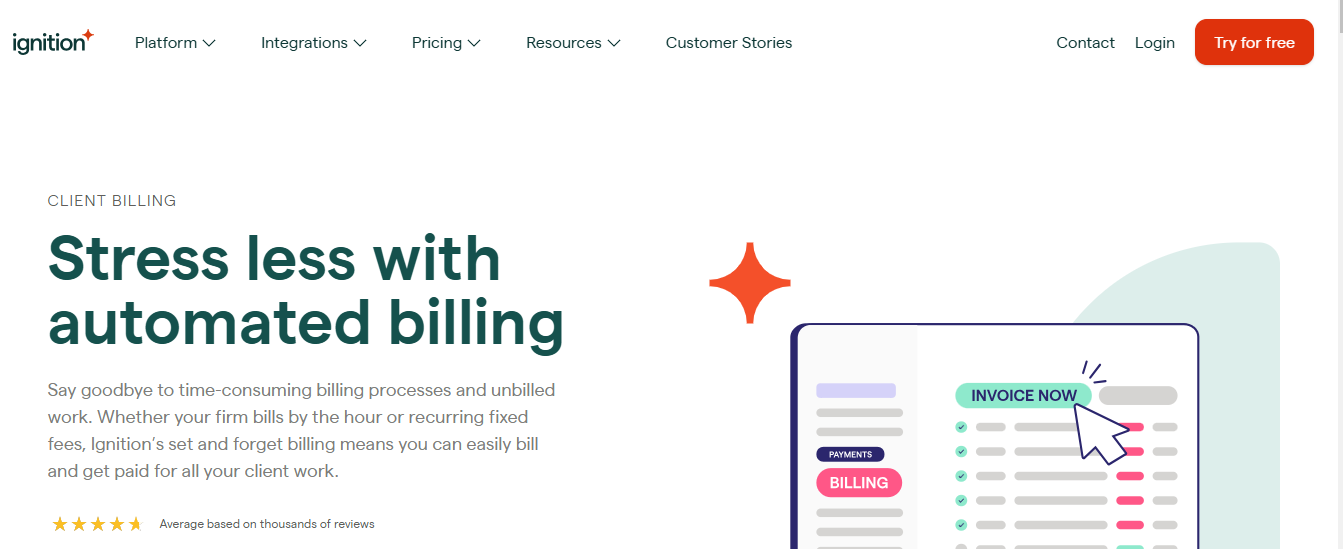
Ignition is a billing and proposal app that reduces the stress of getting paid with set-and-forget features that free up time for core business operations.
These features include:
- Automated Billing: Ignition automatically creates your invoice in your accounting software (QBO and Xero), collects payment, and marks the invoice paid, reducing your team’s admin time.
- Multiple Payment Methods: Ignition accepts ACH, Apple Pay, credit card, and Google Pay with the option to pass on credit card processing fees to your clients.
- Payment Link: gives clients more flexibility with invoice review and payment.
- Central Billing Hub: one place to view all billing information so that nothing is forgotten that might delay payments.
- Instant Billing for Scope Changes: ability to bill for out-of-scope work to prevent revenue leakages in your firm.
- Flexible Billing Options: Ignition offers hourly and recurring billing options.
| Pros | Cons |
|---|---|
| Proposals, engagement letters, and automated payment collection in one flow | Plans cap active clients, with per-client fees above the cap |
| Integrates with both QuickBooks Online and Xero | Has a learning curve |
| Accepts ACH, card, Apple Pay, and Google Pay | Payment processing fees apply on top of the subscription |
Best for:
Firms that want proposals, engagement letters, and automated payment collection in one app.
Pricing
- Solo: $39/month (for firms under $150k in annual revenue)
- Core: $99/month
- Pro: $299/month
- Pro+: $399/month
Free Trial
A 14-day free trial is available
Rating
Ignition has:
Firms that like Ignition’s proposal flow but want workflow and client management too can connect the two. See how Ignition integrates with Financial Cents.
Billing features compared
← Scroll to see more →
| Tool | Recurring billing | Automated reminders | Online payments | Client portal | Bill from tracked time | Accounting integration |
|---|---|---|---|---|---|---|
| Financial Cents | ✓ | ✓ | ACH, card, Apple Pay, Google Pay | ✓ | ✓ | QBO (one-way sync) |
| FreshBooks | ✓ Plus and up | ✓ Plus and up | ACH, card | ✓ | ✓ | Built-in accounting |
| QuickBooks Online | ✓ | ✓ | ACH, card | No client portal | ✓ | Built-in accounting |
| ClickTime | No recurring invoices | Staff timesheet reminders only | Not listed | No client portal | ✓ | QBO, Sage Intacct |
| TimeCamp | No recurring invoices | No invoice reminders | Not listed | No client portal | ✓ Paid plans | QBO |
| Clockify | ✓ | No invoice reminders | Not listed | No client portal | ✓ Standard and up | QBO, Xero |
| BigTime | ✓ | Not listed | ACH, card (via BigTime Payments) | ✓ Advanced and up | ✓ | QBO |
| Xero | ✓ | ✓ | Card, direct debit, Stripe, GoCardless | No client portal | No native time tracking | Built-in accounting |
| Harvest | ✓ | ✓ | Card via Stripe or PayPal | No client portal | ✓ | QBO, Xero |
| Zoho Invoice | ✓ | ✓ | Card and bank payments via multiple gateways | ✓ | ✓ | Zoho Books |
| Ignition | ✓ | ✓ | ACH, card, Apple Pay, Google Pay | No client portal | Not listed | QBO, Xero |
Help Clients Pay You Faster with Financial Cents
Billing works best when it’s connected to the work behind it. Many firms still run billing in one app, client requests in another, and workflow in a third, which means more subscriptions, more training, and more re-entered data.
Financial Cents brings billing, proposals, and payments together with:
- Time tracking
- Workflow management and automation
- Client CRM
- Client requests and auto-reminders
- Capacity management
- Email integration
- Month-End Close
Book a Free Demo or start a 14-day free trial (no credit card required) to see how it fits your firm’s billing process.
Frequently Asked Questions (FAQs)
Firms that only need invoicing may prefer FreshBooks or the free Zoho Invoice.
It doesn’t manage workflow, client requests, or a client portal, so many firms pair it with practice management software that syncs invoices and payments to QuickBooks Online.
Billing tools such as Financial Cents and BigTime include a WIP view for this.
Practice management tools like Financial Cents include both, alongside workflow and client management.
Firms that bill in other currencies or run on Xero should factor that in.

Wesley Armstrong is the Customer Onboarding Manager at Financial Cents and a former Technical Support Specialist at SmartVault. He helps accounting and bookkeeping firms set up workflows that fit how they actually work, and writes about choosing, comparing, and switching practice management software.
Share this article



